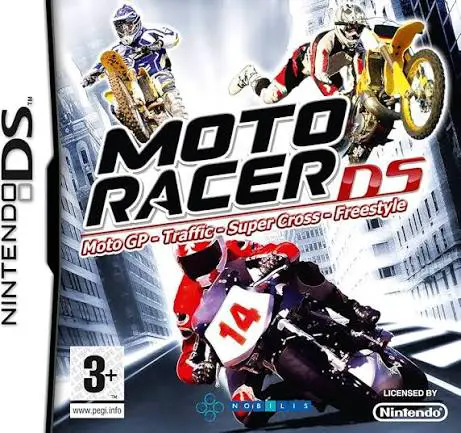
Moto Racer DS
Moto Racer DS brings Nacon and Delphine Software’s celebr...

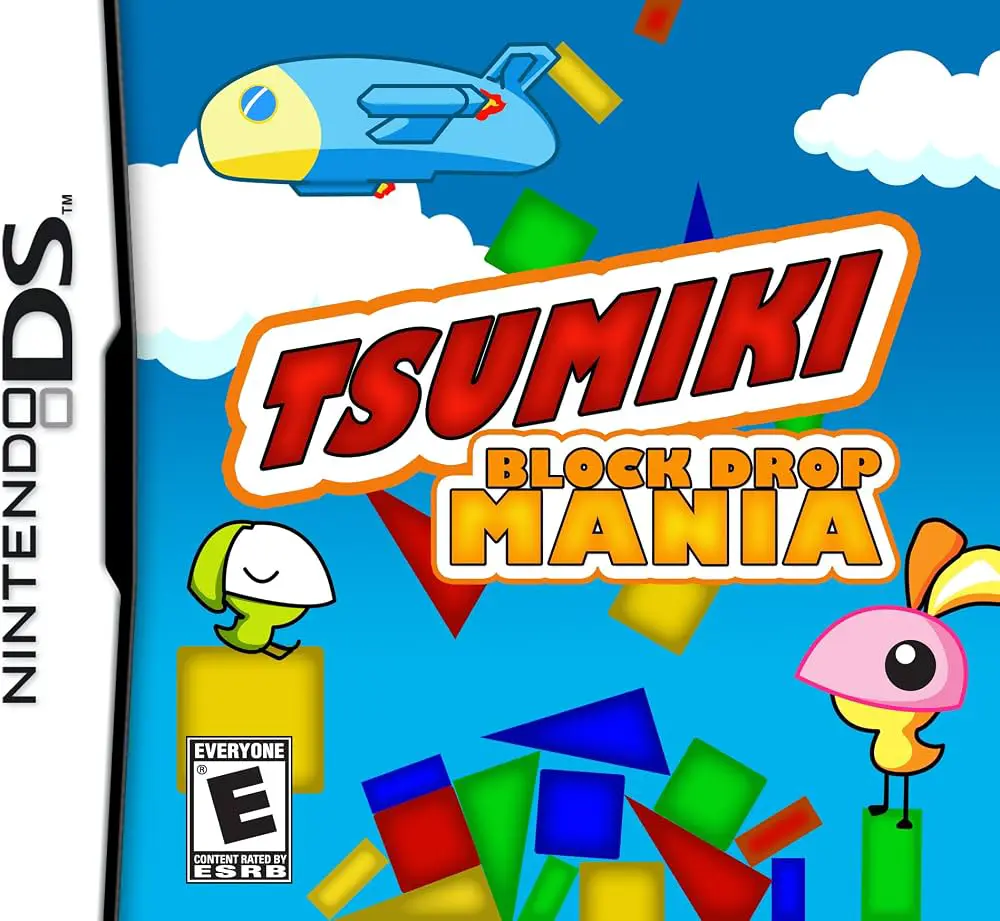
Tsumiki – Block Drop Mania puts a fresh twist on traditional block-dropping puzzle games by introducing realistic weight, momentum, and friction physics. Moving away from standard grid-locked puzzle games like Tetris, this title requires players to carefully place and balance various geometric and object-shaped blocks to build towers that withstand gravity and structural stress.
Developed by Red Entertainment and published by SouthPeak Games (released in Japan as Tsunde Tsumi Kiss and in Europe as Tsumiki: The Infernal Tower), the Nintendo DS adaptation utilizes the handheld's touch screen to simulate physical block handling. The top screen displays the growing tower, level height targets, and hazard elements, while the bottom touch screen acts as the primary interactive workbench. Players use the stylus to pick up falling or queued blocks, rotate them, and position them precisely on top of existing structures.
The single-player campaign offers several game modes, including Story Mode—where players build towers to rescue cute trapped creatures across various themed worlds—and Arcade Mode for survival-based high-score runs. As players construct higher towers, they must contend with external hazards such as wind gusts, unstable base platforms, and fragile block materials. Combined with local multi-card wireless battle modes supporting up to four players on one cart, Tsumiki – Block Drop Mania delivers an engaging physics-puzzle package.
Spec Field | Details |
Full Title | Tsumiki – Block Drop Mania (Known as Tsumiki: The Infernal Tower in Europe) |
Platform | Nintendo DS (NDS) |
Developer | Red Entertainment |
Publisher | SouthPeak Games / Nobilis |
Release Date | August 30, 2007 (Japan) / July 16, 2008 (Europe) / November 18, 2011 (North America) |
Genre | Puzzle / Physics / Stacking |
Game Modes | Single-Player, Multi-Player |
Multiplayer | Local Wireless (Single-Card & Multi-Card Play up to 4 players) |
Media Format | Nintendo DS Game Card |
ESRB Rating | E (Everyone) |
Physics-Based Stacking Mechanics: Balance irregularly shaped blocks using realistic gravity, friction, weight, and center-of-mass collision detection.
Precise Stylus Drag-and-Drop: Pick up, rotate, slide, and position blocks onto growing towers directly via the Nintendo DS touch screen.
Resilience & Rescue Challenges: Build structures up to targeted height goals while rescuing trapped creatures and withstanding environmental hazards.
Multiple Single-Player Modes: Play through narrative Story Mode stages, endurance-focused Arcade Mode, and speed-driven puzzle challenges.
4-Player Wireless Battles: Compete against friends in local wireless multiplayer matches to build the tallest stable tower or sabotage opponents.
A: It is a physics-based stacking and construction puzzle game focused on tower building, spatial balance, and structural stability.
A: The touch screen is used with the stylus to pick up falling blocks, orient their rotation, and place them delicately onto the active tower structure.
A: Yes, it was released in Japan as Tsunde Tsumi Kiss and in Europe under the title Tsumiki: The Infernal Tower.
A: Yes, it supports local wireless multiplayer for up to four players in competitive block-stacking battles.
Click the links below to go to the cloud drive download page
⚠️ Download Tips:
Moto Racer DS brings Nacon and Delphine Software’s celebr...

Chrysler Classic Racing brings classic American muscle ca...
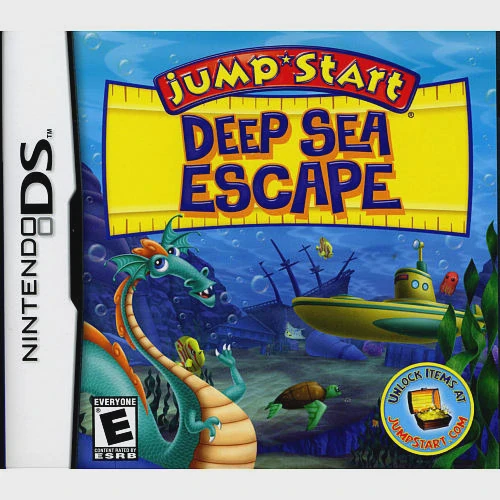
JumpStart: Deep Sea Escape brings Knowledge Adventure's p...

Top Trumps – NBA All Stars brings the classic card-compar...
Max & the Magic Marker is a creative physics-based puzzle...