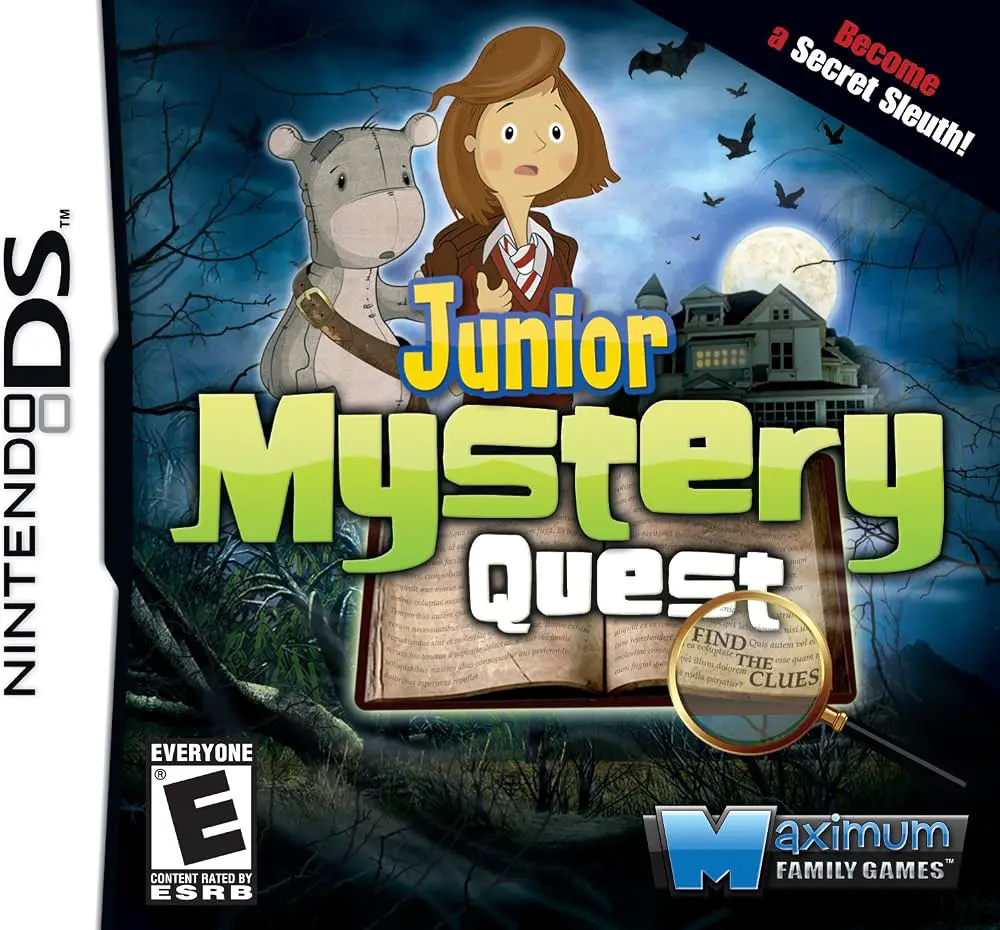
Junior Mystery Quest
Junior Mystery Quest brings an accessible hidden object p...

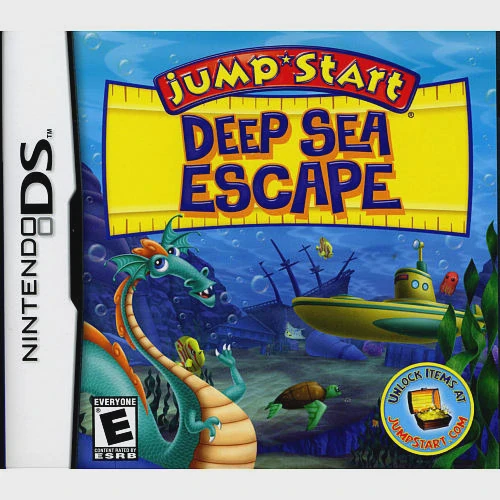
JumpStart: Deep Sea Escape adapts elementary-level educational gameplay into an interactive 2D aquatic adventure on the Nintendo DS. Moving away from standard desk-bound drills, this title weaves reading, math, and logic activities directly into a nautical rescue story arc.
Developed by Teyon (with Knowledge Adventure) and published by Knowledge Adventure in March 2011, the game makes efficient use of the dual-screen handheld hardware. The top screen displays the main underwater exploration view, submarine recovery objectives, and environmental indicators, while the bottom touch screen acts as the primary interactive space for solving puzzles, selecting answers, and managing collected items. Players navigate distinct sub-aquatic zones, locate hidden oxygen canisters, and clear aquatic hazards by completing context-sensitive educational mini-games.
The core gameplay loop balances real-time navigation with curriculum-based tasks tailored for early-elementary learners (ages 5 to 8). To bypass obstacles or unlock deep-sea pathways, players must solve exercises covering number recognition, addition, rounding, spelling, synonyms, antonyms, parts of speech, and critical thinking. With its encouraging feedback system, bite-sized missions, and intuitive stylus controls, JumpStart: Deep Sea Escape provides an entertaining portable learning package.
Spec Field | Details |
Full Title | JumpStart: Deep Sea Escape |
Platform | Nintendo DS (NDS) |
Developer | Teyon / Knowledge Adventure |
Publisher | Knowledge Adventure |
Release Date | March 15, 2011 (North America) |
Genre | Educational / Puzzle / Adventure |
Game Modes | Single-Player |
Multiplayer | None |
Media Format | Nintendo DS Game Card |
ESRB Rating | E (Everyone) |
Submarine Rescue Storyline: Explore diverse ocean depths to collect oxygen tanks, repair aquatic gear, and save a stranded submarine.
Integrated Skill Curriculum: Practice key early-grade subjects including math (addition, rounding, digit identification), language arts (synonyms, antonyms, parts of speech), and logic puzzles.
Stylus-Driven Interactions: Use the DS touch screen to select correct answers, trace patterns, slide puzzle pieces, and activate underwater tools.
Aquatic Creature Challenges: Fend off hostile water creatures and environmental hazards using quick-thinking educational puzzle mechanics.
Kid-Friendly Pacing: Features clear visual goals, encouraging audio cues, and manageable difficulty steps designed for ages 5 to 8.
A: It is an educational puzzle-adventure game that combines underwater exploration with early-elementary math and language arts drills.
A: The game is designed primarily for young children aged 5 to 8 (covering kindergarten through 2nd-grade learning concepts).
A: The touch screen is used with the stylus to answer multiple-choice questions, tap hidden targets, solve logic mini-games, and manipulate inventory items.
A: No, it is a single-player educational game focused on individual progression and skill development.
Click the links below to go to the cloud drive download page
⚠️ Download Tips:
Junior Mystery Quest brings an accessible hidden object p...
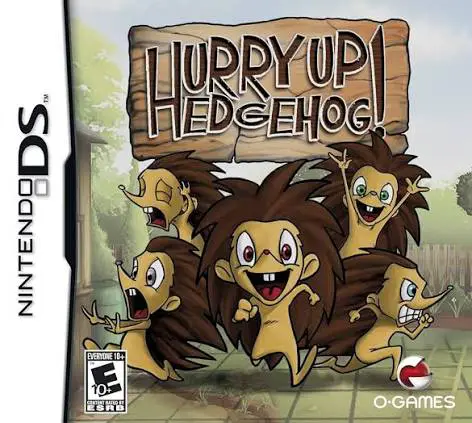
Hurry Up Hedgehog! brings classic digital board game stra...
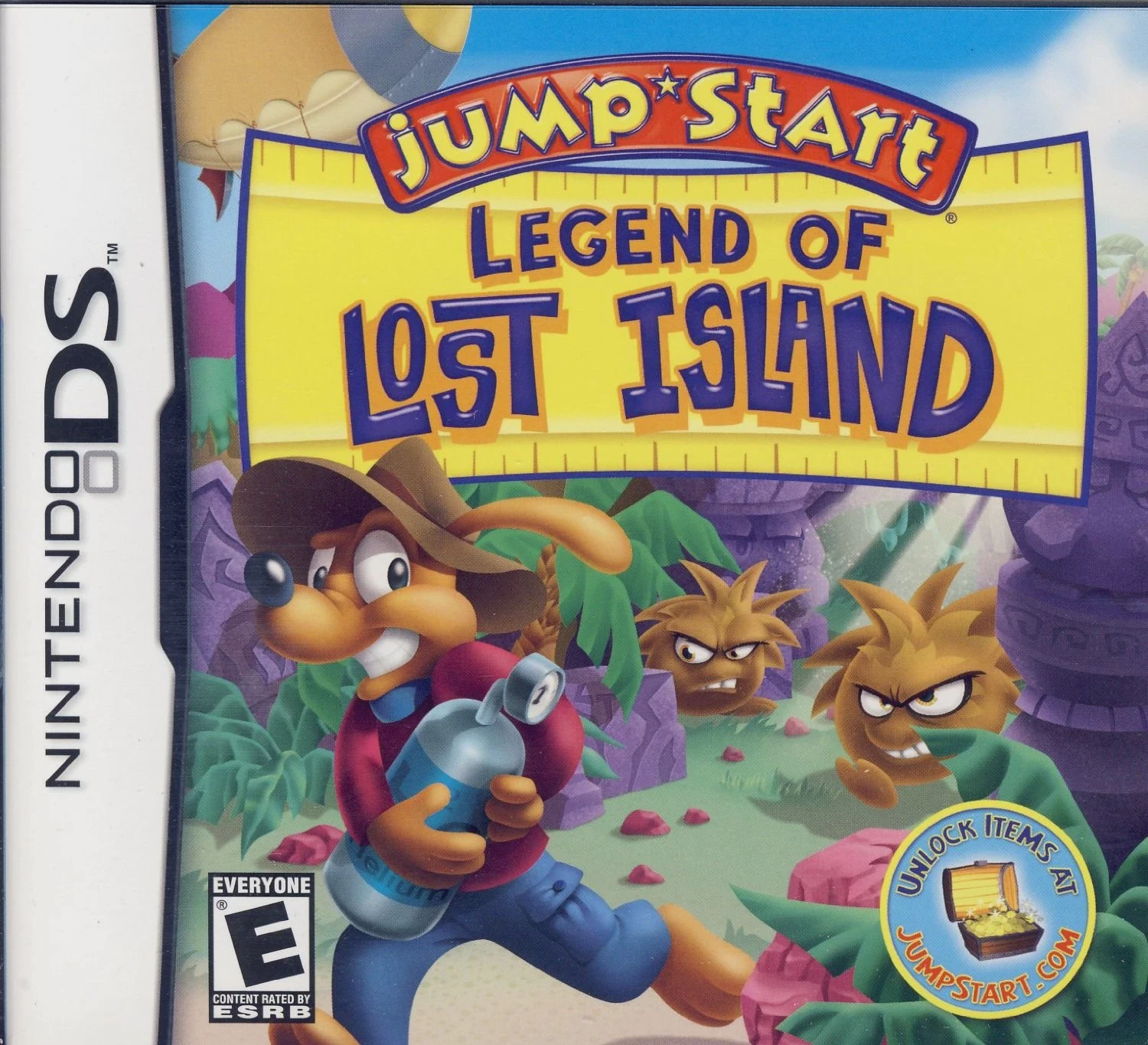
JumpStart: Legend of Lost Island brings the iconic educat...
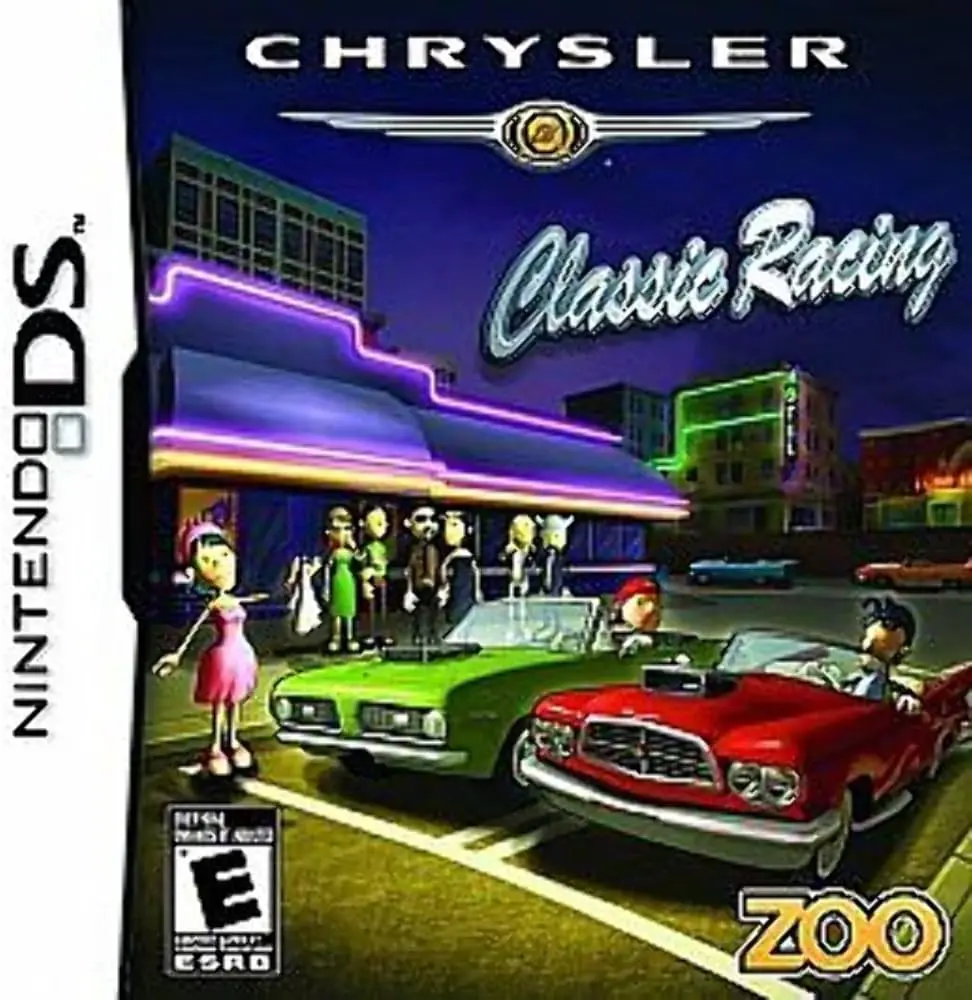
Chrysler Classic Racing brings classic American muscle ca...
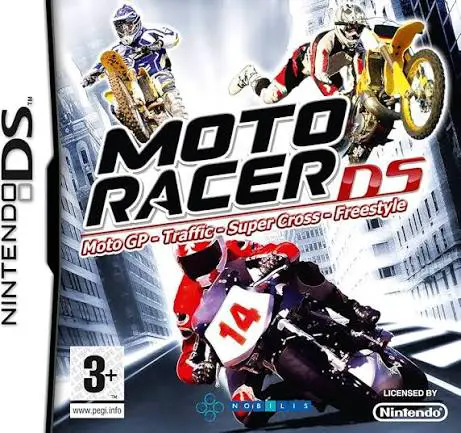
Moto Racer DS brings Nacon and Delphine Software’s celebr...