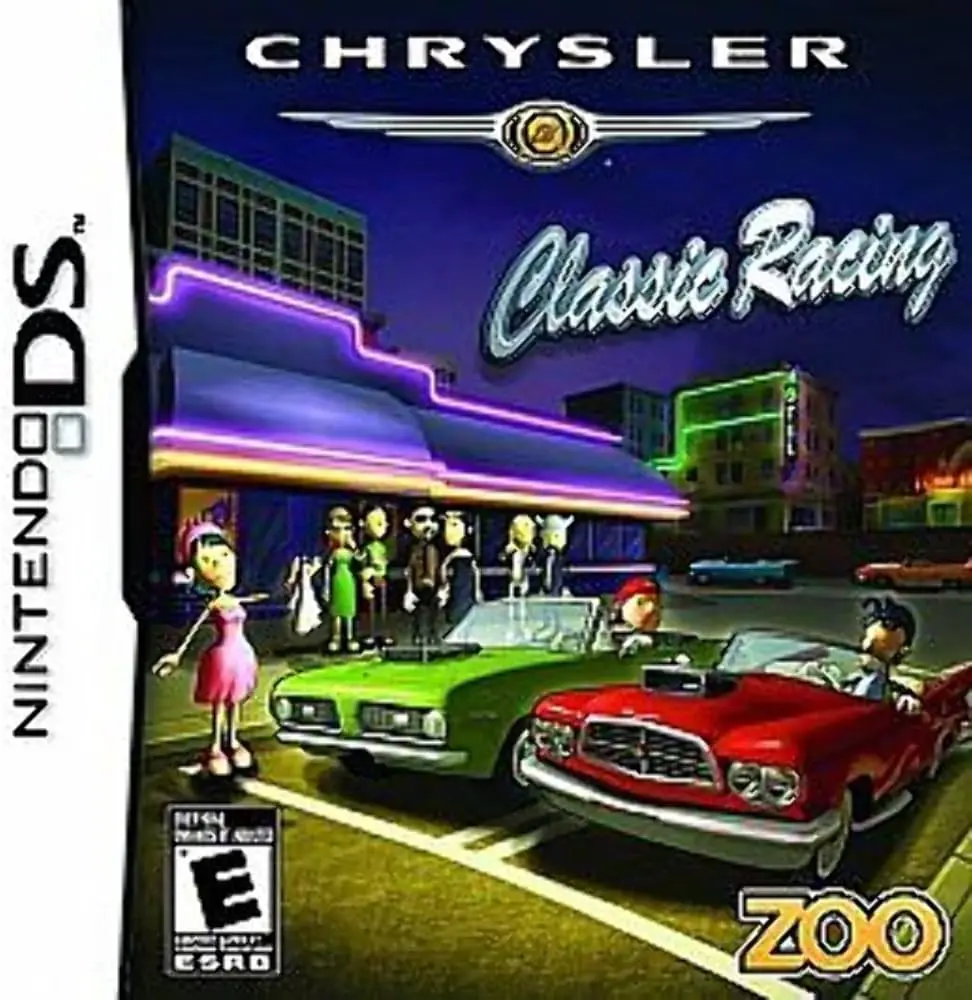
Chrysler Classic Racing
Chrysler Classic Racing brings classic American muscle ca...

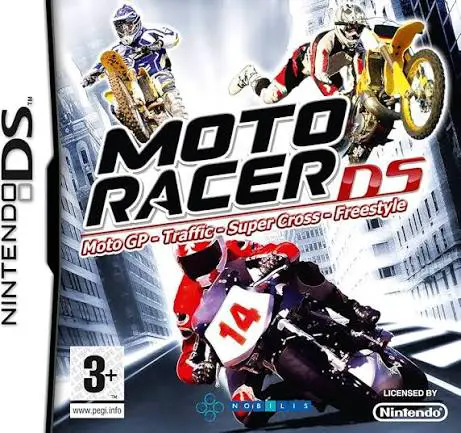
Moto Racer DS adapts the core arcade thrill of the original PC and console franchise into a compact, feature-packed handheld racer. Moving away from single-style motorcycle games, this title provides distinct racing disciplines in one cart, each featuring dedicated handling models, vehicle physics, and specialized track designs.
Developed by Artefacts Studio and published by SouthPeak Games (and Anuman Interactive in Europe) in late 2008, the Nintendo DS adaptation makes effective use of the dual-screen configuration. The top screen displays fluid, fast-paced 3D racing action, real-time tachometers, and camera perspectives, while the bottom touch screen acts as an interactive dashboard showing track mini-maps, lap times, boost gauges, and touch-driven mechanics. Players can select between four primary disciplines: GP (high-speed road asphalt racing), Supercross (dirt track obstacle jumps), Freestyle (stunt trick competitions), and Traffic (navigating busy highway streets while racing opponents).
The single-player career mode guides players through structured championship tournaments where top placements earn points to unlock new bikes, custom parts, and additional tracks. In Freestyle mode, players use the DS stylus on the touch screen to execute complex air tricks and flips while airborne. Combined with local wireless multiplayer modes supporting up to eight players, Moto Racer DS delivers a comprehensive, pick-up-and-play motorcycle racing experience.
Spec Field | Details |
Full Title | Moto Racer DS |
Platform | Nintendo DS (NDS) |
Developer | Artefacts Studio |
Publisher | SouthPeak Games / Anuman Interactive / Nobilis |
Release Date | November 28, 2008 (Europe) / August 25, 2009 (North America) |
Genre | Racing / Arcade / Sports |
Game Modes | Single-Player, Multi-Player |
Multiplayer | Local Wireless (Single-Card & Multi-Card Play up to 8 players) |
Media Format | Nintendo DS Game Card |
ESRB Rating | E (Everyone) |
Four Racing Disciplines: Master GP asphalt racing, Supercross dirt tracks, Freestyle aerial stunt arenas, and high-speed Traffic dodge modes.
Stylus Trick Execution: Swipe the touch screen while airborne in Freestyle mode to perform spectacular motorcycle tricks, flips, and stunts.
Dual-Screen Dashboard: View full 3D track action on the top screen while monitoring real-time radar maps, split times, and boost status on the touch screen.
Extensive Career & Customization: Compete in championship seasons to earn upgrades, unlock faster bikes, and tune performance attributes.
Up to 8-Player Wireless Multiplayer: Race against friends in high-stakes local wireless competitions utilizing single-card or multi-card play.
A: It is an arcade motorcycle racing game featuring multiple disciplines including GP road racing, Supercross, Freestyle stunts, and Traffic dodging.
A: The touch screen acts as a real-time mini-map dashboard and is used with the stylus to perform air tricks in Freestyle mode and navigate garage menus.
A: Yes, the game features high-speed sport bikes for GP and Traffic modes, dirt bikes for Supercross, and modified stunt bikes for Freestyle competitions.
A: Yes, it supports up to eight players in local wireless multiplayer matches using both single-card and multi-card download play.
Click the links below to go to the cloud drive download page
⚠️ Download Tips:
Chrysler Classic Racing brings classic American muscle ca...
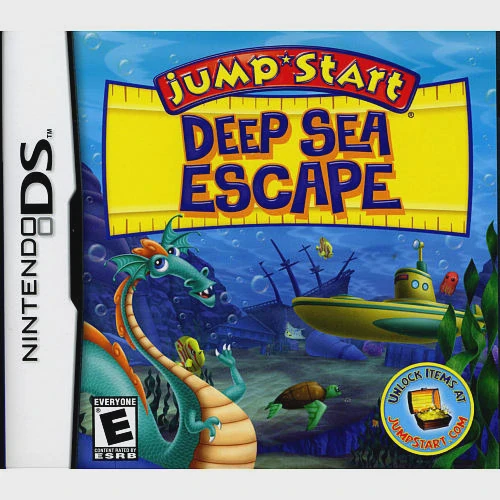
JumpStart: Deep Sea Escape brings Knowledge Adventure's p...
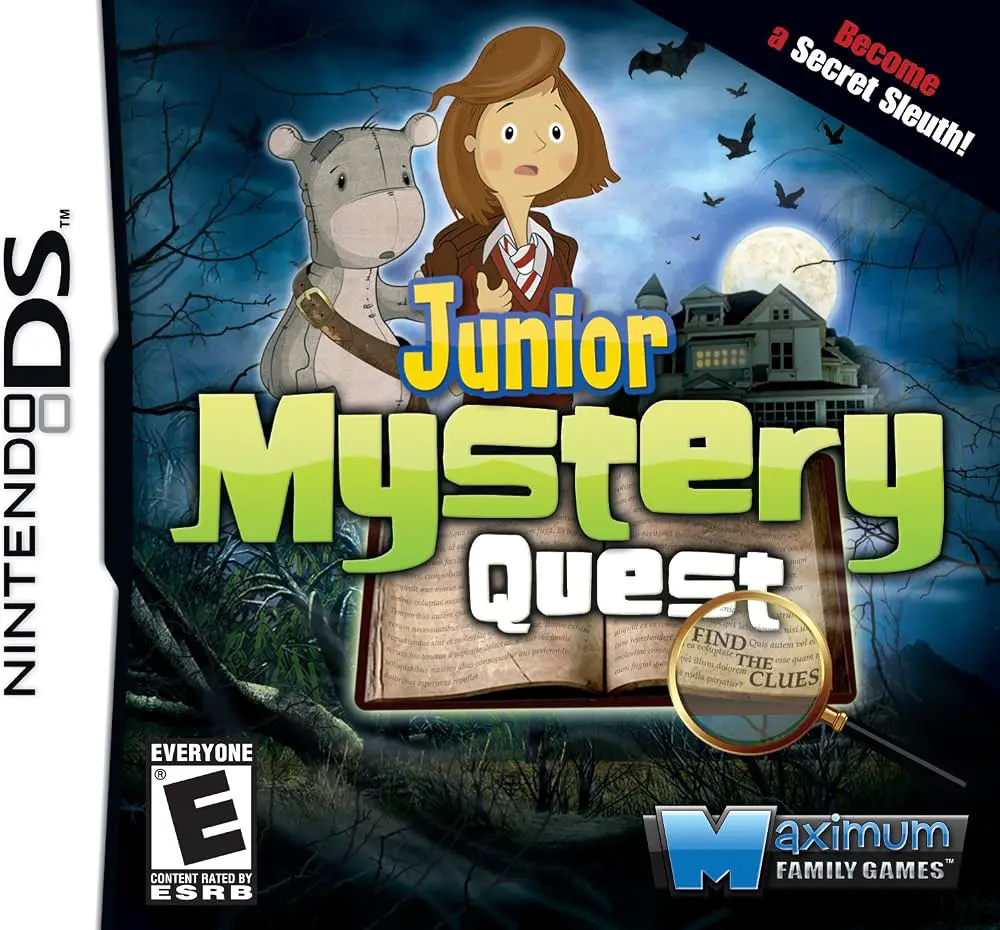
Junior Mystery Quest brings an accessible hidden object p...
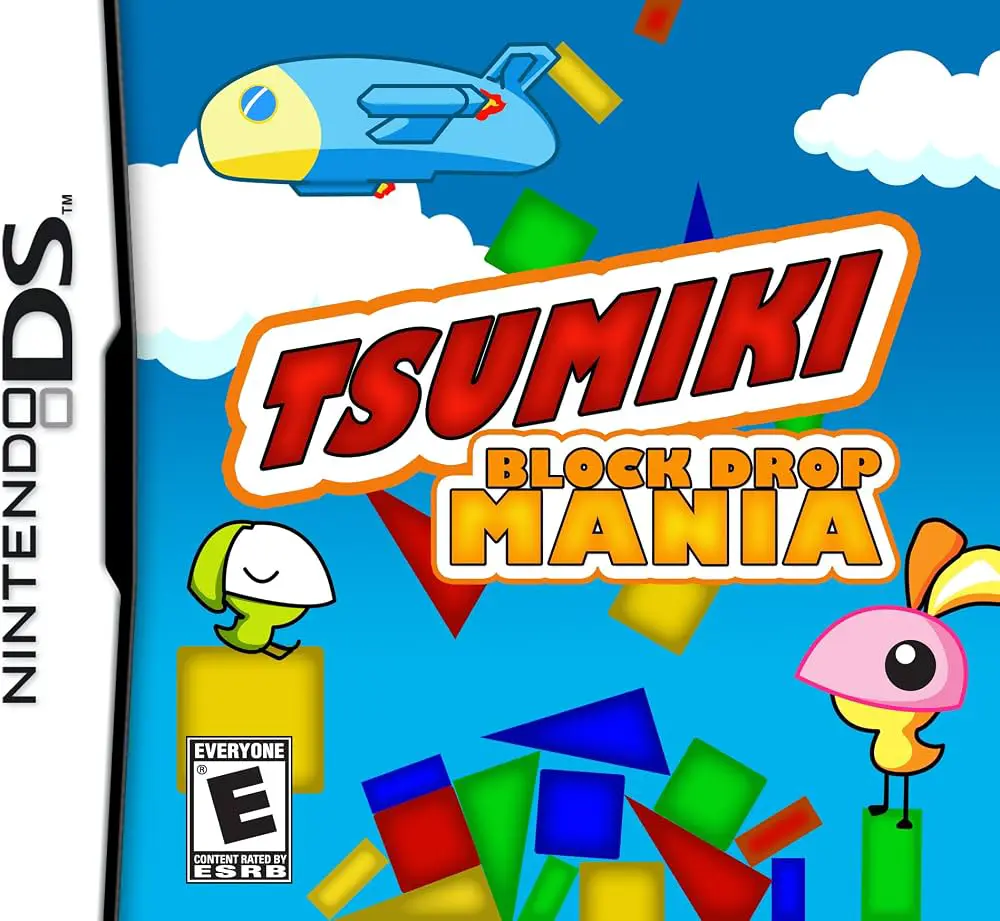
Tsumiki – Block Drop Mania brings physics-based block-sta...
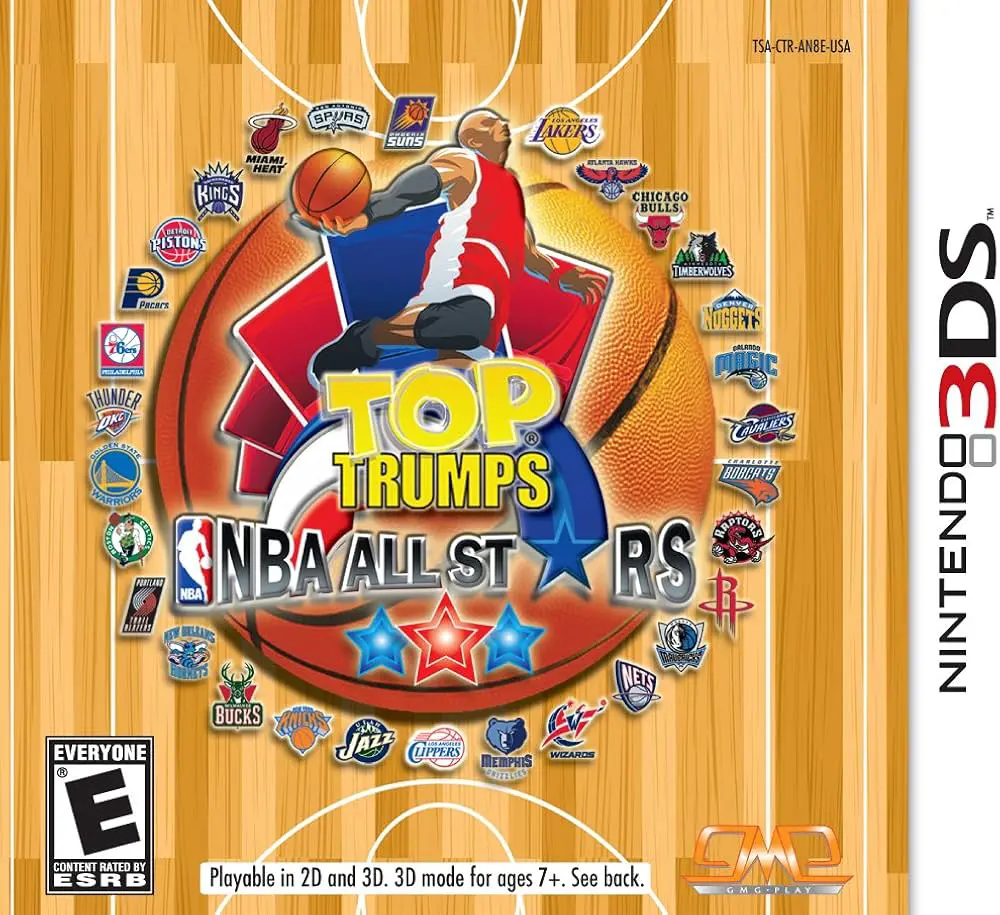
Top Trumps – NBA All Stars brings the classic card-compar...