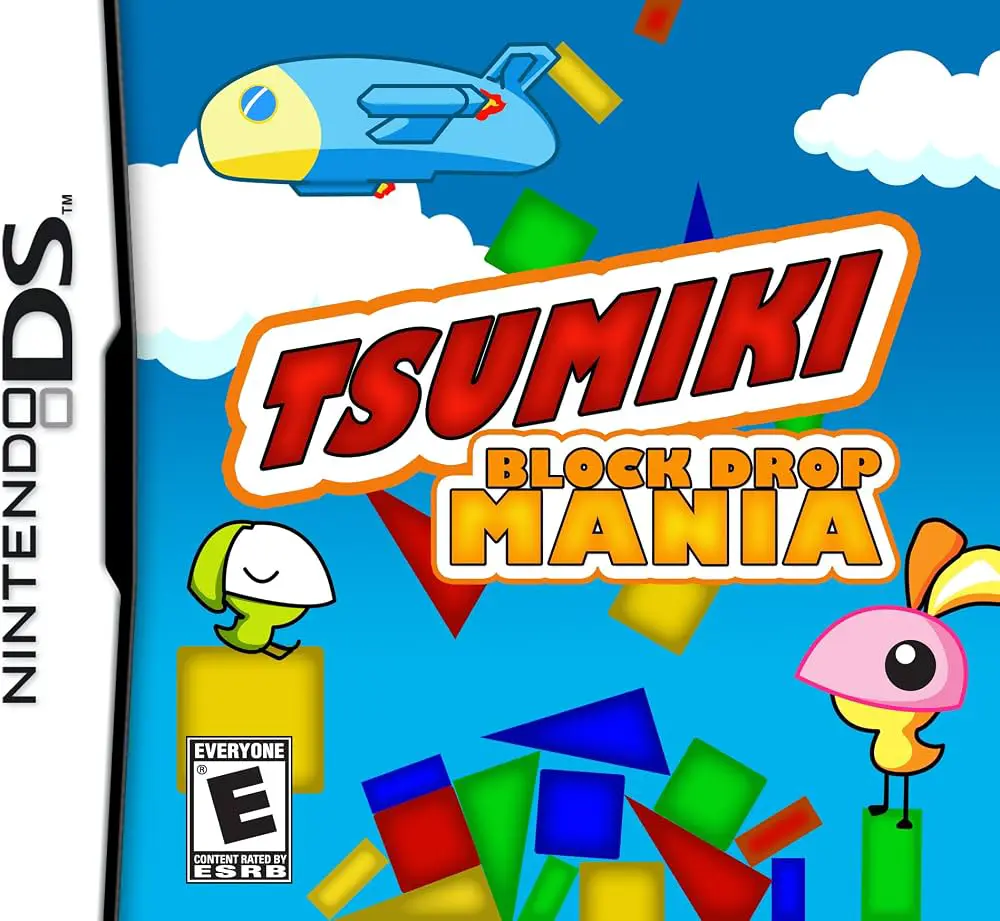
Tsumiki – Block Drop Mania
Tsumiki – Block Drop Mania brings physics-based block-sta...

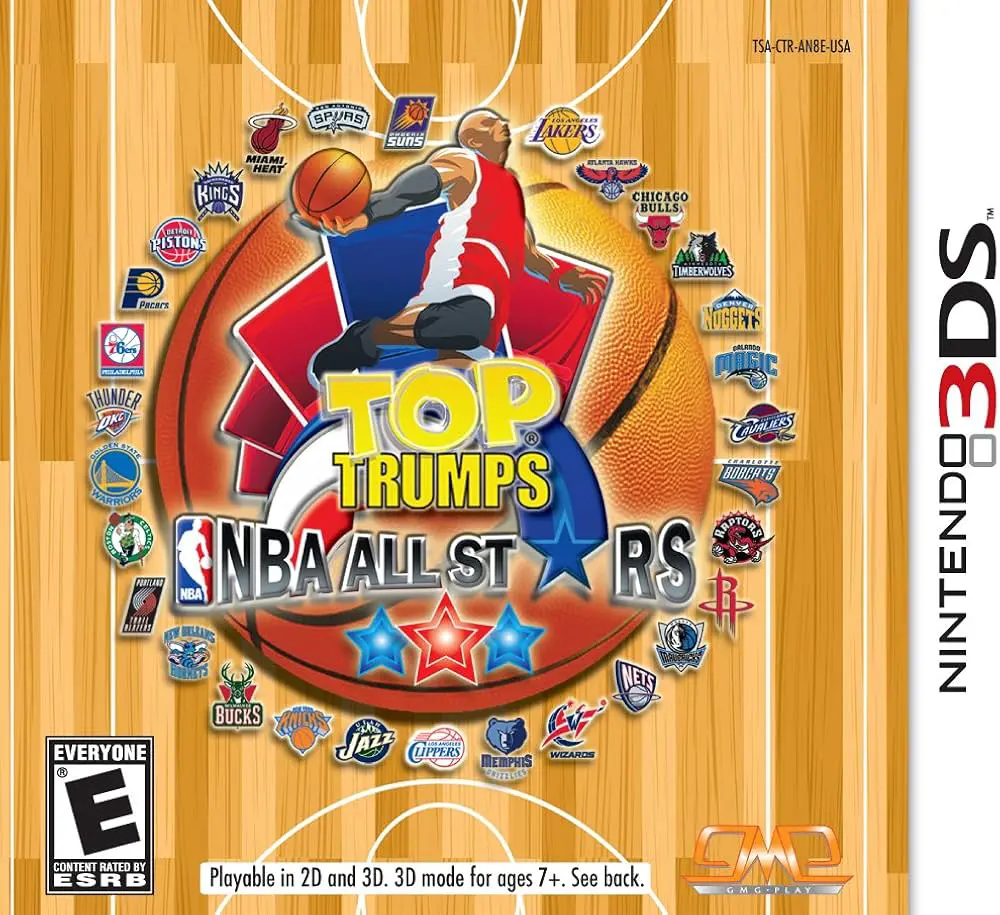
Top Trumps – NBA All Stars adapts the traditional Top Trumps stat-matching card mechanics into an interactive digital basketball game. Moving away from standard arcade sports simulation, this title focuses on tactical statistical analysis, card collection, and quick decision-making using real-world player metrics.
Developed by TT Games and published by Ubisoft in late 2009, the Nintendo DS adaptation utilizes the dual-screen configuration effectively. The top screen displays dynamic 3D card presentations, player portraits, and active stadium environments, while the bottom touch screen acts as the primary card deck interactive area. Players select key statistical attributes—such as Points Per Game, Rebounds, Assists, Steals, Blocks, and Field Goal Percentage—to out-stat their opponents and capture rival cards.
The game features several single-player modes, including Tournament Mode, Quick Play, and specialized challenge mini-games that test memory and basketball trivia. As players win matches, they earn points to unlock historic NBA legends, team logos, and special booster packs to enhance their decks. Combined with local wireless multiplayer modes supporting head-to-head card battles, Top Trumps – NBA All Stars delivers an engaging pick-up-and-play digital card game.
Spec Field | Details |
Full Title | Top Trumps – NBA All Stars |
Platform | Nintendo DS (NDS) |
Developer | TT Games |
Publisher | Ubisoft |
Release Date | October 20, 2009 (North America) / November 13, 2009 (Europe) |
Genre | Card Game / Board Game / Sports |
Game Modes | Single-Player, Multi-Player |
Multiplayer | Local Wireless (Single-Card & Multi-Card Play up to 2 players) |
Media Format | Nintendo DS Game Card |
ESRB Rating | E (Everyone) |
Official NBA License: Features real NBA teams, active star players, and unlockable basketball legends complete with official stats and logos.
Classic Stat-Matching Gameplay: Compare player attributes like scoring, rebounding, assists, and defense to trump opponent cards and win hands.
Stylus Touch Interface: Flip cards, select stat categories, and navigate digital booster packs directly using the Nintendo DS touch screen.
Unlockable Content & Deck Building: Collect points during matches to purchase booster packs, expand your card gallery, and customize competitive decks.
2-Player Wireless Battles: Challenge friends in head-to-head card duels using local wireless single-card or multi-card play.
A: It is a digital card-matching strategy game based on the official Top Trumps tabletop format and licensed NBA player statistics.
A: The touch screen is used with the stylus to tap stat choices on cards, flip through card decks, open booster packs, and interact with mini-games.
A: Yes, the game includes officially licensed NBA active stars and historic legends with real-world basketball stats.
A: Yes, it supports 2-player local wireless head-to-head matches using both single-card download play and multi-card play.
Click the links below to go to the cloud drive download page
⚠️ Download Tips:
Tsumiki – Block Drop Mania brings physics-based block-sta...

Moto Racer DS brings Nacon and Delphine Software’s celebr...

Chrysler Classic Racing brings classic American muscle ca...
Max & the Magic Marker is a creative physics-based puzzle...
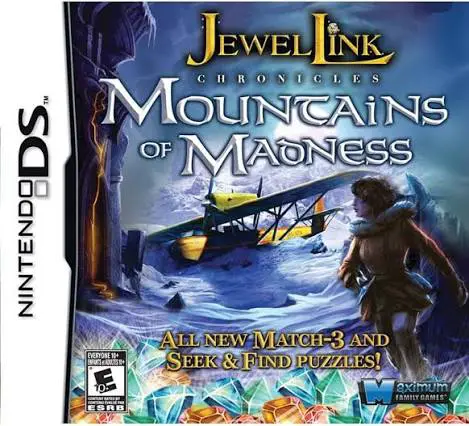
Jewel Link Mysteries – Mountains of Madness (released in ...