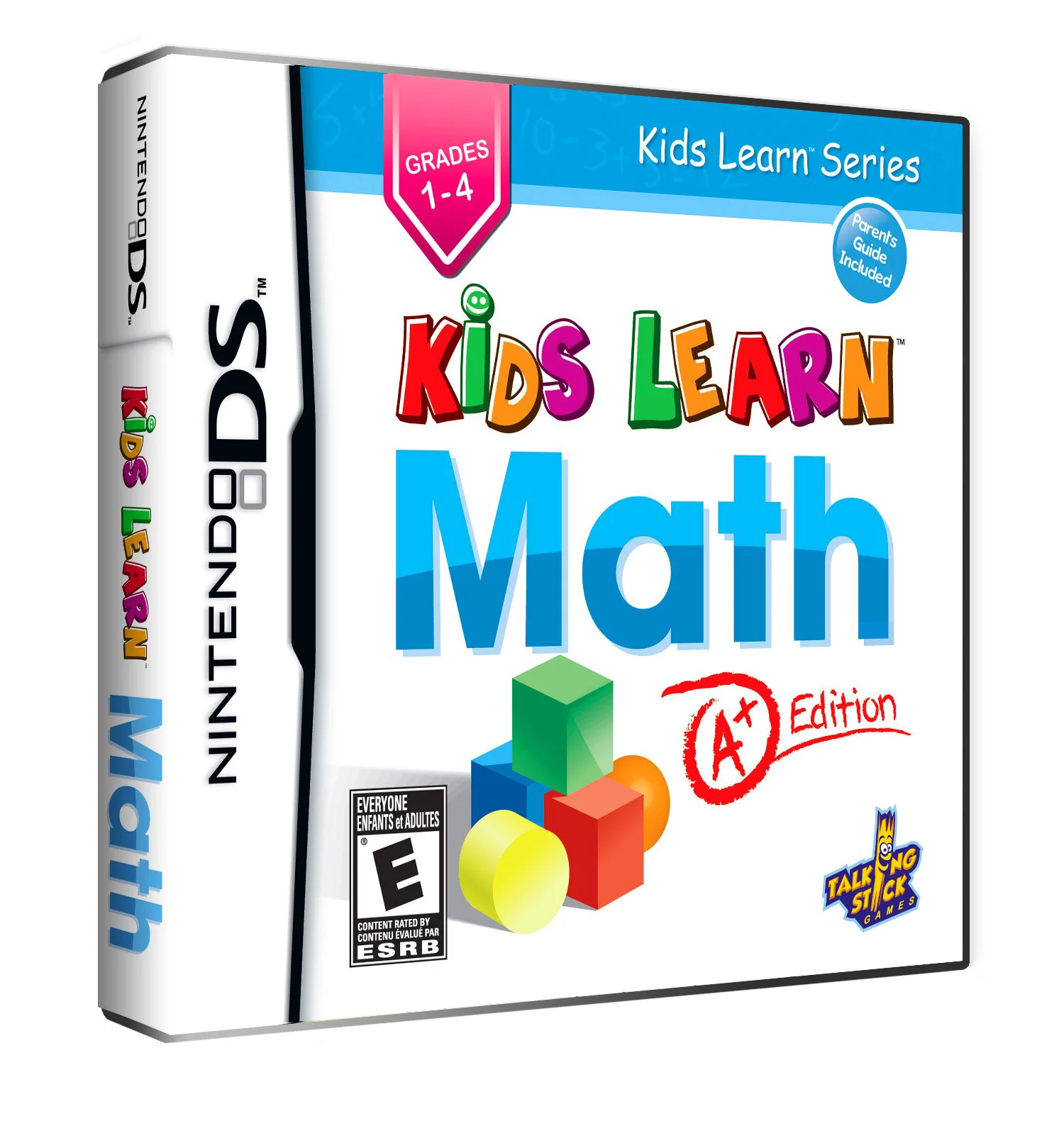
Kids Learn – Math – A+ Ed...
Kids Learn: Math – A+ Edition for the Nintendo DS is an e...

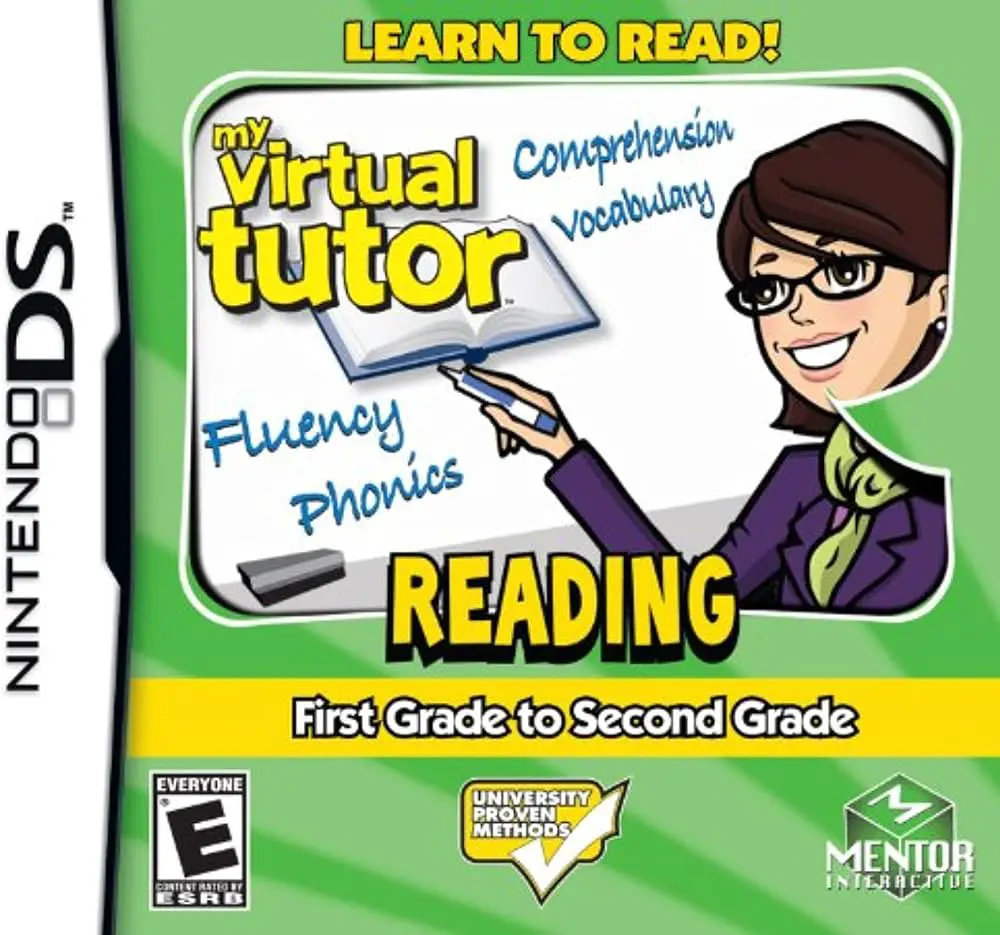
In My Virtual Tutor: Reading – 1st Grade to 2nd Grade, young learners receive tailored literacy guidance on the Nintendo DS. Developed by Mentor Interactive to bridge early childhood reading gaps, the software transforms traditional reading books into an interactive digital learning experience.
The core gameplay centers around eight fully illustrated and animated storybooks. As the virtual tutor reads each story aloud, words are highlighted sequentially on the screen to build sight-word recognition and proper pacing. Children can tap any individual word with the NDS stylus to hear its phonetic breakdown or definition. Beyond story exploration, players complete interactive literacy mini-games that focus on vocabulary, sentence building, rhyming words, and reading comprehension.
Leveraging the unique hardware of the Nintendo DS, children can use the built-in microphone to record themselves reading passages, then play back their recording to evaluate their speech clarity alongside the virtual tutor. As students complete stories and exercises, they earn virtual coins to unlock fun arcade mini-games, fostering ongoing engagement and learning confidence.
Game Title: My Virtual Tutor: Reading – 1st Grade to 2nd Grade
Platform: Nintendo DS (NDS)
Genre: Educational / Reading / Literacy
Developer: 1st Playable Productions
Publisher: Mentor Interactive
Release Date: November 2009
File Format: .NDS (ROM)
Languages: English
Control Scheme: Touch Screen (Stylus) & Microphone
Interactive Storybooks: Features 8 fully narrated and animated stories designed specifically for 1st and 2nd grade reading levels.
Word-by-Word Highlighting: Text highlights in sync with professional audio narration to encourage visual and auditory word association.
Voice Recording Feature: Use the NDS microphone to record children reading aloud and play back recordings to assess progress.
Targeted Literacy Mini-Games: Practice phonics, sentence construction, rhyming patterns, and reading comprehension through touch-based puzzles.
Unlockable Arcade Rewards: Earn coins through reading achievements to unlock fun, non-academic mini-games as positive reinforcement.
A: The software is designed specifically for children aged 6 to 8 (1st and 2nd grade students) who are progressing from basic letter sounds to reading full sentences and short stories.
A: Children can tap any individual word on the touch screen with the stylus to hear it pronounced clearly, broken down phonetically, or defined by the virtual tutor.
A: No, the software is fully voiced with spoken prompts and highlighted text, allowing early or struggling readers to play independently and build confidence.
A: Yes, the .nds ROM file runs cleanly across standard Nintendo DS emulators for PC, Android, and iOS devices (provided microphone input is enabled), as well as on original Nintendo DS and 3DS hardware using flashcards.
Click the links below to go to the cloud drive download page
⚠️ Download Tips:
Kids Learn: Math – A+ Edition for the Nintendo DS is an e...
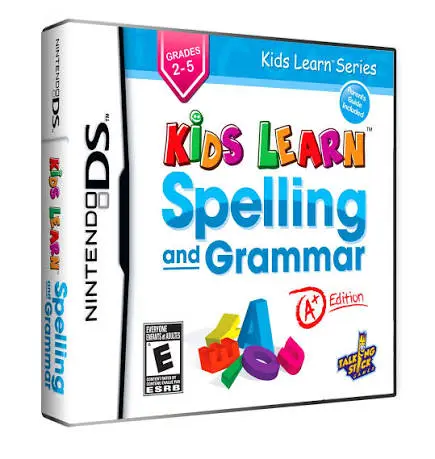
Kids Learn: Spelling and Grammar – A+ Edition for the Nin...
Kids Learn: 2Think – A+ Edition for the Nintendo DS is an...
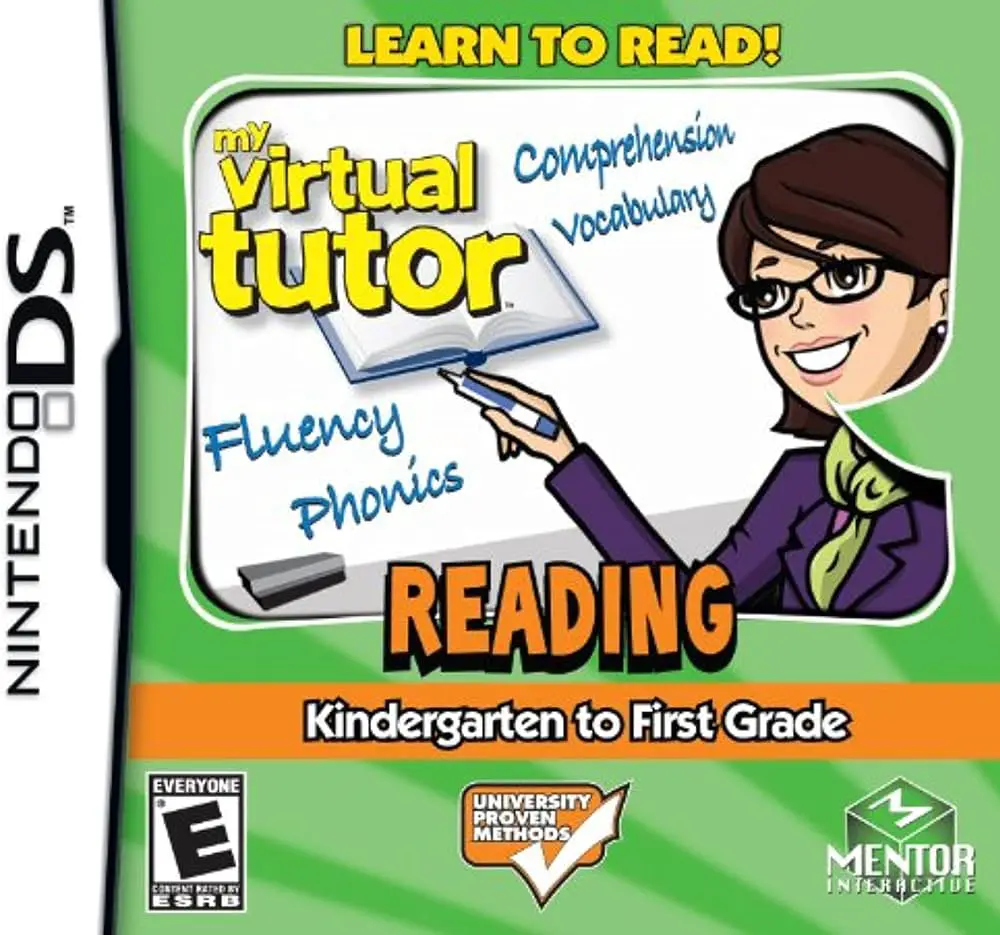
My Virtual Tutor: Reading – K to 1st Grade for the Ninten...
My Virtual Tutor: Reading – Pre-K to Kindergarten for the...