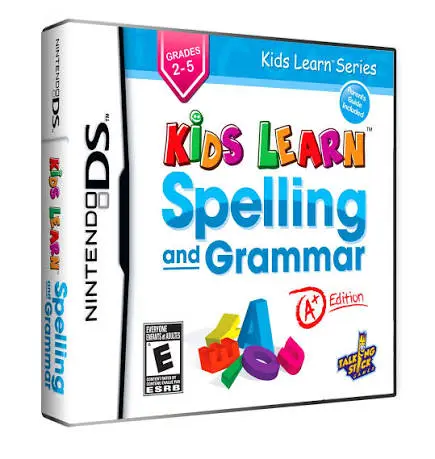
Kids Learn – Spelling and...
Kids Learn: Spelling and Grammar – A+ Edition for the Nin...

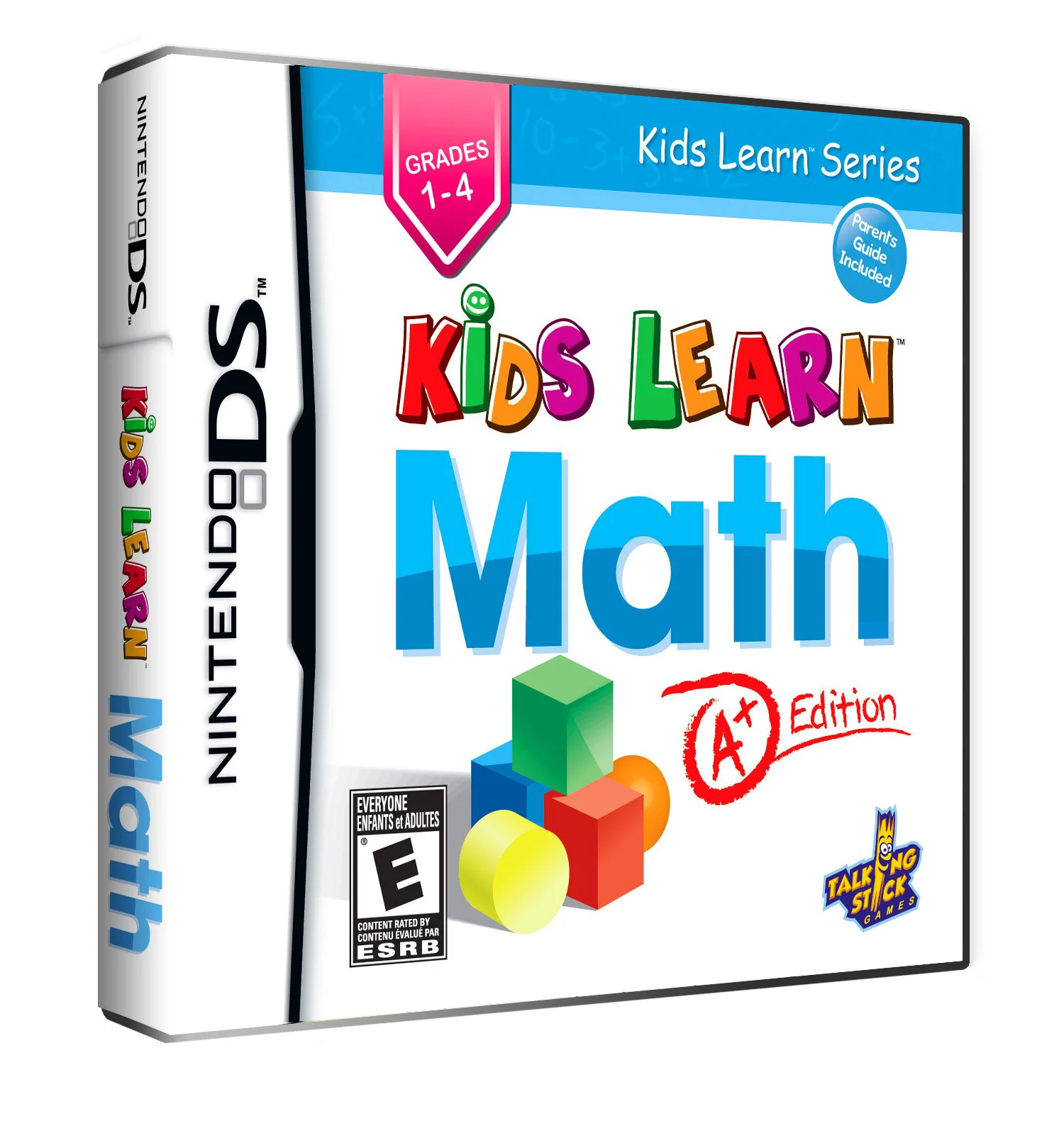
In Kids Learn: Math – A+ Edition, young learners transform the Nintendo DS into an interactive math tutor. Designed to align with standard elementary mathematics curricula, the software helps students master foundational numerical concepts through guided practice and rewarding mini-game challenges.
The gameplay consists of structured modules covering a broad range of quantitative skills. Using the Nintendo DS stylus, children write out numbers, tap correct answers on floating target balloons, connect matching fraction values, and solve timed mental math sequences. The dual-screen setup is used effectively: the top screen presents lesson explanations, progress meters, and encouraging character animations, while the bottom touch screen functions as an interactive workspace where players tap, trace, and drag numbers to complete equations.
As students solve problems correctly, they earn stars and points that unlock decorative awards and bonus arcade mini-games. The software tracks accuracy and speed across different math categories, making it easy for parents and educators to identify areas of strength and topics needing extra review. Featuring bright visuals and an intuitive touch interface, Kids Learn: Math – A+ Edition makes math practice fun and accessible.
Game Title: Kids Learn: Math – A+ Edition
Platform: Nintendo DS (NDS)
Genre: Educational / Mathematics / Puzzle
Developer: CyberPlanet Interactive
Publisher: Avanquest / Maximum Family Games
Release Date: March 2010
File Format: .NDS (ROM)
Languages: English
Control Scheme: Touch Screen (Stylus)
Comprehensive Math Curriculum: Covers addition, subtraction, multiplication, division, fractions, geometric shapes, measurement, and telling time.
Interactive Touch Exercises: Use the NDS stylus to draw numbers, tap target solutions, and drag items into place on the bottom touch screen.
Progressive Difficulty Scaling: Problems automatically adjust in difficulty to match the student's learning speed and keep challenges engaging.
Reward System & Mini-Games: Earn stars and badges to unlock fun bonus arcade games that reward learning achievements.
Kid-Friendly Interface: Clear audio prompts, bright cartoon art, and simple menus allow early elementary students to practice independently.
A: The software is designed primarily for elementary school children aged 5 to 9 (kindergarten through 3rd grade) who are mastering foundational arithmetic and problem-solving skills.
A: Topics include basic counting, addition, subtraction, multiplication tables, simple division, fractions, time-telling, money counting, and basic geometry.
A: Yes, intuitive visual cues, spoken instructions, and simple stylus controls allow young children to navigate through exercises without requiring constant adult supervision.
A: Yes, the .nds ROM file performs reliably across standard Nintendo DS emulators for PC, Android, and iOS devices, as well as on original Nintendo DS and 3DS hardware using flashcards.
Click the links below to go to the cloud drive download page
⚠️ Download Tips:
Kids Learn: Spelling and Grammar – A+ Edition for the Nin...
Kids Learn: 2Think – A+ Edition for the Nintendo DS is an...
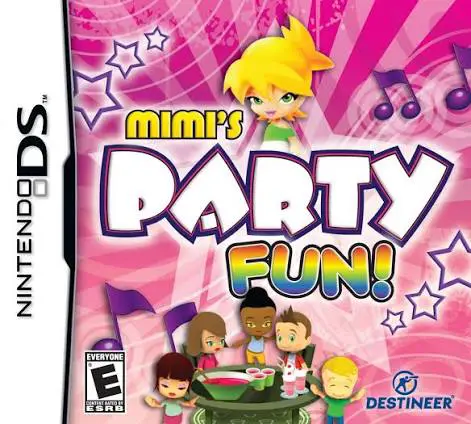
Mimi's Party Fun! for the Nintendo DS is a cheerful, fami...
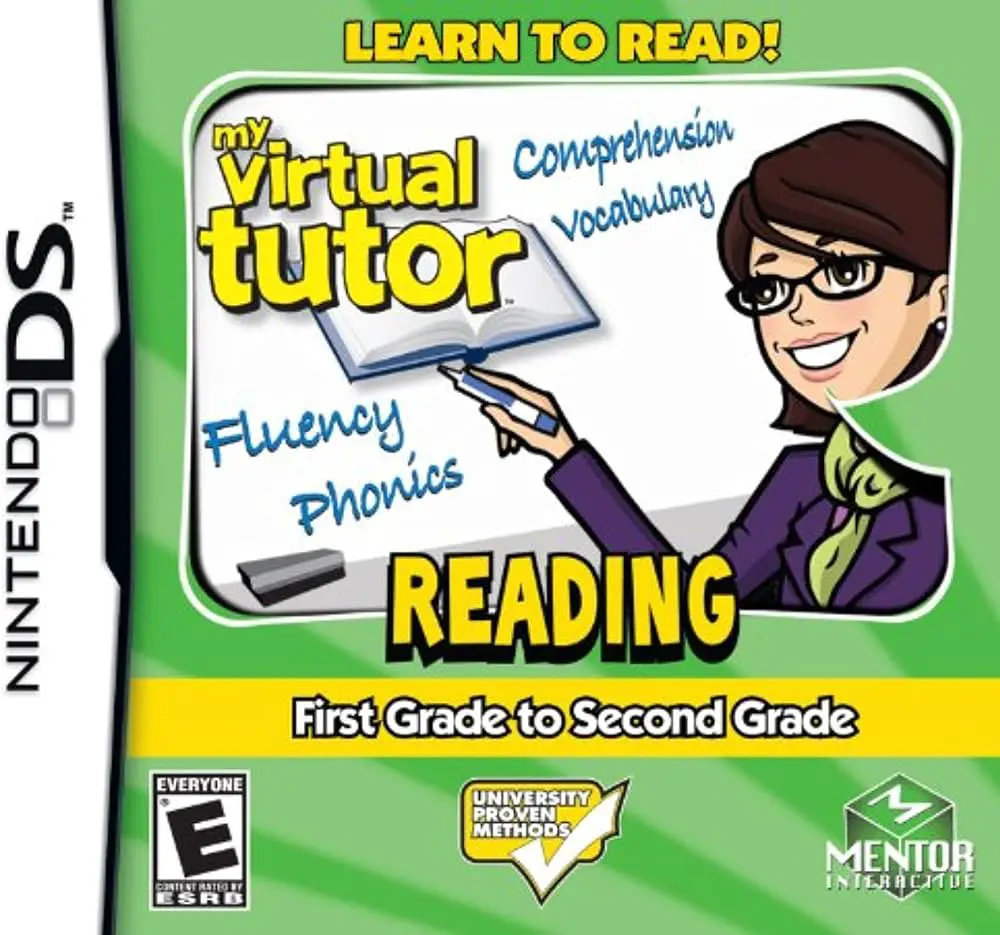
My Virtual Tutor: Reading – 1st Grade to 2nd Grade for th...
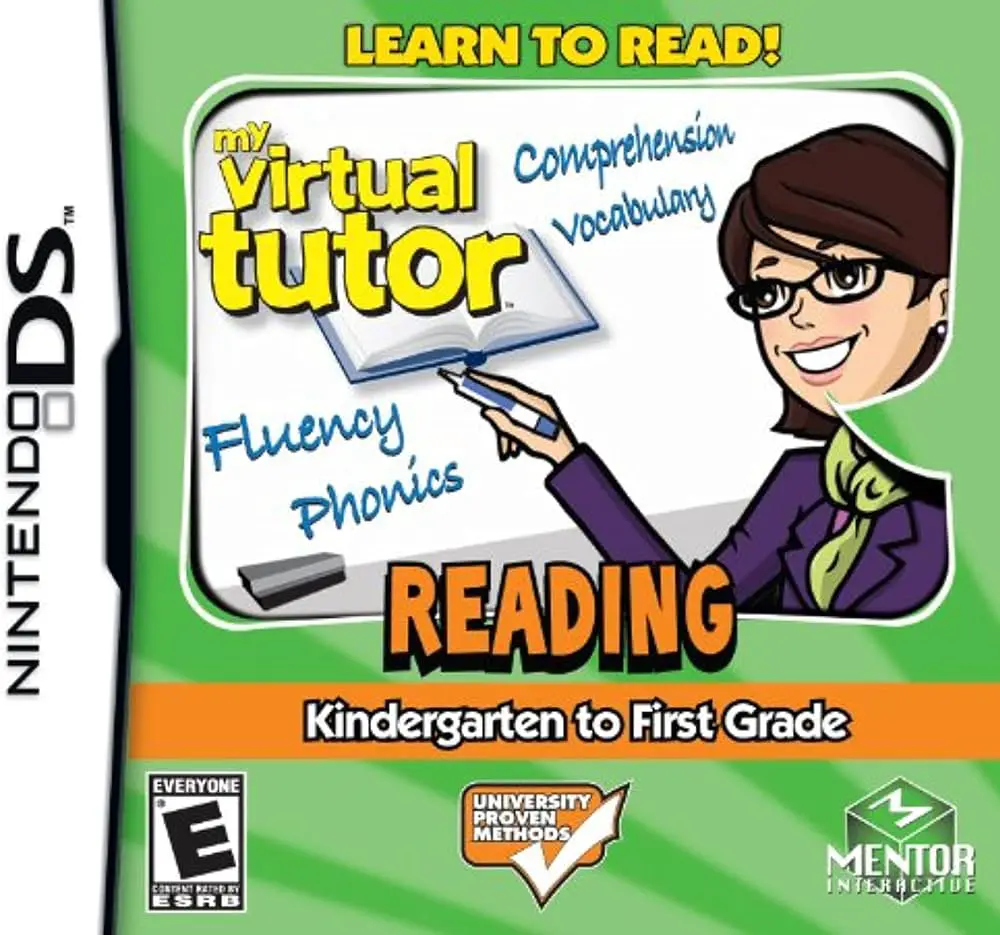
My Virtual Tutor: Reading – K to 1st Grade for the Ninten...