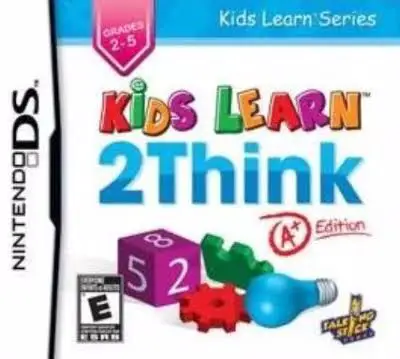
Kids Learn – 2Think – A+ ...
Kids Learn: 2Think – A+ Edition for the Nintendo DS is an...

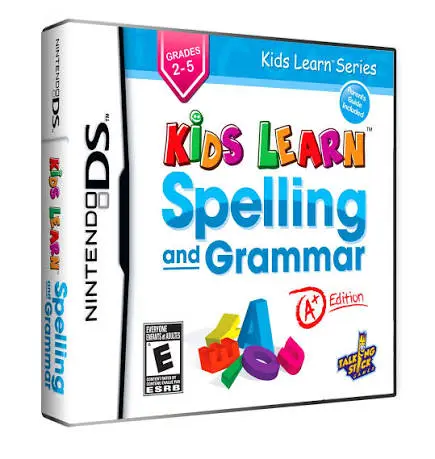
In Kids Learn: Spelling and Grammar – A+ Edition, young students take on language building blocks on the Nintendo DS through an interactive, digital workbook structure. Designed to align with elementary school curriculum standards, the software bridges classroom learning with fun handheld gaming.
The gameplay centers on an expansive array of interactive language modules that target key literacy areas. Using the Nintendo DS stylus, children complete spelling bees, arrange jumbled words into proper sentences, identify nouns, verbs, and adjectives, and correct punctuation errors in fun story passages. Taking full advantage of the dual-screen interface, the upper screen provides instructional rules, examples, and score tracking, while the lower touch screen serves as the hands-on activity board where players tap choices, trace letters, and drag words into place.
As players advance through lessons, the software tracks their progress, rewarding accuracy with stars, achievement badges, and unlockable customization items. With clear visual cues, forgiving mechanics, and self-paced navigation, Kids Learn: Spelling and Grammar – A+ Edition offers an empowering, low-stress environment for children to build reading confidence.
Game Title: Kids Learn: Spelling and Grammar – A+ Edition
Platform: Nintendo DS (NDS)
Genre: Educational / Language Arts / Word
Developer: CyberPlanet Interactive
Publisher: Avanquest / Maximum Family Games
Release Date: July 2010
File Format: .NDS (ROM)
Languages: English
Control Scheme: Touch Screen (Stylus)
Core Language Curriculum: Exercises cover essential language skills including spelling, vocabulary, phonics, parts of speech, and sentence punctuation.
Interactive Touch Exercises: Use the NDS stylus to trace letters, tap correct spelling options, and organize word tiles.
Progressive Difficulty Scaling: Lessons adapt to the child's learning curve to maintain a balanced, confidence-building challenge.
Achievement & Star Rewards: Collect stars, unlockable stickers, and decorative badges for completing assignments and maintaining high accuracy.
Independent Learning Design: Simple touch menus and visual hints allow early readers to practice self-guided lessons effortlessly.
A: The software is tailored primarily for elementary school children aged 6 to 9 (1st through 3rd grade) who are building fundamental reading, writing, and grammar skills.
A: The curriculum focuses on English language arts, including word spelling, phonics, identification of parts of speech (nouns, verbs, adjectives), punctuation, and proper sentence structure.
A: Players interact directly with the bottom touch screen using the NDS stylus, tapping virtual letter tiles, tracing words, or dragging text blocks into correct positions.
A: Yes, the .nds ROM file runs smoothly on popular Nintendo DS emulators across PC, Android, and iOS devices, as well as on original Nintendo DS and 3DS hardware using flashcards.
Click the links below to go to the cloud drive download page
⚠️ Download Tips:
Kids Learn: 2Think – A+ Edition for the Nintendo DS is an...
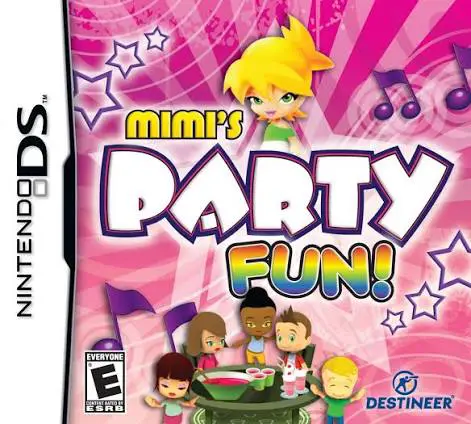
Mimi's Party Fun! for the Nintendo DS is a cheerful, fami...
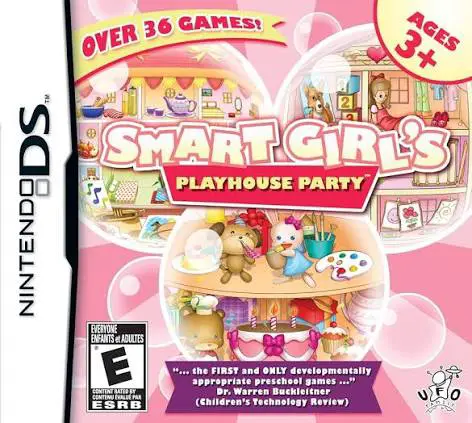
Smart Girl's Playhouse Party for the Nintendo DS is a bri...
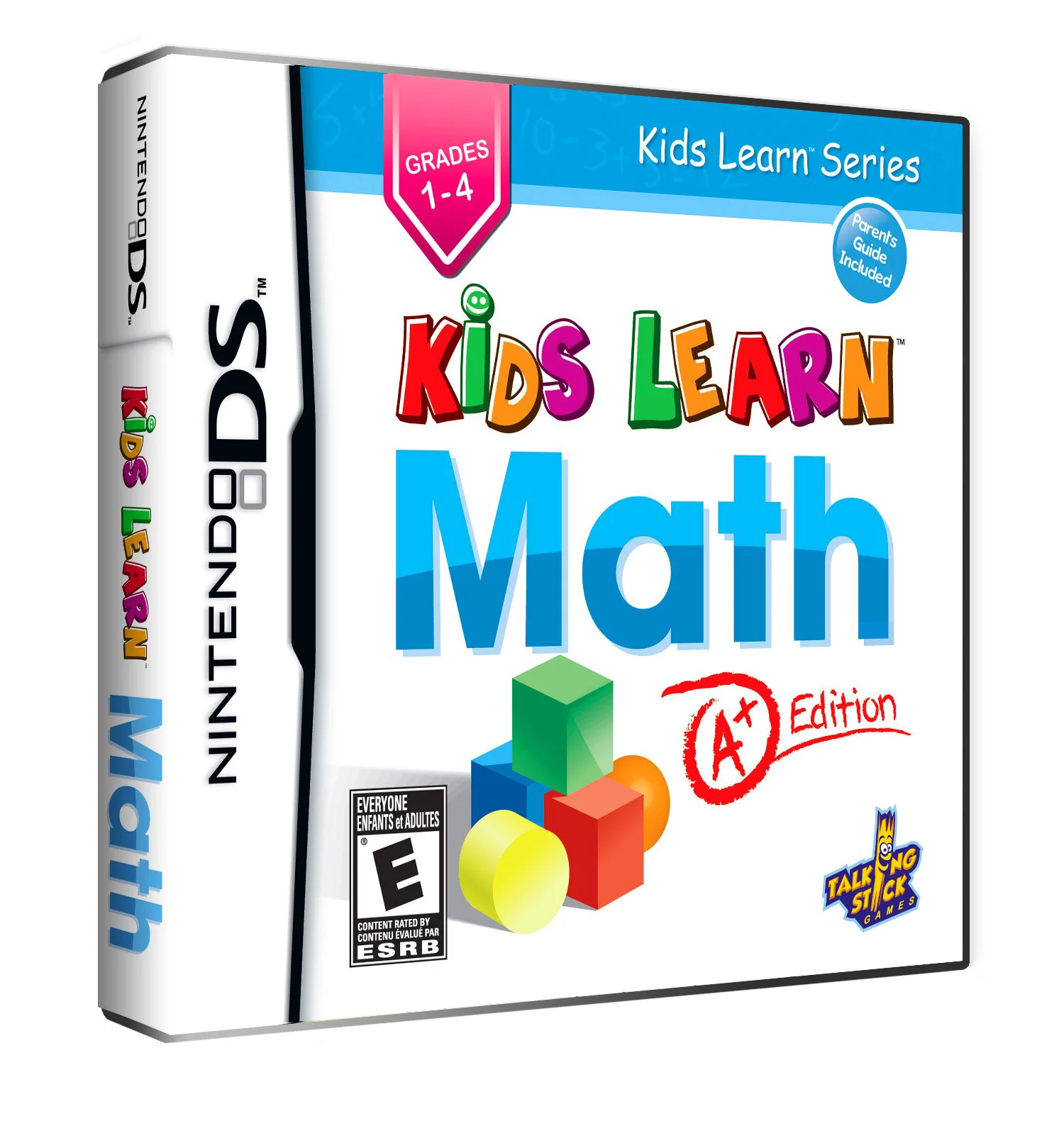
Kids Learn: Math – A+ Edition for the Nintendo DS is an e...
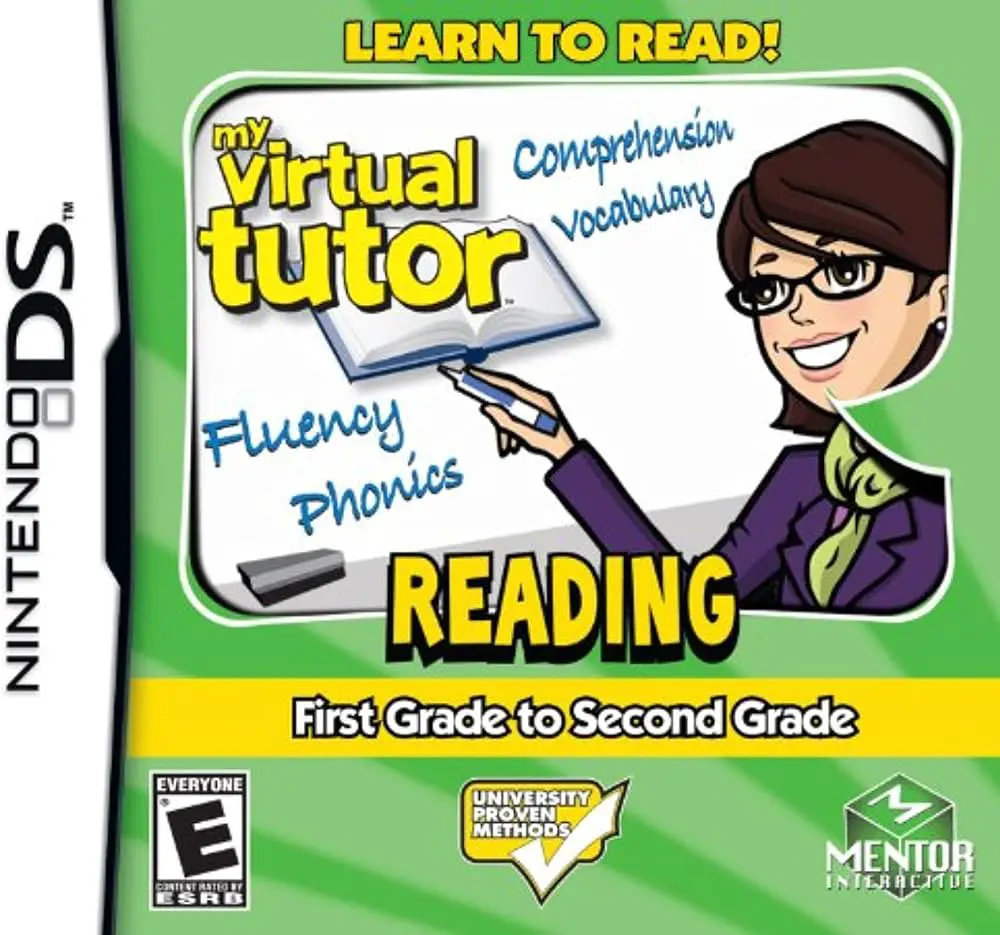
My Virtual Tutor: Reading – 1st Grade to 2nd Grade for th...