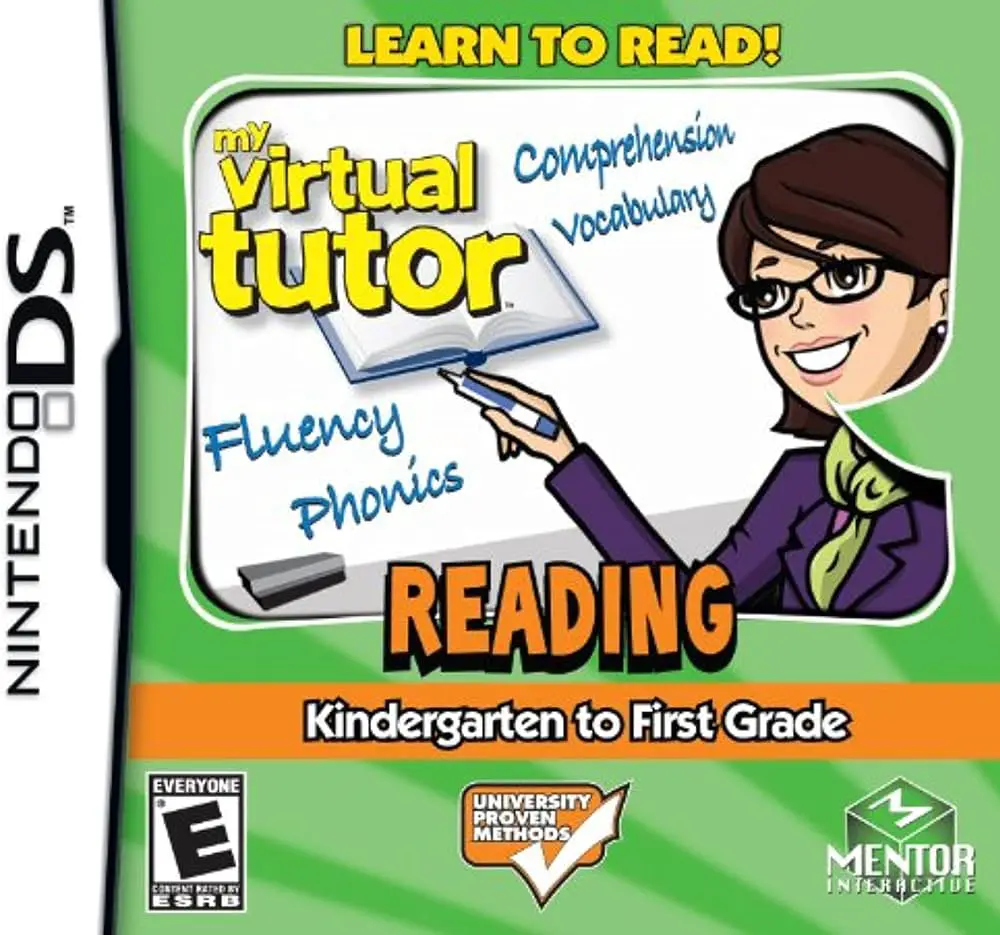
My Virtual Tutor – Readin...
My Virtual Tutor: Reading – K to 1st Grade for the Ninten...

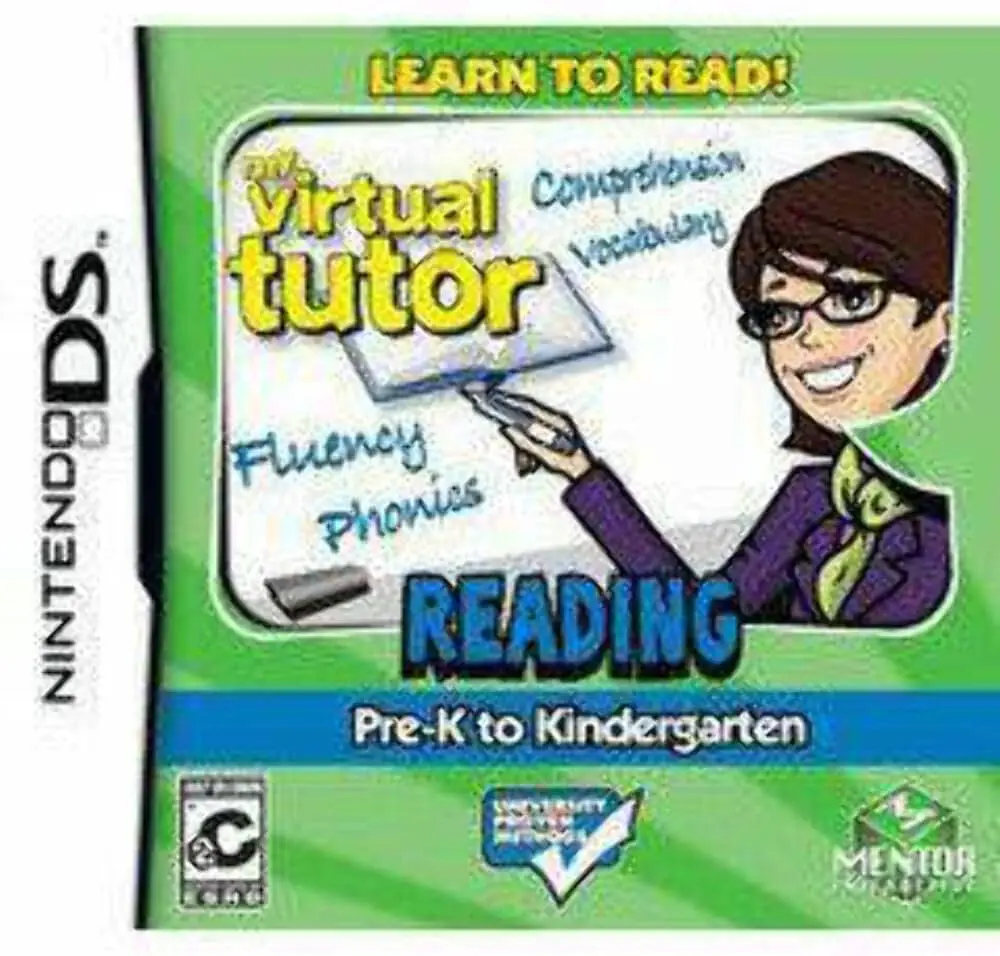
In My Virtual Tutor: Reading – Pre-K to Kindergarten, young children begin their literacy journey on the Nintendo DS. Developed by 1st Playable Productions and published by Mentor Interactive, the software transforms early reading readiness into an interactive digital playground tailored specifically for early childhood learners.
The core gameplay centers on interactive storybooks accompanied by gentle voice narration and highlighted text. As the virtual tutor reads each page aloud, words light up on screen to build early visual-auditory associations. Children can tap any letter or object on the touch screen with the NDS stylus to hear its name, sound, or spoken definition. Beyond storybook exploration, the software offers a suite of touch-driven mini-games that focus on preschool literacy building blocks—including alphabet song practice, letter tracing, object sorting by initial sounds, and basic rhyming patterns.
Taking full advantage of the Nintendo DS hardware features, children can use the microphone to record themselves speaking or reading along, playing back their voices alongside the virtual tutor. Completing reading activities and quizzes rewards players with virtual tokens to unlock simple arcade mini-games, maintaining high engagement while nurturing early educational confidence.
Game Title: My Virtual Tutor: Reading – Pre-K to Kindergarten
Platform: Nintendo DS (NDS)
Genre: Educational / Early Literacy / Phonics
Developer: 1st Playable Productions
Publisher: Mentor Interactive
Release Date: November 2009
File Format: .NDS (ROM)
Languages: English
Control Scheme: Touch Screen (Stylus) & Microphone
Interactive Preschool Storybooks: Features fully voiced and animated stories tailored for toddlers and kindergarten-bound children.
Alphabet & Letter Tracing: Practice recognizing uppercase and lowercase letters through guided stylus tracing on the touch screen.
Phonemic Awareness Exercises: Build letter-sound connections, initial consonant identification, and simple word-matching skills.
Microphone Voice Recording: Use the NDS built-in microphone to record child reading attempts and listen back alongside tutor guidance.
Unlockable Reward Mini-Games: Earn tokens through activity completions to unlock fun, kid-friendly arcade challenges as positive reinforcement.
A: The software is designed specifically for children aged 3 to 5 (preschoolers and young kindergartners) who are just learning the alphabet, letter sounds, and basic vocabulary.
A: Yes, the software features complete audio narration, clear voice prompts, and intuitive touch controls, enabling pre-readers to explore lessons independently without needing to read instructions.
A: The Pre-K to Kindergarten edition focuses on foundational pre-reading concepts like letter recognition, tracing, alphabet sounds, and basic shapes, while the K to 1st Grade edition introduces sight words, short vowels, and full-sentence reading.
A: Yes, the .nds ROM file runs cleanly across standard Nintendo DS emulators for PC, Android, and iOS devices (with microphone input enabled), as well as on original Nintendo DS and 3DS systems using flashcards.
Click the links below to go to the cloud drive download page
⚠️ Download Tips:
My Virtual Tutor: Reading – K to 1st Grade for the Ninten...
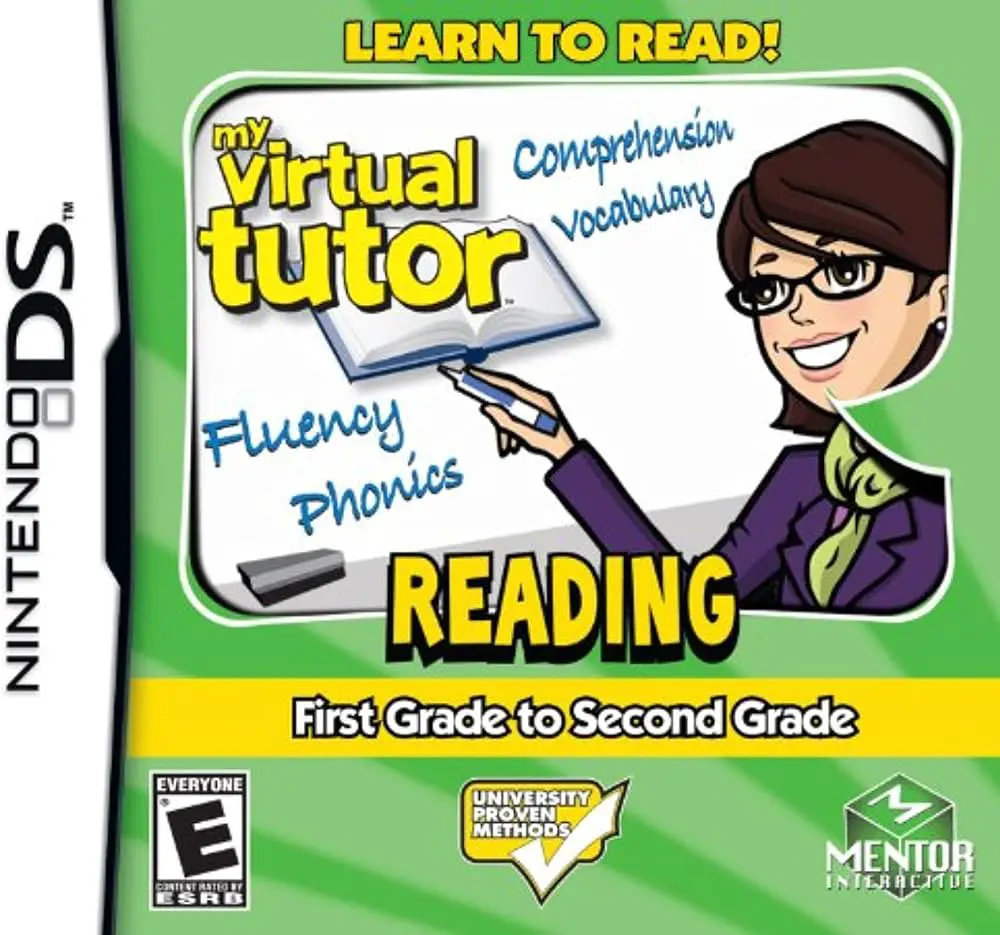
My Virtual Tutor: Reading – 1st Grade to 2nd Grade for th...
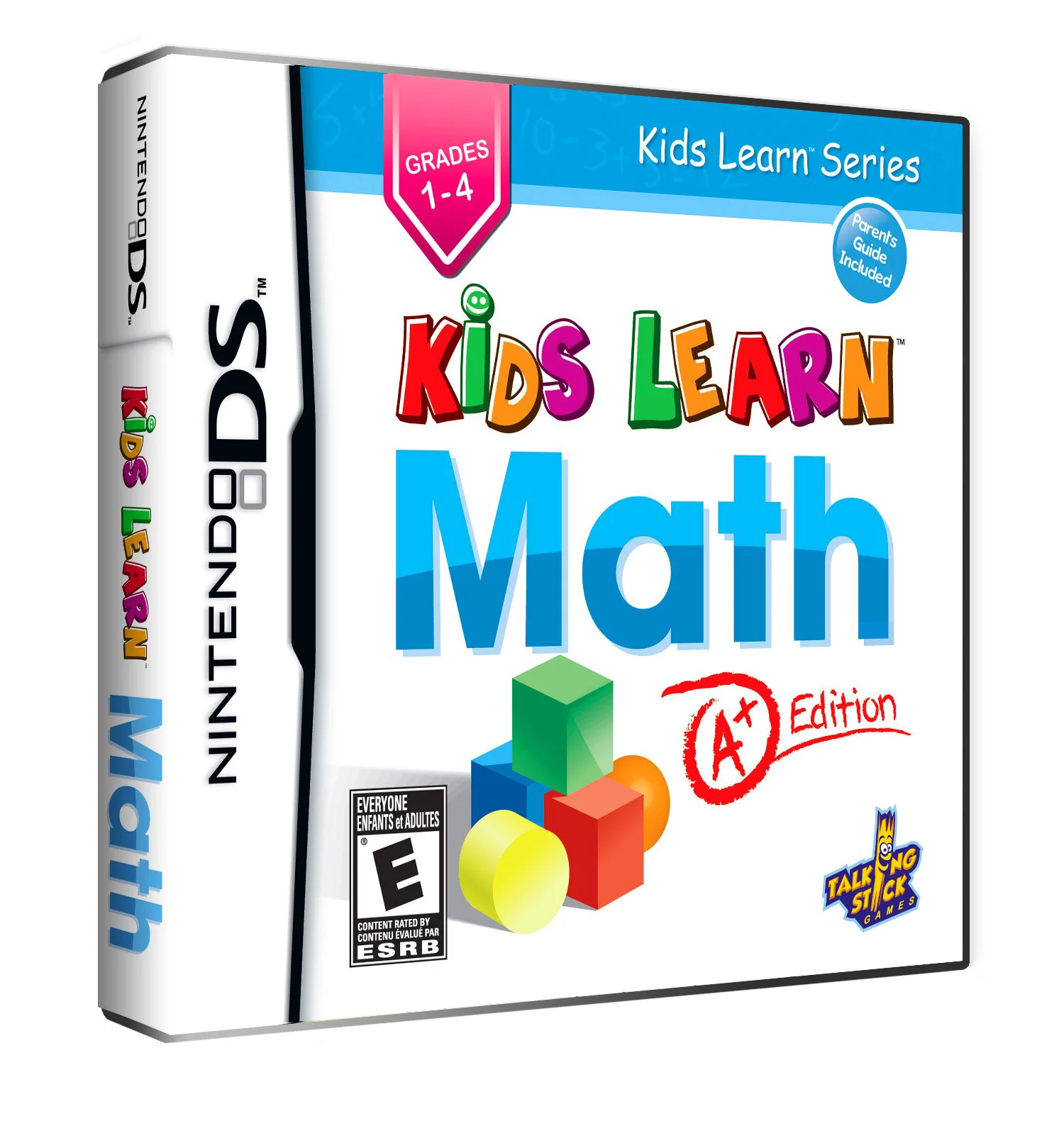
Kids Learn: Math – A+ Edition for the Nintendo DS is an e...
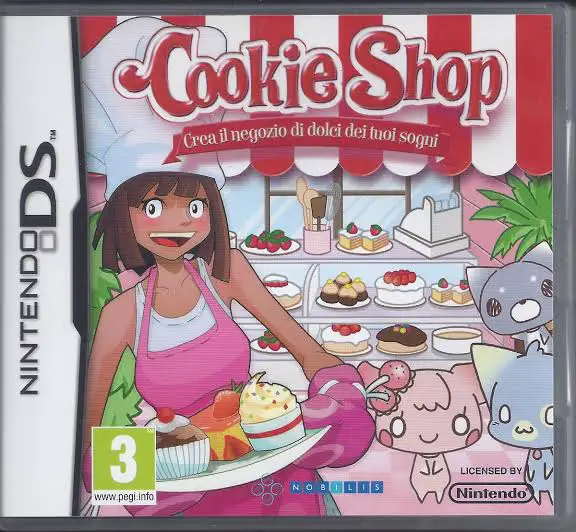
Cookie Shop – Create Your Dream Shop for the Nintendo DS ...
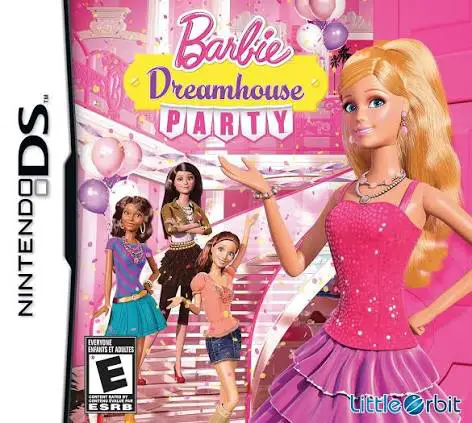
Barbie Dreamhouse Party for the Nintendo DS is an upbeat ...