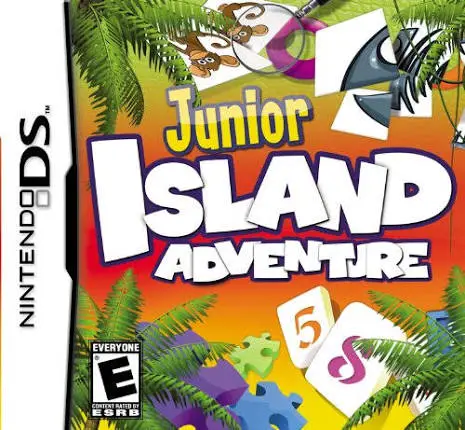
Junior Island Adventure
Junior Island Adventure for the Nintendo DS is a colorful...

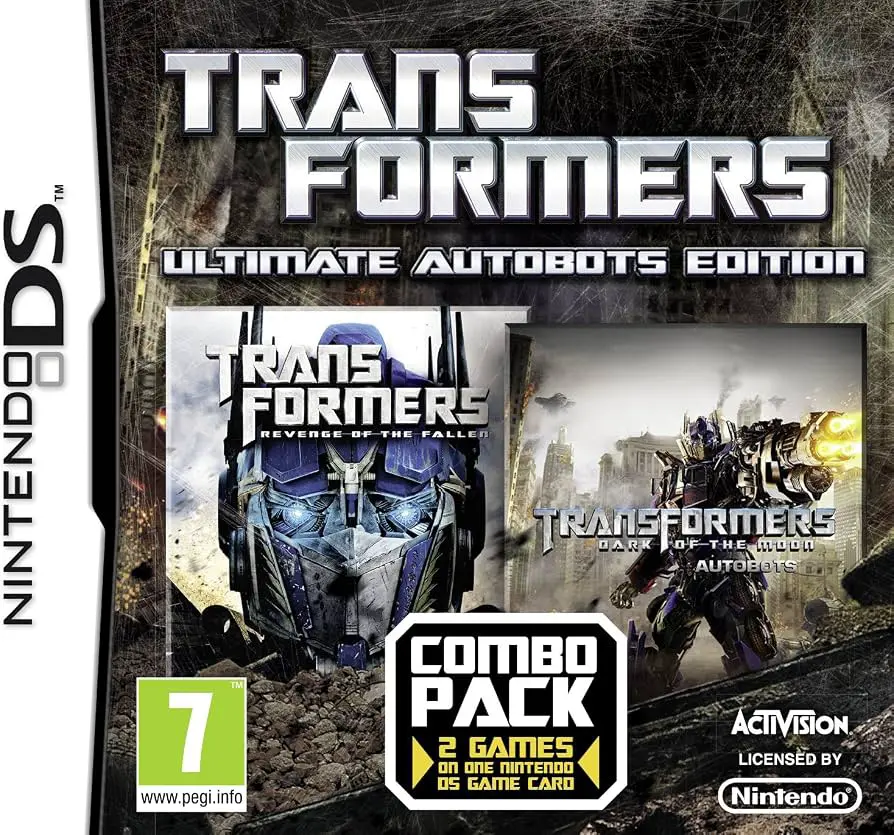
In Transformers: Ultimate Autobots Edition, players take control of Earth's heroic alien protectors across two full-length DS adventures on a single cartridge. Based on the hit live-action film series, the compilation delivers dual campaigns where players defend Earth from Megatron and his army of ruthless Decepticons.
The gameplay smoothly transitions between ground-based brawling, vehicular racing, and ranged shooting. In Revenge of the Fallen – Autobots, players customize their own Autobot, scan real-world vehicles, and complete global mission objectives using responsive melee combinations and heavy firearms. In Dark of the Moon – Autobots, the action introduces "Stealth Force" combat mode—allowing players to transform their vehicles into hybrid battle machines equipped with heavy weaponry while maintaining high-speed mobility.
Utilizing the dual screens of the Nintendo DS, the upper screen renders dynamic 3D combat while the bottom touch screen handles weapon swapping, radar displays, and transformation commands. With two complete story campaigns, deep character customization, and challenging boss fights against iconic Decepticons, Transformers: Ultimate Autobots Edition stands as an action-packed compilation for the dual-screen handheld.
Game Title: Transformers: Ultimate Autobots Edition
Platform: Nintendo DS (NDS)
Genre: Action / 3D Brawler / Vehicle Combat
Developer: Vicarious Visions / Behaviour Interactive
Publisher: Activision
Release Date: November 2013
File Format: .NDS (ROM)
Languages: English, French, German, Spanish, Italian
Control Scheme: D-Pad & Face Buttons / Touch Screen Radar & Morphing
Two Games in One Package: Includes the full releases of Transformers: Revenge of the Fallen – Autobots and Transformers: Dark of the Moon – Autobots on a single NDS cartridge.
Seamless Transformations: Instantly switch between agile robot forms and high-speed vehicle modes with a single button press or stylus tap.
Stealth Force Mechanics: Engage in specialized vehicular combat utilizing hybrid weaponized vehicle forms in Dark of the Moon.
Deep Character Customization: Upgrade weaponry, armor, speed, and abilities as you earn experience points from successful missions.
Dual-Screen Combat HUD: Keep track of mission radar, thermal scans, and instant vehicle transformations via the NDS touch screen.
A: The compilation contains two full games: Transformers: Revenge of the Fallen – Autobots and Transformers: Dark of the Moon – Autobots.
A: No, this specific edition focuses strictly on the heroic Autobot campaigns featuring Optimus Prime, Bumblebee, Ironhide, and custom player Autobots.
A: Transformations can be executed seamlessly in real time using dedicated physical button inputs or touch-screen icons to switch between robot combat and vehicle driving modes.
A: Yes, the .nds ROM file runs cleanly on standard Nintendo DS emulators for PC, Android, and iOS devices, as well as on original NDS and 3DS hardware using flashcards.
Click the links below to go to the cloud drive download page
⚠️ Download Tips:
Junior Island Adventure for the Nintendo DS is a colorful...
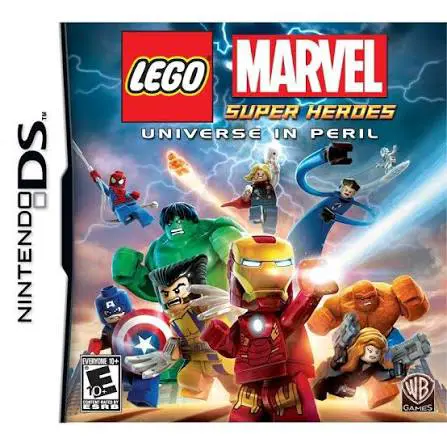
LEGO Marvel Super Heroes: Universe in Peril for the Ninte...

Cloudy with a Chance of Meatballs 2 for the Nintendo DS i...
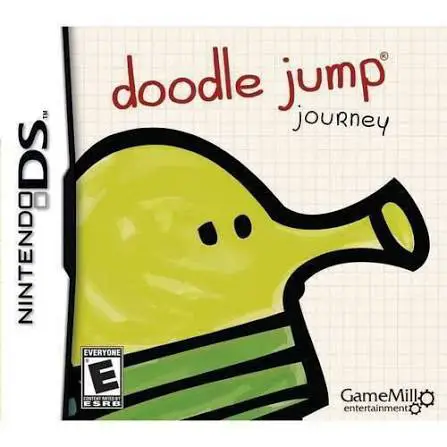
Doodle Jump Journey for the Nintendo DS brings the world-...
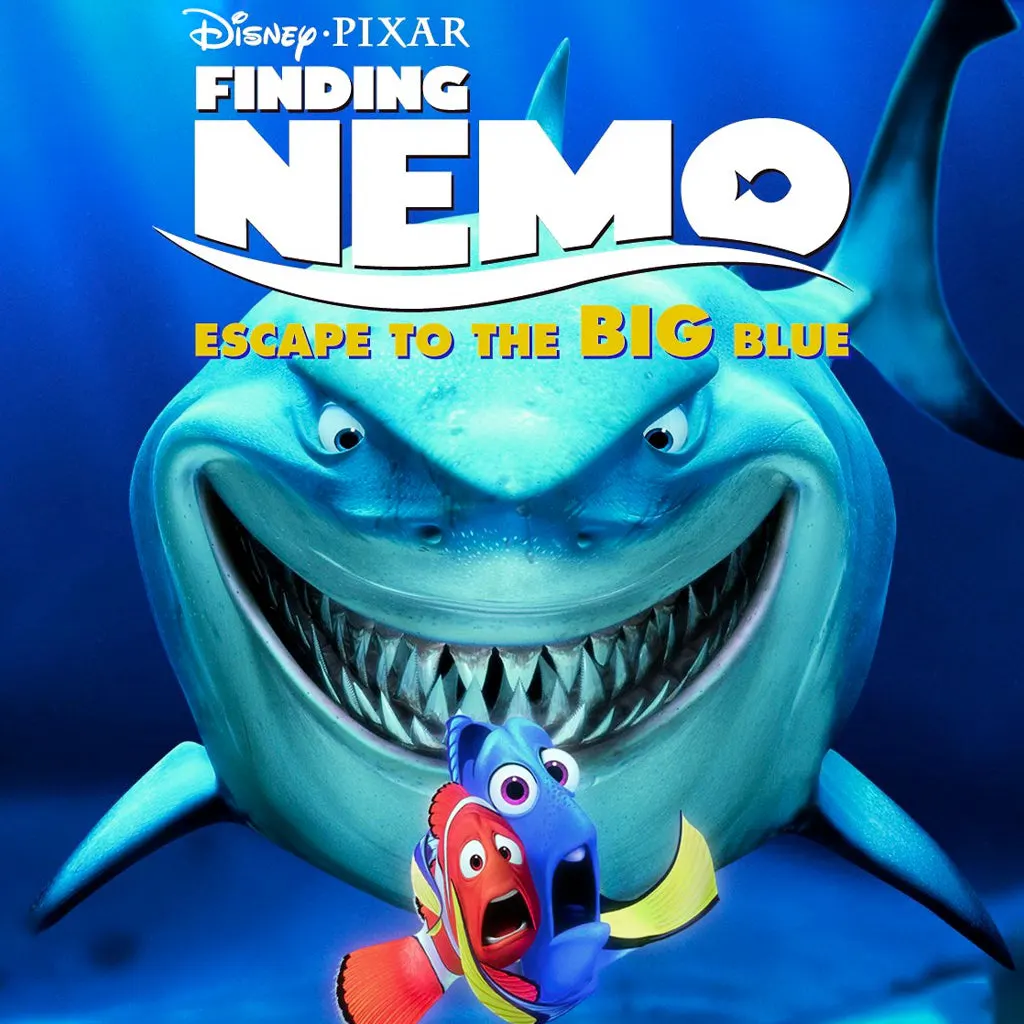
Finding Nemo: Escape to the Big Blue – Special Edition fo...