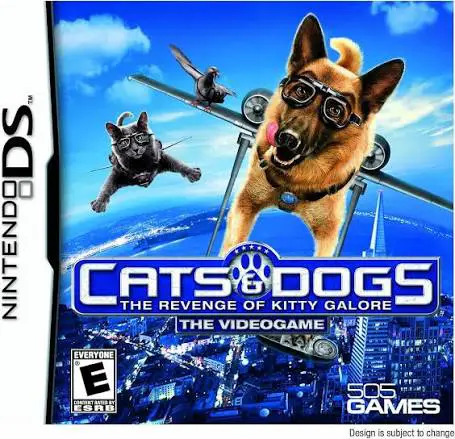
Cats and Dogs – The Reven...
Cats & Dogs: The Revenge of Kitty Galore for the Nintendo...

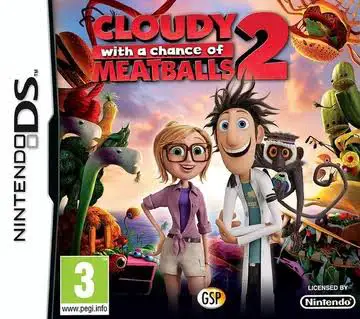
In Cloudy with a Chance of Meatballs 2, players embark on a fun-filled rescue operation on the Nintendo DS alongside Flint Lockwood, Sam Sparks, and the rest of the gang. Following the events of the movie, Flint discovers that his infamous FLDSMDFR machine is still operational, producing bizarre living hybrid creatures across Swallow Falls.
The gameplay transitions from side-scrolling exploration to interactive puzzle-solving tailored specifically for the DS touch screen. As you traverse lush jungle environments, giant food structures, and treacherous rivers, you will encounter dozens of unique Foodimals needing your help. Using Flint's specialized inventions—such as the Foodimal Manipulator, Barry the Berry, and high-tech vacuum tools—players solve touch-based spatial challenges to clear paths, manipulate objects, and safely collect new species.
In addition to the main storyline, the game features a collection of interactive mini-games and an in-game encyclopedia where players can view detailed stats and profiles for every rescued Foodimal. With gentle difficulty scaling, intuitive stylus controls, and cheerful voice audio cues, Cloudy with a Chance of Meatballs 2 delivers an enjoyable handheld adventure that captures the whimsical humor of the animated movie franchise.
Game Title: Cloudy with a Chance of Meatballs 2
Platform: Nintendo DS (NDS)
Genre: Action / Puzzle / Adventure
Developer: 1st Playable Productions
Publisher: GameMill Entertainment
Release Date: September 2013
File Format: .NDS (ROM)
Languages: English, French, German, Spanish, Italian
Control Scheme: Touch Screen (Stylus) & D-Pad
Movie-Inspired Storyline: Follow Flint Lockwood and his crew as they explore the overgrown island of Swallow Falls and investigate wild Foodimal creatures.
Touch-Screen Gadget Controls: Utilize Flint's wacky scientific inventions using direct stylus motions to solve interactive environmental puzzles.
Foodimal Cataloging: Discover, rescue, and collect over dozens of unique Foodimal species, including Cheespiders, Tacodiles, and Watermelophants.
Diverse Mini-Games: Participate in entertaining side challenges and puzzle tasks to unlock extra collectibles and artwork.
Kid-Friendly Design: Features intuitive controls, vibrant visuals, and low-stress gameplay mechanics suitable for players of all ages.
A: The game combines top-down and side-scrolling exploration with touch-screen puzzle solving, where players use inventions and tools to manipulate objects and rescue Foodimals.
A: Yes, the game follows the storyline and setting of the second film, featuring key characters like Flint Lockwood, Sam Sparks, Steve the Monkey, and iconic Foodimal creatures.
A: Absolutely. Rescuing Foodimals across levels adds them to your in-game logbook, allowing you to view detailed entries and complete your collection.
A: Yes, the .nds ROM file performs reliably across standard Nintendo DS emulators for PC, Android, and iOS devices, as well as on original Nintendo DS/3DS hardware using flashcards.
Click the links below to go to the cloud drive download page
⚠️ Download Tips:
Cats & Dogs: The Revenge of Kitty Galore for the Nintendo...
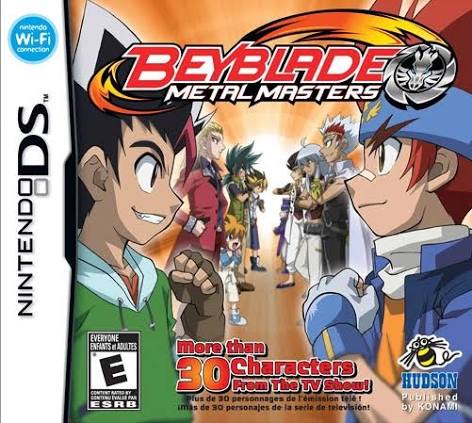
Beyblade – Metal Masters (released in Europe as Beyblade:...
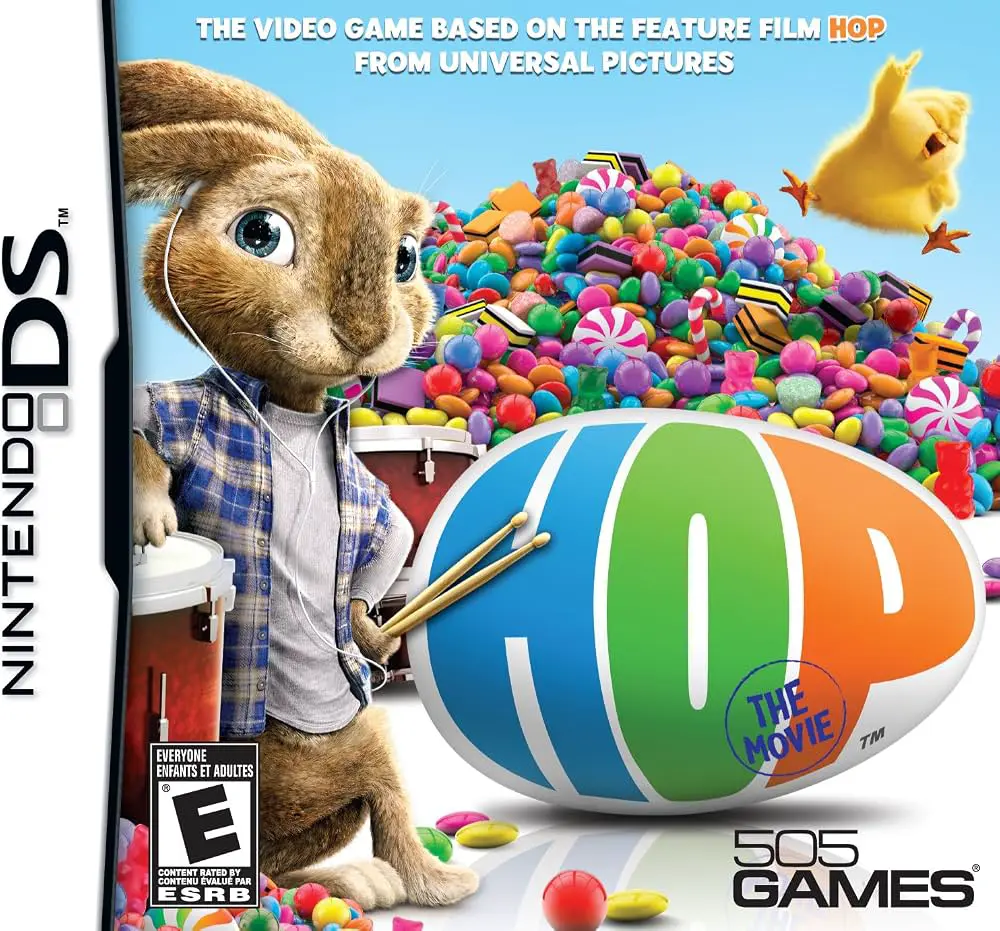
Hop: The Movie Game brings the colorful world of Universa...
LEGO Marvel Super Heroes: Universe in Peril for the Ninte...
Junior Island Adventure for the Nintendo DS is a colorful...