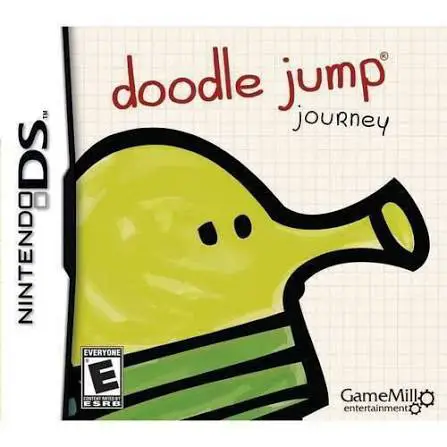
Doodle Jump Journey
Doodle Jump Journey for the Nintendo DS brings the world-...

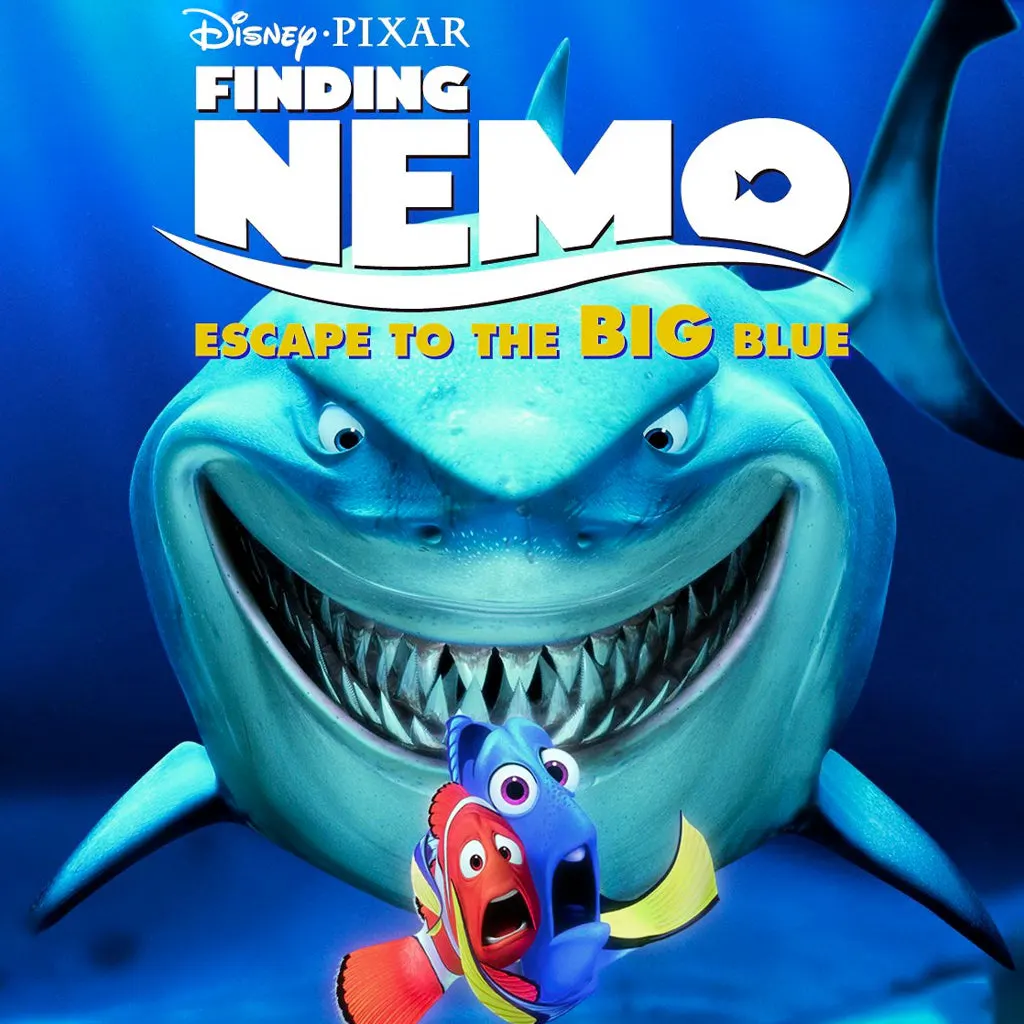
In Finding Nemo: Escape to the Big Blue – Special Edition, players plunge back into Pixar's vibrant underwater world on the Nintendo DS. Serving as an enhanced edition of the original DS release, this title expands the storyline beyond the film, focusing on the Tank Gang’s journey toward ocean freedom alongside Nemo and his friends.
The gameplay consists of an extensive collection of bite-sized, touch-driven mini-games and logic puzzles. Players use the NDS stylus to guide Nemo through busy coral reefs, help Marlin and Dory navigate through dangerous jelly fields, tap away algae to keep Gill's aquarium clean, and launch plastic bags across busy Sydney streets. In addition to story-based challenges, players can interact with a virtual aquarium mode, feeding and caring for unlocked marine life.
Utilizing the hardware features of the Nintendo DS, the game incorporates stylus drawing, microphone blowing, and dual-screen displays to keep interactions fresh and intuitive. Packed with authentic film clips, character voiceovers, and vibrant visuals, Finding Nemo: Escape to the Big Blue – Special Edition provides an entertaining handheld collection for young gamers and Pixar enthusiasts alike.
Game Title: Finding Nemo: Escape to the Big Blue – Special Edition
Platform: Nintendo DS (NDS)
Genre: Action / Adventure / Mini-Games
Developer: Altron
Publisher: Disney Interactive Studios
Release Date: February 2008
File Format: .NDS (ROM)
Languages: English, French, Spanish
Control Scheme: Touch Screen (Stylus) & Microphone
Movie-Inspired Storyline: Relive favorite film moments and guide the Tank Gang on their quest for ocean freedom.
Over 30 Interactive Mini-Games: Swim through current mazes, dodge stingrays, clear aquarium filters, and complete timing challenges.
Virtual Aquarium Mode: Collect, feed, and interact with various ocean creatures in your own customizable digital fish tank.
Special Edition Upgrades: Includes additional mini-games, enhanced graphics, bonus film clips, and expanded touch features.
Full DS Hardware Integration: Utilize stylus tapping, tracing, and microphone inputs to complete aquatic challenges.
A: The Special Edition features expanded mini-games, enhanced touch-screen functionality, additional video clips from the Pixar film, and an upgraded virtual aquarium mode.
A: Yes, the game is designed specifically for elementary-aged children and casual players, featuring simple touch controls, forgiving checkpoints, and clear visual instructions.
A: Players interact with and control various iconic characters from the movie, including Nemo, Marlin, Dory, Gill, Bloat, Peach, and Crush the sea turtle.
A: Yes, the .nds ROM file runs cleanly across standard Nintendo DS emulators for PC, Android, and iOS devices, as well as on original NDS and 3DS systems using flashcards.
Click the links below to go to the cloud drive download page
⚠️ Download Tips:
Doodle Jump Journey for the Nintendo DS brings the world-...
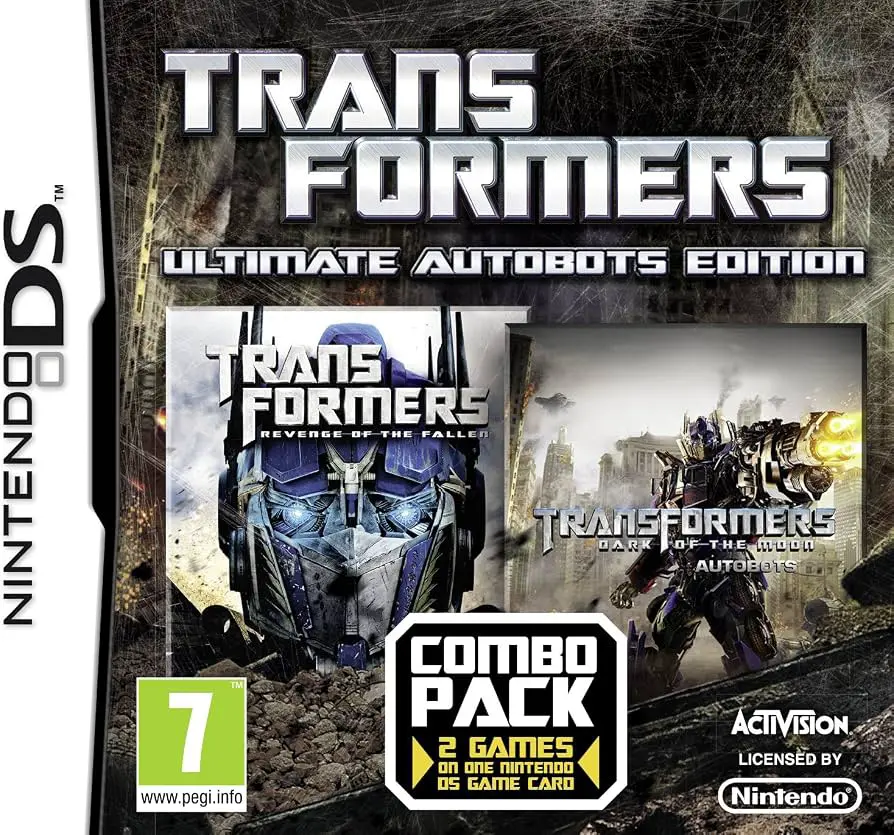
Transformers: Ultimate Autobots Edition for the Nintendo ...
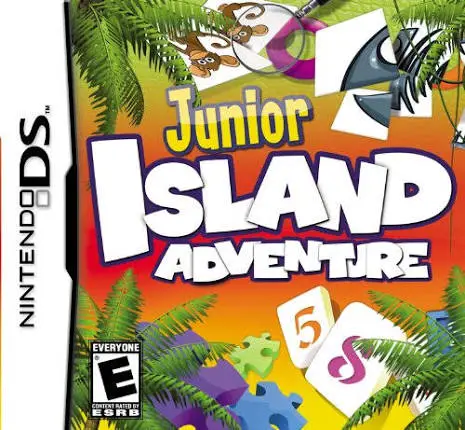
Junior Island Adventure for the Nintendo DS is a colorful...
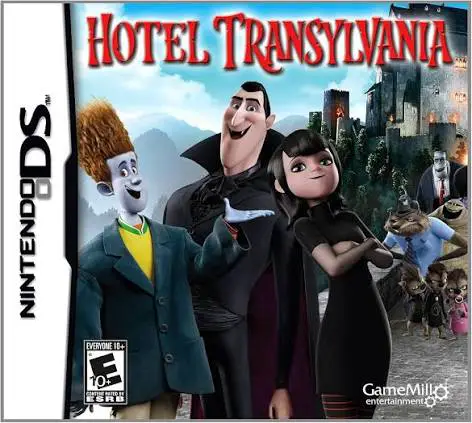
Hotel Transylvania for the Nintendo DS is a spooky 2D act...
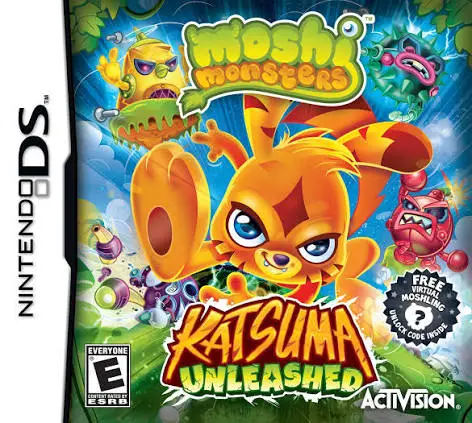
Moshi Monsters: Katsuma Unleashed for the Nintendo DS is ...