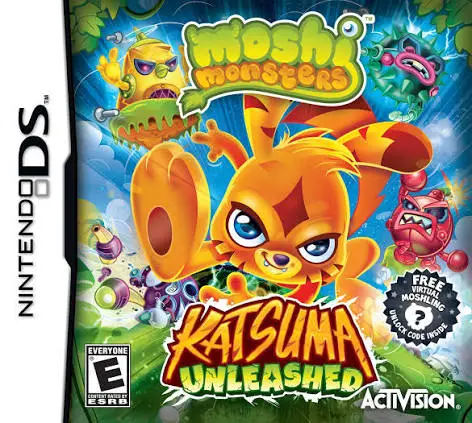
Moshi Monsters – Katsuma ...
Moshi Monsters: Katsuma Unleashed for the Nintendo DS is ...

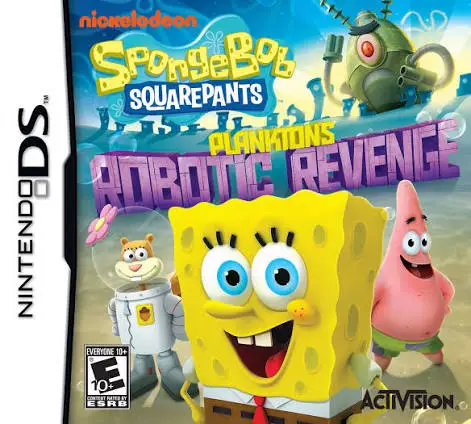
In SpongeBob SquarePants – Plankton's Robotic Revenge, players jump into the aquatic chaos of Bikini Bottom on the Nintendo DS. Developed by Behaviour Interactive and published by Activision, the title translates the humor and action of the animated universe into an accessible isometric action-adventure game.
The storyline begins when a cargo ship accidentally drops batteries into the ocean near Bikini Bottom, giving Plankton the power source needed to build a giant robot army and seize the secret Krabby Patty vault keys. Players choose between five iconic Bikini Bottom heroes—SpongeBob, Patrick, Squidward, Sandy, and Mr. Krabs—and blast through robot-infested locations such as downtown Bikini Bottom, the Flying Dutchman’s Graveyard, and Rock Bottom.
Utilizing the hardware features of the Nintendo DS, players defeat mechanical minions using wacky upgradable gadgetry, including Pickle Blasters, Tartar Bombs, and Condiment Cannon weapons. As you destroy enemies, you collect spatulas and gear parts to level up your arsenal's power, ammo capacity, and range. With smooth isometric controls, humorous cartoon dialogue, and iconic character moves, SpongeBob SquarePants – Plankton's Robotic Revenge delivers non-stop action on the go.
Game Title: SpongeBob SquarePants: Plankton's Robotic Revenge
Platform: Nintendo DS (NDS)
Genre: Action / Beat 'em Up / Platformer
Developer: Behaviour Interactive
Publisher: Activision
Release Date: October 2013
File Format: .NDS (ROM)
Languages: English, French, German, Spanish, Italian
Control Scheme: D-Pad & Face Buttons / Touch Screen HUD
Five Playable Characters: Switch between SpongeBob, Patrick, Squidward, Sandy Cheeks, and Mr. Krabs, each featuring distinct stats and combat moves.
Upgradable Gizmo Weapons: Unlock and enhance outrageous cartoon weapons including the Pickle Blaster, Tartar Bomb, and Condiment Shooter.
Classic Bikini Bottom Locations: Explore famous underwater levels including Dutch Gulch, Rock Bottom, and the Krusty Krab.
Robot Swarm Combat: Fight off relentless waves of Plankton’s custom-built mechanical minions and giant boss automatons.
Authentic Show Experience: Features original voice talent from the Nickelodeon television series along with official show music and humor.
A: Unlike the console 3D platformer versions, the NDS version is an isometric (top-down perspective) action beat 'em up focusing on ranged shooting, melee combos, and upgrading weapons to clear rooms of robot enemies.
A: Yes, players can select and switch between SpongeBob, Patrick, Sandy, Squidward, and Mr. Krabs at designated station nodes throughout the levels.
A: Defeating enemies yields gear components and spatulas that can be spent at upgrade stations to boost weapon firepower, fire rate, and special explosive attributes.
A: Yes, the .nds ROM file performs reliably across standard Nintendo DS emulators for PC, Android, and iOS devices, as well as on original Nintendo DS and 3DS hardware using flashcards.
Click the links below to go to the cloud drive download page
⚠️ Download Tips:
Moshi Monsters: Katsuma Unleashed for the Nintendo DS is ...
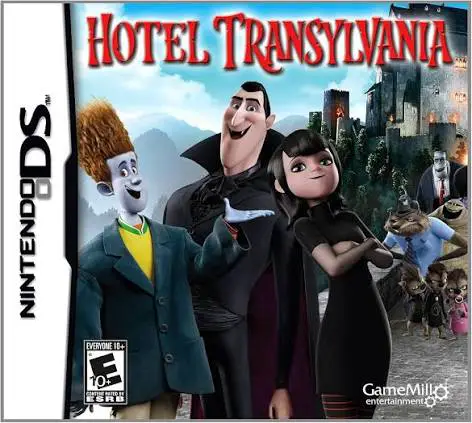
Hotel Transylvania for the Nintendo DS is a spooky 2D act...
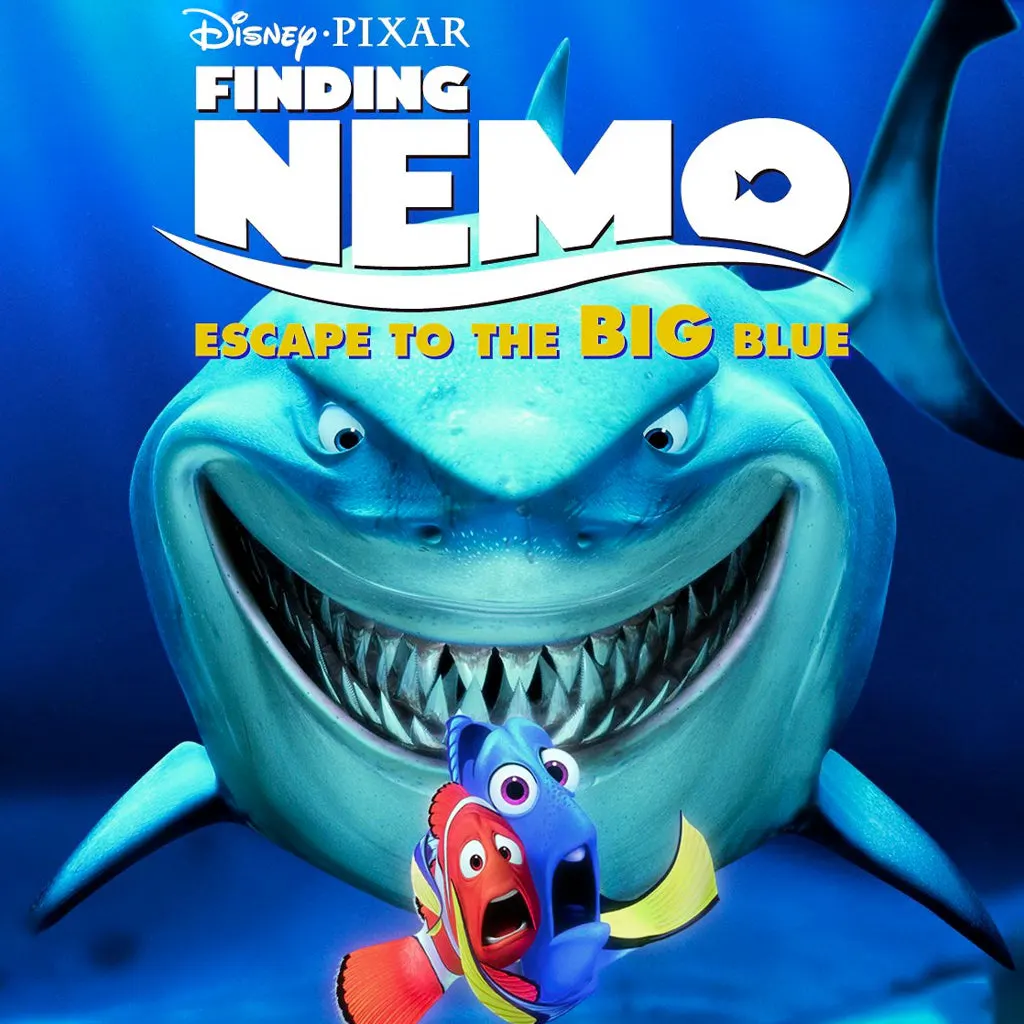
Finding Nemo: Escape to the Big Blue – Special Edition fo...
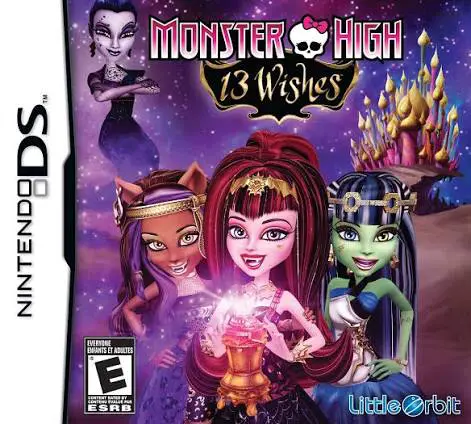
Monster High: 13 Wishes for the Nintendo DS is an action-...
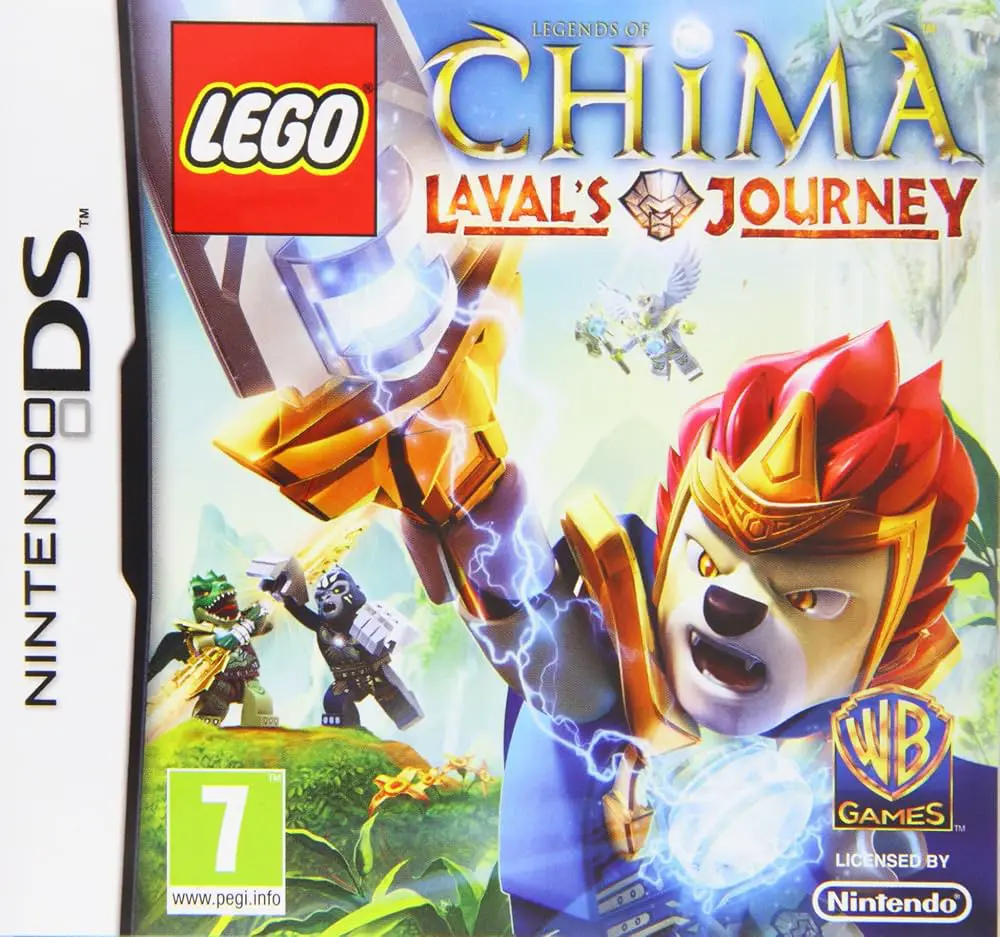
LEGO Legends of Chima: Laval's Journey for the Nintendo D...