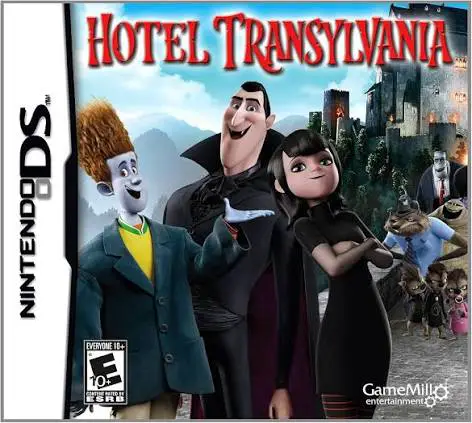
Hotel Transylvania
Hotel Transylvania for the Nintendo DS is a spooky 2D act...

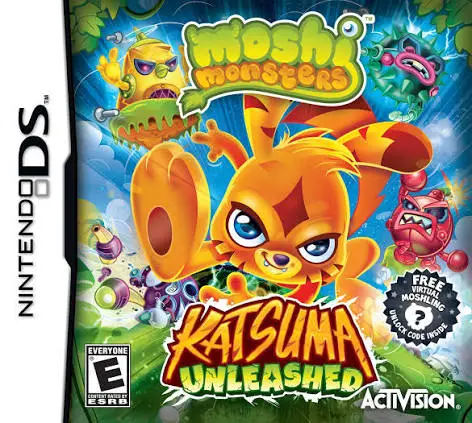
In Moshi Monsters – Katsuma Unleashed, players take direct control of Katsuma on a heroic quest across Monstro City on the Nintendo DS. Developed by Sumo Digital and published by Activision, the title shifts the popular virtual world franchise into a classic, fast-paced side-scrolling action platformer.
The core gameplay revolves around exploring diverse worlds—including target locations like Low-Fi Street, Toy Factory, and Mount Sizzle—while jumping across platforms, defeating Robot Moshlings, and discovering hidden secrets. As Katsuma rescues captured elder Moshlings, he unlocks special super-abilities derived from his friends. These powers allow Katsuma to transform—gaining skills like Furi's heavy ground-pound, Diavlo's flight mechanics, Luvli's hovering abilities, and Poppet's wall-climbing moves to access previously unreachable areas and defeat tough boss enemies.
Making full use of the dual-screen configuration of the Nintendo DS, the top screen delivers colorful 2D platforming action, while the bottom touch screen tracks rescued Moshlings, level progression, and equipped abilities. Packed with collectible Rox, secret pathways, and boss battles, Moshi Monsters – Katsuma Unleashed offers a polished and entertaining platforming experience.
Game Title: Moshi Monsters: Katsuma Unleashed
Platform: Nintendo DS (NDS)
Genre: Action / Platformer / Side-Scroller
Developer: Sumo Digital
Publisher: Activision
Release Date: November 2013
File Format: .NDS (ROM)
Languages: English
Control Scheme: D-Pad & Face Buttons / Touch Screen HUD
Heroic Side-Scrolling Action: Run, jump, spin-attack, and platform through colorful environments across Monstro City.
Moshling Power Transformations: Rescue Moshlings to unlock special abilities, including ground pounds, hovering, flight, and wall-climbing.
Epic Boss Battles: Battle Dr. Strangeglove and his dangerous mechanical minions in multi-stage boss encounters.
Secrets & Collectibles: Collect thousands of Rox and locate hidden Moshlings scattered throughout each level.
Dual-Screen Layout: Track level collectibles, map routes, and transformation abilities seamlessly on the NDS bottom screen.
A: The game is a traditional 2D side-scrolling action platformer focused on running, jumping, defeating enemies, and unlocking special transformation powers to explore levels.
A: The game was developed by Sumo Digital, an acclaimed UK studio known for high-quality platforming and arcade titles including Sackboy: A Big Adventure and Sonic & All-Stars Racing Transformed.
A: You primary control Katsuma, but as you rescue other Moshi Monsters (like Furi, Poppet, Diavlo, and Luvli), Katsuma gains their signature powers and physical transformations to use in gameplay.
A: Yes, the .nds ROM file runs smoothly across standard Nintendo DS emulators for PC, Android, and iOS devices, as well as on original Nintendo DS and 3DS hardware using flashcards.
Click the links below to go to the cloud drive download page
⚠️ Download Tips:
Hotel Transylvania for the Nintendo DS is a spooky 2D act...
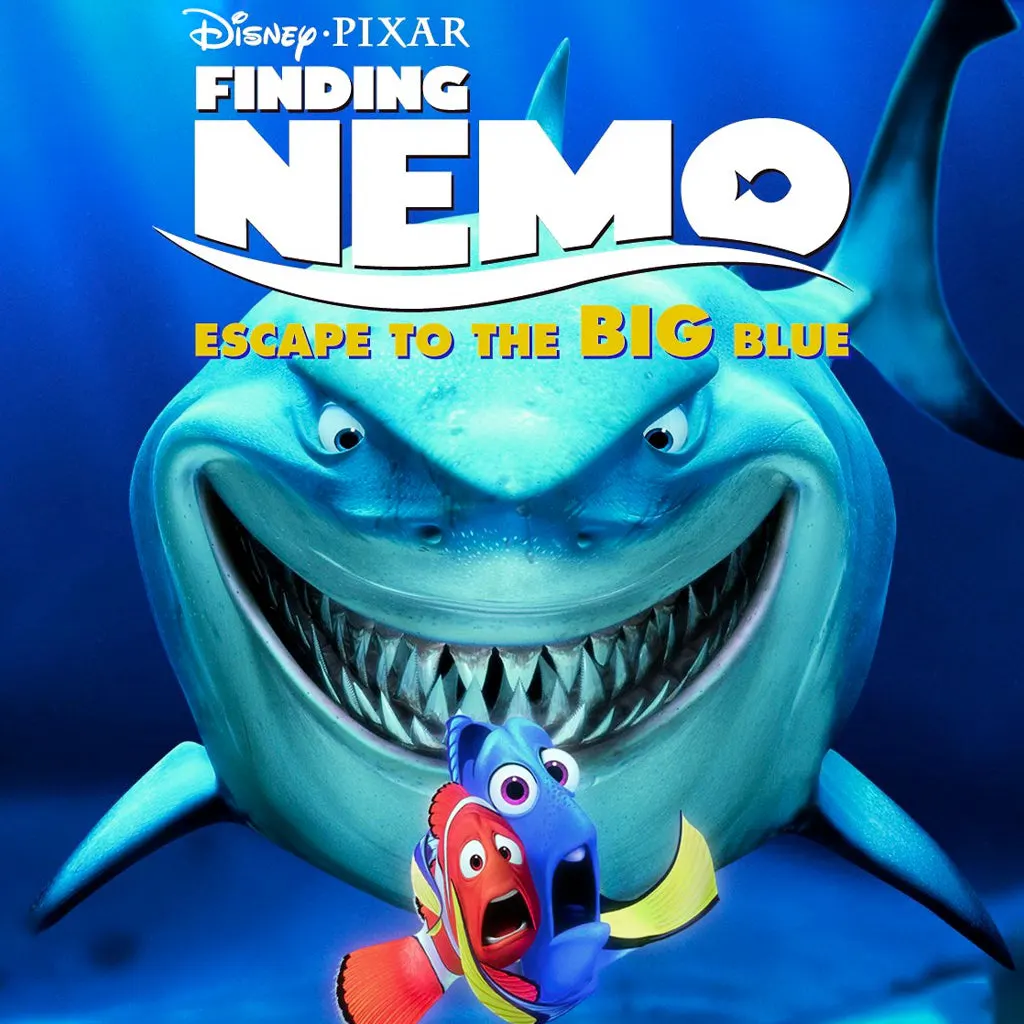
Finding Nemo: Escape to the Big Blue – Special Edition fo...
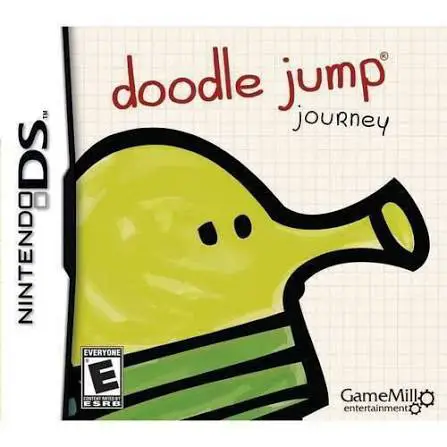
Doodle Jump Journey for the Nintendo DS brings the world-...
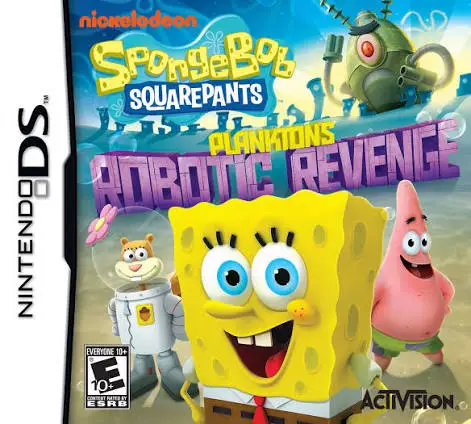
SpongeBob SquarePants: Plankton's Robotic Revenge for the...
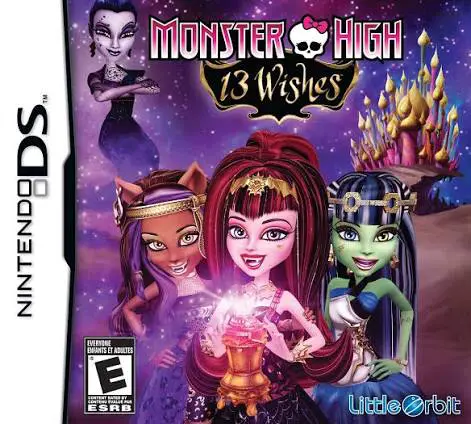
Monster High: 13 Wishes for the Nintendo DS is an action-...