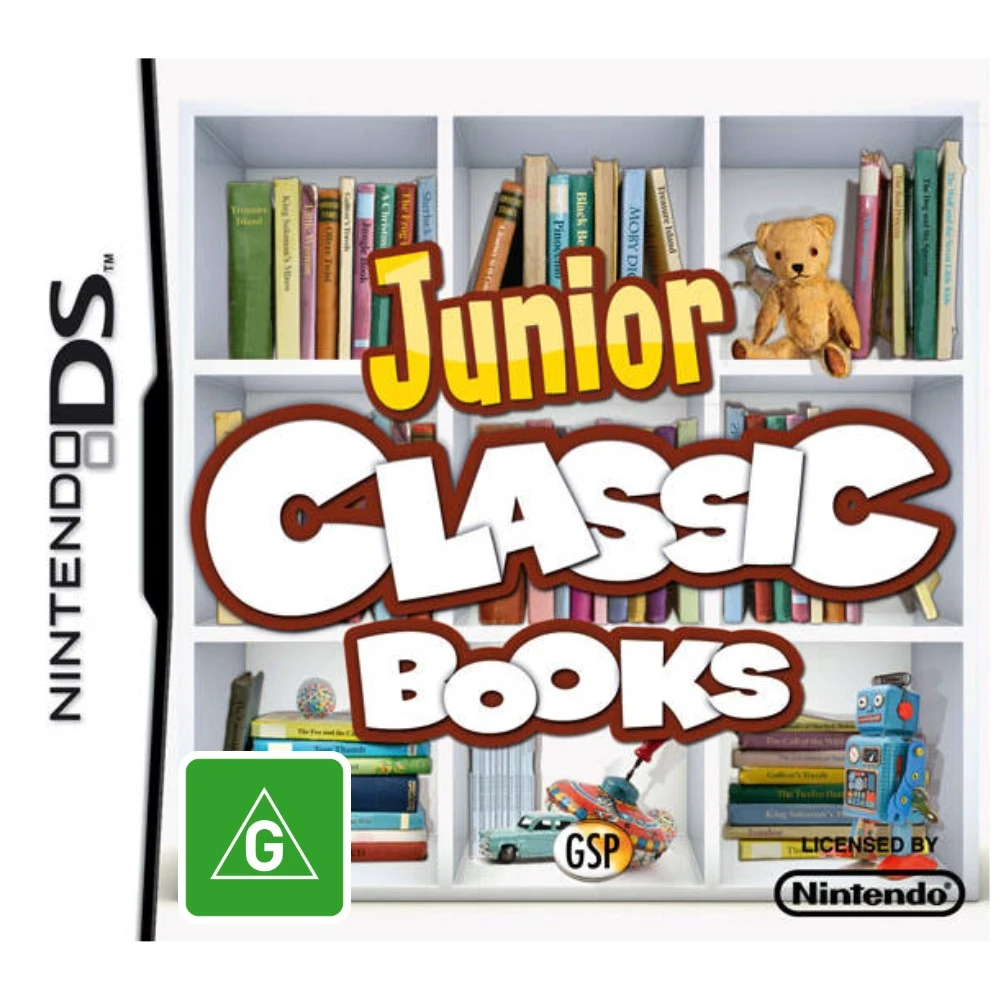
Junior Classic Books & Fa...
Junior Classic Books & Fairytales for the Nintendo DS tra...

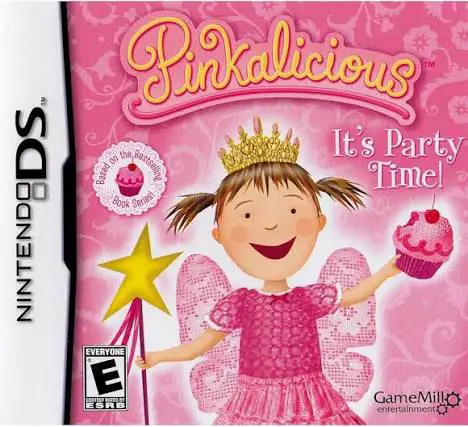
In Pinkalicious: It's Party Time!, players step into the colorful world of Pinkville on the Nintendo DS to help Pinkalicious organize the ultimate pink-themed celebrations. Inspired by the popular storybook series, the game blends creative crafting tasks with accessible party mini-games.
The gameplay revolves around preparing every detail for distinct themed parties. Using the Nintendo DS stylus, players complete various creative preparation tasks—including baking pink cupcakes, icing pastries, crafting decorative invitations, and picking out outfits from a vast pink wardrobe. During the parties, players participate in interactive mini-games such as musical chairs, balloon popping, dancing challenges, and piñata cracking to keep guests entertained and earn high celebration scores.
Designed with young children in mind, the game features bright visuals that match the original book illustrations, simple menu layouts, and encouraging voice prompts. The dual-screen setup allows players to view party progress and story dialogue on the top screen while executing baking, crafting, and decorating steps directly on the bottom touch screen. Pinkalicious: It's Party Time! provides a fun, wholesome, and imaginative handheld party package.
Game Title: Pinkalicious: It's Party Time!
Platform: Nintendo DS (NDS)
Genre: Party / Mini-Games / Simulation
Developer: 1st Playable Productions
Publisher: GameMill Entertainment
Release Date: October 2010
File Format: .NDS (ROM)
Languages: English
Control Scheme: Touch Screen (Stylus) & Microphone
Book-Inspired Storyline: Explore Pinkville alongside Pinkalicious, Peter, and friends in an adventure based on the popular book series.
Creative Party Prep: Bake and decorate cupcakes, design custom party invitations, and assemble floral arrangements using the stylus.
Interactive Mini-Games: Enjoy classic party activities like musical chairs, balloon popping, pin the tail, and piñata breaking.
Dress-Up Wardrobe: Customize Pinkalicious with a wide array of dresses, tiaras, shoes, and fun accessories for each celebration.
Kid-Friendly Controls: Easy-to-use touch-screen interactions and voice feedback make the game accessible for early elementary players.
A: The game is designed for young children aged 4 to 8, particularly fans of the Pinkalicious book series who enjoy dress-up, baking, and party-themed mini-games.
A: Mini-games include baking and decorating cupcakes, crafting party invitations, playing musical chairs, popping party balloons, dancing, and breaking piñatas.
A: Main gameplay relies on the DS touch screen and stylus for drawing, dragging ingredients, dressing characters, and playing mini-games, along with occasional microphone blowing inputs.
A: Yes, the .nds ROM file performs reliably across standard Nintendo DS emulators on PC, Android, and iOS devices, as well as on original Nintendo DS and 3DS consoles using flashcards.
Click the links below to go to the cloud drive download page
⚠️ Download Tips:
Junior Classic Books & Fairytales for the Nintendo DS tra...
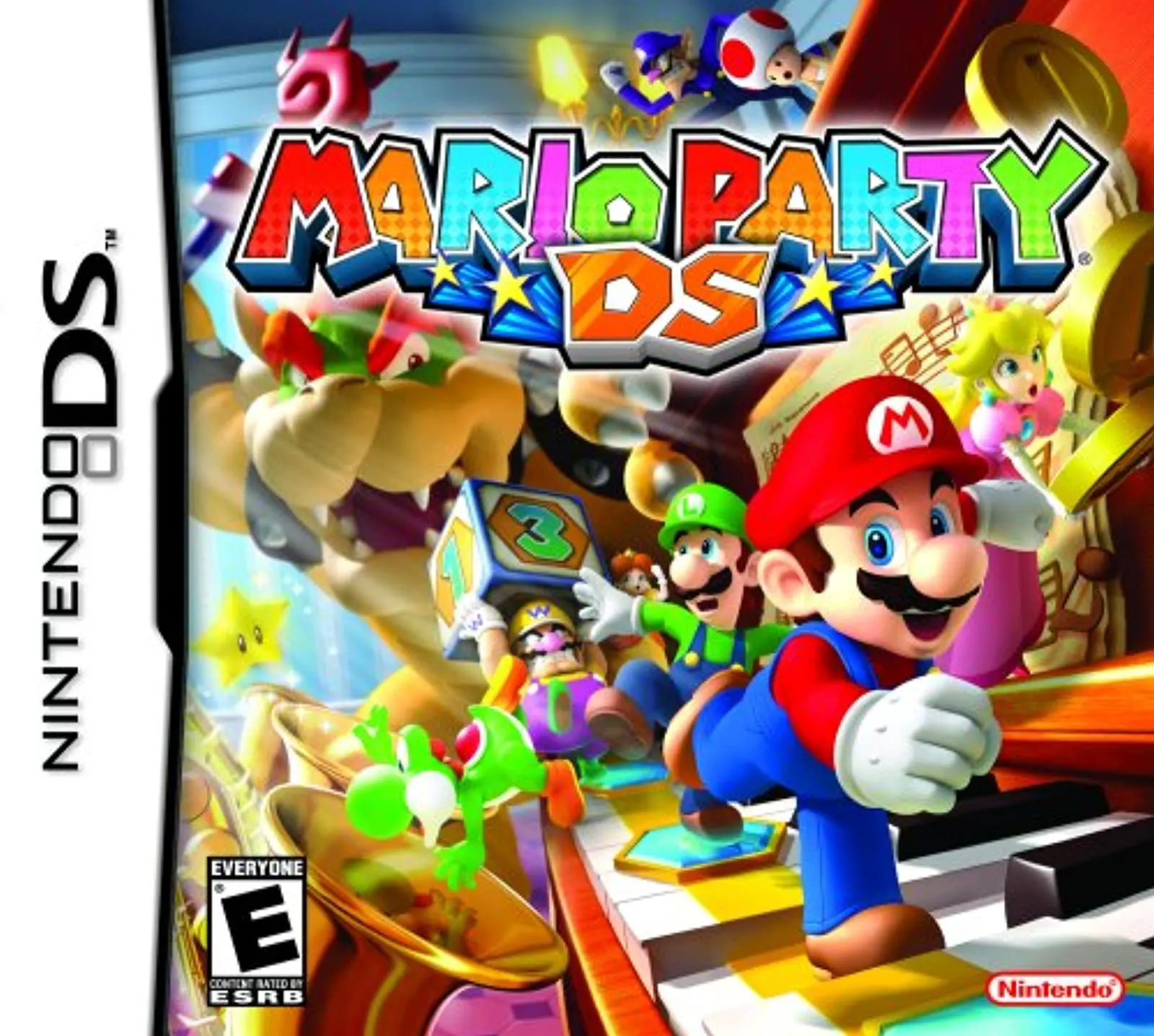
Mario Party DS for the Nintendo DS brings the ultimate ha...

Dream Dancer (released in North America as Princess Debut...
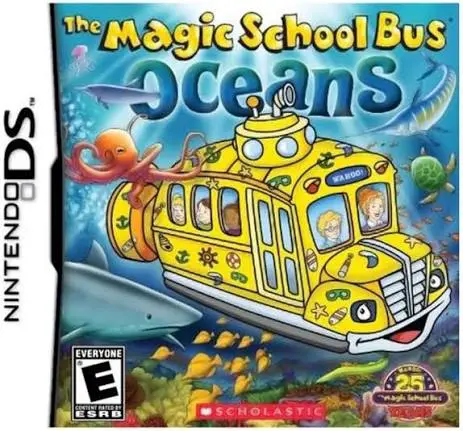
The Magic School Bus: Oceans for the Nintendo DS is an in...
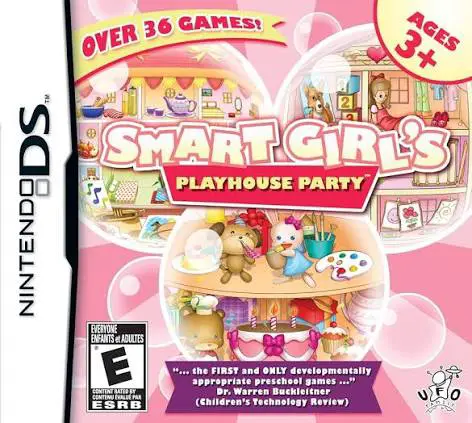
Smart Girl's Playhouse Party for the Nintendo DS is a bri...