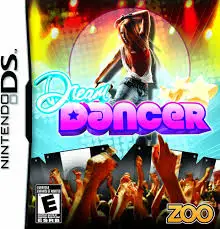
Dream Dancer
Dream Dancer (released in North America as Princess Debut...

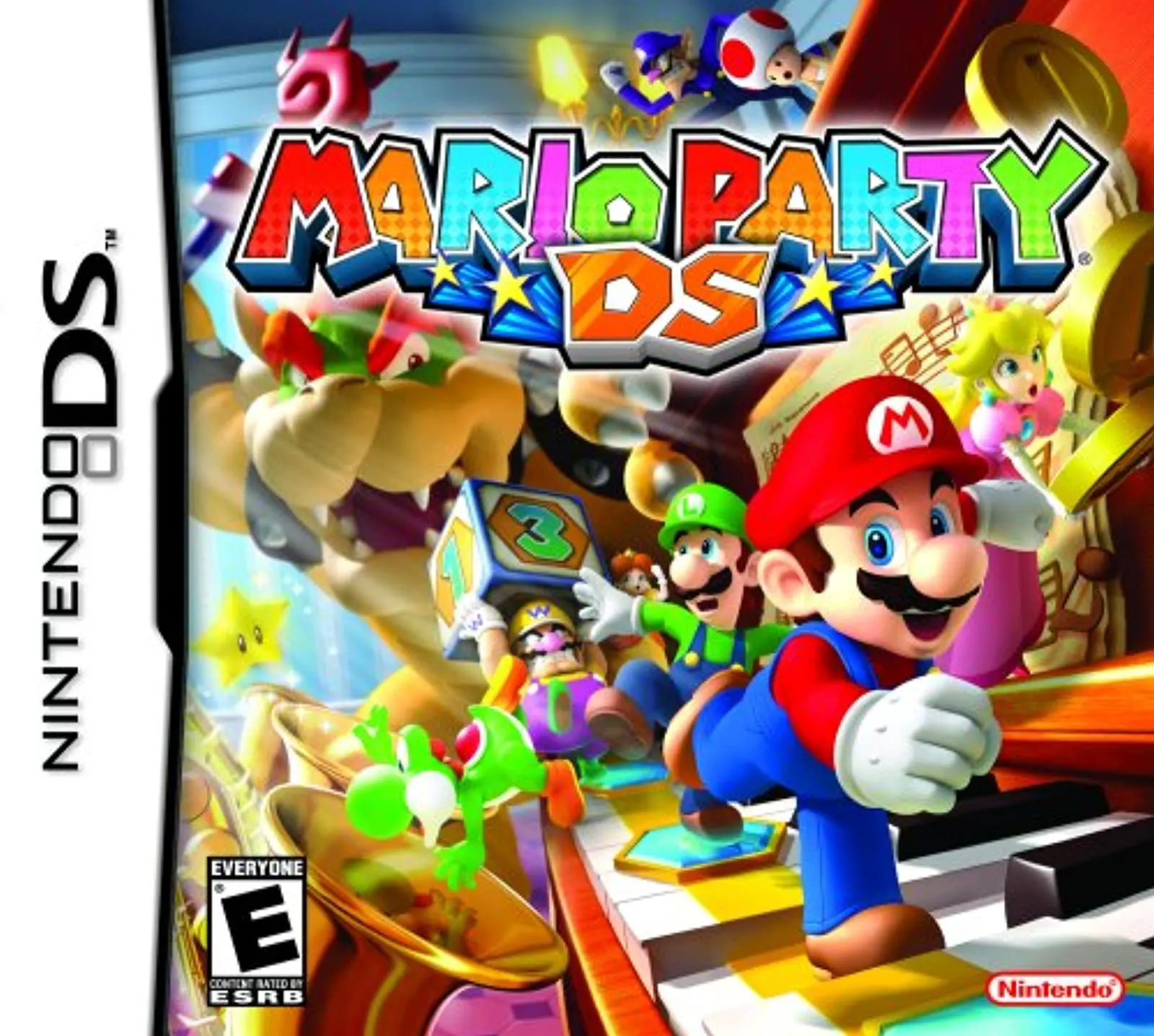
In Mario Party DS, players enter a unique miniature world on the Nintendo DS as Mario and his iconic friends are shrunk down to key-chain size by Bowser. To break the villain's wicked spell and regain their normal stature, the tiny heroes must journey across sprawling giant-sized environments, competing for Stars and coins in classic digital board-game fashion.
The gameplay combines strategic turn-based board exploration with fast-paced, competitive mini-games at the end of each round. Up to four players roll dice, purchase helpful items from Toad shops, trigger board traps, and navigate dynamic board events across five distinct stages, including Wiggler's Garden and Bowser's Pinball Machine. At the end of every turn, players battle in 4-player free-for-all, 1v3, or 2v2 mini-games that test reflexes, timing, and problem-solving skills.
Taking full advantage of the dual-screen system, the top screen displays real-time board movements and mini-game status while the bottom touch screen handles interactive controls like tapping, dragging, and drawing. The microphone is also used for blowing or voice-activated mini-game actions. With rich single-player campaign modes, boss battles, puzzle modes, and full single-card Download Play support, Mario Party DS stands as one of the most beloved multiplayer games on the system.
Game Title: Mario Party DS
Platform: Nintendo DS (NDS)
Genre: Party / Board Game / Mini-Games
Developer: Hudson Soft
Publisher: Nintendo
Release Date: November 2007
File Format: .NDS (ROM)
Languages: English, French, German, Spanish, Italian, Japanese
Control Scheme: D-Pad & Buttons / Touch Screen (Stylus) / Microphone
Over 70 Touch & Mic Mini-Games: Play a diverse collection of mini-games utilizing touch-screen tapping, stylus drawing, and microphone blowing inputs.
Shrunk-Down Story Campaign: Journey across five giant-sized boards such as Toadette's Music Room and DK's Stone Statue to foil Bowser's plans.
Single-Card DS Download Play: Enjoy full four-player local multiplayer competition using only a single game card across multiple NDS consoles.
Boss Battles & Puzzle Modes: Challenge powerful board bosses in unique touch-based showdowns and unlock classic stand-alone puzzle games.
Unlockable Collectibles: Earn points from played matches to unlock figure trophies, music tracks, and character gallery items in the extras menu.
A: Yes, Mario Party DS features full Download Play functionality, allowing up to four players to play the full board game and mini-games locally using only one .nds ROM or game card.
A: The game features 8 playable characters: Mario, Luigi, Peach, Daisy, Wario, Waluigi, Yoshi, and Toad.
A: Absolutely. Single-player mode features a full Story Mode campaign with boss battles, as well as Party Mode against adjustable computer AI opponents and standalone Mini-Game modes.
A: Yes, the .nds ROM file runs excellently on standard Nintendo DS emulators for PC, Android, and iOS, though an emulator with microphone support is recommended for certain mini-games.
Click the links below to go to the cloud drive download page
⚠️ Download Tips:
Dream Dancer (released in North America as Princess Debut...
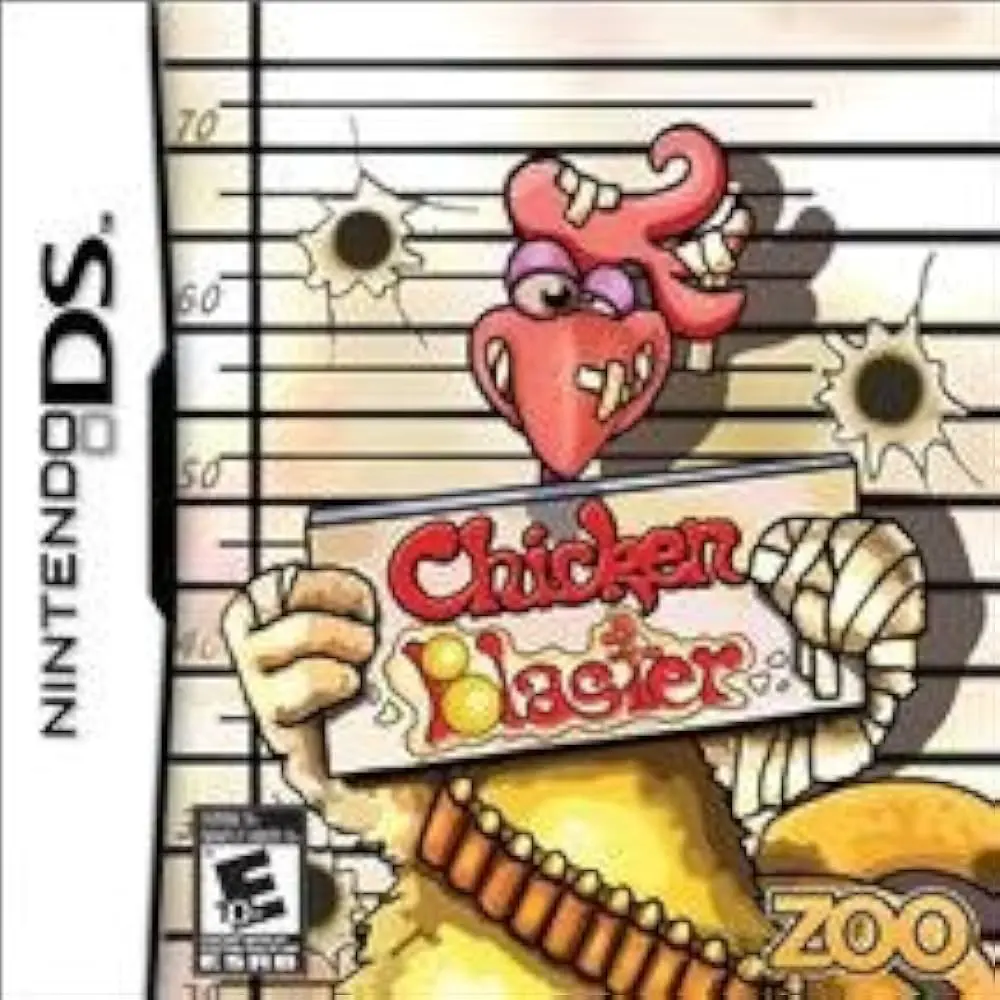
Chicken Blaster is a fast-paced arcade light-gun shooter ...
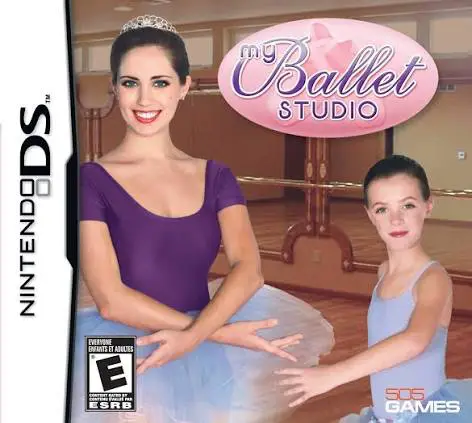
My Ballet Studio (released in some regions as Imagine: Ba...
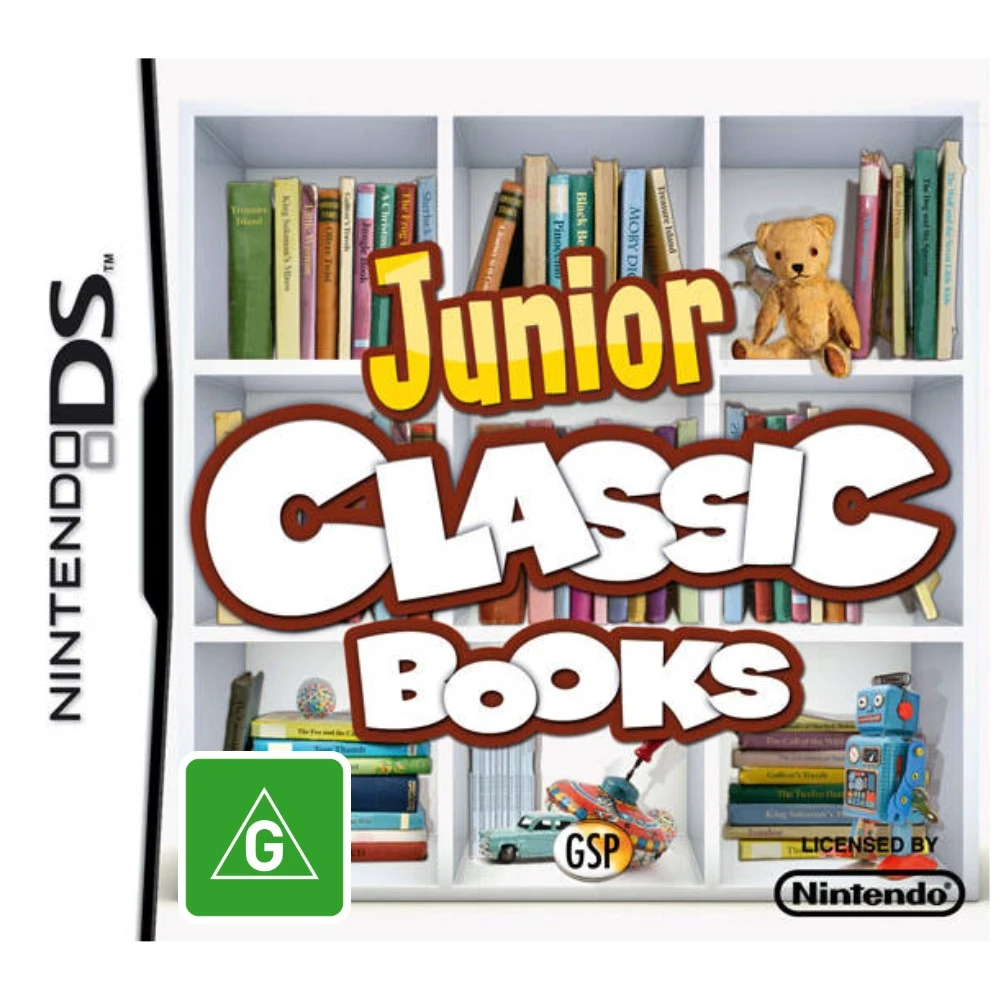
Junior Classic Books & Fairytales for the Nintendo DS tra...
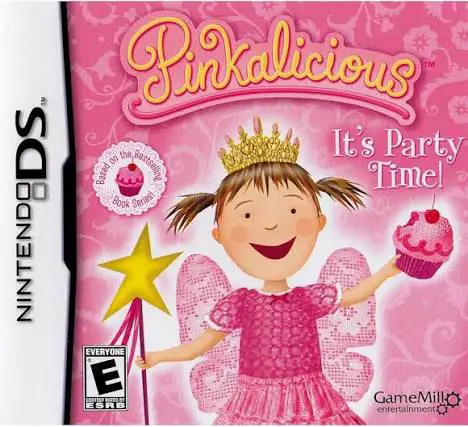
Pinkalicious: It's Party Time! for the Nintendo DS is a c...