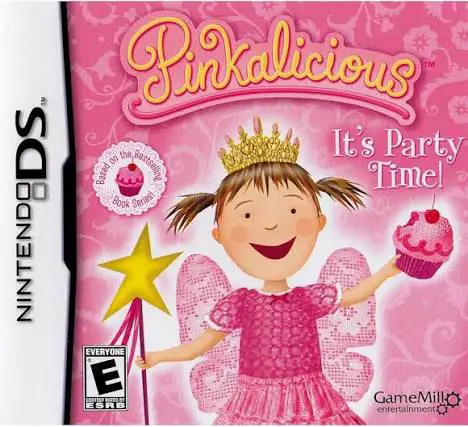
Pinkalicious – It's Party...
Pinkalicious: It's Party Time! for the Nintendo DS is a c...

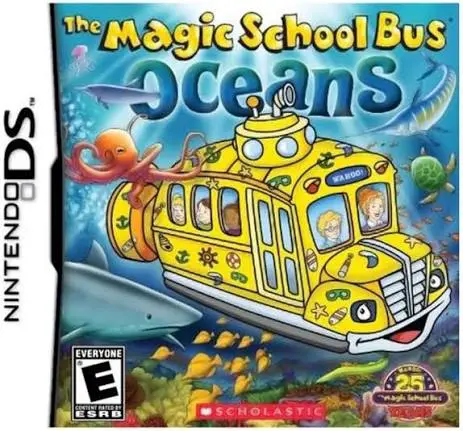
In The Magic School Bus: Oceans, young players step aboard the iconic yellow bus on the Nintendo DS for an unforgettable underwater field trip led by Ms. Frizzle and Liz the Lizard. Inspired by the long-running educational franchise, the game translates classic marine science lessons into interactive handheld exploration.
The gameplay centers on driving the transformed submarine bus through seven distinct oceanic zones, ranging from sunlit shallow coral reefs to the pitch-black abyss of deep-sea trenches. As players navigate marine habitats, they encounter over 200 unique species of sea life. Using the Nintendo DS touch screen and stylus, players perform scientific tasks such as scanning creatures for field reports, organizing food webs, cleaning ocean debris, and steering around dangerous underwater obstacles.
In addition to underwater navigation, players complete interactive experiments and mini-games to earn points, unlock new bus transformations, and earn educational science badges. The dual-screen layout displays navigation maps and environmental stats on the top screen while reserving the bottom screen for direct touch-based experiments and creature logging. With vibrant cartoon art, gentle difficulty scaling, and authentic science facts, The Magic School Bus: Oceans provides an engaging educational experience.
Game Title: The Magic School Bus: Oceans
Platform: Nintendo DS (NDS)
Genre: Educational / Science / Adventure
Developer: KnowWonder / Sensory Sweep
Publisher: Scholastic Interactive / Valcon Games
Release Date: October 2011
File Format: .NDS (ROM)
Languages: English
Control Scheme: Touch Screen (Stylus) & D-Pad
Seven Oceanic Zones: Explore shallow coral reefs, sandy ocean floors, kelp forests, the open ocean, and deep abyssal trenches.
Over 200 Sea Creatures: Discover, scan, and log detailed marine life profiles in your interactive class field guide.
Interactive Science Mini-Games: Solve food chain puzzles, clean up ocean ecosystems, and conduct water experiments using the stylus.
Transforming Magic Bus: Unlock specialized submarine modes and underwater equipment as you progress through field trip assignments.
Scholastic Educational Content: Features verified marine biology facts, encouraging character dialogue, and rewarding science badges.
A: The game is designed for children aged 6 to 10 (elementary school grades), making science and marine biology concepts accessible through interactive play.
A: Activities include driving the submarine bus through ocean zones, scanning and cataloging sea creatures, completing food chain puzzles, and solving science mini-games.
A: Yes, the game features Ms. Frizzle, Liz the Lizard, and the familiar class of students who provide guidance, fun facts, and commentary during field trips.
A: Yes, the .nds ROM file runs smoothly on popular Nintendo DS emulators across PC, Android, and iOS devices, as well as on original Nintendo DS and 3DS systems using flashcards.
Click the links below to go to the cloud drive download page
⚠️ Download Tips:
Pinkalicious: It's Party Time! for the Nintendo DS is a c...
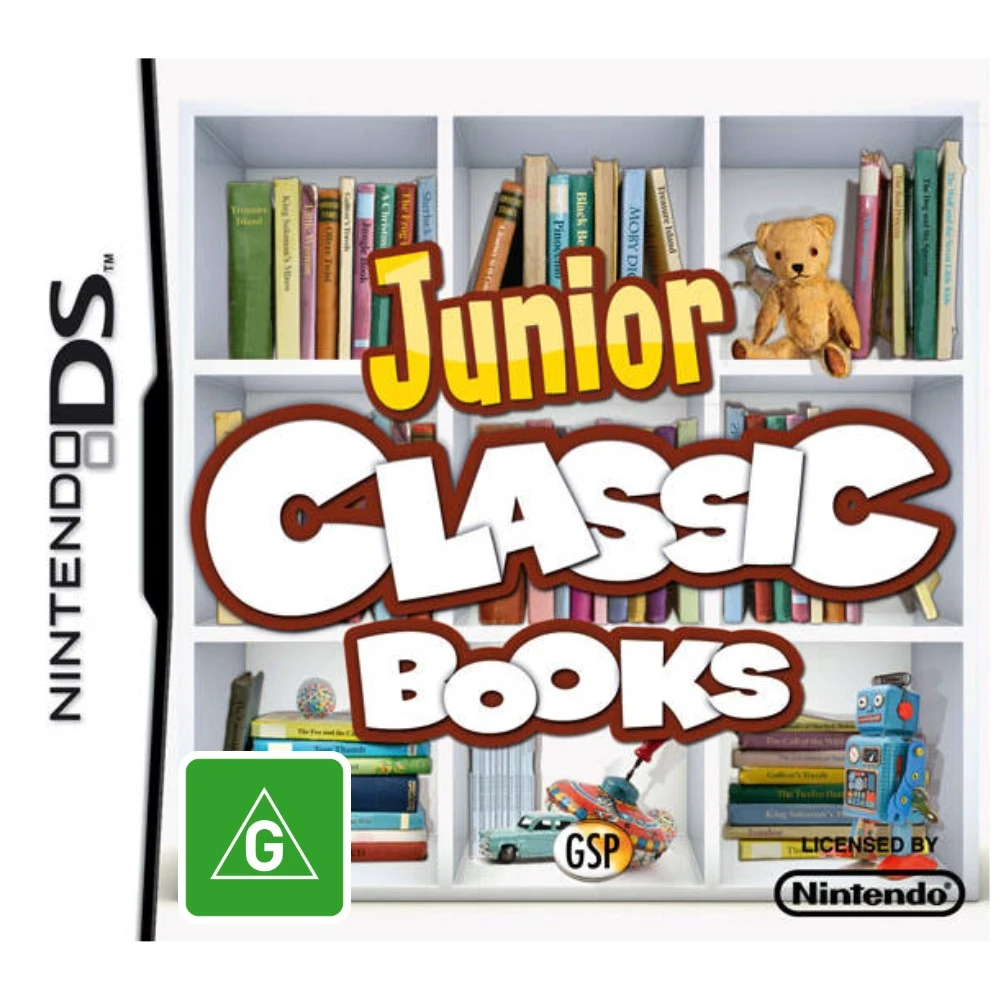
Junior Classic Books & Fairytales for the Nintendo DS tra...
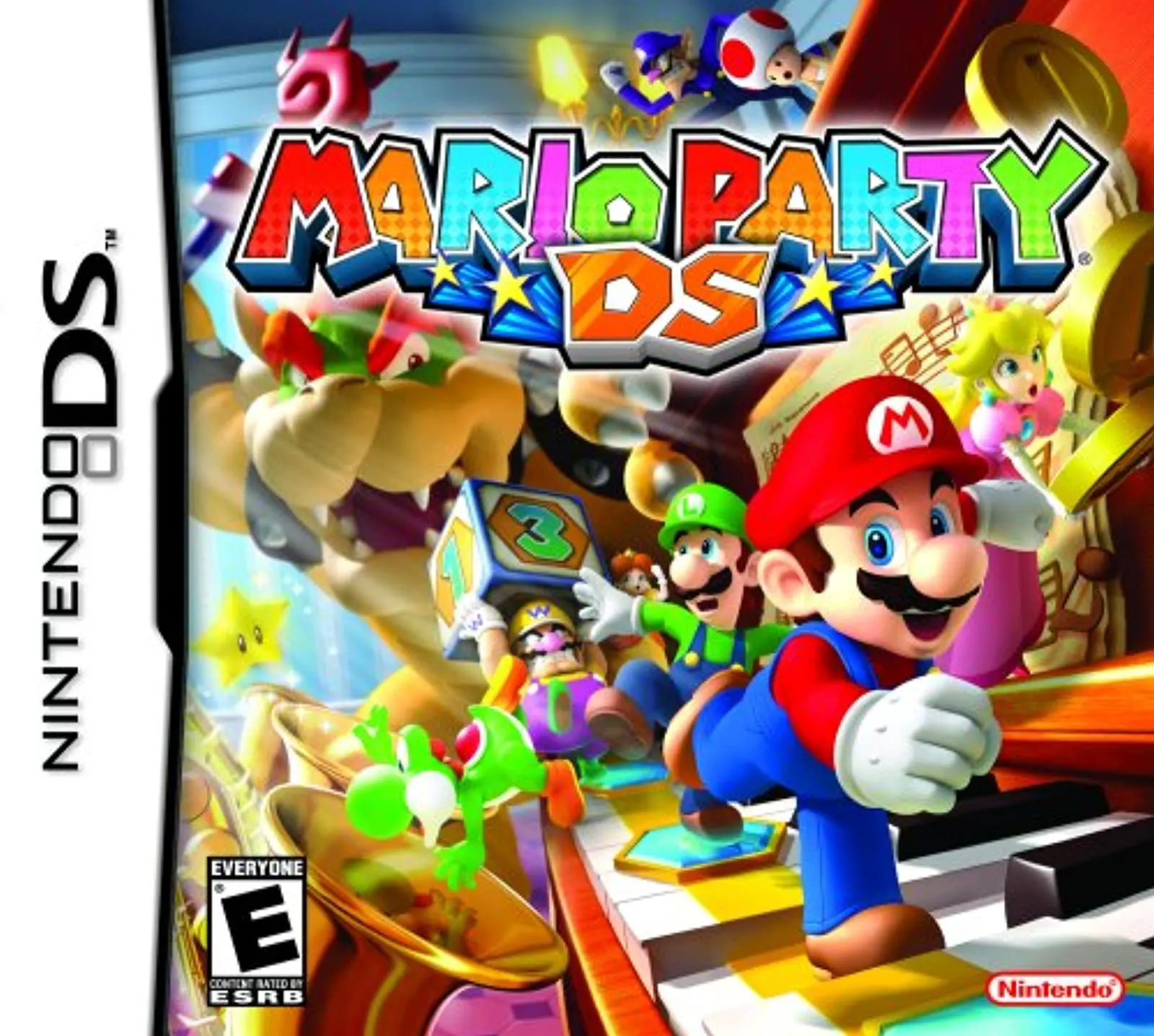
Mario Party DS for the Nintendo DS brings the ultimate ha...
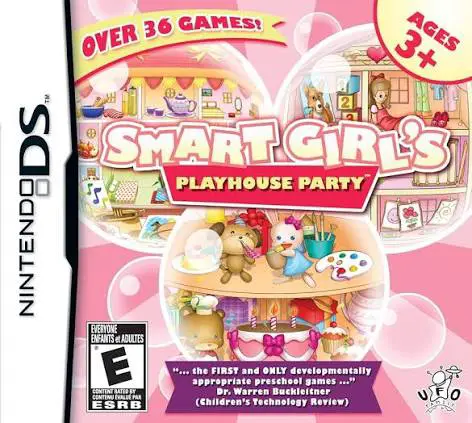
Smart Girl's Playhouse Party for the Nintendo DS is a bri...
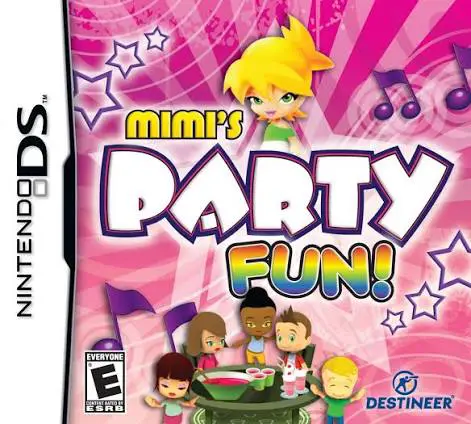
Mimi's Party Fun! for the Nintendo DS is a cheerful, fami...