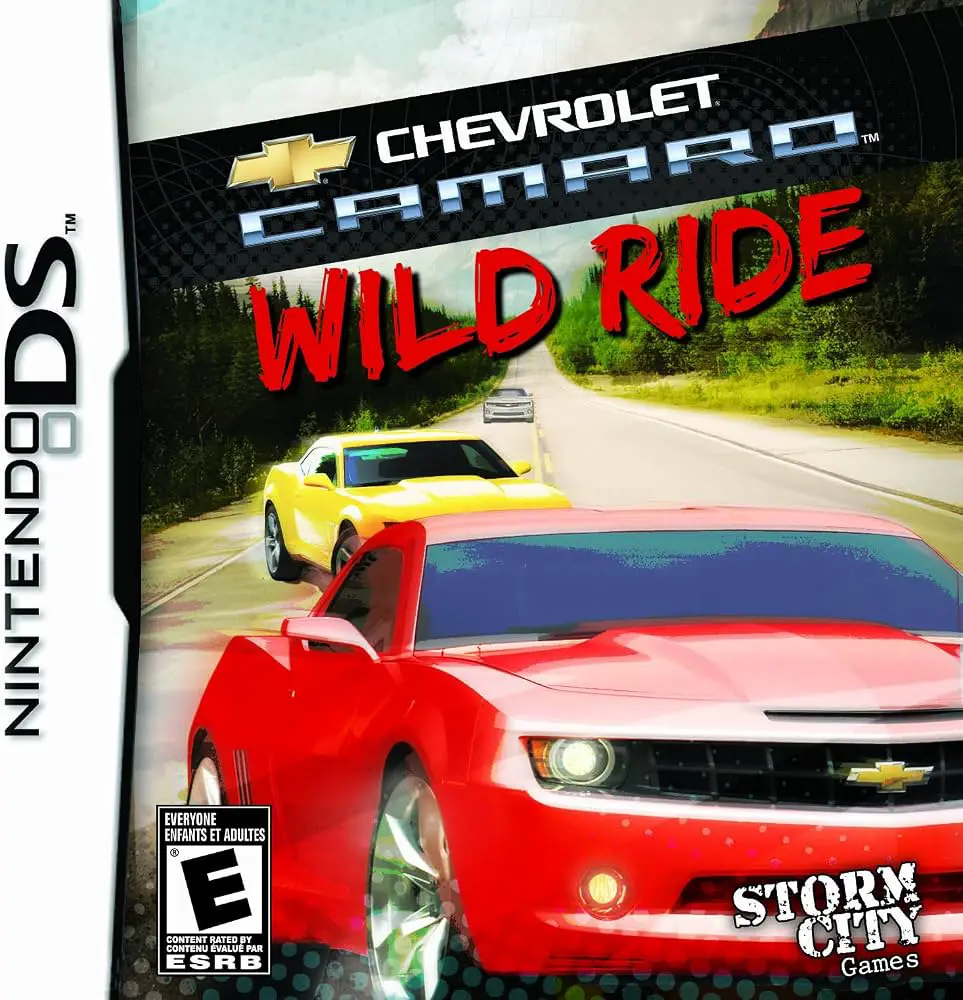
Chevrolet Camaro: Wild Ride
Chevrolet Camaro: Wild Ride for the Nintendo DS is an off...

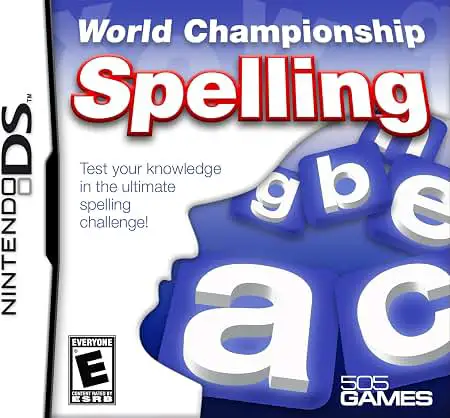
In World Championship Spelling, players test their orthographic skills on the Nintendo DS as they strive to become the ultimate spelling bee champion. Developed to offer both educational value and competitive excitement, the title transforms language study into a tournament-style campaign structure.
The gameplay revolves around listening to audio prompts and correctly spelling spoken words under timed competition conditions. Players start in local classroom rounds and gradually advance through regional, national, and international tournament brackets. Taking full advantage of the Nintendo DS touch screen, players can input answers using either direct stylus handwriting recognition or a virtual on-screen keyboard. Beyond standard tournament rounds, the game features a variety of word-based mini-games, including letter unscrambling, definitions matching, and rapid-fire speed rounds that help reinforce vocabulary acquisition.
With customizable difficulty tiers ranging from elementary vocabulary to advanced adult word lists, World Championship Spelling caters to early learners, middle-grade students, and puzzle lovers alike. Detailed statistics track accuracy and speed, allowing players to pinpoint areas for improvement while earning trophies and unlocking custom avatars along their path to championship victory.
Game Title: World Championship Spelling
Platform: Nintendo DS (NDS)
Genre: Educational / Word / Puzzle
Developer: Sensory Sweep Studios
Publisher: 505 Games
Release Date: November 2009
File Format: .NDS (ROM)
Languages: English
Control Scheme: Touch Screen (Stylus) & Microphone
Tournament Campaign Mode: Compete across escalating tournament brackets from local school stages to the global finals.
Handwriting Recognition: Use the NDS stylus to write letters directly on the touch screen or tap out answers via the virtual keyboard.
Diverse Word Mini-Games: Practice vocabulary through engaging side games like word scrambles, definition matching, and speed challenges.
Custom Difficulty Tiers: Features extensive word banks tailored for elementary students through advanced vocabulary masters.
Progress & Performance Tracking: Review detailed statistics monitoring spelling accuracy, speed, and overall tournament rankings.
A: The game includes multiple customizable difficulty tiers, making it appropriate for elementary school children building foundational skills as well as older students and adults looking for a serious vocabulary challenge.
A: The Nintendo DS plays clear audio clips pronouncing each target word, which players must then spell correctly on the bottom touch screen using the stylus or virtual keyboard.
A: Yes, the game utilizes the Nintendo DS handwriting recognition system, allowing players to write individual letters directly on the touch screen with the stylus.
A: Yes, the .nds ROM file performs reliably across standard Nintendo DS emulators for PC, Android, and iOS devices, as well as on original Nintendo DS and 3DS hardware using flashcards.
Click the links below to go to the cloud drive download page
⚠️ Download Tips:
Chevrolet Camaro: Wild Ride for the Nintendo DS is an off...
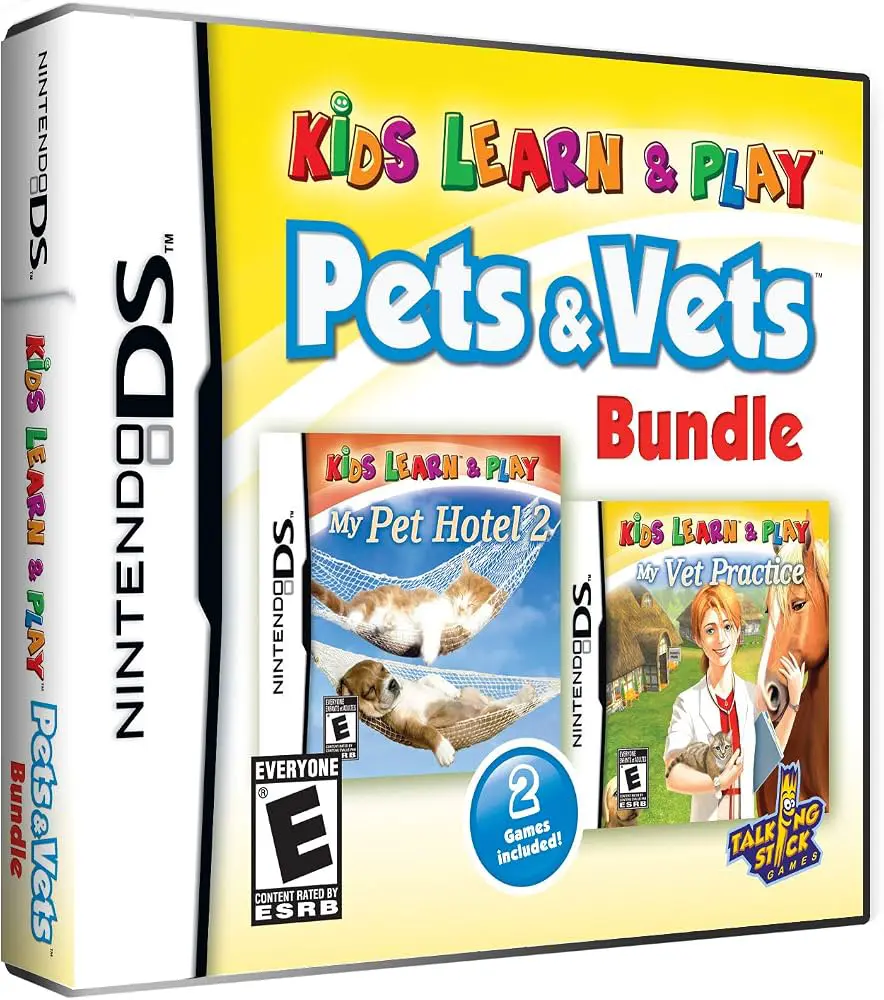
Kids Learn & Play: Pets & Vets Bundle for the Nintendo DS...
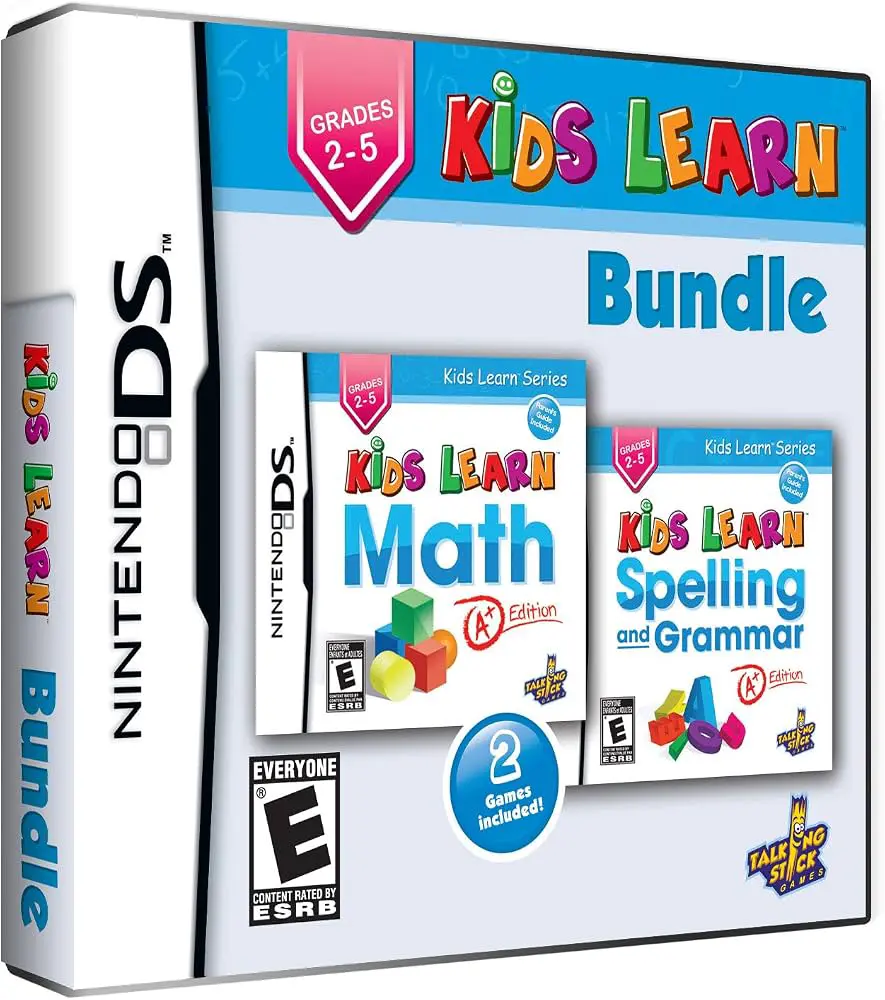
Kids Learn: Math and Spelling Bundle for the Nintendo DS ...
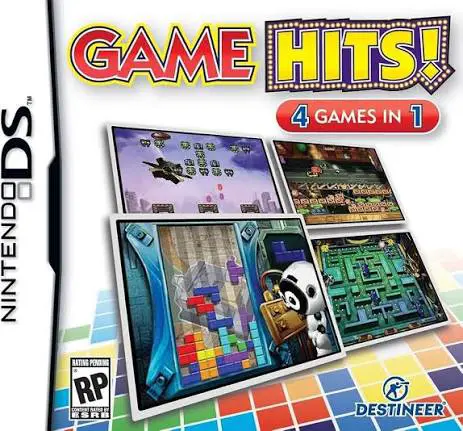
Game Hits! for the Nintendo DS is a diverse arcade and pu...
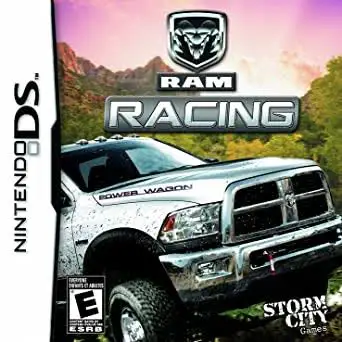
Ram Racing for the Nintendo DS is an officially licensed ...