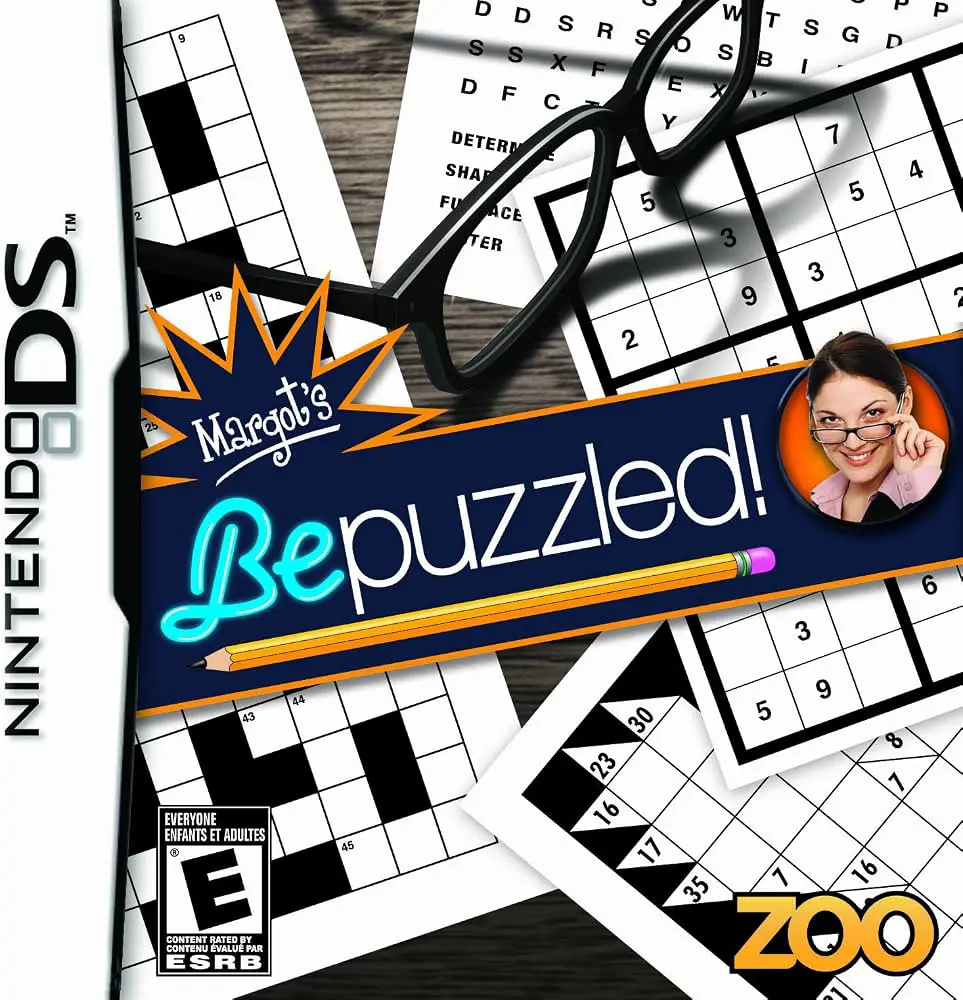
Margot's Bepuzzled!
Margot's Bepuzzled! for the Nintendo DS is an engaging pu...

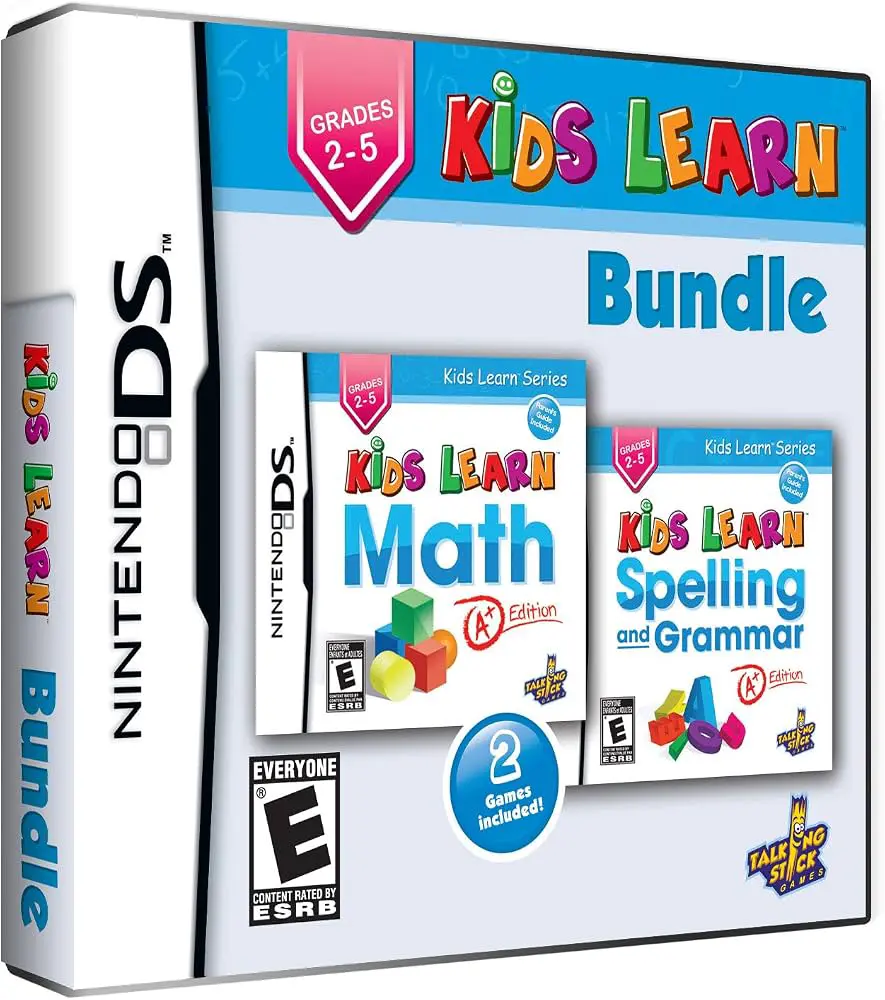
In Kids Learn: Math and Spelling Bundle, young players embark on an interactive educational journey on the Nintendo DS designed to reinforce school curricula through play. Published as a combined learning package, the title merges two critical academic pillars—elementary mathematics and English language skills—into a single handheld application.
The gameplay is structured around bite-sized exercises and colorful mini-games that adapt to a child's learning pace. In the math modules, players practice basic counting, addition, subtraction, multiplication, and simple shape identification. The spelling modules focus on letter recognition, phonics, word completion, and vocabulary building. Utilizing the DS touch screen and handwriting recognition, children write out numbers and letters directly with the stylus, promoting fine motor skills alongside academic retention.
Progress is monitored through an encouraging tracking system that awards stars, badges, and unlockable rewards as players complete daily lessons. With clean visual design, clear voice prompts, and progressive difficulty settings, Kids Learn: Math and Spelling Bundle serves as an ideal supplemental learning tool for parents and educators seeking wholesome, handheld educational content.
Game Title: Kids Learn: Math and Spelling Bundle
Platform: Nintendo DS (NDS)
Genre: Educational / Puzzle / Kids
Developer: 1st Playable Productions
Publisher: Selectsoft / SVG Distribution
Release Date: October 2010
File Format: .NDS (ROM)
Languages: English
Control Scheme: Touch Screen (Stylus)
Two-in-One Learning: Combines foundational mathematics and vocabulary building into a single educational game cartridge.
Interactive Touch Exercises: Write answers directly on the screen using the stylus with intuitive handwriting and number recognition.
Progressive Difficulty: Adapts to different learning stages, catering to early learners from preschool through early elementary grades.
Rewarding Mini-Games: Earn stars, medals, and fun unlockable rewards by completing lessons and achieving high scores.
Kid-Friendly Interface: Features clear visual icons, encouraging voice feedback, and low-stress navigation designed for young minds.
A: The game is primarily designed for young children aged 4 to 8 (early elementary grades) who are learning basic arithmetic, counting, letter writing, and vocabulary.
A: Basic menu navigation is kept simple with visual icons and audio instructions, making it easy for young children to play independently or with minimal adult supervision.
A: Players use the stylus to write out numbers and letters on the touch screen, trace shapes, tap correct answers, and drag objects during interactive educational mini-games.
A: Yes, the .nds ROM file performs smoothly on standard Nintendo DS emulators for PC, Android, and iOS devices, as well as on original Nintendo DS and 3DS hardware using flashcards.
Click the links below to go to the cloud drive download page
⚠️ Download Tips:
Margot's Bepuzzled! for the Nintendo DS is an engaging pu...
Puzzler World for the Nintendo DS brings over 1,000 diver...
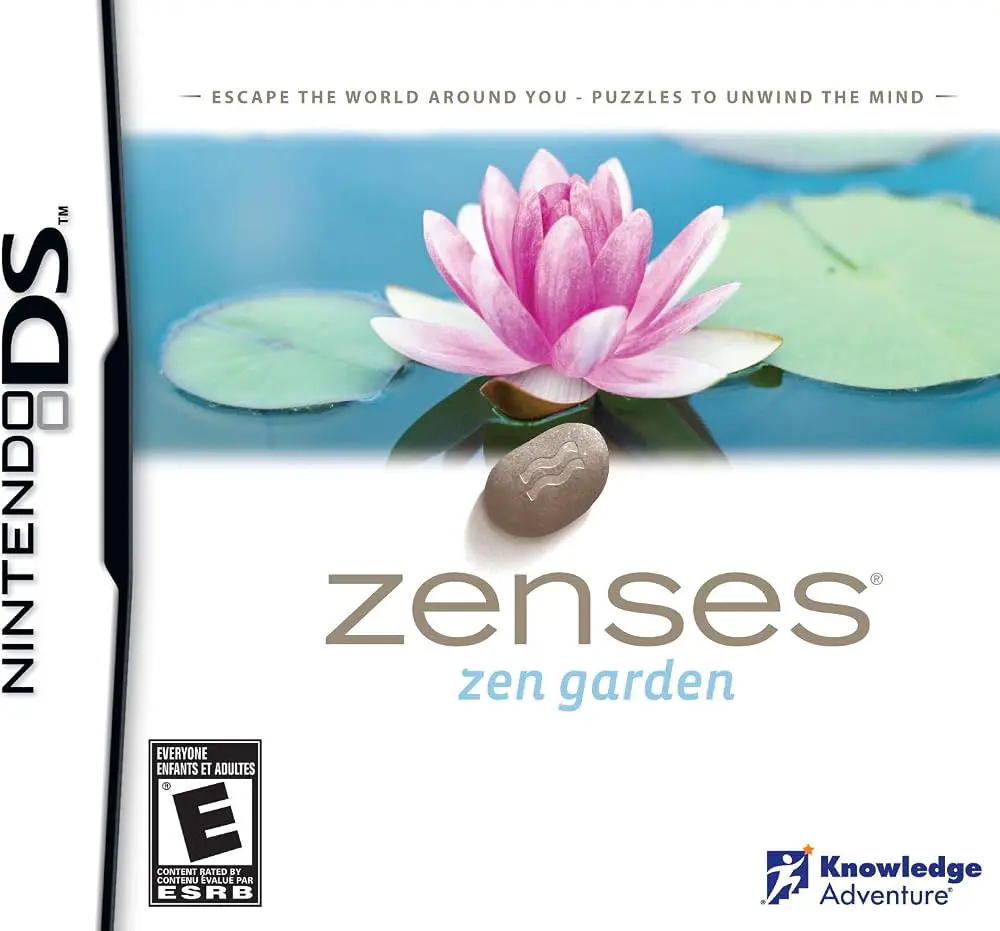
Zenses: Zen Garden for the Nintendo DS is a soothing puzz...
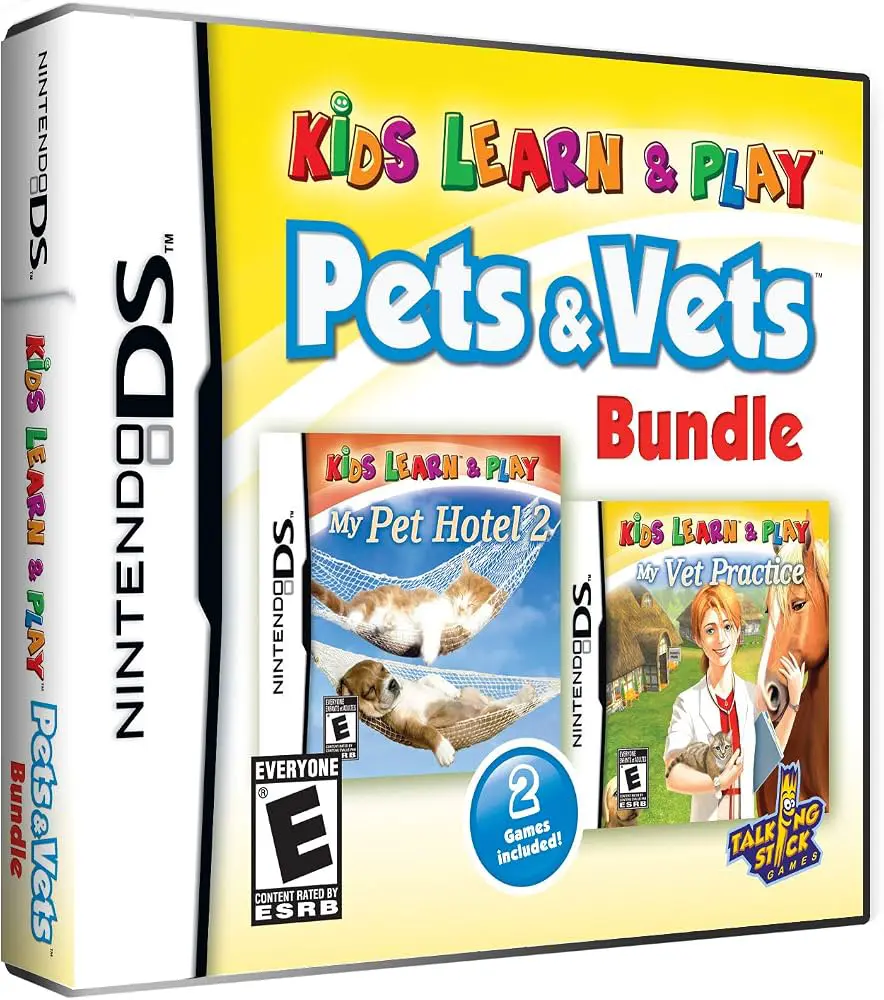
Kids Learn & Play: Pets & Vets Bundle for the Nintendo DS...

Chevrolet Camaro: Wild Ride for the Nintendo DS is an off...