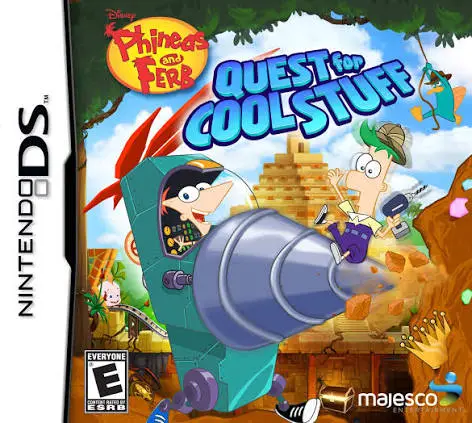
Phineas and Ferb – Quest ...
Phineas and Ferb: Quest for Cool Stuff for the Nintendo D...

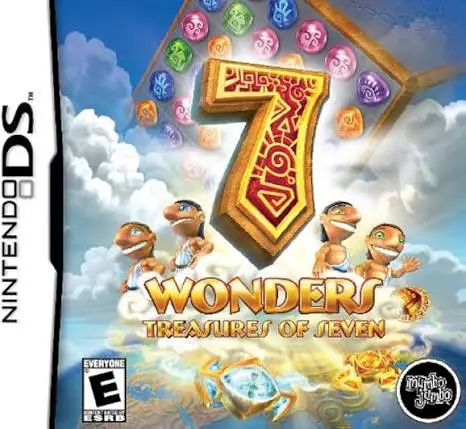
In 7 Wonders: Treasures of Seven, players test their puzzle-solving speed and spatial strategy on the Nintendo DS. Developed by MumboJumbo, the game expands the acclaimed casual puzzle franchise with new gameplay twists and grand architectural goals.
The core objective centers on matching colored runes on a grid to break underlying stone tiles. As tiles clear, cornerstone blocks drop down the board toward waiting builders at the bottom of the screen. In this third installment, players can physically rotate the entire game board 90 degrees using the DS stylus, causing falling blocks and key pieces to shift direction and slide along new paths. Once a monument's construction is complete, players unlock a special compass mini-game to route water paths and reveal secret hidden treasures.
Taking full advantage of the dual-screen system of the Nintendo DS, the upper screen displays magnificent, evolving architectural wonders—such as the Temple of Solomon, Stonehenge, and the Colosseum—while the lower touch screen acts as the primary interactive match-three puzzle grid. Featuring explosive power-ups, multiple difficulty settings, and continuous strategic gameplay, 7 Wonders: Treasures of Seven provides lasting replay value.
Game Title: 7 Wonders: Treasures of Seven
Platform: Nintendo DS (NDS)
Genre: Puzzle / Match-Three / Casual
Developer: MumboJumbo
Publisher: MumboJumbo
Release Date: March 2011
File Format: .NDS (ROM)
Languages: English, French, Spanish
Control Scheme: Touch Screen (Stylus)
Classic Match-Three Mechanics: Swap adjacent runes on a grid to match three or more identical symbols and clear building materials.
Dynamic Board Rotation: Rotate the entire puzzle grid 90 degrees left or right to manipulate gravity and guide key pieces around obstacles.
Construct Legendary Monuments: Rebuild world-famous ancient wonders including the Taj Mahal, Great Wall of China, and Chichen Itza.
Explosive Power-Up Runes: Unlock and unleash devastating special tiles including lightning bolts, fireballs, and area-clearing bombs.
Post-Level Compass Puzzles: Complete secret map and compass mini-games after finishing each wonder to uncover bonus treasure troves.
A: Treasures of Seven introduces the board-rotation mechanic, allowing players to rotate the entire puzzle board 90 degrees to reroute falling pieces, alongside new compass mini-games and updated architectural wonders.
A: The game is a tile-matching match-three puzzle game similar to Bejeweled or Zuma, combined with objective-based grid clearing to construct historical monuments.
A: Yes, each level features a timer represented by a group of ancient workers. Players must clear all required building blocks before the work day ends, though relaxed difficulty settings offer more forgiving time windows.
A: Yes, the .nds ROM file runs cleanly across standard Nintendo DS emulators for PC, Android, and iOS devices, as well as on original Nintendo DS and 3DS systems using flashcards.
Click the links below to go to the cloud drive download page
⚠️ Download Tips:
Phineas and Ferb: Quest for Cool Stuff for the Nintendo D...
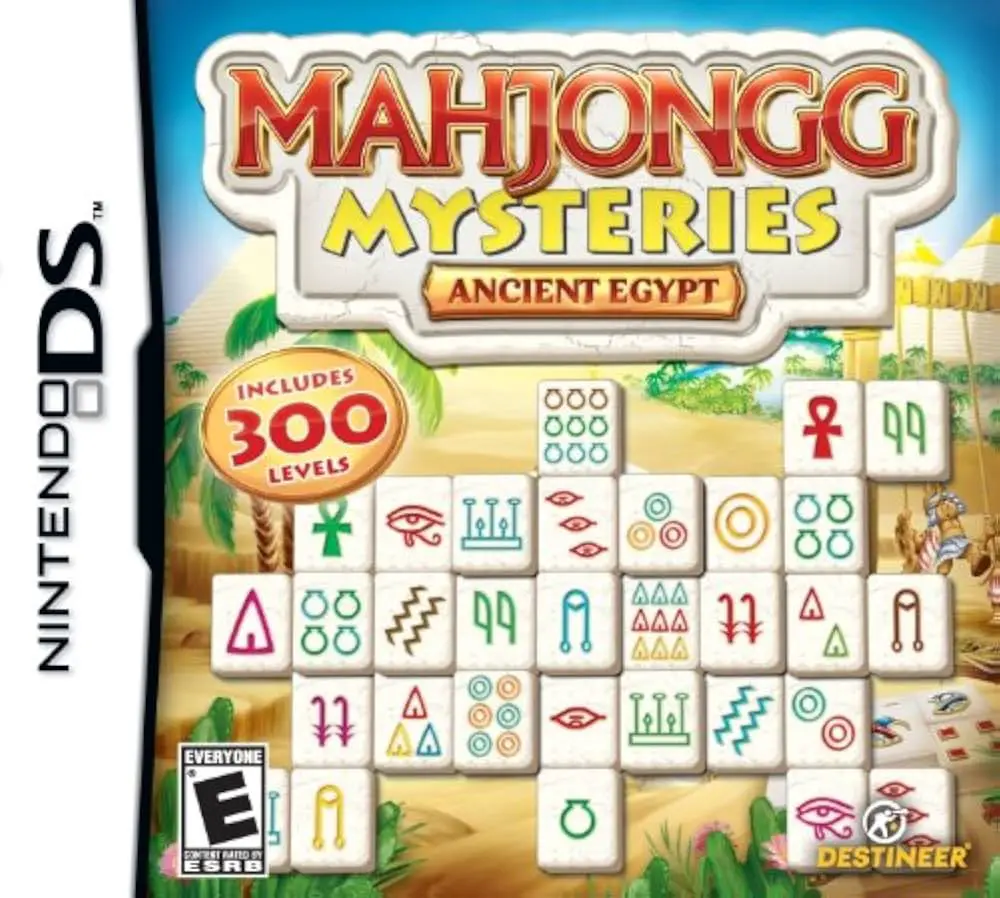
Mahjongg Mysteries – Ancient Egypt for the Nintendo DS is...
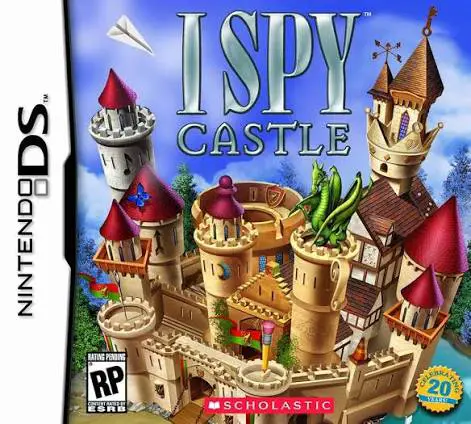
I SPY Castle for the Nintendo DS is an engaging hidden ob...
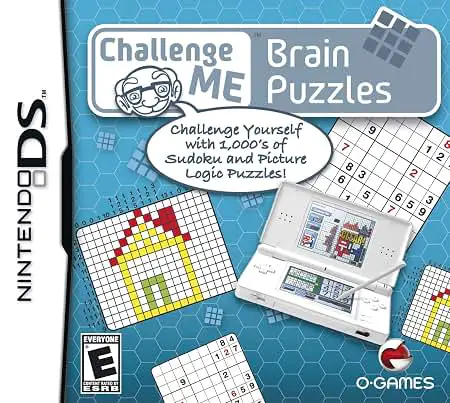
Challenge Me – Brain Puzzles for the Nintendo DS is an en...
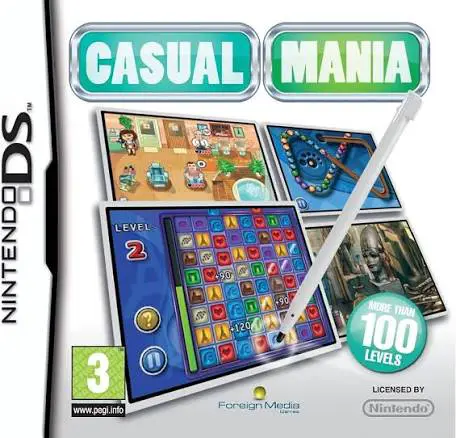
Casual Mania for the Nintendo DS is an accessible compila...