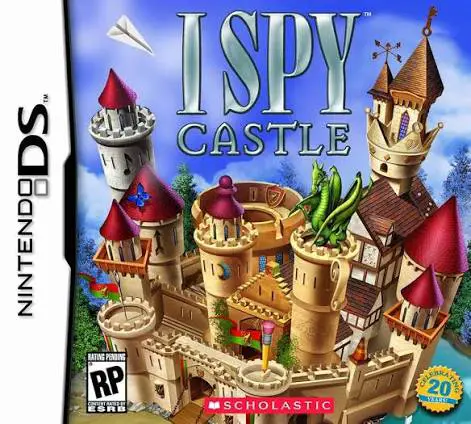
I SPY Castle
I SPY Castle for the Nintendo DS is an engaging hidden ob...

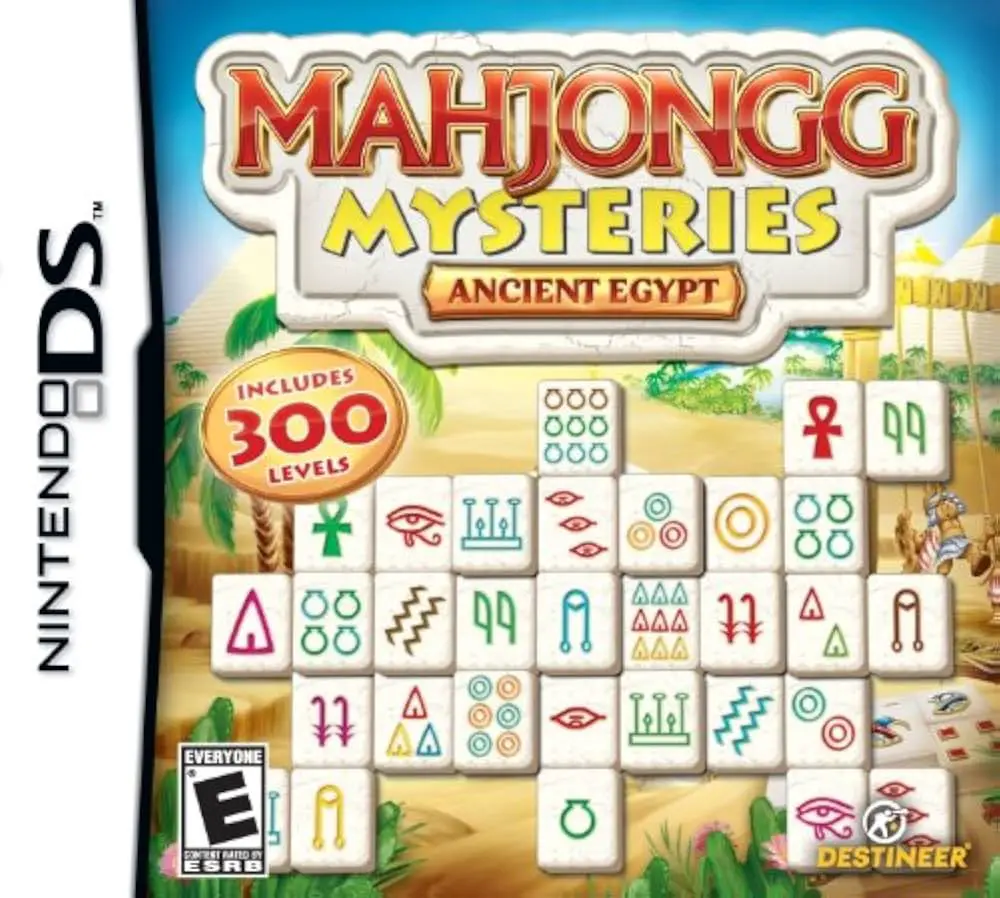
In Mahjongg Mysteries – Ancient Egypt, players test their visual perception and strategic matching skills on the Nintendo DS. Developed by cerasus.media and published by Avanquest, the title blends traditional mahjong solitaire gameplay with a story-driven campaign exploration mode.
The central gameplay revolves around matching unblocked identical tiles to clear intricate 3D layouts before running out of valid moves or time. In Adventure Mode, players follow an expedition narrative across famous landmarks—including Luxor, the Valley of the Kings, and the Great Pyramids—unlocking hidden artifacts, special bonus power-ups, and special Egyptian-themed tile sets along the way. For players seeking a quick puzzle session, Classic Mode offers a vast collection of traditional tile layouts with customizable rules and timer settings.
Making full use of the dual-screen interface of the Nintendo DS, the upper screen displays layout progress, level timers, and storyline cutscenes, while the bottom touch screen acts as the primary interactive board where players select tiles with the stylus. Featuring polished visual presentation, intuitive hint tools, and hundreds of unique boards, Mahjongg Mysteries – Ancient Egypt provides lasting replay value for puzzle enthusiasts.
Game Title: Mahjongg Mysteries – Ancient Egypt
Platform: Nintendo DS (NDS)
Genre: Puzzle / Tile-Matching / Mahjong Solitaire
Developer: cerasus.media
Publisher: Avanquest Software / Mastertronic
Release Date: November 2009
File Format: .NDS (ROM)
Languages: English, French, German, Spanish, Italian
Control Scheme: Touch Screen (Stylus)
Story-Driven Adventure Mode: Follow an archaeological expedition across ancient Egyptian sites to uncover lost pharaonic treasures and solve hidden mysteries.
Over 300 Unique Tile Layouts: Clear a massive variety of tile arrangements ranging from simple introductory boards to complex multi-layered structures.
Multiple Themed Tile Sets: Choose between classic traditional mahjong symbols and custom Egyptian hieroglyph tile designs.
Helpful In-Game Assist Tools: Utilize helpful power-up mechanics including tile shuffle options, undo features, and hint highlights when stuck.
Classic & Endless Play Modes: Enjoy quick, casual play with customizable board selections, time limits, and score tracking outside the main story.
A: The game features Mahjong Solitaire tile-matching gameplay, where players match pairs of free, unblocked tiles with matching symbols to clear the board.
A: Yes, while Adventure Mode includes timed challenges, players can select untimed modes or custom rules in Classic Mode for a relaxed puzzle experience.
A: Players tap tiles directly on the lower touch screen using the NDS stylus to highlight and pair matching tiles, making gameplay intuitive and responsive.
A: Yes, the .nds ROM file runs smoothly across standard Nintendo DS emulators for PC, Android, and iOS devices, as well as on original Nintendo DS and 3DS systems using flashcards.
Click the links below to go to the cloud drive download page
⚠️ Download Tips:
I SPY Castle for the Nintendo DS is an engaging hidden ob...

I Spy Game Pack for the Nintendo DS is an engaging dual-g...

Heathcliff! – Frantic Foto for the Nintendo DS is a fast-...

Phineas and Ferb: Quest for Cool Stuff for the Nintendo D...
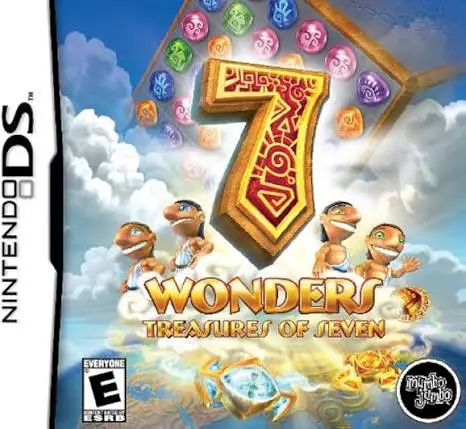
7 Wonders: Treasures of Seven for the Nintendo DS is an a...