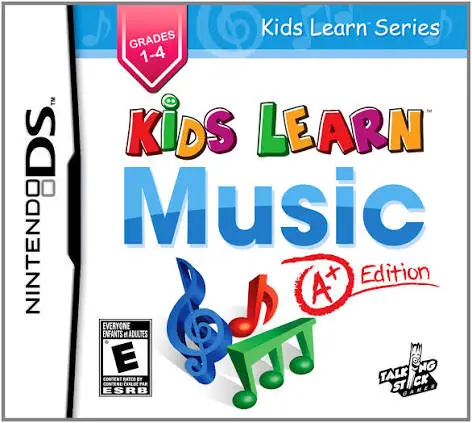
Kids Learn Music – A+ Edi...
Kids Learn Music: A+ Edition is an educational music simu...

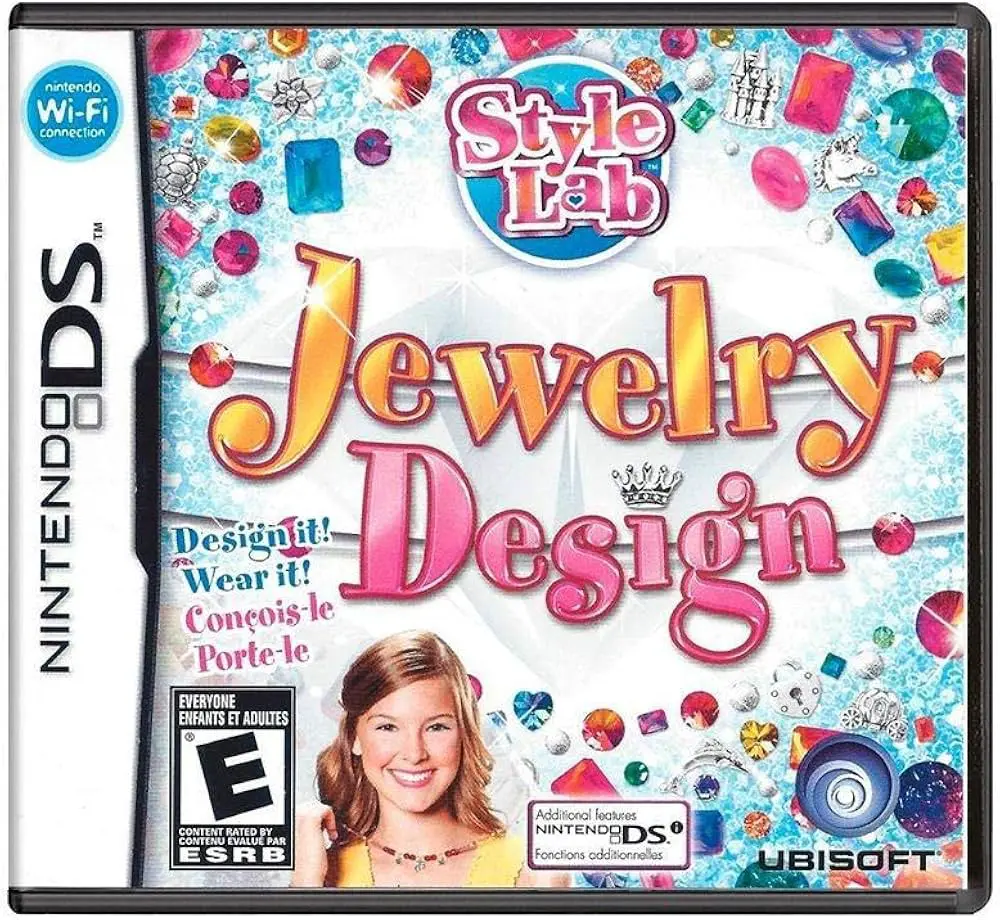
Game Overview
Title: Style Lab: Jewelry Design
Platform: Nintendo DS (NDS)
Release Date: November 10, 2009
Developer: 1st Playable Productions
Publisher: Ubisoft
Genre: Simulation / Fashion / Creative Design
Key Features
Custom Jewelry Crafting: Design custom bracelets, necklaces, and charms choosing from diverse beads, metal links, gemstones, pendants, and patterns.
Boutique Career Mode: Run a virtual jewelry studio by fulfilling client requests, matching specific fashion criteria, and unlocking new tools and accessory materials.
DSi Camera Photo Integration: Compatible with Nintendo DSi hardware to snap personal photos and preview created jewelry pieces on real-life models.
Style Sharing: Save finished creations to your virtual portfolio gallery and share design templates with friends via local wireless communication.
Controls & Button Mapping
Stylus / Touch Screen: Main input tool used to drag beads onto strings, polish gemstones, assemble links, select colors, and navigate menus.
D-Pad / Directional Buttons: Scroll through component catalogs, material inventories, and photo gallery views.
A Button: Pick up selected items, place jewelry pieces, or confirm menu options.
B Button: Cancel current selection, undo last placement, or return to the previous screen.
X / Y Buttons: Toggle pattern grid previews or switch between different material trays.
L / R Shoulder Buttons: Rotate jewelry elements, switch inventory categories, or zoom camera views.
START Button: Pause active gameplay and bring up system settings.
SELECT Button: Display current client order requirements and progress objectives.
Frequently Asked Questions (FAQ)
Q: What type of gameplay does Style Lab: Jewelry Design offer?
A: It is a creative simulation title where players design custom jewelry, manage client orders, and build their own virtual fashion brand.
Q: Does the game support DSi camera features?
A: Yes, playing on a Nintendo DSi or 3DS system allows you to use the built-in camera to take pictures and superimpose your custom jewelry designs onto photos.
Q: What file format is this game ROM, and how can I play it?
A: The game file is provided in .nds format. You can run it on original Nintendo DS/DSi/3DS consoles using a flashcart, or play it on modern systems via NDS emulators like melonDS or DeSmuME.
Q: Can you save multiple custom jewelry designs?
A: Yes, the game features an in-game lookbook portfolio where you can save, organize, and edit your custom-crafted jewelry collection.
Click the links below to go to the cloud drive download page
⚠️ Download Tips:
Kids Learn Music: A+ Edition is an educational music simu...
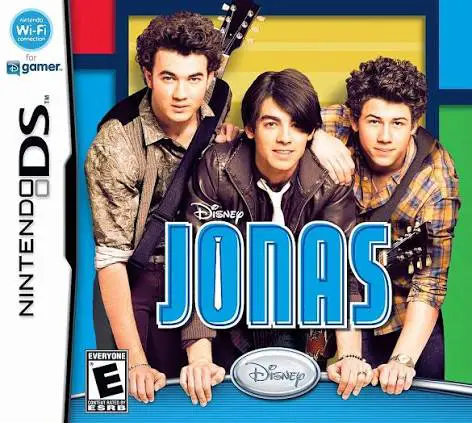
Jonas is a rhythm-adventure video game developed by Altro...

Petz: Dogz Pack is a virtual pet simulation game develope...
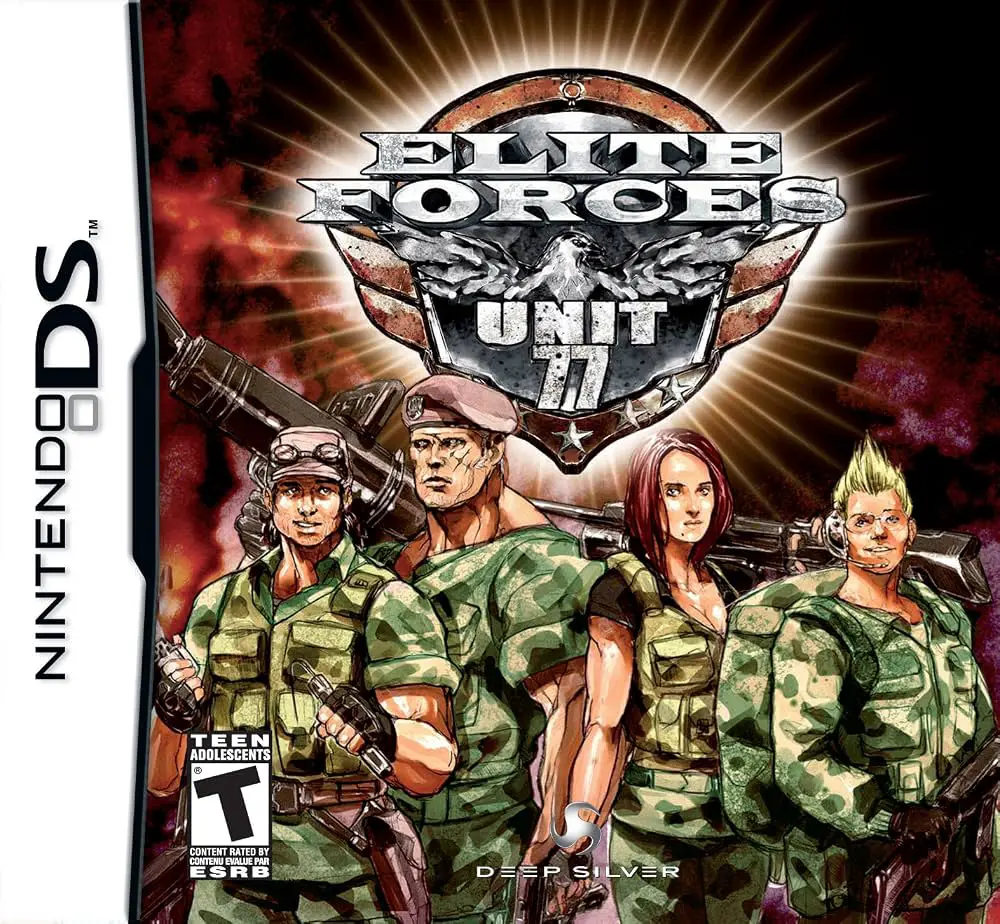
Command an elite strike team in Elite Forces: Unit 77 for...
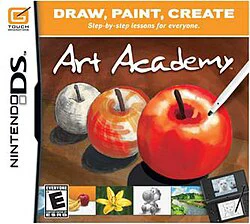
Transform your Nintendo DS into a portable art studio wit...