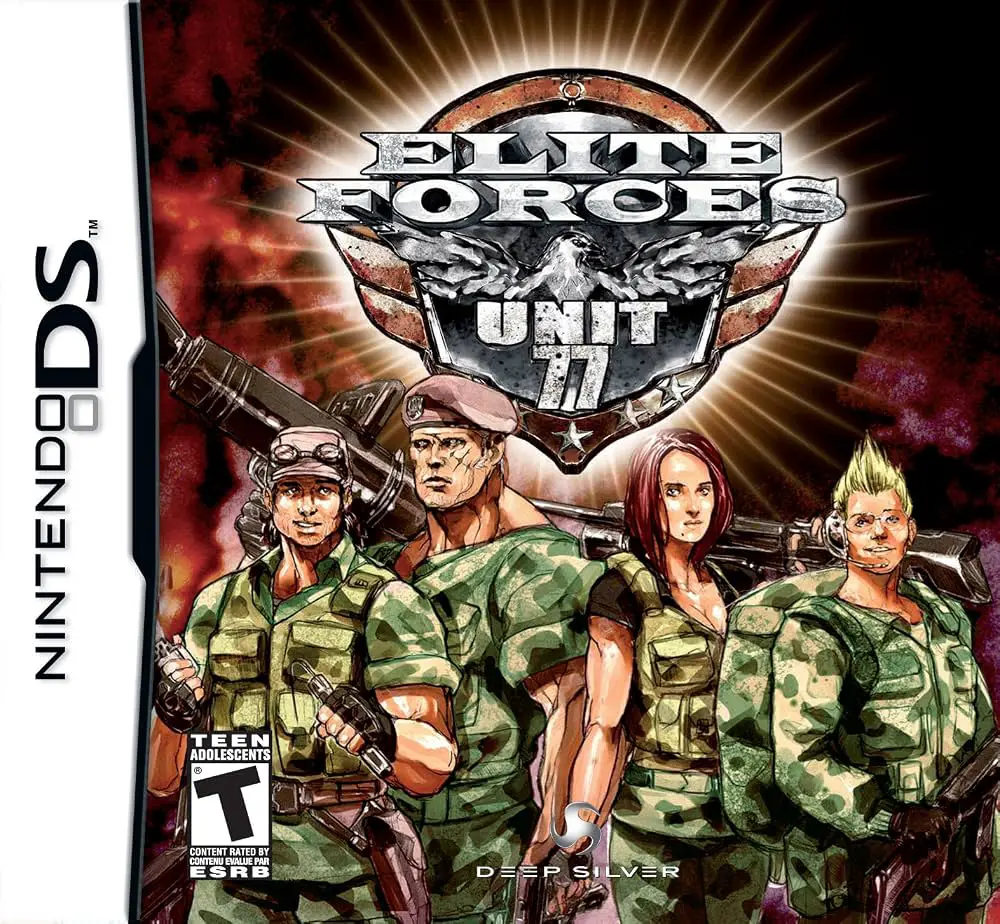
Elite Forces: Unit 77
Command an elite strike team in Elite Forces: Unit 77 for...

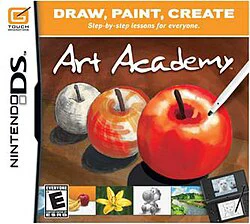
Art Academy is an acclaimed educational drawing and painting software developed for the Nintendo DS. Guided by an in-game tutor named Vince, players learn real-world artistic principles—such as shading, color mixing, perspective, and proportions—through step-by-step interactive lessons.
Unlike standard digital painting apps, Art Academy realistically simulates traditional artistic mediums. The DS stylus acts as your paintbrush or pencil, while the bottom touch screen provides a canvas and palette. Players can blend paints with water, layer colors, adjust pencil hardness, and erase highlights. Beyond the main guided curriculum, the game includes a Free Paint mode with a library of high-resolution reference photos and full support for taking custom pictures using a Nintendo DSi camera.
Specification | Details |
Title | Art Academy (Learn Painting & Drawing Techniques) |
Platform | Nintendo DS / DSi Enhanced |
Developer | Headstrong Games / Nintendo SPD |
Publisher | Nintendo |
Release Date | August 6, 2010 (EU) / October 25, 2010 (US) |
Genre | Edutainment / Art Training |
File Format | .NDS / .ZIP |
Region | Region Free |
Step-by-Step Art Lessons: Master essential drawing techniques with structured tutorials covering landscapes, portraits, still life, and animal sketches.
Realistic Digital Canvas: Experience authentic media physics, including pencil shading (2B to 2H), paint stroke pressure, color mixing, and water dilution.
Free Paint Mode: Express your creativity freely using pre-loaded reference photos, blank canvases, or custom DSi camera captures.
Virtual Palette & Tools: Mix custom paint swatches on a virtual palette, use grid guides for precision, and zoom in for fine detail work.
Personal Art Gallery: Save and display your completed masterpieces in an in-game digital portfolio to review your progress over time.
A: It is an interactive art training and digital painting application that teaches real-life drawing and color-mixing techniques using the DS stylus.
A: No, the software is designed for all skill levels. It starts with fundamental techniques like outline construction and simple shading before progressing to advanced color blending.
A: Yes! When played on a DSi system or a compatible emulator with camera functionality, you can take real-world photos and import them as reference subjects in Free Paint mode.
A: Yes, the .NDS file is fully compatible with popular DS emulators across PC, Mac, Android, and iOS, including DraStic, MelonDS, and DeSmuME.
A: Artwork is saved directly to your internal save file (NDS .SAV), allowing you to view and edit your custom drawings at any time in the virtual gallery.
Click the links below to go to the cloud drive download page
⚠️ Download Tips:
Command an elite strike team in Elite Forces: Unit 77 for...
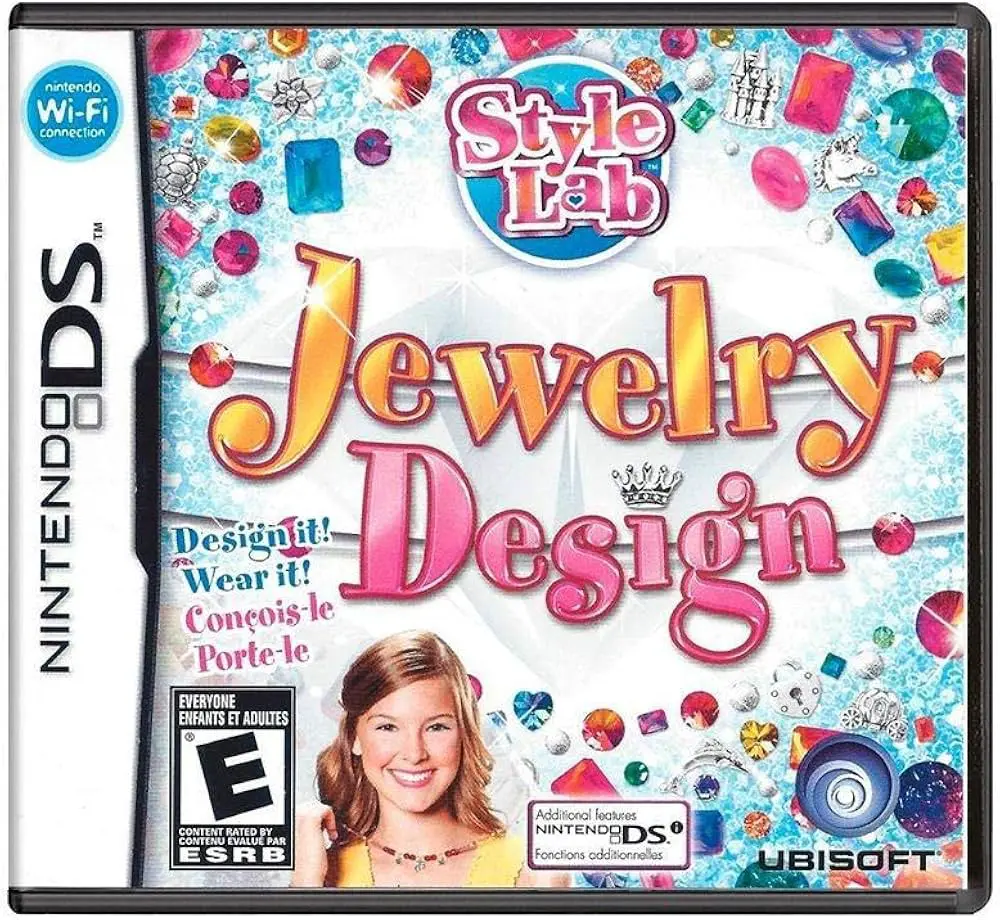
Style Lab: Jewelry Design is a creative fashion simulatio...
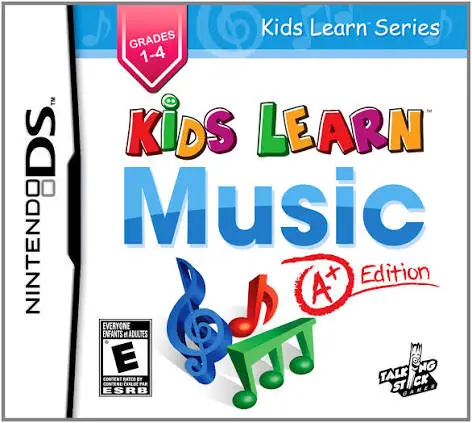
Kids Learn Music: A+ Edition is an educational music simu...
Adopt, dress up, and pamper adorable puppies in Petz: Dog...
Raise, breed, and train your dream herd in Petz: Horsez F...