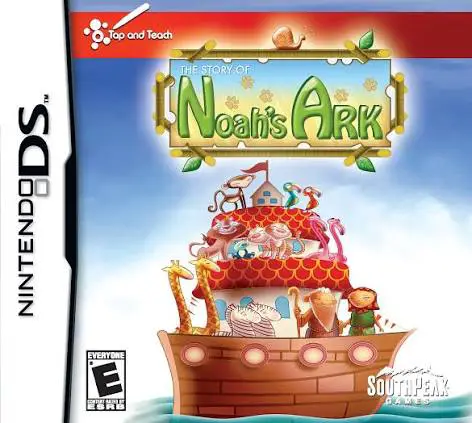
The Story of Noah's Ark
The Story of Noah's Ark for the Nintendo DS is an interac...

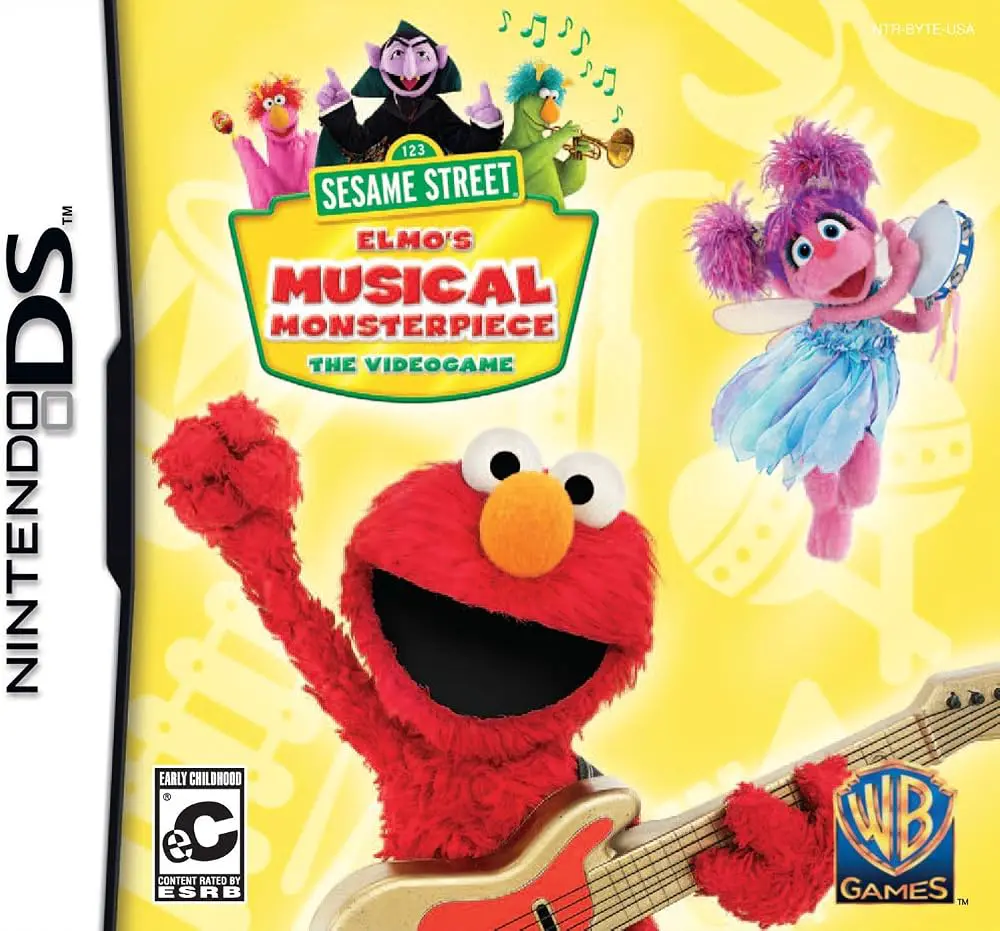
In Sesame Street – Elmo's Musical Monsterpiece, young players join the iconic residents of Sesame Street on the Nintendo DS to discover the wonderful world of music. Published by Warner Bros. Interactive Entertainment, the title translates early childhood music education into a collection of intuitive touch-screen mini-games.
The core gameplay centers on interactive auditory activities that teach rhythm matching, sound identification, and pattern recognition. Children help Elmo and friends assemble musical instruments, play along with upbeat tunes, catch floating musical notes, and complete rhythm-sequencing puzzles. The software adapts to young skill levels, ensuring a frustration-free experience that rewards curiosity and active participation.
Taking full advantage of the dual-screen system of the Nintendo DS, the upper screen displays colorful animations of Sesame Street characters dancing and reacting to the player's inputs, while the lower touch screen serves as an interactive instrument panel and playroom. Supported by full voice-over narration and simple touch controls, Sesame Street – Elmo's Musical Monsterpiece provides an accessible handheld educational experience.
Game Title: Sesame Street – Elmo's Musical Monsterpiece
Platform: Nintendo DS (NDS)
Genre: Educational / Music / Early Childhood
Developer: Warner Bros. Interactive Entertainment / Black Lantern Studios
Publisher: Warner Bros. Interactive Entertainment
Release Date: November 2011
File Format: .NDS (ROM)
Languages: English
Control Scheme: Touch Screen (Stylus) & Microphone
Interactive Musical Mini-Games: Play virtual drums, pianos, and xylophones to learn basic rhythms, beats, and tempo matching.
Beloved Sesame Street Characters: Interact with Elmo, Abby Cadabby, Cookie Monster, and Big Bird throughout lessons and musical games.
Full Audio Voice Narration: Spoken instructions and friendly prompts allow pre-readers and toddlers to play independently.
Cognitive Skill Development: Reinforces early childhood learning objectives including pattern recognition, listening comprehension, and fine motor control.
Child-Friendly Interface: Simple touch-screen mechanics eliminate complex buttons or text reading requirements.
A: The title is designed specifically for toddlers, preschoolers, and kindergarten students aged 2 to 6 who are developing basic listening, rhythm, and motor skills.
A: No, the software features complete voice-over narration and intuitive visual prompts, ensuring pre-readers can navigate and enjoy all activities independently.
A: Players use the stylus to tap instruments, trace lines, and select objects on the lower touch screen, while select mini-games incorporate microphone interactions like blowing or clapping along.
A: Yes, the .nds ROM file runs cleanly across standard Nintendo DS emulators for PC, Android, and iOS devices, as well as on original Nintendo DS and 3DS systems using flashcards.
Click the links below to go to the cloud drive download page
⚠️ Download Tips:
The Story of Noah's Ark for the Nintendo DS is an interac...
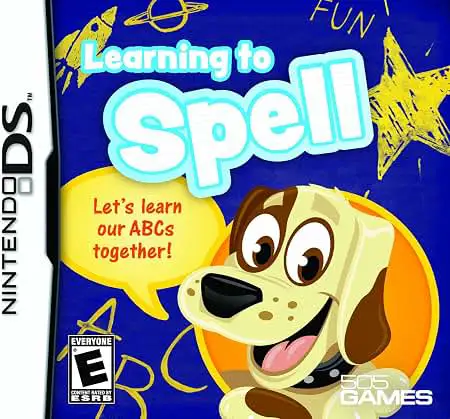
Learning To Spell for the Nintendo DS is an educational s...
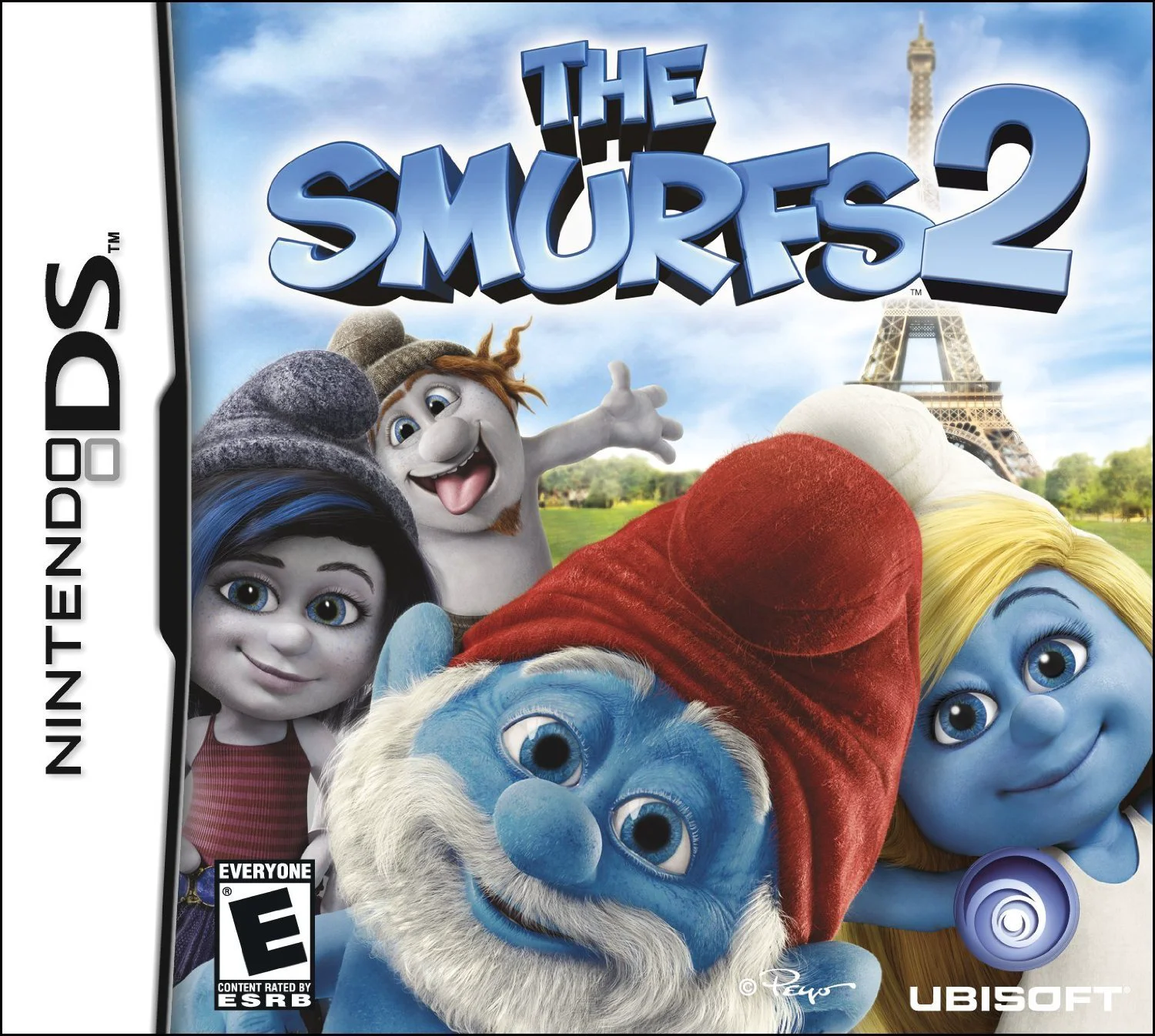
The Smurfs 2 for the Nintendo DS is an interactive storyb...
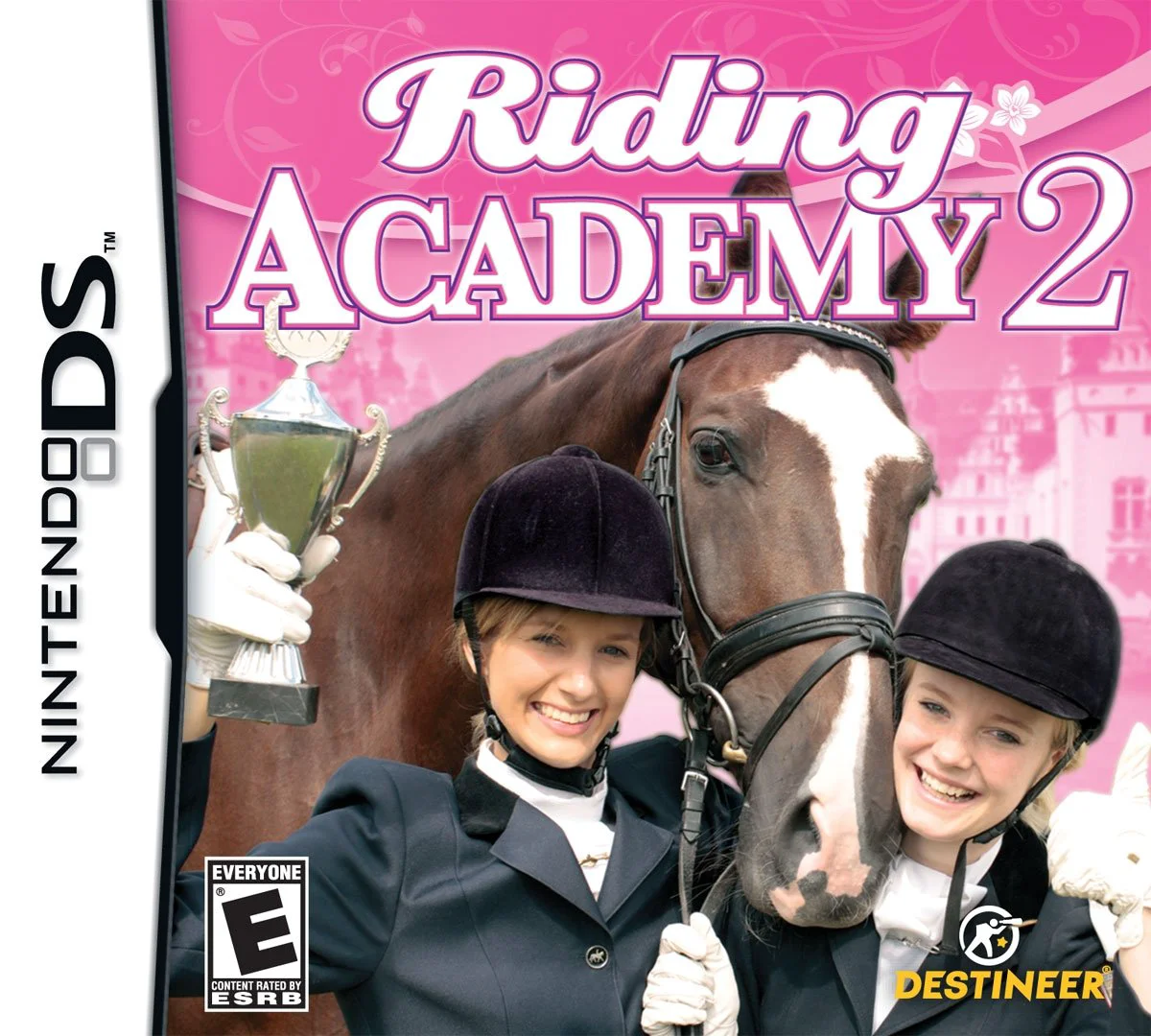
Riding Academy 2 for the Nintendo DS is an engaging eques...
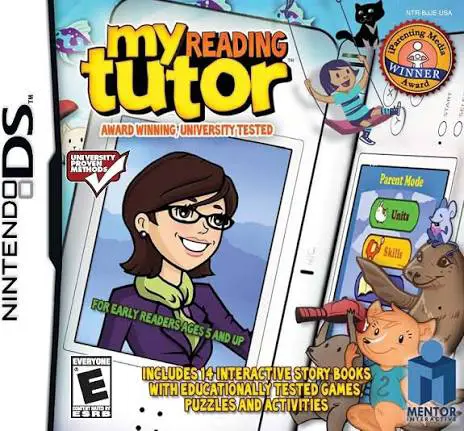
My Reading Tutor for the Nintendo DS is an educational so...