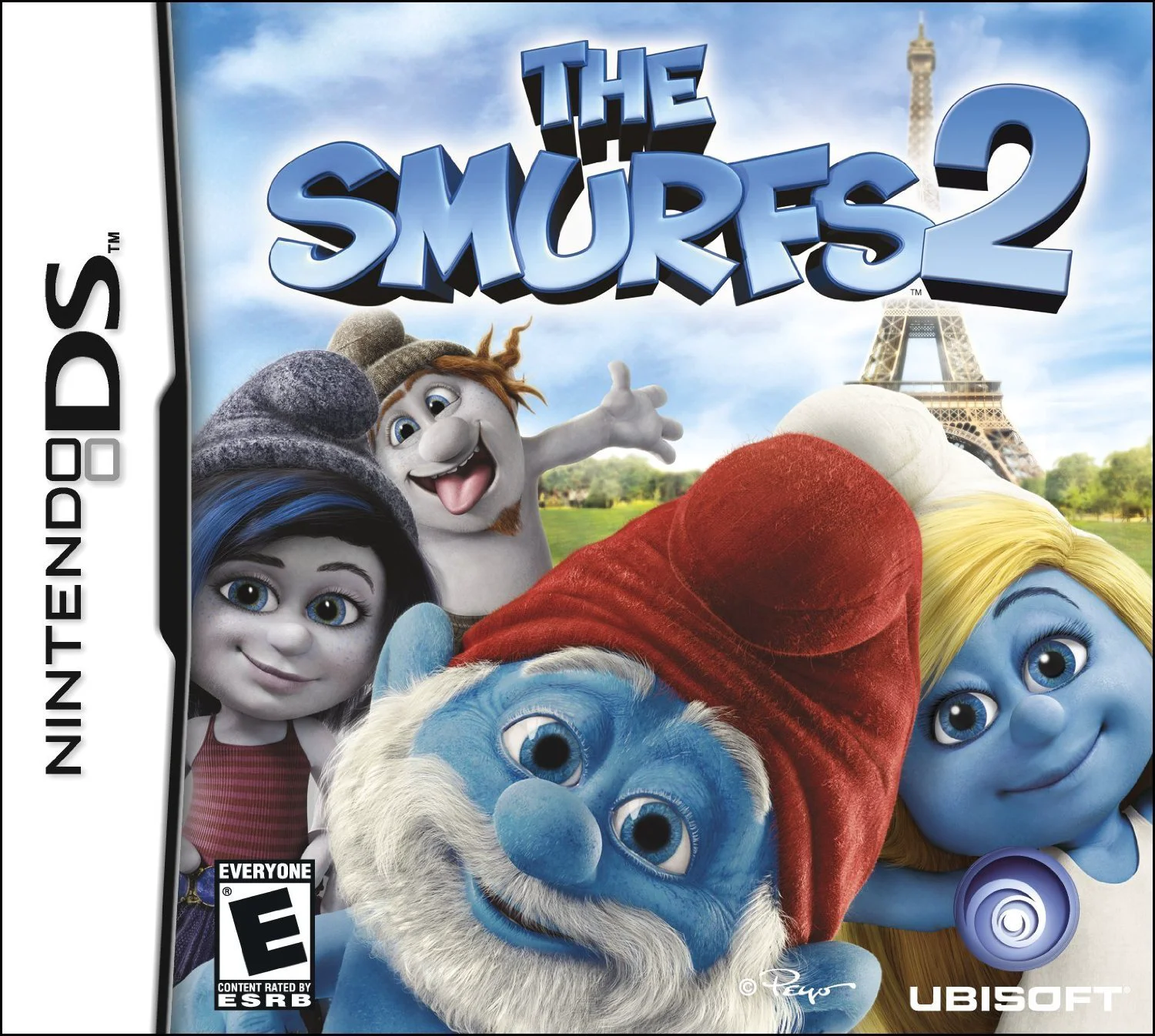
The Smurfs 2
The Smurfs 2 for the Nintendo DS is an interactive storyb...

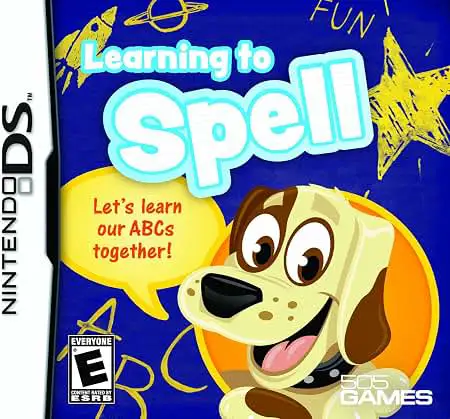
In Learning To Spell, early learners embark on a fun educational journey on the Nintendo DS. Published by 505 Games, the software transforms traditional spelling drills into an engaging collection of touch-screen mini-games tailored for young children.
The core gameplay focuses on teaching fundamental spelling concepts through progressive lessons. Children learn alphabet letter sounds, recognize common sight words, and assemble multi-letter vocabulary words. Activities include tracing letters on the touch screen, dragging missing letters into blank word slots, matching picture illustrations with corresponding spellings, and completing word search puzzles.
Taking full advantage of the dual-screen interface of the Nintendo DS, the top screen displays animated characters, reference illustrations, and word targets, while the bottom touch screen acts as an interactive workspace for handwriting practice and letter selection. Featuring spoken voice guidance and encouraging visual rewards, Learning To Spell helps young students gain early academic confidence.
Game Title: Learning To Spell
Platform: Nintendo DS (NDS)
Genre: Educational / Spelling / Literacy
Developer: Foreign Media Games / 505 Games
Publisher: 505 Games
Release Date: October 2010
File Format: .NDS (ROM)
Languages: English
Control Scheme: Touch Screen (Stylus)
Progressive Spelling Curriculum: Covers fundamental literacy topics ranging from basic letter recognition and phonics to full word assembly.
Interactive Touch Activities: Use the NDS stylus to trace letter shapes, tap tiles to construct words, and solve picture-word puzzles.
Full Audio Guidance: Spoken word pronunciations and letter sounds help pre-readers connect spoken words with written letters.
Motivating Reward System: Earn stars, stickers, and decorative badges by completing exercises to customize virtual reward books.
Child-Friendly Interface: Intuitive touch mechanics and clear audio instructions allow children to learn independently.
A: The title is designed primarily for preschoolers, kindergartners, and early elementary students aged 4 to 7 who are developing foundational reading and spelling skills.
A: No, the software features full voice narration for instructions and spoken word pronunciations, making it accessible for pre-readers and non-readers.
A: Activities include handwriting letter tracing, fill-in-the-blank letter matching, picture-to-word pairing, and beginner word search puzzles.
A: Yes, the .nds ROM file runs cleanly across standard Nintendo DS emulators for PC, Android, and iOS devices, as well as on original Nintendo DS and 3DS systems using flashcards.
Click the links below to go to the cloud drive download page
⚠️ Download Tips:
The Smurfs 2 for the Nintendo DS is an interactive storyb...
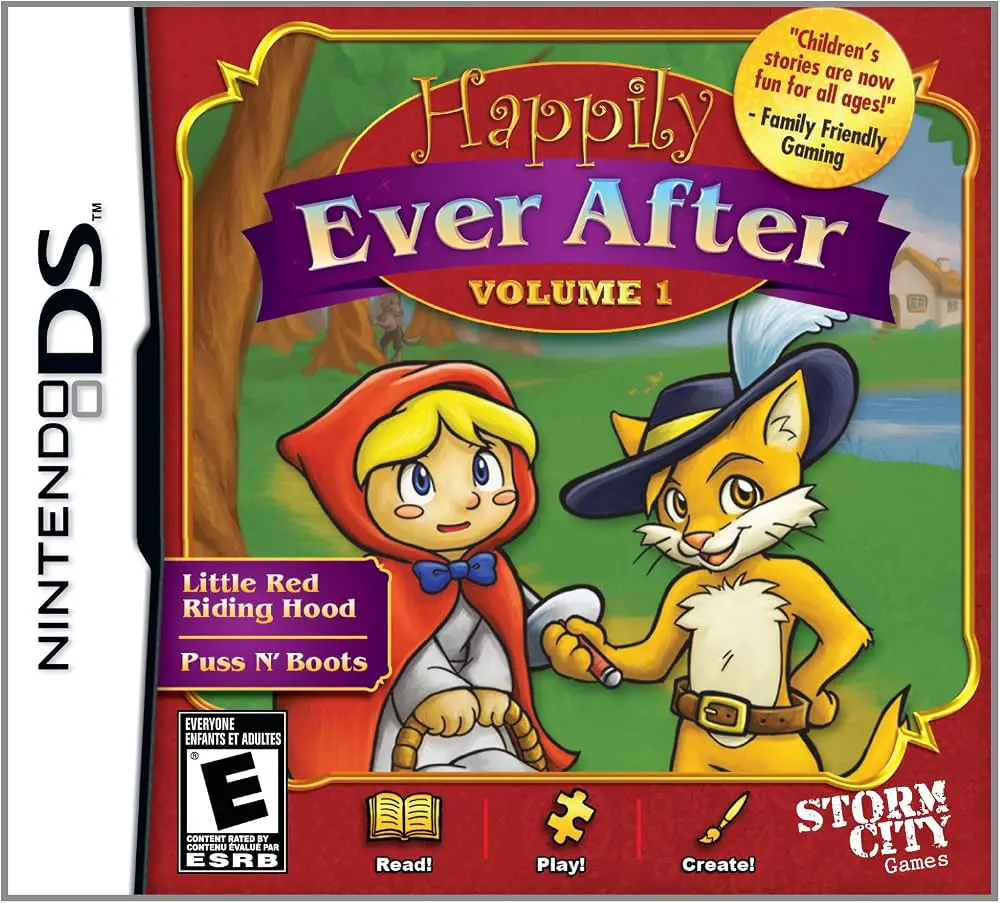
Happily Ever After – Volume 1 for the Nintendo DS is an i...
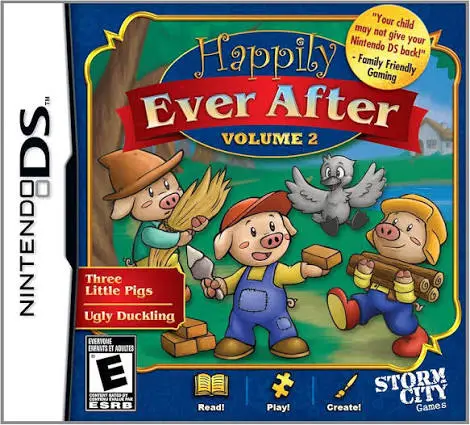
Happily Ever After – Volume 2 for the Nintendo DS is an i...
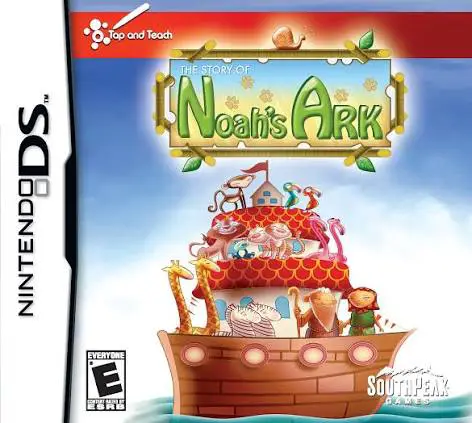
The Story of Noah's Ark for the Nintendo DS is an interac...
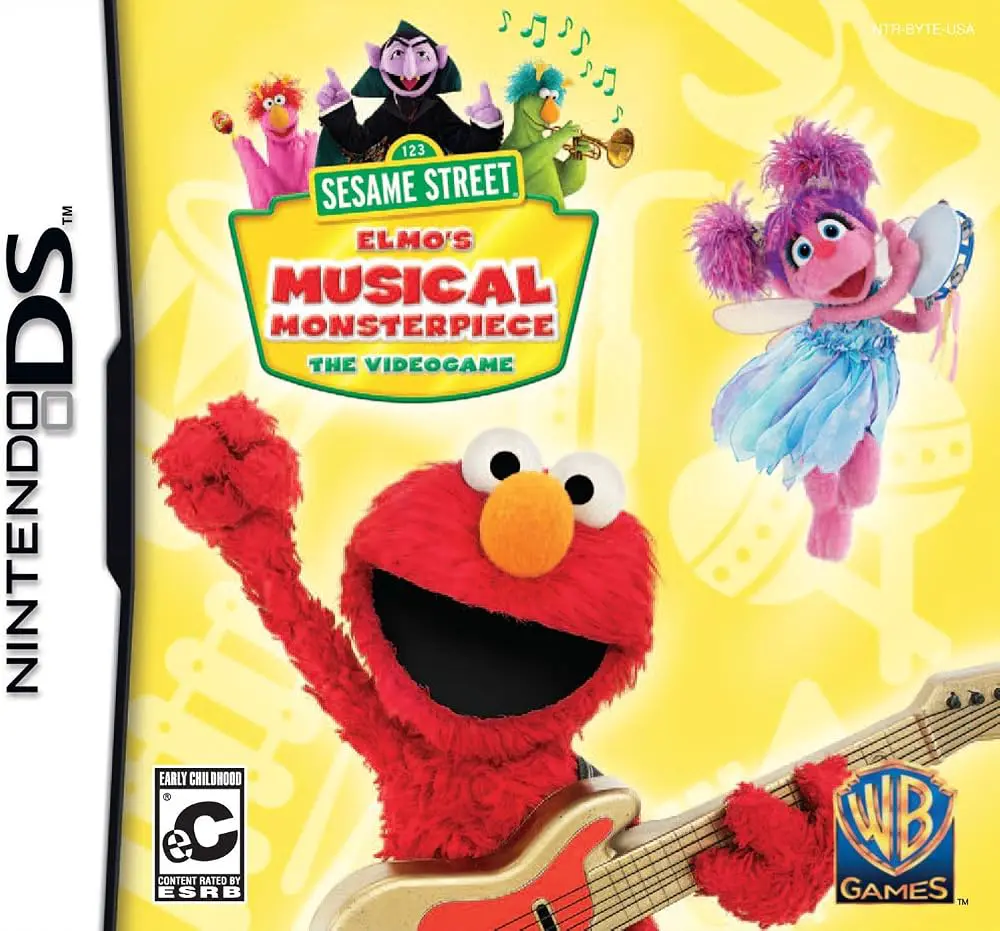
Sesame Street – Elmo's Musical Monsterpiece for the Ninte...