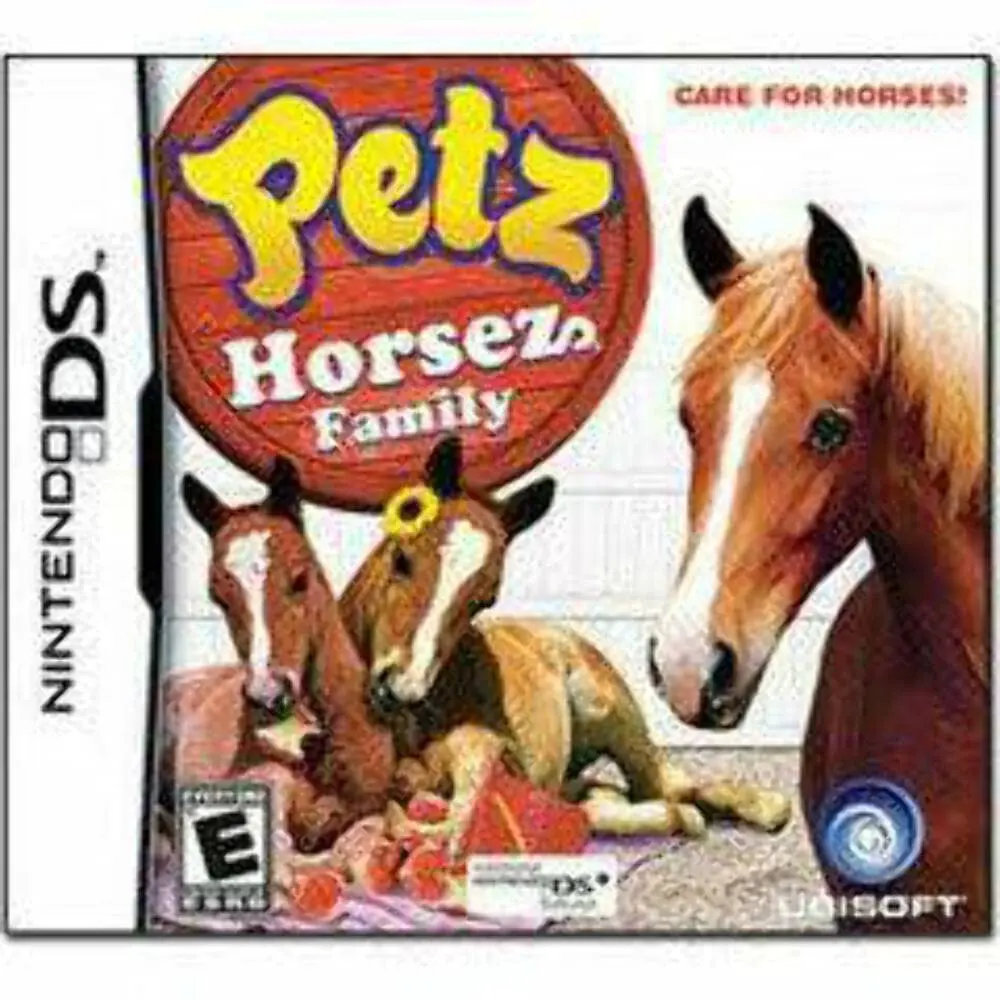
Petz – Horsez Family
Raise, breed, and train your dream herd in Petz: Horsez F...

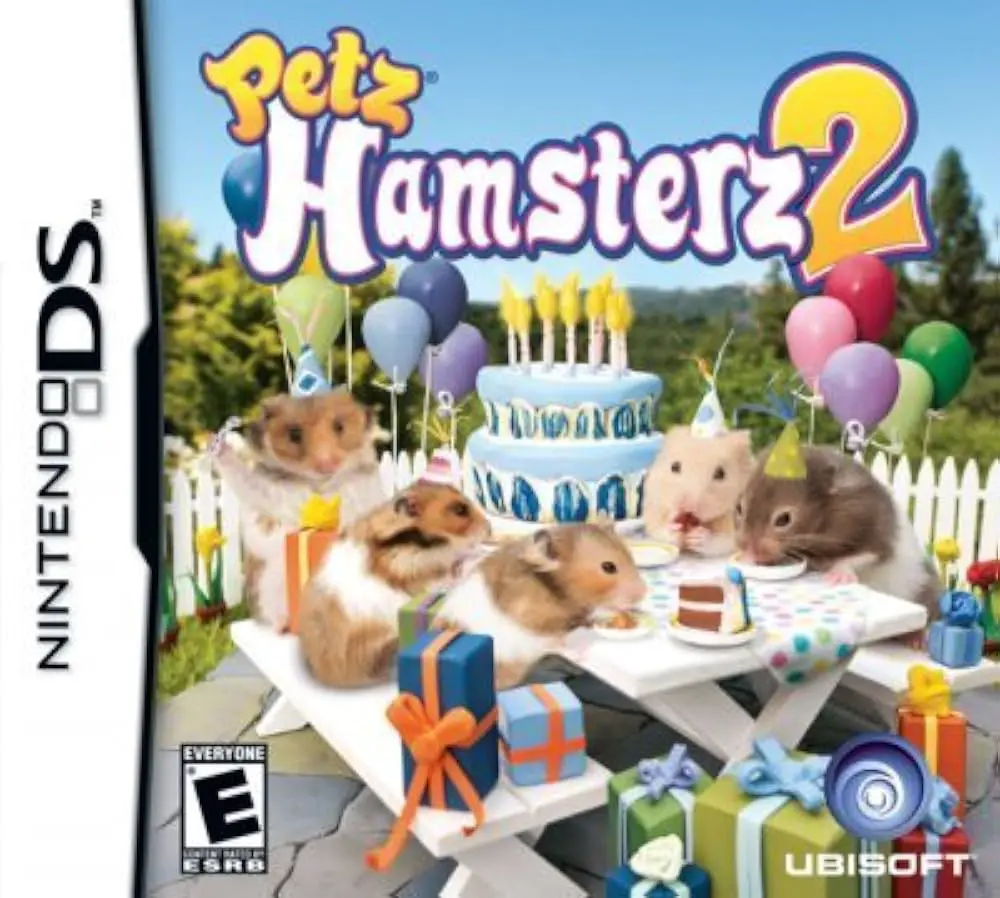
Petz: Hamsterz Life 2 expands Ubisoft's popular pet simulation franchise on the Nintendo DS, offering virtual pet enthusiasts a rich and interactive pet care experience. Moving away from standard arcade mini-games, this title focuses on daily nurturing, habitat management, and building a strong bond with a variety of hamster breeds, including Syrian, Roborovski, and Dwarf hamsters.
Developed by Alpha Unit and published by Ubisoft in late 2007, the handheld adaptation utilizes the dual-screen setup and unique hardware features of the Nintendo DS effectively. The top screen displays your hamster's daily activities, mood status, and stats, while the bottom touch screen acts as the primary interactive space. Players use the stylus to pet their hamsters, clean cages, hand-feed treats, and lead pets through colorful obstacle courses. The built-in microphone allows players to call out to their hamsters or blow into it to clear dust and perform trick commands.
The progression system rewards diligent care with unlocked items, customizable accessories, and cage decorations ranging from exercise wheels to multi-level tube tunnels. With various fun mini-games to earn coins, expanded breeding mechanics, and local wireless features to share items and hamsters with friends, Petz: Hamsterz Life 2 offers a comprehensive and delightful portable simulation package.
Spec Field | Details |
Full Title | Petz: Hamsterz Life 2 |
Platform | Nintendo DS (NDS) |
Developer | Alpha Unit |
Publisher | Ubisoft |
Release Date | November 13, 2007 (North America) / November 23, 2007 (Europe) |
Genre | Virtual Pet / Simulation |
Game Modes | Single-Player, Multi-Player |
Multiplayer | Local Wireless Trading & Play |
Media Format | Nintendo DS Game Card |
ESRB Rating | E (Everyone) |
Multiple Hamster Breeds: Adopt, raise, and care for various popular breeds, each with distinct coat patterns, sizes, and personality traits.
Touch & Mic Interaction: Use the stylus to stroke, feed, and groom your hamster, or speak into the DS microphone to call them and perform tricks.
Habitat Customization: Decorate and upgrade hamster cages with colorful tubes, exercise wheels, toys, beddings, and themed furniture items.
Engaging Mini-Games: Earn coins by competing in fun obstacle courses, racing tracks, and agility challenges to purchase new items.
Wireless Connections: Connect with nearby friends via local wireless connections to trade accessories, swap hamsters, and compare habitats.
A: It is a virtual pet simulation game focused on adopting, raising, training, and caring for hamsters.
A: The touch screen allows players to directly pet, groom, feed, and play with their hamsters using the stylus, while the microphone is used to call their names and issue verbal commands.
A: Yes, players can unlock and purchase a wide variety of cage accessories, including connecting tubes, wheels, toys, and custom furniture.
A: Yes, it supports local wireless connectivity, enabling players to trade items, swap hamsters, and interact with friends nearby.
Click the links below to go to the cloud drive download page
⚠️ Download Tips:
Raise, breed, and train your dream herd in Petz: Horsez F...
Adopt, dress up, and pamper adorable puppies in Petz: Dog...
Transform your Nintendo DS into a portable art studio wit...
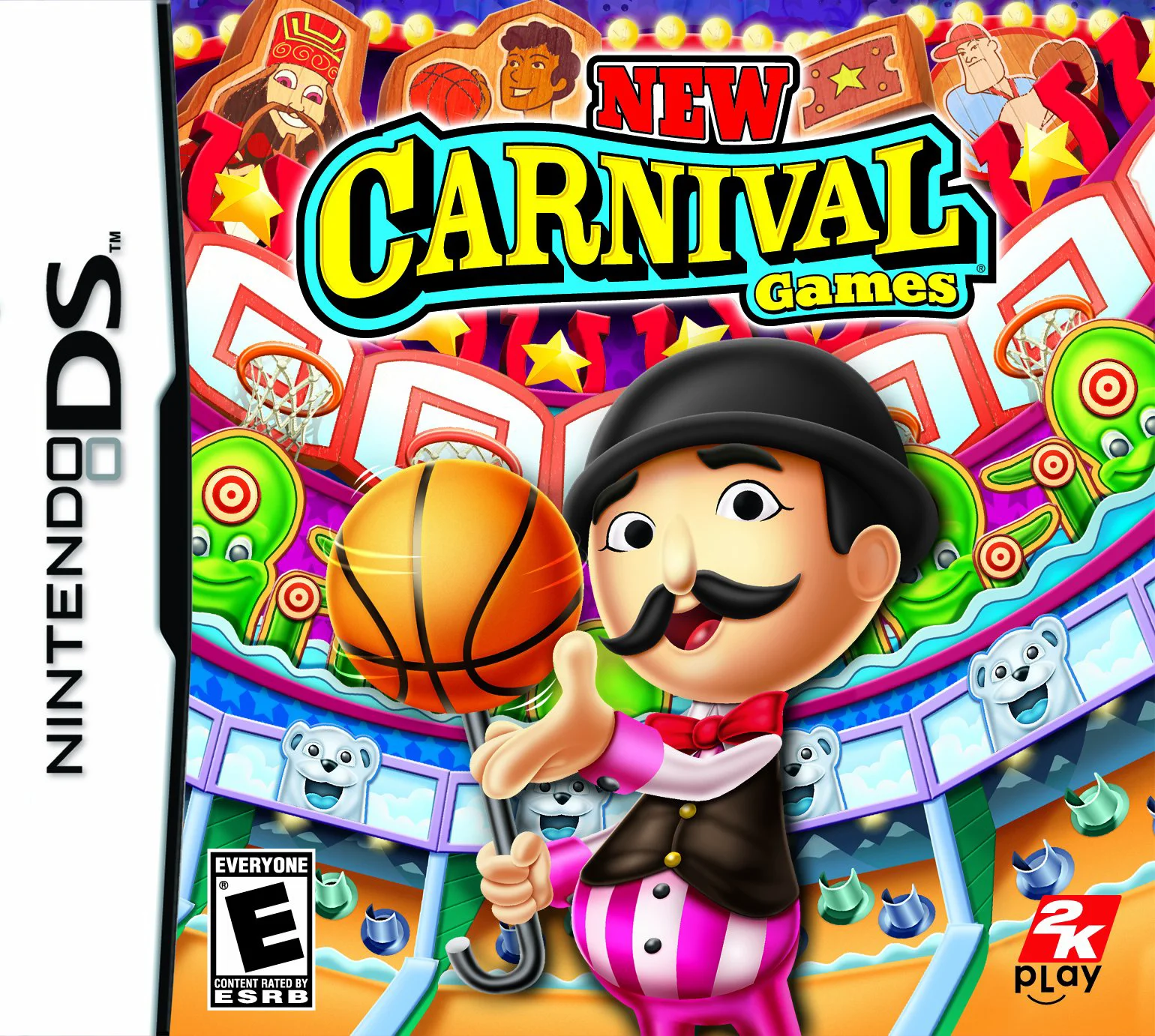
Carnival Games brings the classic boardwalk funfair exper...

Just Sing! brings portable music rhythm and karaoke actio...