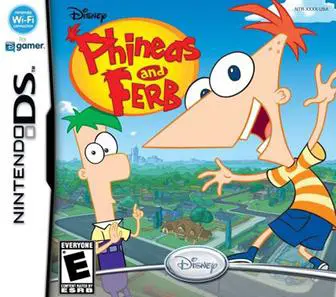
Phineas and Ferb
Join the genius stepbrothers in Phineas and Ferb for the ...

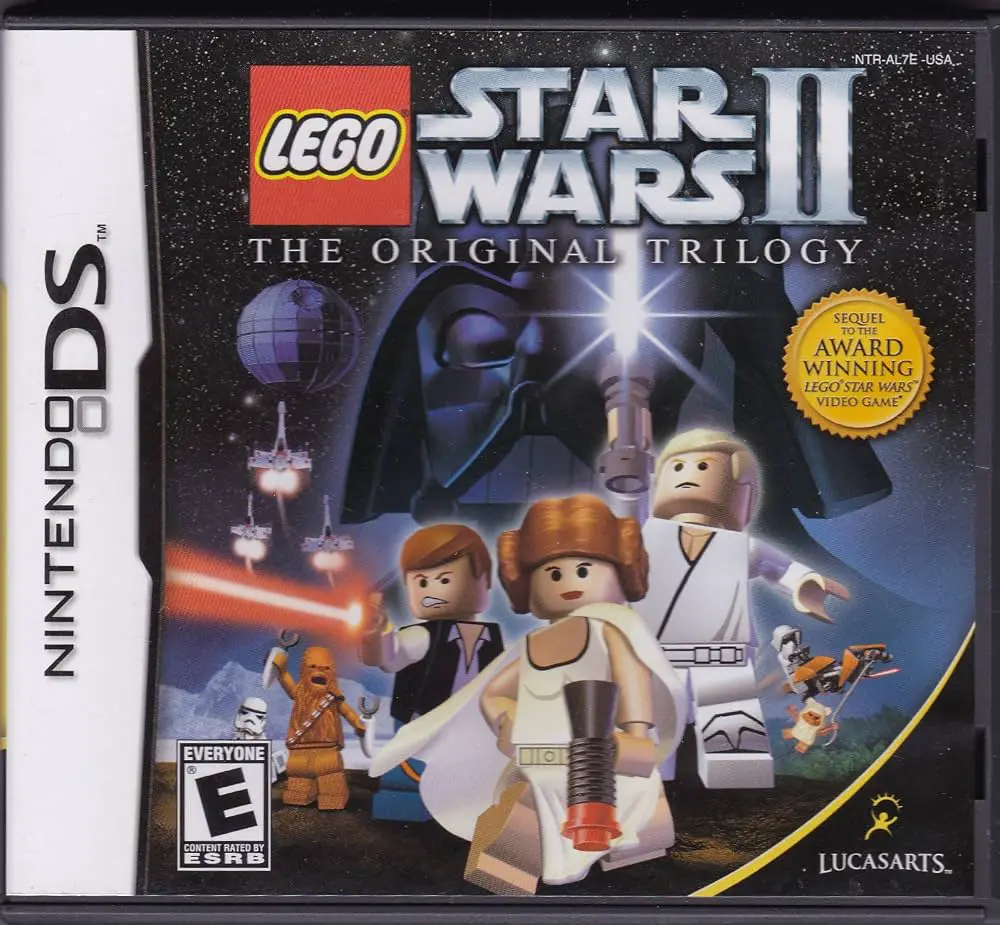
LEGO Star Wars II: The Original Trilogy brings Lucasfilm's legendary trilogy to the Nintendo DS with a lighthearted, brick-building spin. Moving away from solemn space drama, this handheld title translates classic cinematic scenes into playful interactive levels filled with breakable objects, collectible studs, and humorous cutscenes that retell Episodes IV, V, and VI.
Developed by Amaze Entertainment and published by LucasArts in September 2006, the Nintendo DS adaptation offers a distinct perspective on the console experience. The game utilizes the top screen for 3D action and character control, while the bottom touch screen handles inventory, character selection, and interactive mini-games such as building custom characters from unlocked LEGO pieces. Players can instantly switch between characters like Luke Skywalker, Princess Leia, Han Solo, and Chewbacca to leverage their unique skills—such as grappling hooks, Force powers, or astromech hacking—to solve environmental puzzles.
The career mode spans all three classic films, offering dozens of story missions alongside specialized vehicle levels where players pilot X-wings, TIE fighters, and speeder bikes. With extensive replayability through Free Play mode, hidden Red Bricks, and local wireless co-op support, LEGO Star Wars II: The Original Trilogy provides a fun and expansive action-adventure package on portable hardware.
Spec Field | Details |
Full Title | LEGO Star Wars II: The Original Trilogy |
Platform | Nintendo DS (NDS) |
Developer | Amaze Entertainment |
Publisher | LucasArts |
Release Date | September 12, 2006 (North America) / September 15, 2006 (Europe) |
Genre | Action-Adventure / Platformer |
Game Modes | Single-Player, Multi-Player |
Multiplayer | 2-Player Local Wireless Co-op |
Media Format | Nintendo DS Game Card |
ESRB Rating | E10+ (Everyone 10+ and older) – Cartoon Violence, Comic Mischief |
Complete Original Trilogy: Play through key events and iconic locations from A New Hope, The Empire Strikes Back, and Return of the Jedi.
Character Ability Mechanics: Swap between over 50 playable characters, utilizing Force abilities, blaster shots, grappling hooks, and thermal detonators to solve puzzles.
Custom Character Builder: Combine heads, torsos, and legs of different unlocked characters to create personalized custom LEGO heroes on the touch screen.
Vehicle & Space Battles: Pilot iconic Star Wars vehicles including X-wings, Millennium Falcons, AT-STs, and Speeder Bikes across dedicated action stages.
Wireless Co-op Play: Team up with a friend in 2-player local wireless co-op to clear story missions and hunt for hidden collectibles together.
A: It is a third-person action-adventure platformer that combines combat, puzzle-solving, and brick-building mechanics with humor.
A: The game covers the entire original film trilogy: Episode IV: A New Hope, Episode V: The Empire Strikes Back, and Episode VI: Return of the Jedi.
A: Yes, it supports 2-player local wireless co-op, allowing two players to tackle levels and puzzles together.
A: Yes, players can use the touch screen to mix and match parts from unlocked characters to build custom playable minifigures.
Click the links below to go to the cloud drive download page
⚠️ Download Tips:
Join the genius stepbrothers in Phineas and Ferb for the ...
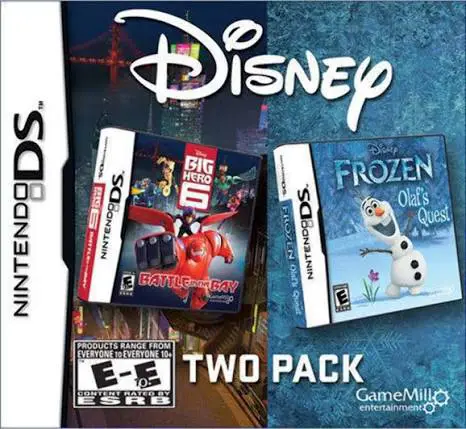
Enjoy double the Disney magic on a single cartridge with ...
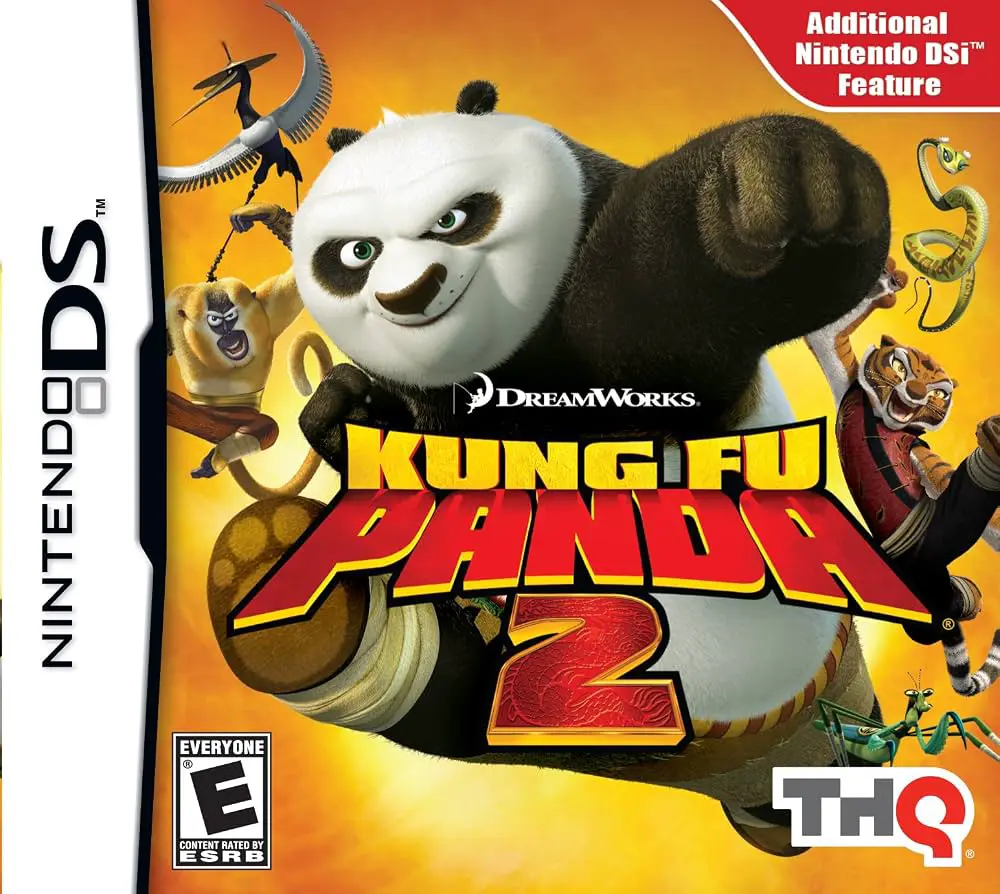
Kung Fu Panda 2 is an action-adventure brawler video game...
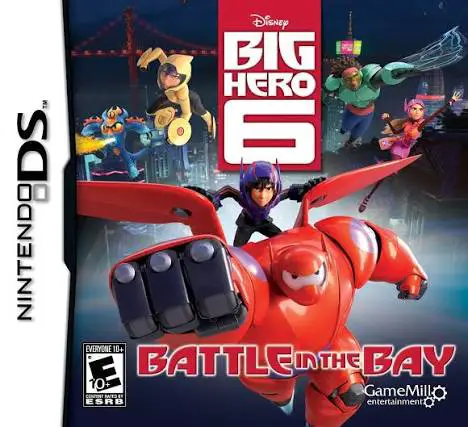
Big Hero 6: Battle in the Bay brings Disney's Oscar-winni...
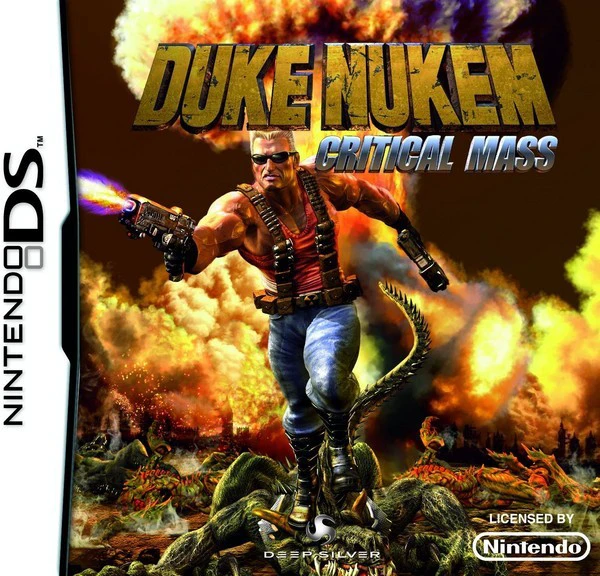
Duke Nukem: Critical Mass brings 1990s action hero Duke N...