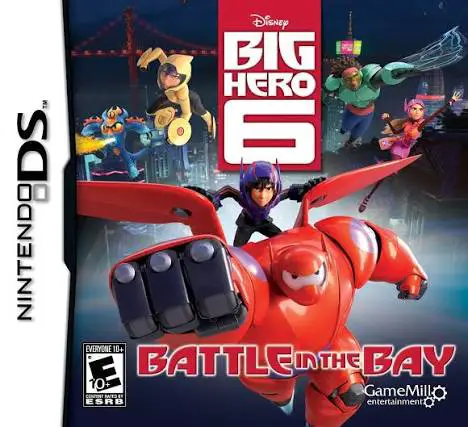
Big Hero 6: Battle in the...
Big Hero 6: Battle in the Bay brings Disney's Oscar-winni...

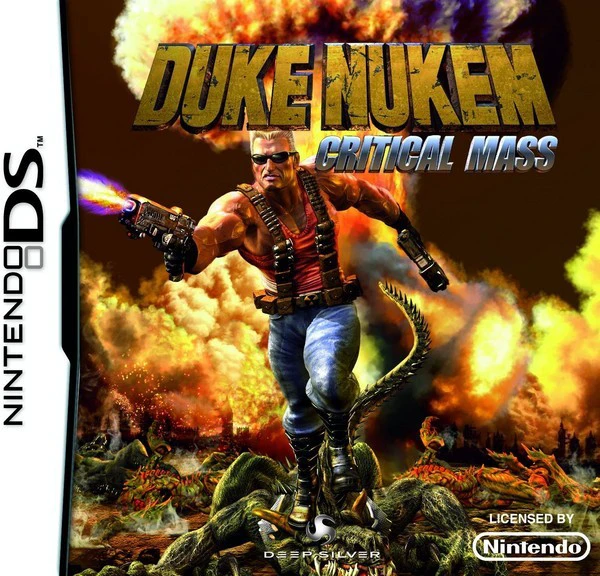
Duke Nukem: Critical Mass is a third-person action-platformer designed exclusively for portable systems, serving as part of the planned Earth Defense Forces trilogy. Moving away from pure first-person perspectives, this Nintendo DS title reimagines classic Duke Nukem gameplay through dynamic side-scrolling level design mixed with over-the-shoulder shooting mechanics.
Developed by Frontline Studios and published by Deep Silver in April 2011, the game makes functional use of the Nintendo DS hardware. The top screen showcases the main 3D action, character models, and environments, while the bottom touch screen acts as an interactive tactical display showing radar maps, current objectives, ammo counters, and a quick-select weapon menu. Players control Duke through combat-heavy stages, utilizing his iconic arsenal—including the Shotgun, RPG, Freeze Ray, and Devastator—to eliminate alien invaders and Pig Cops.
The single-player campaign features varied level structures that keep combat dynamic. Beyond classic run-and-gun platforming, the game incorporates jetpack aerial dogfights, sniper mini-games, and third-person camera perspective segments during heavy firefights and major boss battles. Complete with voice clips, secret hidden areas, and multiple difficulty settings, Duke Nukem: Critical Mass brings Duke's signature brash personality into a handheld action package.
Spec Field | Details |
Full Title | Duke Nukem: Critical Mass |
Platform | Nintendo DS (NDS) |
Developer | Frontline Studios |
Publisher | Deep Silver |
Release Date | April 8, 2011 (Europe) / June 6, 2011 (North America) |
Genre | Action / Platformer / Shooter |
Game Modes | Single-Player |
Multiplayer | None |
Media Format | Nintendo DS Game Card |
ESRB Rating | T (Teen) – Violence, Blood, Suggestive Themes, Language |
Hybrid Gameplay Modes: Seamlessly transitions between 2.5D side-scrolling platforming, third-person shooter sections, and jetpack flight stages.
Classic Explosive Arsenal: Blast enemies with iconic weaponry including the Shotgun, Rocket Launcher, Freeze Ray, Pipe Bombs, and Shrink Ray.
Dual-Screen Radar & UI: Access inventory, track alien signals on the mini-map radar, and swap weapons instantaneously via the touch screen.
Varied Enemy Roster: Fight off classic series foes including Pig Cops, Octabrains, alien assault troopers, and massive end-level bosses.
Signature Duke Voice & Humour: Features voice acting, cheesy action-hero one-liners, and secret areas scattered throughout levels.
A: It is a hybrid action-platformer and third-person shooter that mixes 2.5D platforming with over-the-shoulder shooting mechanics.
A: The bottom touch screen displays real-time radar, objective maps, ammunition counts, and touch controls for weapon selection.
A: Duke can wield iconic franchise weapons such as the Shotgun, RPG, Freeze Ray, Shrink Ray, Pipe Bombs, and dual pistols.
A: No, it is a dedicated single-player campaign game focused on story missions, combat levels, and boss encounters.
Click the links below to go to the cloud drive download page
⚠️ Download Tips:
Big Hero 6: Battle in the Bay brings Disney's Oscar-winni...
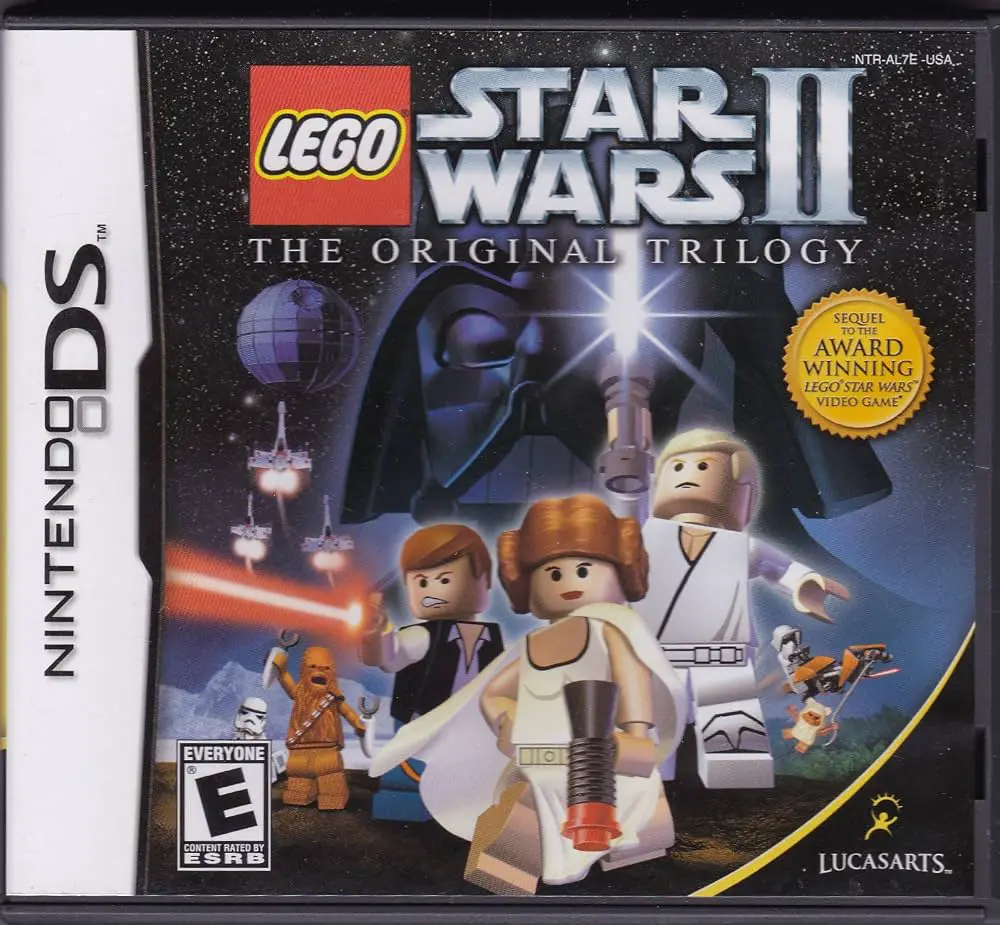
LEGO Star Wars II: The Original Trilogy on Nintendo DS re...
Join the genius stepbrothers in Phineas and Ferb for the ...

Hop: The Movie Game brings the colorful world of Universa...
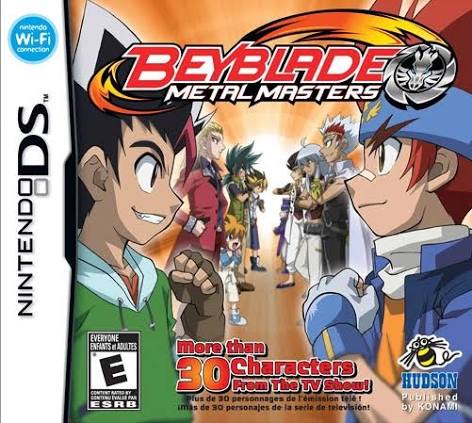
Beyblade – Metal Masters (released in Europe as Beyblade:...