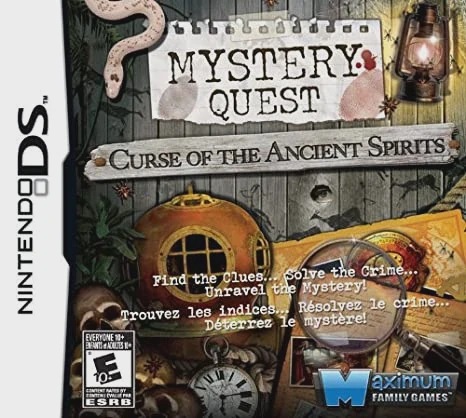
Mystery Quest: Curse of t...
Mystery Quest: Curse of the Ancient Spirits brings an eng...

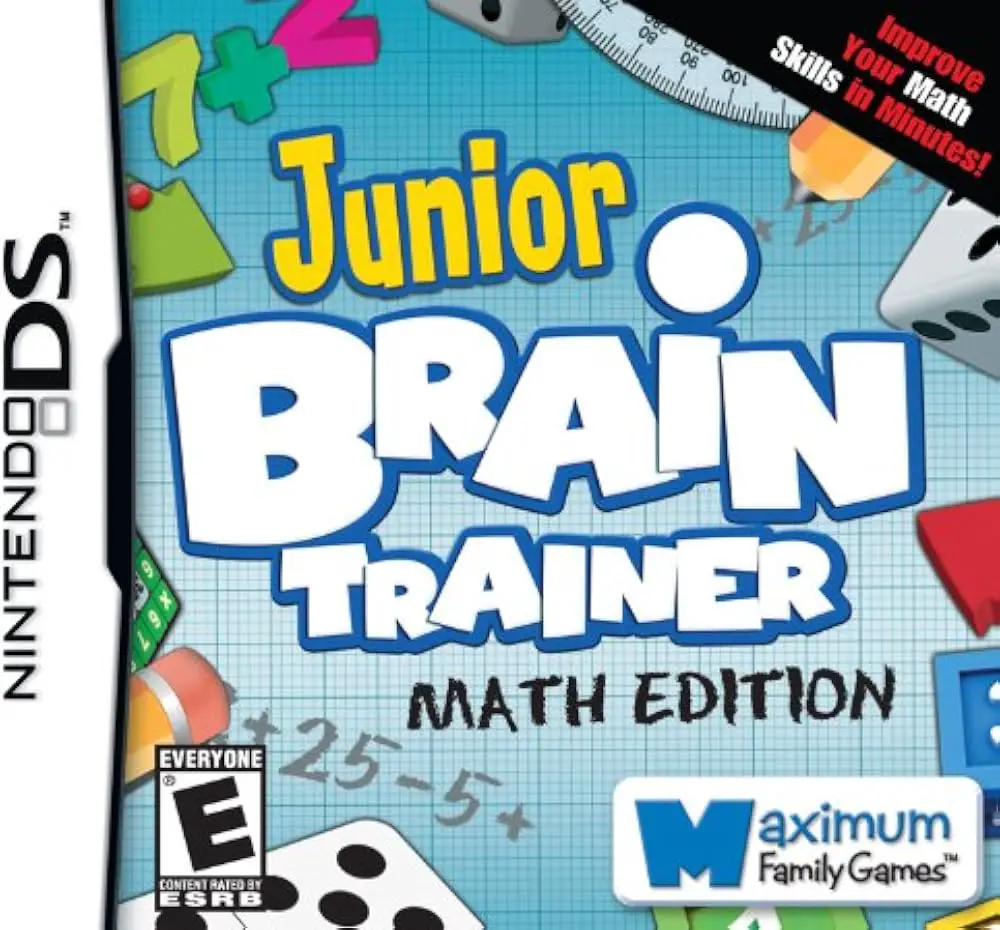
Junior Brain Trainer adapts the popular brain-training puzzle genre into a child-friendly educational format on the Nintendo DS. Moving away from complex adult-oriented brain games, this title engages young players with interactive cognitive exercises, visual problem-solving, and daily mental workouts tailored for elementary-school age groups.
Developed by Avanquest Software and published in late 2008 in Europe and late 2009 in North America, the Nintendo DS adaptation utilizes the handheld's touch screen and stylus controls effectively. The top screen displays problem instructions, friendly animated characters, and timer counters, while the bottom touch screen acts as the primary interactive canvas. Players use the stylus to tap correct answers, drag puzzle pieces, trace shapes, and complete engaging logic challenges.
The core gameplay loop centers around a structured daily training mode where players complete a series of randomly selected activities to track their speed, accuracy, and cognitive progress over time. Exercises cover a wide range of categories, including spot-the-difference, sequence completion, vocabulary building, and mental math. With its encouraging feedback system, unlockable arcade-style mini-games, and multi-profile support for family sharing, Junior Brain Trainer delivers a comprehensive portable learning tutor.
Spec Field | Details |
Full Title | Junior Brain Trainer |
Platform | Nintendo DS (NDS) |
Developer | Avanquest Software |
Publisher | Avanquest Software / Virtual Play Games / Take-Two Interactive |
Release Date | December 5, 2008 (Europe) / November 12, 2009 (North America) |
Genre | Educational / Puzzle / Brain Training |
Game Modes | Single-Player |
Multiplayer | None |
Media Format | Nintendo DS Game Card |
ESRB Rating | E (Everyone) |
Tailored Kids Curriculum: Practice core cognitive skills including memory retention, logical thinking, reading comprehension, and spatial awareness.
Stylus-Driven Touch Controls: Tap, slide, draw, and drag puzzle elements directly onto the touch screen using the Nintendo DS stylus.
Daily Brain Workout Mode: Complete daily test routines that measure completion speed and accuracy to monitor learning progress over time.
Unlockable Reward Mini-Games: Earn high scores in daily exercises to unlock fun arcade mini-games that reinforce quick thinking.
Multi-User Profiles: Save separate progress profiles on a single cartridge so siblings or friends can track their individual scores independently.
A: It is an educational puzzle and brain-training game designed to improve memory, logic, reading, and math skills in young children.
A: The touch screen is used with the stylus to tap correct choices, drag puzzle tiles, connect matching pairs, and manipulate objects.
A: Yes, it features a daily workout mode that records completion times and performance metrics to help players monitor their mental progress.
A: Yes, the game supports multiple save profiles so individual players can maintain their personal high scores and training history.
Click the links below to go to the cloud drive download page
⚠️ Download Tips:
Mystery Quest: Curse of the Ancient Spirits brings an eng...
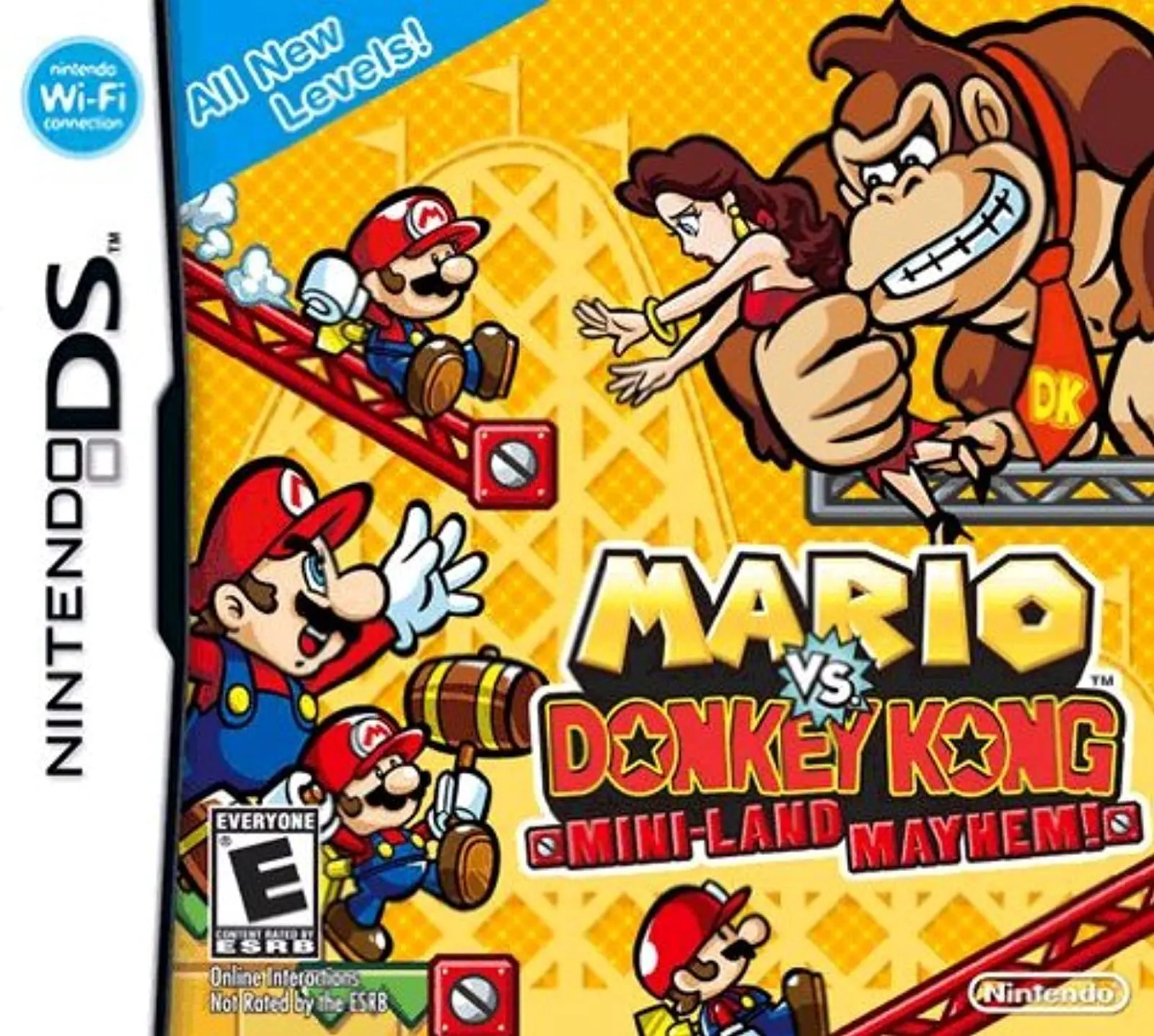
Mario vs. Donkey Kong: Mini-Land Mayhem! brings the ultim...
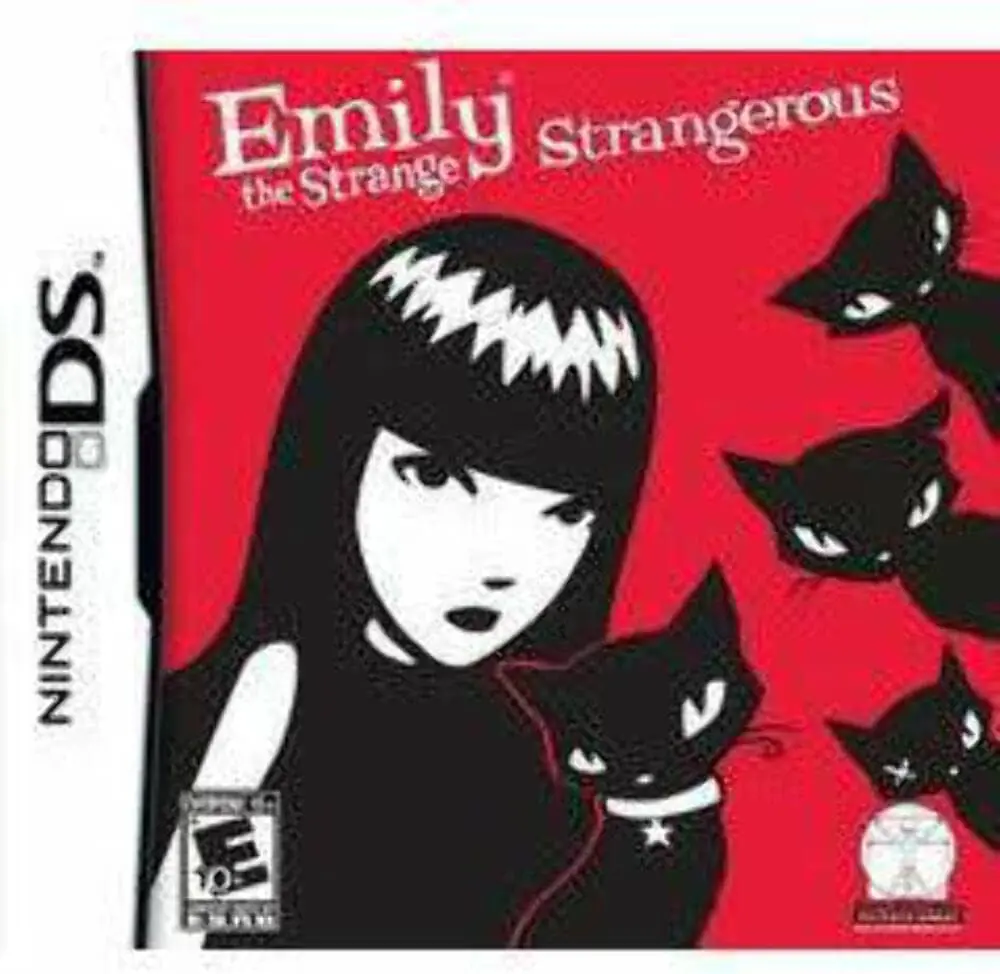
Emily the Strange: Strangerous brings the iconic anti-her...
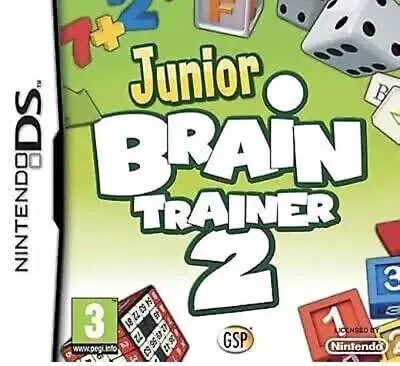
Junior Brain Trainer 2 brings another comprehensive suite...
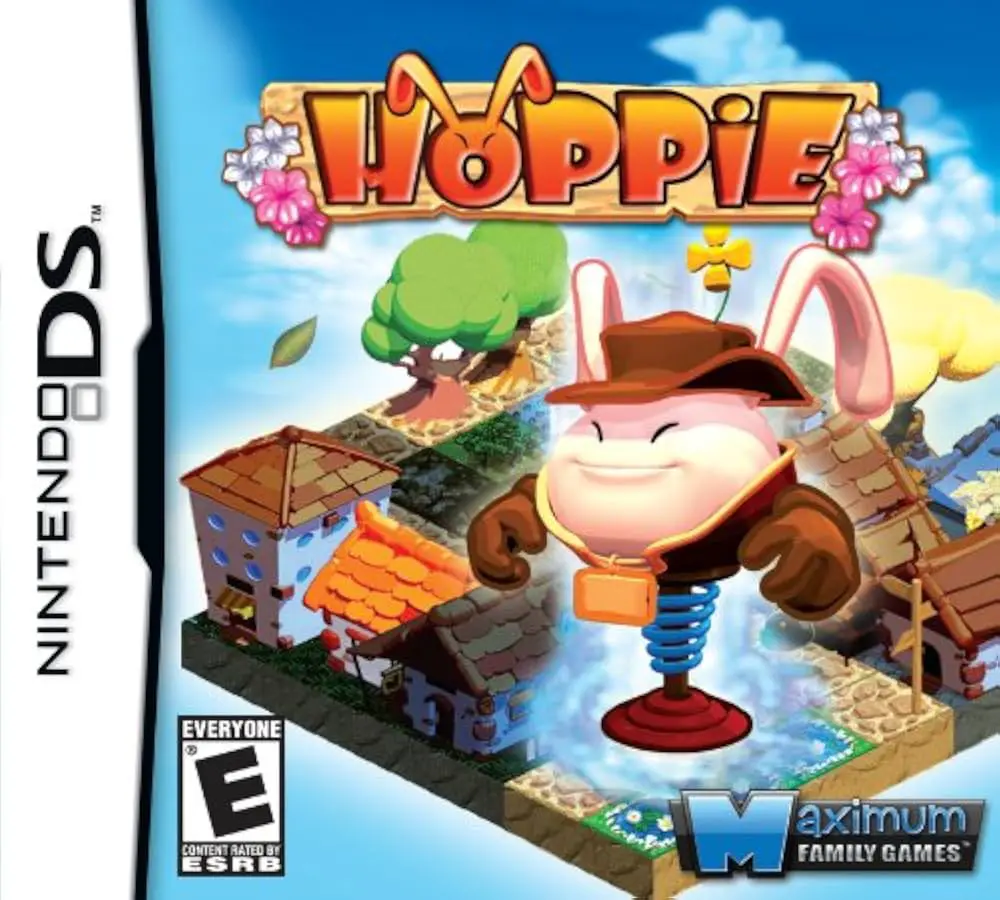
Hoppie brings isometric puzzle-arcade action to the Ninte...