
Surf's Up
Surf's Up on Nintendo DS brings the high-energy animated ...

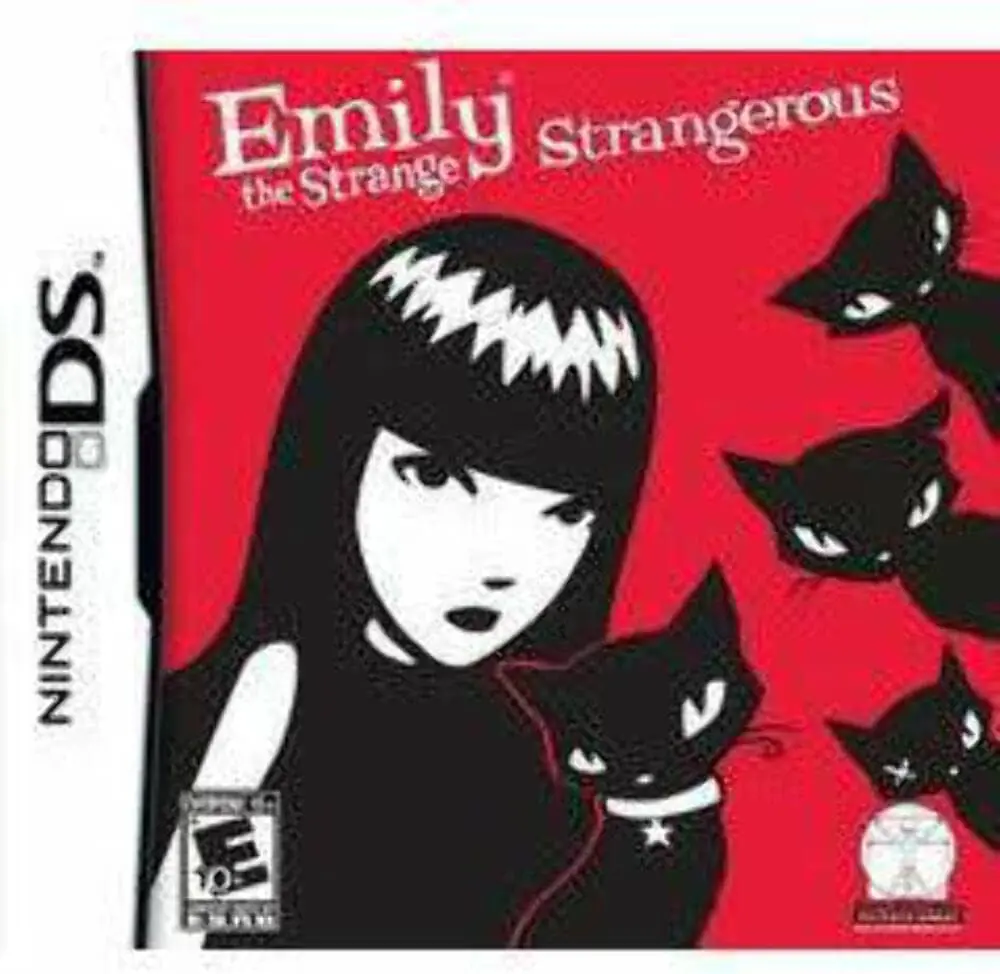
Emily the Strange: Strangerous expands the mysterious world of the popular pop-culture icon into a full-length graphic adventure. Moving away from traditional platforming, this Nintendo DS title combines point-and-click exploration with inventory puzzle-solving and logic challenges across six distinct chapters. Players take control of Emily as she wakes up in a bizarre parallel dimension, embarking on a quest to recover her stolen diary and retrieve her four missing feline companions: Mystery, Nee-Chee, Sabbath, and Miles.
Developed by ExeCreate and published by dtp entertainment in late 2010, the game maximizes the capabilities of the Nintendo DS touch screen. Players navigate eerie environments, interact with eccentric non-player characters, and collect unusual inventory items using the stylus. Each of Emily's four cats possesses unique special abilities—such as night vision or agility—that players must utilize strategically to solve intricate environmental puzzles and unlock new areas.
The game boasts over 65 challenging mini-games and logic puzzles integrated smoothly into the story, ranging from repairing complex clockwork apparatuses to decoding cryptic symbols. With its distinct red-and-black monochrome art style, dry humor, and rich storytelling, Emily the Strange: Strangerous offers a captivating puzzle-adventure experience for fans of the franchise and casual adventure gamers alike.
Spec Field | Details |
Full Title | Emily the Strange: Strangerous |
Platform | Nintendo DS (NDS) |
Developer | ExeCreate |
Publisher | dtp entertainment |
Release Date | November 12, 2010 (Europe) / June 10, 2011 (North America) |
Genre | Puzzle / Graphic Adventure |
Game Modes | Single-Player |
Multiplayer | None |
Media Format | Nintendo DS Game Card |
ESRB Rating | E10+ (Everyone 10+ and older) – Mild Violence |
Authentic Comic Art Style: Explore a beautifully rendered gothic world featuring Emily's iconic black, white, and red graphic design aesthetic.
Cat Ability Mechanics: Switch between Emily's four black cats—Mystery, Nee-Chee, Sabbath, and Miles—to leverage their unique skills for puzzle-solving.
Over 65 Logic Puzzles: Engage with a massive variety of stylus-driven mini-games, riddles, and environmental mechanics throughout the campaign.
Immersive 6-Chapter Storyline: Unravel a mysterious narrative centered around parallel dimensions, lost memories, and stolen secrets.
Stylus-Optimized Navigation: Seamlessly inspect environments, organize inventory items, and solve interactive puzzles using the DS touch interface.
A: It is a narrative-driven puzzle-adventure game featuring point-and-click exploration and logic mini-games.
A: Each of Emily's four cats has specialized skills (such as accessing tight spaces or uncovering hidden clues) that players must use to solve environmental puzzles.
A: The game features over 65 unique logic puzzles and mini-games spread across six story chapters.
A: No, it is a dedicated single-player puzzle-adventure experience focused on storyline exploration and individual problem-solving.
Click the links below to go to the cloud drive download page
⚠️ Download Tips:
Surf's Up on Nintendo DS brings the high-energy animated ...
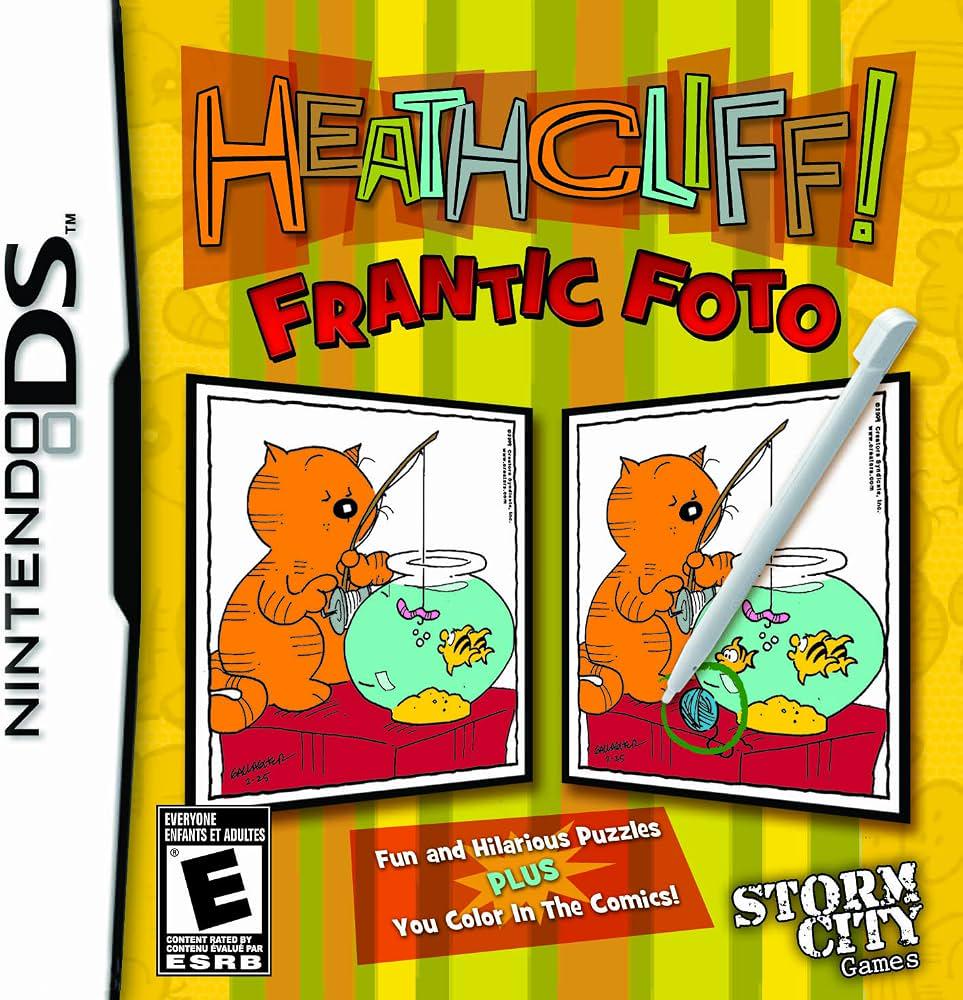
Heathcliff! Frantic Foto brings George Gately's classic c...
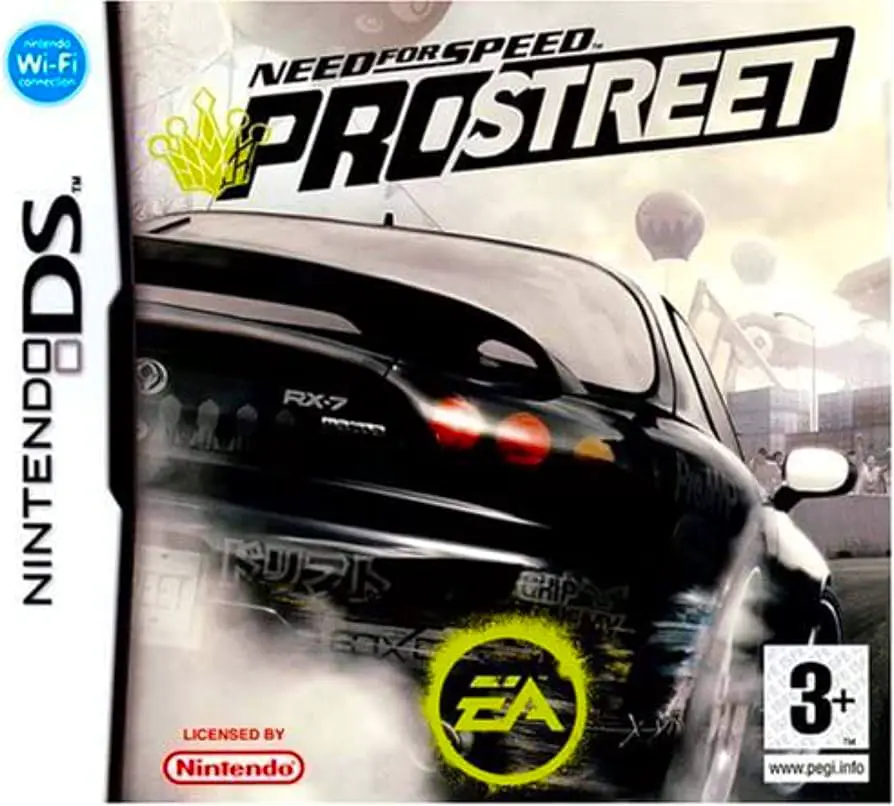
Need for Speed: ProStreet on Nintendo DS transitions the ...
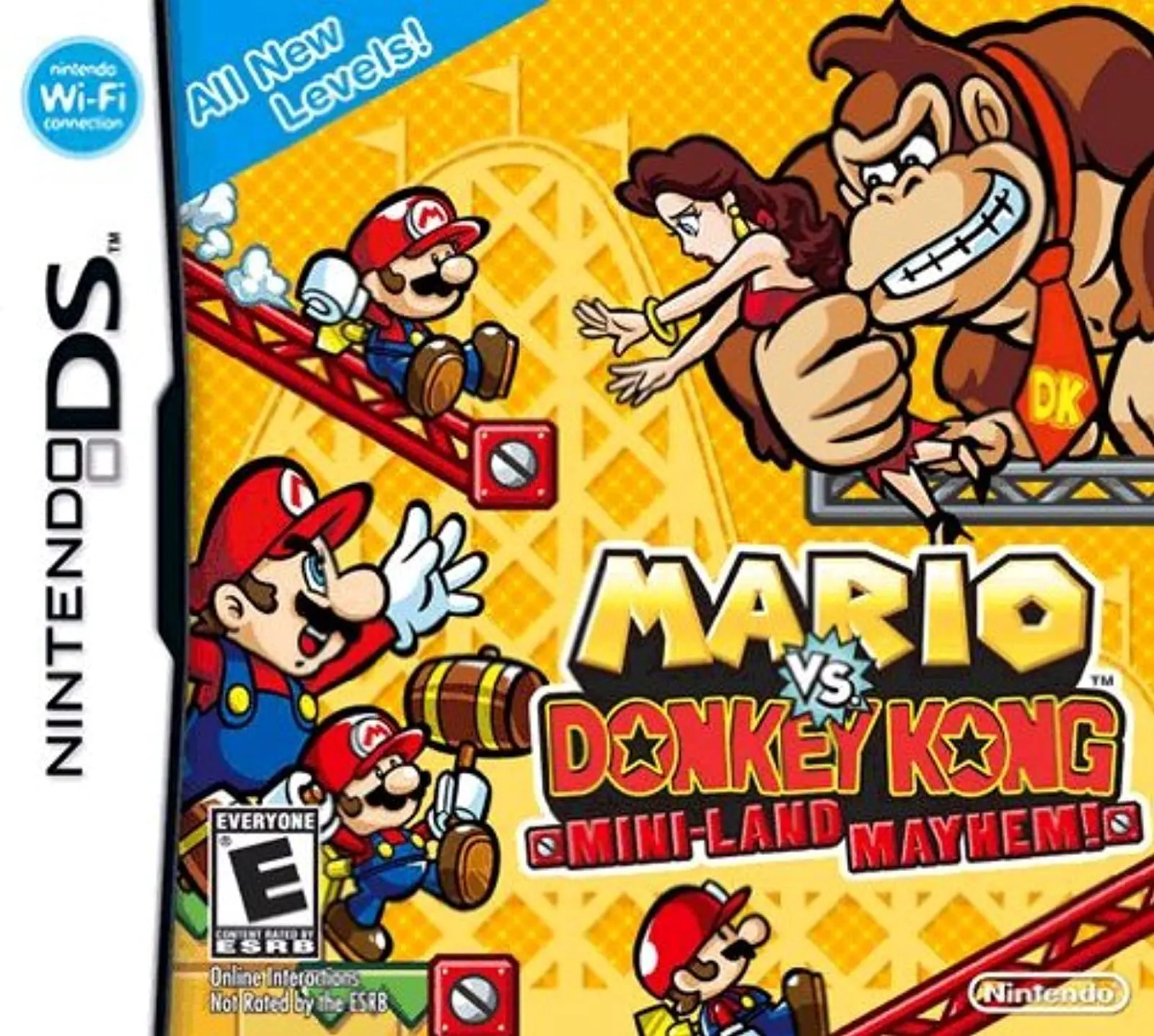
Mario vs. Donkey Kong: Mini-Land Mayhem! brings the ultim...
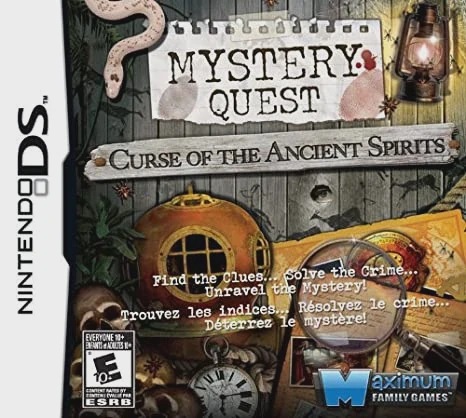
Mystery Quest: Curse of the Ancient Spirits brings an eng...