
Club Penguin: Elite Pengu...
Become a top-secret agent in Club Penguin: Elite Penguin ...

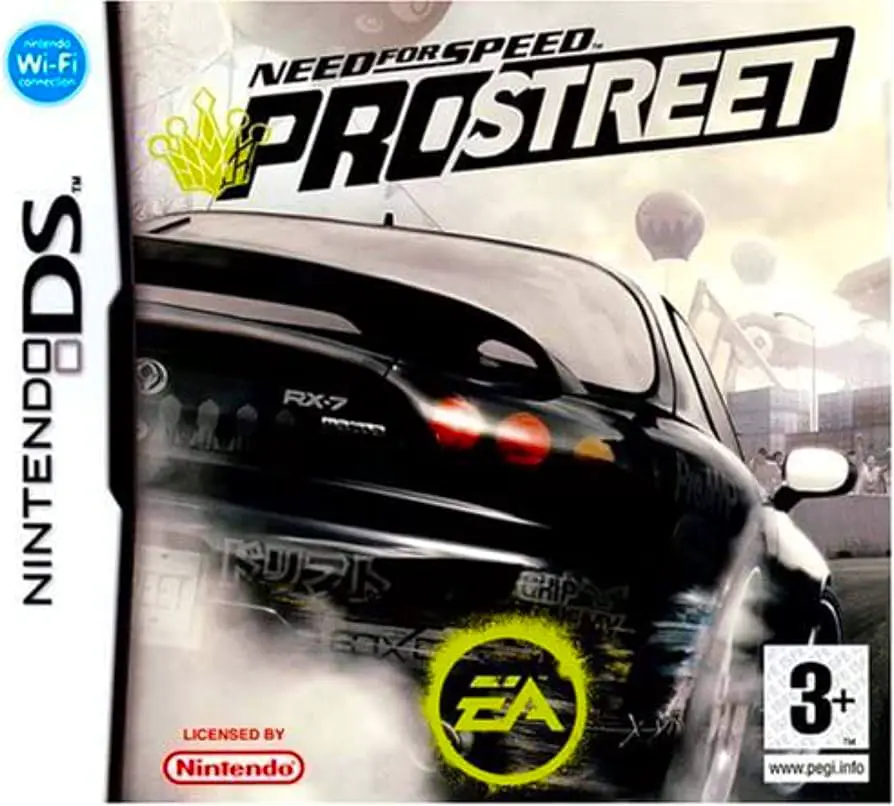
Need for Speed: ProStreet represents a major structural shift for Electronic Arts' iconic racing series on handheld devices. Moving away from open-world police chases and underground street culture, ProStreet brings raw horsepower and competitive motorsport discipline to official race day events across global locations such as the Nevada desert and Tokyo highways. Players take on the role of Ryan Cooper, aiming to conquer various street racing organizations and claim the title of Street King.
Developed by Exient Entertainment, the Nintendo DS adaptation leverages the handheld's dual-screen setup efficiently. While the top screen showcases fast-paced 3D racing action with smooth frame rates, the bottom touch screen handles UI navigation, mini-games, and real-time telemetry. The game features comprehensive customization options through performance upgrades and visual tuning, allowing players to tweak gear ratios, acceleration, and handling dynamics.
The career mode features structured race days with high-stakes challenges. Each event type requires tailored driving techniques: precise steering in Grip races, controlled slide angles in Drift mode, perfect gear shifts in Drag events, and high-speed control in Speed Challenges. Combined with an exclusive DS-only hydraulics rhythm mode and extensive multiplayer support, Need for Speed: ProStreet offers a complete portable racing package.
Spec Field | Details |
Full Title | Need for Speed: ProStreet |
Platform | Nintendo DS (NDS) |
Developer | Exient Entertainment |
Publisher | Electronic Arts (EA) |
Release Date | November 13, 2007 (North America) / November 23, 2007 (Europe) |
Genre | Arcade Racing / Sports |
Game Modes | Single-Player Career, Quick Race, Multi-Player |
Multiplayer | 1–8 Players (DS Download Play & Wireless LAN) |
Media Format | Nintendo DS Game Card |
ESRB Rating | E (Everyone) |
Four Distinct Race Modes: Master Grip, Drift, Drag, and Speed Challenge events designed to test different driving skills.
Deep Car Customization: Unlock real-world vehicles and upgrade performance parts to maximize acceleration, top speed, and handling.
Exclusive DS Mini-Games: Features a unique touch-screen hydraulics mini-game where players hit prompts to the beat of the soundtrack.
8-Player Wireless Multiplayer: Compete against up to seven friends locally via Single-Card Download Play or Multi-Card Wireless LAN.
Global Track Locations: Race across iconic tracks inspired by closed-course circuits, desert highways, and urban environments.
A: Need for Speed: ProStreet is an arcade racing game focused on legal closed-circuit motorsport competitions and vehicle performance tuning.
A: Yes, it supports up to 8 players locally using single-cartridge DS Download Play or multi-cartridge Wireless LAN connections.
A: Unlike games like Most Wanted or Carbon, ProStreet shifts focus from illegal open-world night racing and police chases to organized, legal daytime track events.
A: The DS version includes exclusive touch-screen controls, bottom-screen interface features, and a unique hydraulics rhythm mini-game not found on console releases.
Click the links below to go to the cloud drive download page
⚠️ Download Tips:
Become a top-secret agent in Club Penguin: Elite Penguin ...
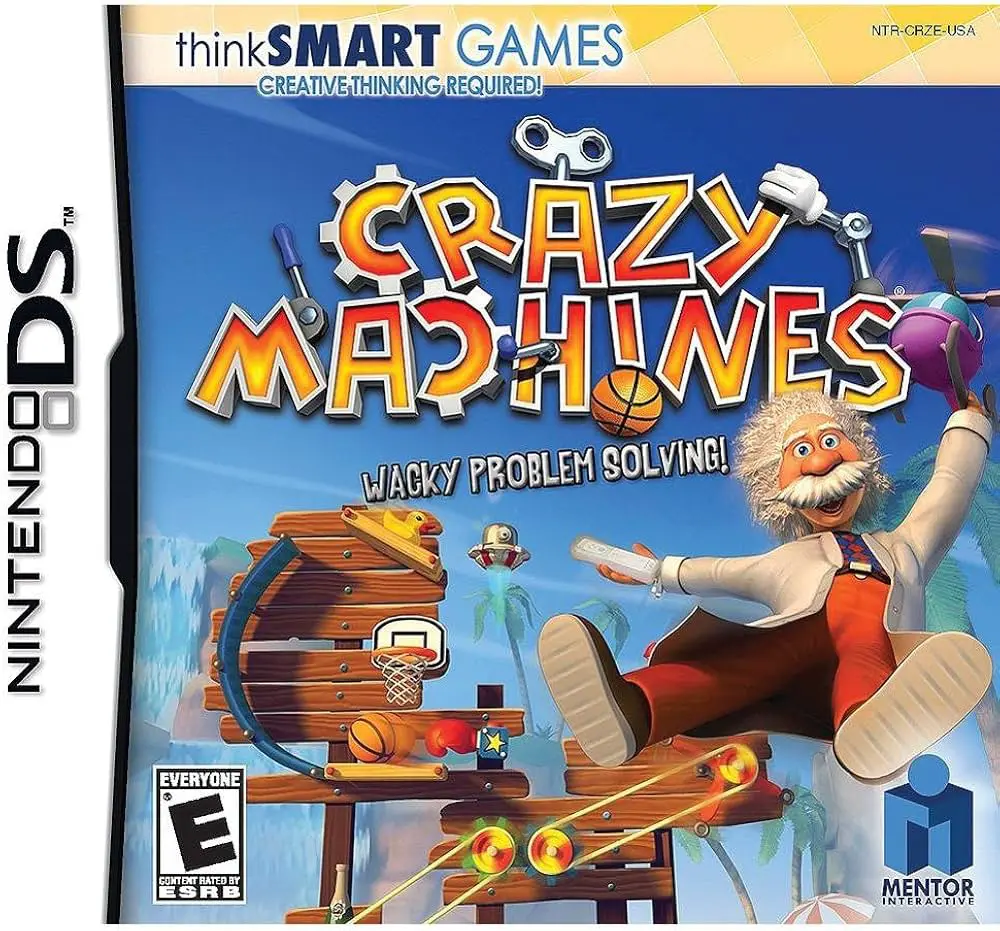
Construct intricate Rube Goldberg-style contraptions and ...
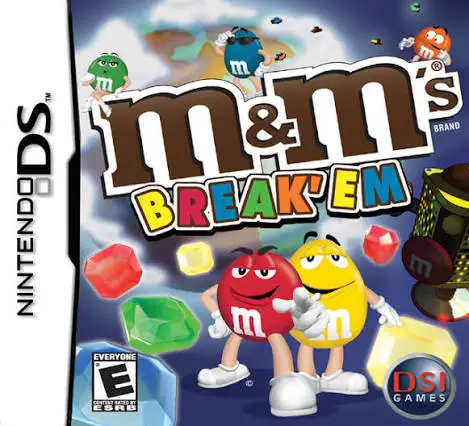
Join M&M's Red and Yellow in M&M's: Break 'em for the Nin...

Heathcliff! Frantic Foto brings George Gately's classic c...

Surf's Up on Nintendo DS brings the high-energy animated ...