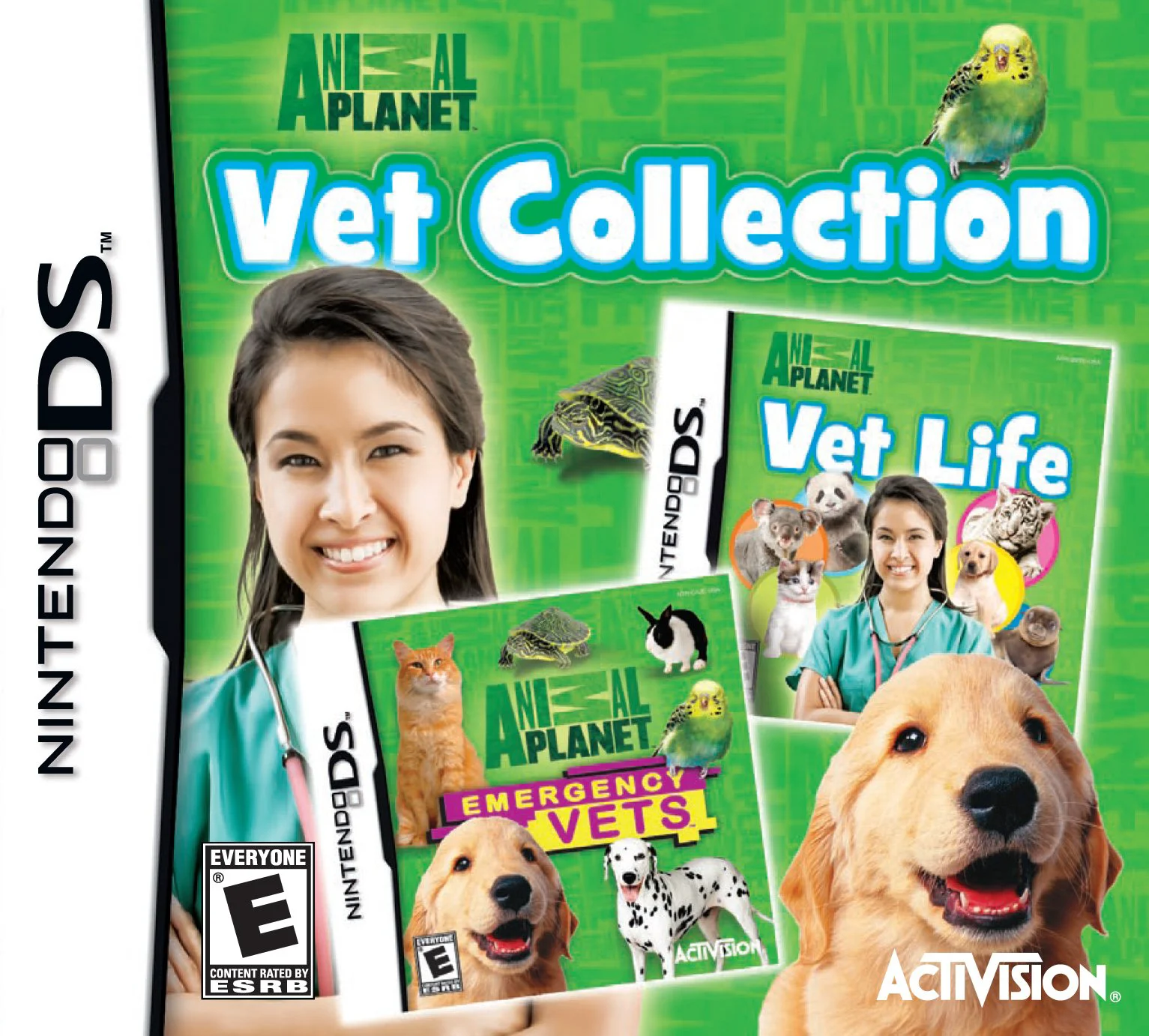
Animal Planet – Vet Colle...
Animal Planet: Vet Collection for the Nintendo DS is an i...

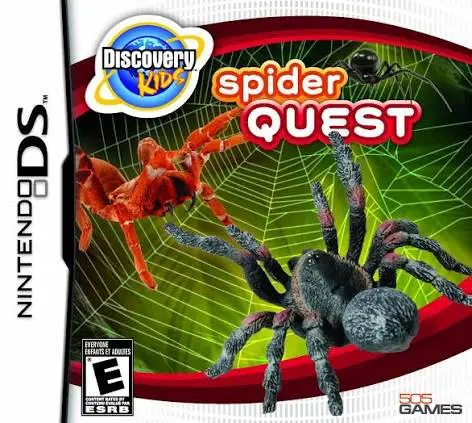
In Discovery Kids: Spider Quest, players set off on a scientific field expedition on the Nintendo DS, exploring diverse wilderness environments to unlock the secrets of the arachnid kingdom. Developed in partnership with the popular Discovery Kids brand, the title merges hands-on virtual pet mechanics with rich educational content.
The gameplay centers on searching natural landscapes—including rainforests, arid deserts, and dark caves—to locate and document unique spider species like tarantulas and orb-weavers. Once discovered, players bring specimens back to their research lab to build customized terrarium habitats complete with appropriate terrain, climate controls, and decorative foliage. Using the DS stylus, players interact directly with their spiders by feeding them prey, keeping their enclosures clean, and observing their natural behaviors in real time.
Beyond habitat management, players participate in interactive mini-games and complete scientific field tasks to earn research badges and unlock fascinating trivia cards. The dual-screen presentation keeps environmental exploration seamless on the top screen while reserving the touch screen for direct laboratory tools and web-building puzzles. With its encouraging feedback, accessible controls, and focus on nature discovery, Discovery Kids: Spider Quest provides a fun and wholesome educational journey.
Game Title: Discovery Kids: Spider Quest
Platform: Nintendo DS (NDS)
Genre: Educational / Simulation / Adventure
Developer: Sensory Sweep Studios
Publisher: 505 Games
Release Date: November 2009
File Format: .NDS (ROM)
Languages: English
Control Scheme: Touch Screen (Stylus) & D-Pad
Global Field Expeditions: Trek through varied wild habitats including rainforests, deserts, and caverns to locate rare arachnids.
Terrarium Customization: Design and maintain realistic laboratory enclosures by adjusting temperature, humidity, plants, and terrain elements.
Interactive Spider Care: Feed, clean, and interact with your collected spider species using direct touch-screen stylus tools.
Educational Field Guide: Unlock detailed facts, high-resolution species profiles, and scientific trivia approved by Discovery Kids.
Kid-Friendly Mini-Games: Complete engaging touch-based puzzles, maze navigation, and web-spinning challenges to earn research rewards.
A: The game combines environmental exploration with terrarium management and educational mini-games, where players discover, capture, feed, and study various spider species.
A: Yes, the game is designed specifically for children aged 6 to 12, featuring simple stylus controls, positive reinforcement, and educational content focused on science and nature.
A: Players use the NDS stylus to customize terrarium conditions, feed insects to their spiders, clean their enclosures, and observe their daily behaviors.
A: Yes, the .nds ROM file performs reliably across standard Nintendo DS emulators for PC, Android, and iOS devices, as well as on original Nintendo DS and 3DS hardware using flashcards.
Click the links below to go to the cloud drive download page
⚠️ Download Tips:
Animal Planet: Vet Collection for the Nintendo DS is an i...
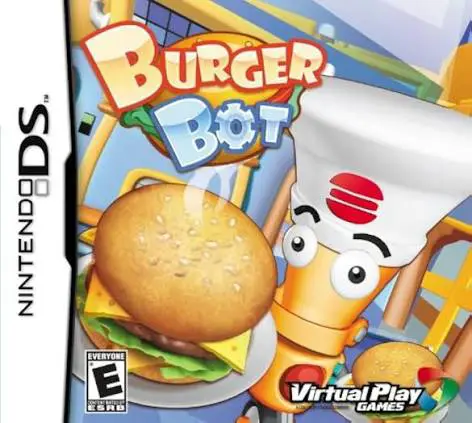
Burger Bot for the Nintendo DS is an addictive, fast-pace...

I Love Puppies for the Nintendo DS is a charming pet simu...
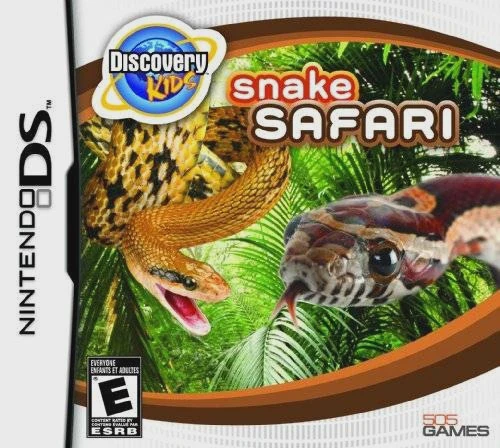
Discovery Kids: Snake Safari for the Nintendo DS is an ed...

Fashion Week Jr. – Designer for the Nintendo DS is an eng...