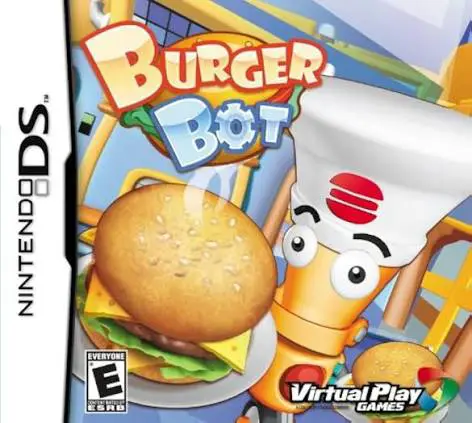
Burger Bot
Burger Bot for the Nintendo DS is an addictive, fast-pace...

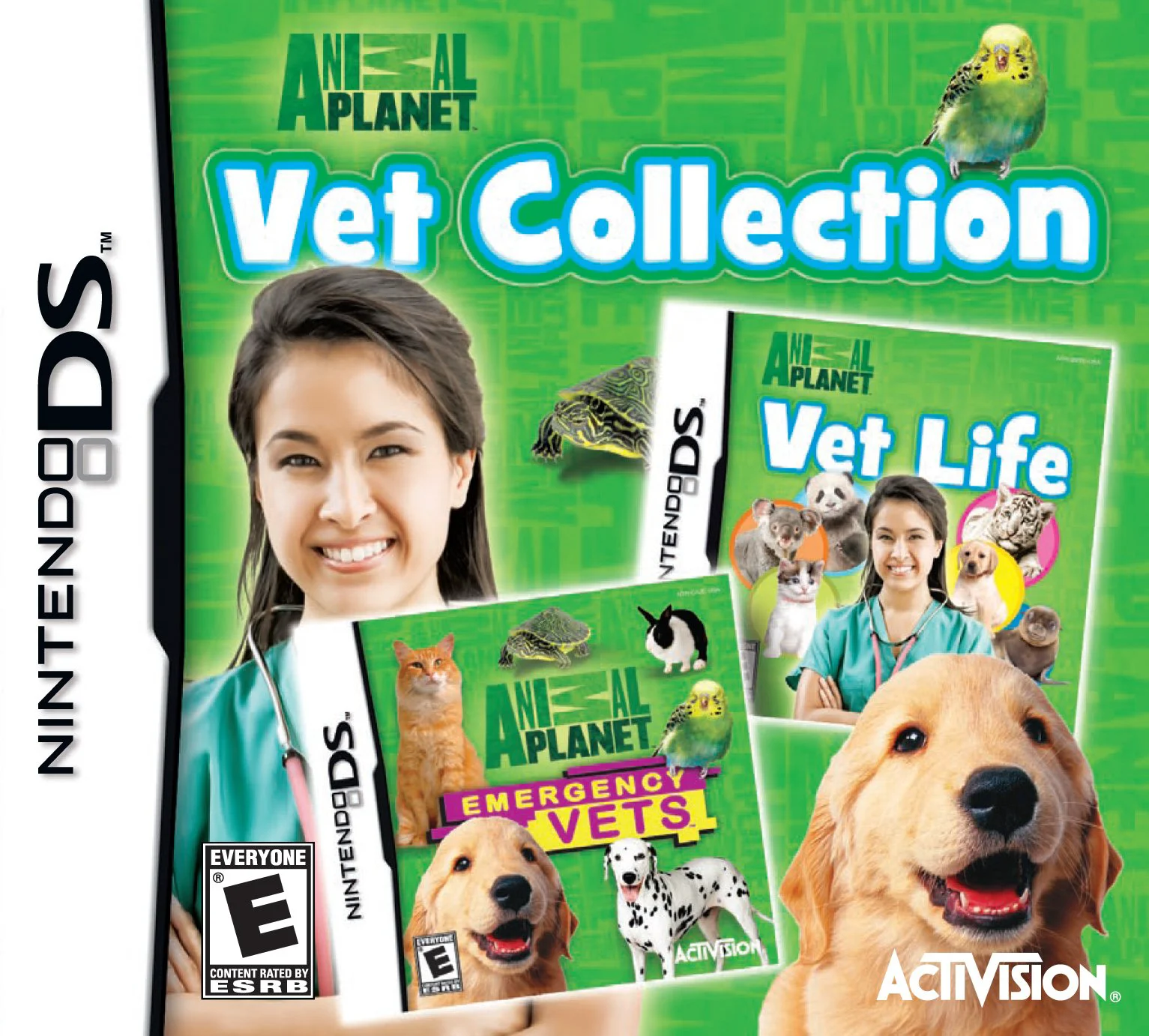
In Animal Planet: Vet Collection, players step into the scrubs of a dedicated veterinary doctor on the Nintendo DS, expanding their medical practice from local domestic pet clinics to international wildlife sanctuaries. Created in partnership with the iconic Discovery Animal Planet brand, the game combines realistic animal care concepts with engaging handheld mini-game mechanics.
The gameplay revolves around running a high-functioning animal hospital where patients arrive with a variety of ailments. Using the Nintendo DS touch screen, players utilize specialized medical equipment such as stethoscopes, thermometers, x-ray machines, syringes, and bandages to examine patients and pinpoint health issues. Once a diagnosis is made, you guide animals through customized treatment plans, surgical procedures, and post-care rehabilitation routines to restore their health and release them back into the wild or return them to happy owners.
Beyond daily medical care, the collection features facility management elements where earned clinical funds can be invested in upgrading diagnostic tools, expanding recovery enclosures, and stocking essential medicine supplies. Interspersed with educational trivia cards and authentic animal profiles, Animal Planet: Vet Collection delivers a wholesome, inspiring simulation package tailored for young animal enthusiasts and casual gamers alike.
Game Title: Animal Planet: Vet Collection
Platform: Nintendo DS (NDS)
Genre: Medical Simulation / Pet Care / Educational
Developer: Mindscape / Independent Arts Software
Publisher: Activision / Mastertronic
Release Date: October 2009
File Format: .NDS (ROM)
Languages: English, French, German, Spanish, Italian
Control Scheme: Touch Screen (Stylus) & D-Pad
Diverse Animal Species: Diagnose and care for over 40 domestic and exotic animal species including dogs, cats, pandas, seals, tigers, and koalas.
Realistic Medical Tools: Use the DS stylus to operate stethoscopes, apply bandages, give injections, take x-rays, and perform delicate procedures.
Global Rescue Sanctuaries: Travel across global environments, from suburban veterinary offices to African safari parks and Australian wildlife reserves.
Clinic Management: Earn money by successfully treating patients to upgrade medical equipment, expand enclosures, and purchase medicine.
Educational Content: Discover fascinating animal facts, species profiles, and conservation tips verified by Animal Planet branding.
A: The game is a veterinary medical simulation where players use touch-screen controls to diagnose symptoms, operate medical tools, treat sick animals, and manage clinic facilities.
A: Yes, in addition to common pets like cats and dogs, players treat exotic wildlife including sea lions, pandas, koalas, kangaroos, and big cats across global sanctuaries.
A: Absolutely. The game features gentle gameplay mechanics, clear visual prompts, encouraging feedback, and educational content, making it appropriate and safe for children aged 6 and up.
A: Yes, the .nds ROM file runs cleanly on popular Nintendo DS emulators for PC, Android, and iOS devices, as well as on original NDS and 3DS hardware using flashcards.
Click the links below to go to the cloud drive download page
⚠️ Download Tips:
Burger Bot for the Nintendo DS is an addictive, fast-pace...
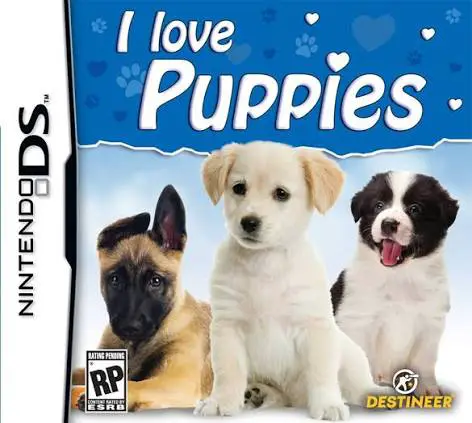
I Love Puppies for the Nintendo DS is a charming pet simu...
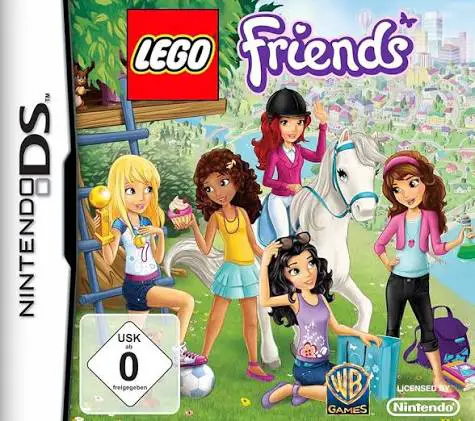
LEGO Friends is a delightful adventure and life-simulatio...
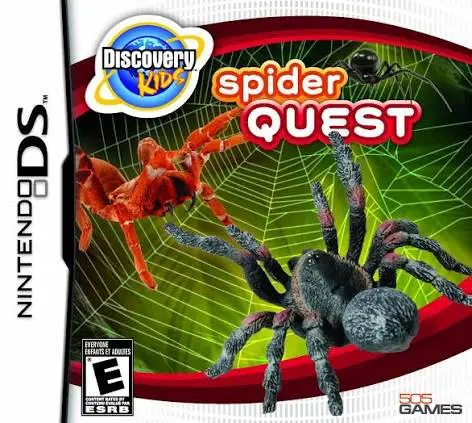
Discovery Kids: Spider Quest for the Nintendo DS is an ed...
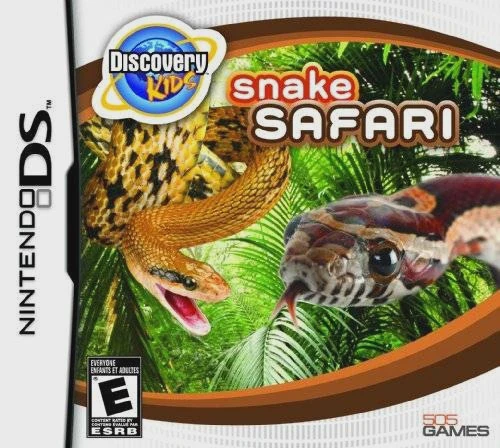
Discovery Kids: Snake Safari for the Nintendo DS is an ed...