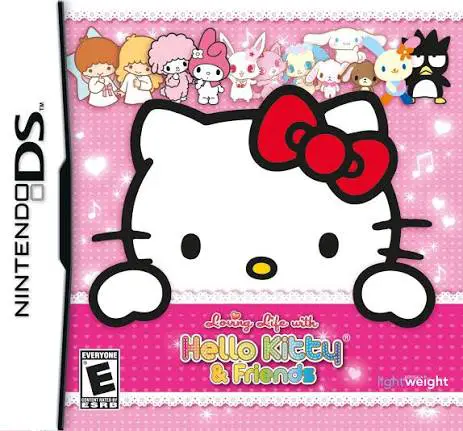
Loving Life with Hello Ki...
Loving Life with Hello Kitty & Friends is a charming life...

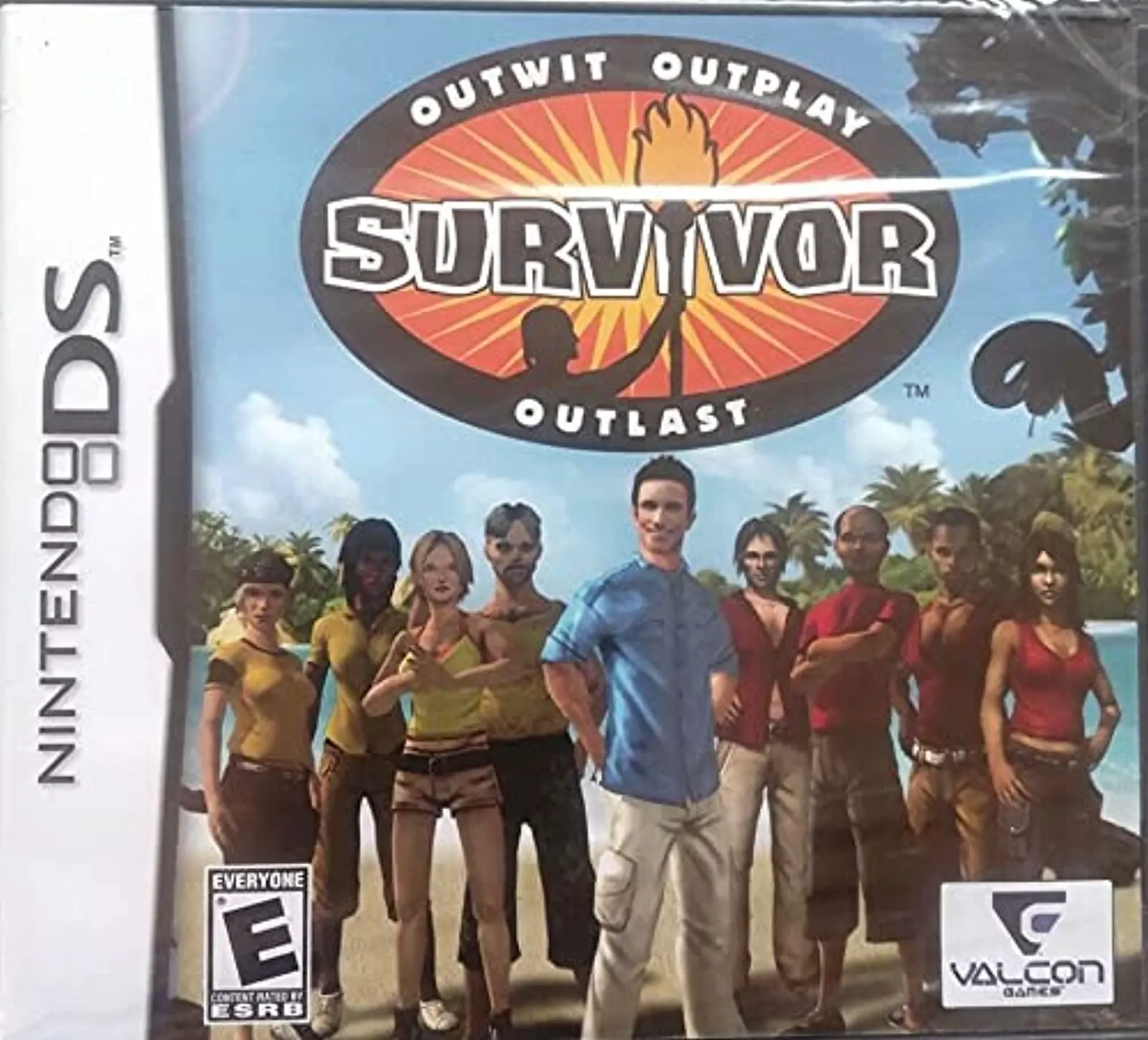
Survivor translates the psychological and physical challenges of the popular TV series into an interactive handheld strategy game. Moving away from traditional action-adventure titles, this Nintendo DS adaptation focuses on tribe dynamics, social alliances, daily resource management, and competitive mini-game challenges.
Developed by Mindscape (and released in Europe under localized titles such as Koh-Lanta and Expeditie Robinson) and published by Valcon Games in late 2010, the game makes practical use of the dual-screen setup. The top screen displays camp status, character stamina meters, active challenge conditions, and animated scenes, while the bottom touch screen functions as the primary workspace for managing camp chores, maintaining social relationships, and playing stylus-driven challenges. Players must balance physical effort in hunting and building with social strategy to maintain high favor among tribe mates.
The gameplay loop is divided into distinct phases: camp management, Reward and Immunity Challenges, and Tribal Council. During camp life, players gather food, maintain fires, and talk with fellow contestants to forge secret alliances. In challenges, players use the DS stylus and microphone to compete in balance, shooting, and puzzle mini-games. Winning Immunity keeps players safe, while losing forces a trip to Tribal Council to vote off a rival contestant. With multiple playable contestants and branching social strategies, Survivor delivers a strategic pick-up-and-play simulation.
Spec Field | Details |
Full Title | Survivor |
Platform | Nintendo DS (NDS) |
Developer | Mindscape / Smack Down Productions |
Publisher | Valcon Games |
Release Date | October 19, 2010 (North America) / November 2010 (Europe) |
Genre | Strategy / Simulation / Party |
Game Modes | Single-Player |
Multiplayer | None |
Media Format | Nintendo DS Game Card |
ESRB Rating | E (Everyone) |
Official Reality Show Experience: Experience the full structure of the TV series, from initial tribe splits to camp life, Immunity Challenges, and final Jury votes.
Social Alliance System: Talk with fellow castaways, form secret voting pacts, and manage your reputation to avoid elimination at Tribal Council.
Stylus-Driven Immunity Challenges: Test your speed, timing, and precision in interactive mini-games utilizing touch controls and microphone input.
Camp Survival & Resource Upkeep: Maintain your contestant's energy and morale by gathering water, hunting for food, building shelter, and tending the campfire.
Strategic Tribal Councils: Cast your vote each round to target strong threats or backstab allies in your push to become the Sole Survivor.
A: It is a casual strategy, simulation, and party game focused on social alliance management, resource maintenance, and mini-game challenges.
A: The touch screen is used with the stylus to navigate camp menus, choose voting targets during Tribal Council, and complete challenge mini-games.
A: Yes, building relationships and forming voting alliances with other contestants is essential to surviving Tribal Council votes without getting eliminated.
A: No, the Nintendo DS version is a single-player game focused on campaign progression against computer-controlled AI contestants.
Click the links below to go to the cloud drive download page
⚠️ Download Tips:
Loving Life with Hello Kitty & Friends is a charming life...
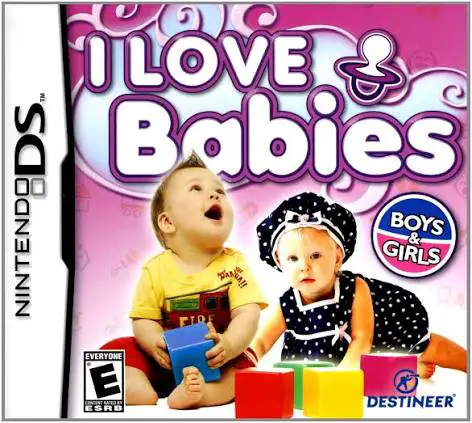
I Love Babies (released in Europe as My Little Baby) is a...
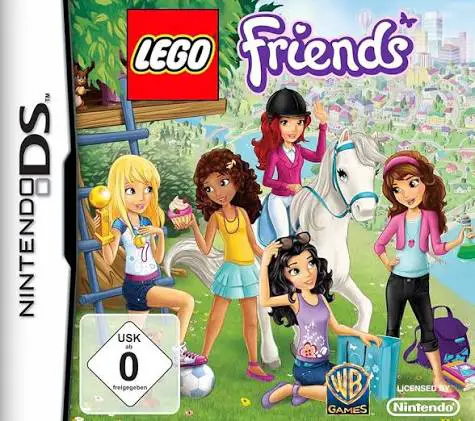
LEGO Friends is a delightful adventure and life-simulatio...
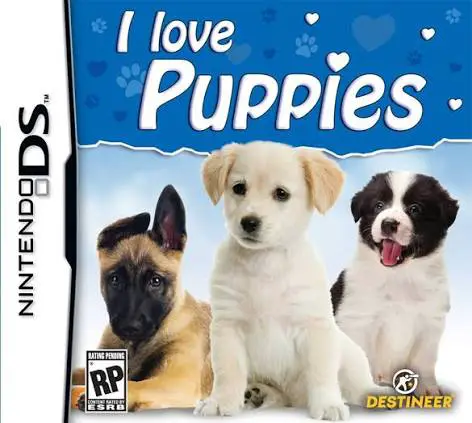
I Love Puppies for the Nintendo DS is a charming pet simu...
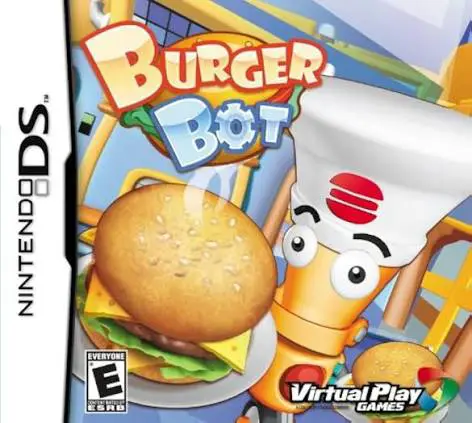
Burger Bot for the Nintendo DS is an addictive, fast-pace...