Fossil Fighters Champions
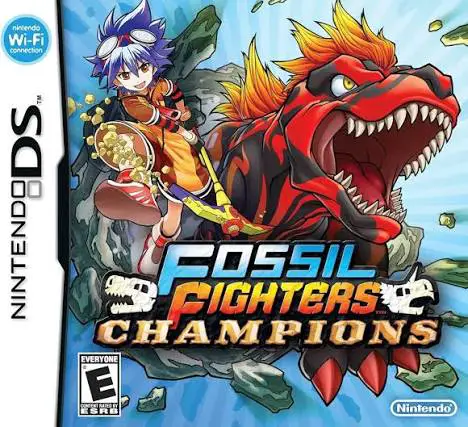
Fossil Fighters Champions is an exciting role-playing and...

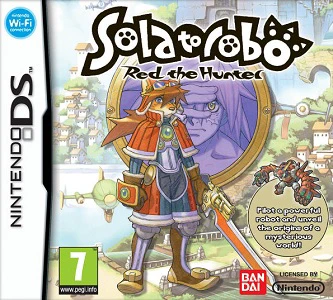
Solatorobo: Red the Hunter takes place in the Shepherd Republic, a floating continent chain where anthropomorphic animal people live and pilot mechanical suits. Players control Red Savarin, a freelance hunter working alongside his adoptive sister, Chocolat. After accepting a seemingly routine assignment aboard a massive airship, Red recovers a mysterious medallion and encounters a strange girl named Elh, kicking off a grand adventure to stop an ancient, world-devouring entity known as Lares.
The gameplay uniquely blends on-foot platforming with mechanical combat. When piloting his mecha, Red can pick up enemies, throw them into each other, hurl heavy objects, and dash around arenas to solve environmental puzzles. As players progress through the engaging story-driven campaign, they can take on dozens of varied side quests—ranging from airship races to photo-hunting—earn currency to upgrade Red's robot capabilities, and unlock beautifully animated cutscenes and voice-acted sequences that bring the vibrant science-fantasy world to life.
Developer: CyberConnect2
Publisher: Namco Bandai Games (Japan/Europe) / Xseed Games (North America)
Platform: Nintendo DS (Compatible with Nintendo DSi, 2DS, and 3DS systems)
Release Date: October 28, 2010 (JP) / July 1, 2011 (EU) / September 27, 2011 (NA)
Genre: Action RPG / Platformer
Player(s): Single-player and Multiplayer (1–4 players via local wireless/Wi-Fi)
Media: NDS Game Card / Cartridge
ESRB Rating: E10+ (Everyone 10+ for Fantasy Violence)
Unique Mecha-Action Mechanics: Grab, lift, and hurl enemies and heavy objects using Red's versatile robot suit to dominate fast-paced battles and clear environmental puzzles.
Charming Steampunk World: Explore a stunning sci-fi universe of floating islands, whimsical airships, and distinct canine/feline character designs.
Rich Quest Variety: Take on a wide array of rewarding freelance missions, side jobs, aerial races, and minigames beyond the main storyline.
Mecha Upgrades: Collect currency and items throughout your journey to enhance your robot's performance, speed, attack power, and health parameters.
Immersive Presentation: Enjoy fully orchestrated musical themes, high-quality anime cutscenes, and extensive voice acting rarely found on standard DS cartridges.
Yes, as a standard physical Nintendo DS game cartridge, the title is fully backward-compatible and playable on Nintendo DSi, Nintendo 3DS, 3DS XL, and 2DS systems.
Yes, Solatorobo is part of CyberConnect2's Little Tail Bronx series, serving as a spiritual successor to the PlayStation game Tail Concerto and sharing the same overarching world lore.
Combat revolves around Red's mecha suit. Instead of traditional weapon combos, players use a grab-and-throw mechanic—lifting stunned enemies or environmental objects and hurling them at other foes to deal massive damage.
Yes, the game features a local wireless multiplayer mode supporting up to four players, where participants can race airships and compete in fast-paced arcade challenges.
Click the links below to go to the cloud drive download page
⚠️ Download Tips:
Fossil Fighters Champions is an exciting role-playing and...
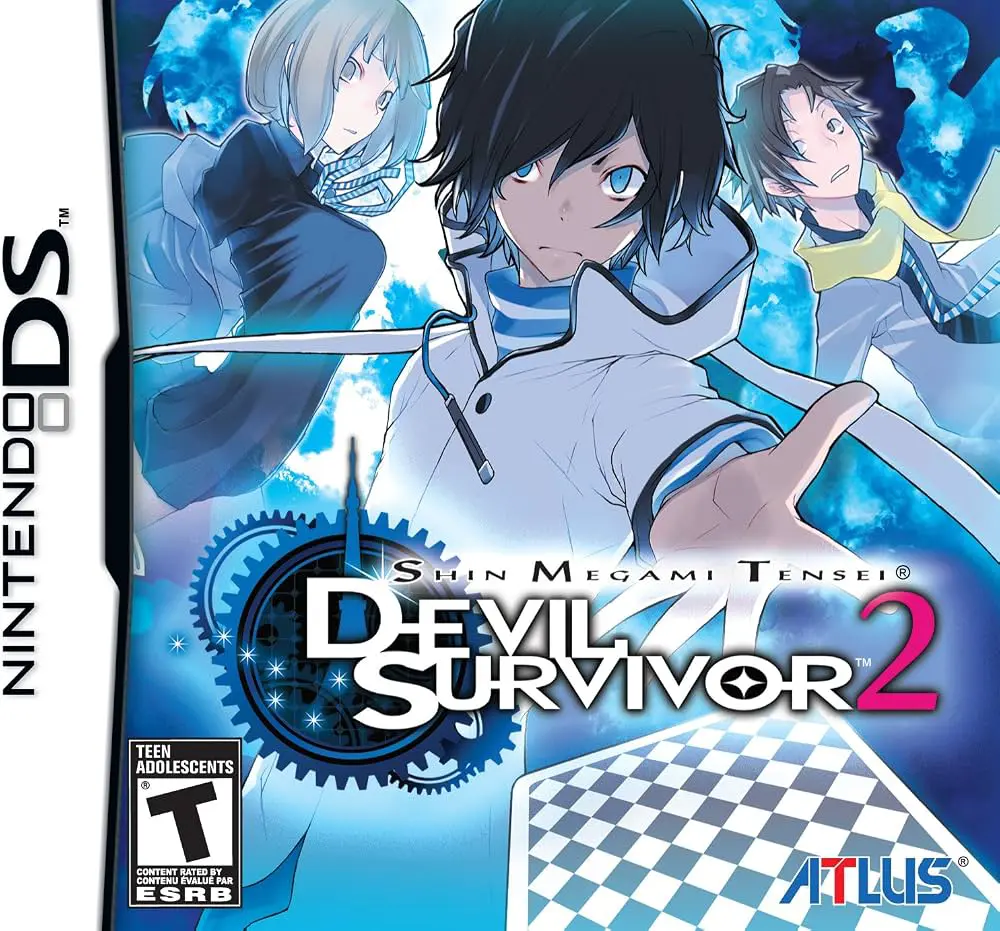
Shin Megami Tensei: Devil Survivor 2 is a critically accl...
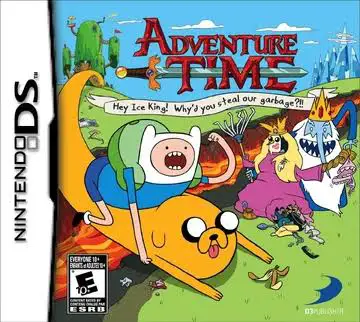
Adventure Time – Hey Ice King! Why'd You Steal Our Garbag...
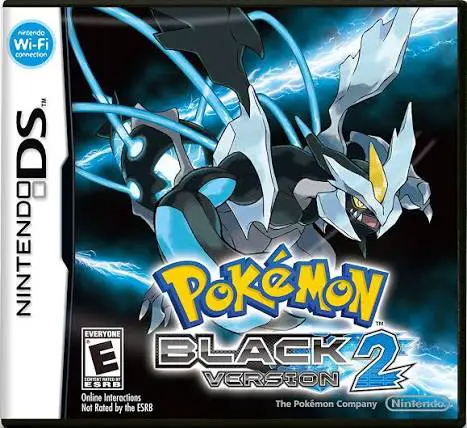
Pokémon Black Version 2 for the Nintendo DS is an acclaim...
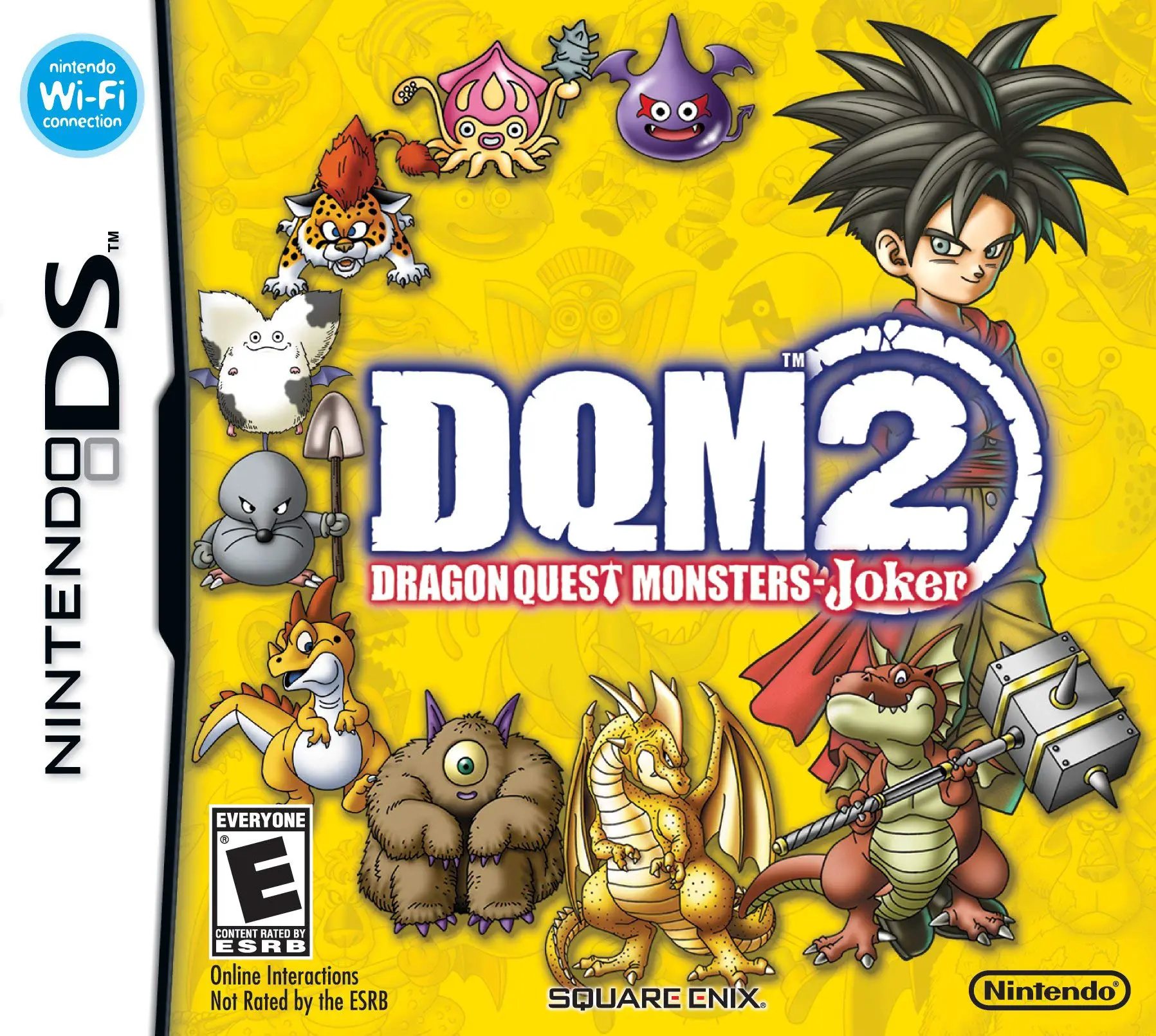
Embark on an epic monster-taming adventure across treache...