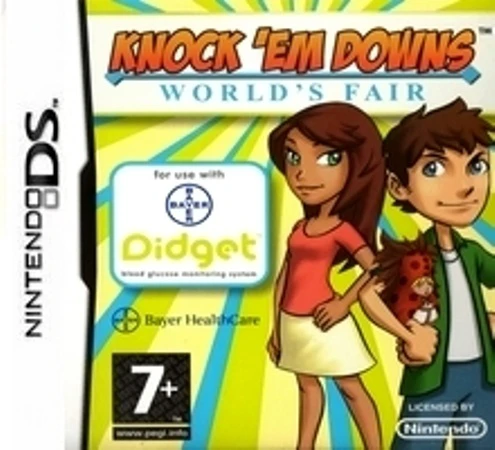
Knock 'Em Downs – World's...
Knock 'Em Downs – World's Fair for the Nintendo DS is an ...

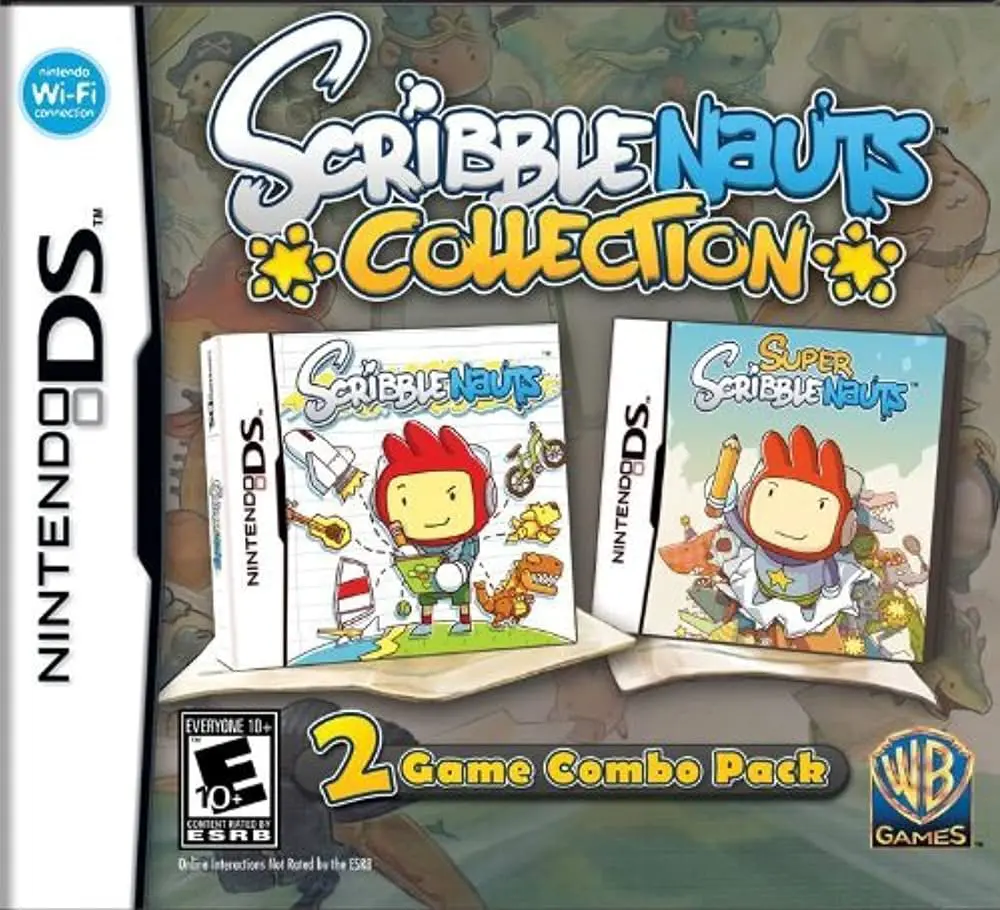
In Scribblenauts Collection, players step into the shoes of Maxwell, a magical adventurer equipped with a magical notepad, on the Nintendo DS. Published by Warner Bros. Interactive Entertainment, this compilation bundles the original 2009 smash hit Scribblenauts with its critically acclaimed 2010 sequel, Super Scribblenauts, which notably introduced adjectives to the game's vocabulary engine.
The core gameplay centers on solving inventive puzzle stages by writing words on the touch screen. Typing in nouns—ranging from everyday tools like a ladder or rope to historical figures, mythical creatures, or ridiculous objects like a "flying purple jetpack"—instantly spawns them into the game world with realistic physics. Players then combine, stack, or ride these creations to collect "Starites" and clear obstacles. The sequel adds depth by allowing players to apply descriptive adjectives (such as "giant," "flying," "fiery," or "zombie") to objects for wildly unpredictable and hilarious results.
Taking full advantage of the dual-screen configuration of the Nintendo DS, the upper screen renders the 2D action side-scrolling world and character animations, while the lower touch screen houses the virtual keyboard, dictionary lookup, and inventory management system.
Game Title: Scribblenauts Collection (Includes Scribblenauts & Super Scribblenauts)
Platform: Nintendo DS (NDS)
Genre: Puzzle / Action / Educational Sandbox
Developer: 5th Cell
Publisher: Warner Bros. Interactive Entertainment
Release Date: Compilation Bundle (Series span: 2009–2010)
File Format: .NDS (ROM)
Languages: English, French, German, Spanish, Italian
Control Scheme: Touch Screen (Stylus) & D-Pad
Double Game Compilation: Combines two revolutionary puzzle-sandbox titles into one comprehensive cartridge.
Limitless Vocabulary Engine: Summon tens of thousands of objects, weapons, animals, and characters using the touch-screen keyboard.
Adjective Integration (Super Scribblenauts): Modify spawned objects with descriptive adjectives to alter their properties, behavior, and appearance.
Physics-Based Problem Solving: Experiment with endless creative solutions to tricky environmental puzzles and sandbox challenges.
Level Editor Tools: Design your own custom puzzles, share challenges, and test your imagination in sandbox mode.
A: The collection features the original groundbreaking puzzle game Scribblenauts (2009) alongside its feature-rich sequel, Super Scribblenauts (2010).
A: The games feature a massive internal dictionary recognizing tens of thousands of common nouns, historical figures, fantasy creatures, and (in the sequel) descriptive adjectives.
A: No, typing is handled via an on-screen touch keyboard operated with the Nintendo DS stylus, though the game includes predictive text and smart filtering to speed up word entry.
A: Yes, the .nds ROM file runs cleanly across standard Nintendo DS emulators for PC, Android, and iOS devices, as well as on original Nintendo DS and 3DS systems using flashcards.
Click the links below to go to the cloud drive download page
⚠️ Download Tips:
Knock 'Em Downs – World's Fair for the Nintendo DS is an ...
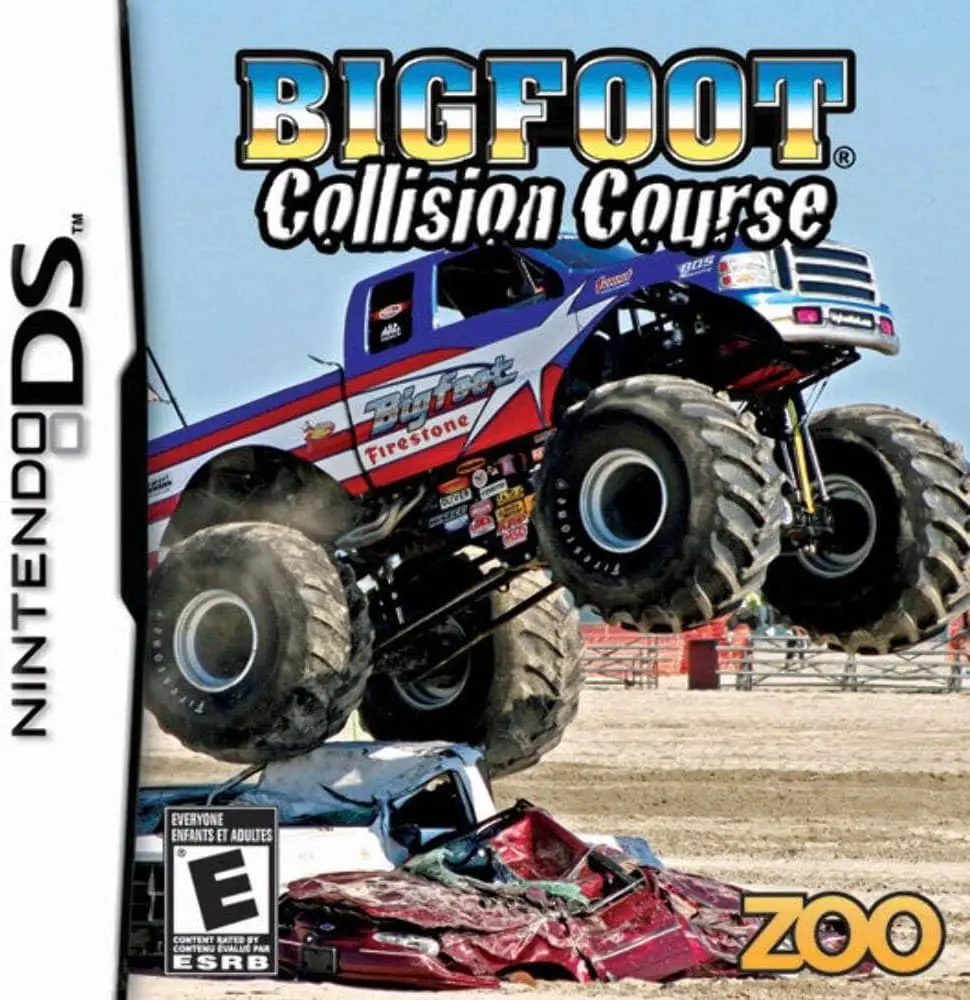
Bigfoot – Collision Course for the Nintendo DS is an arca...
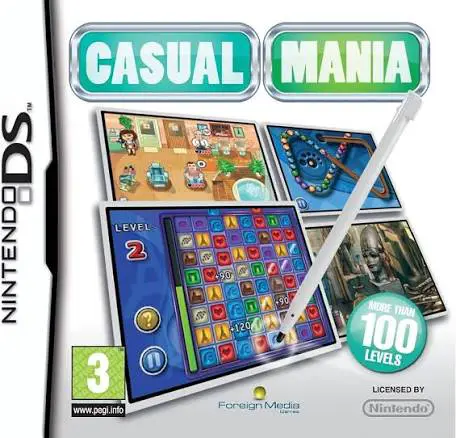
Casual Mania for the Nintendo DS is an accessible compila...
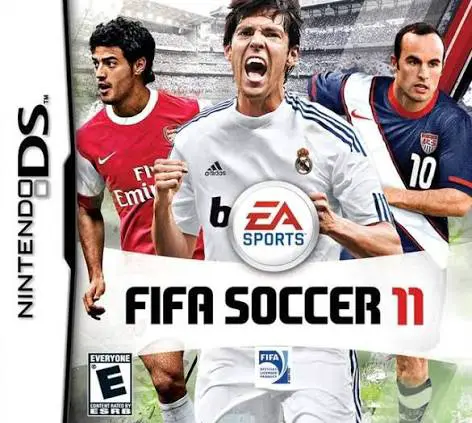
FIFA Soccer 11 for the Nintendo DS is a portable sports s...
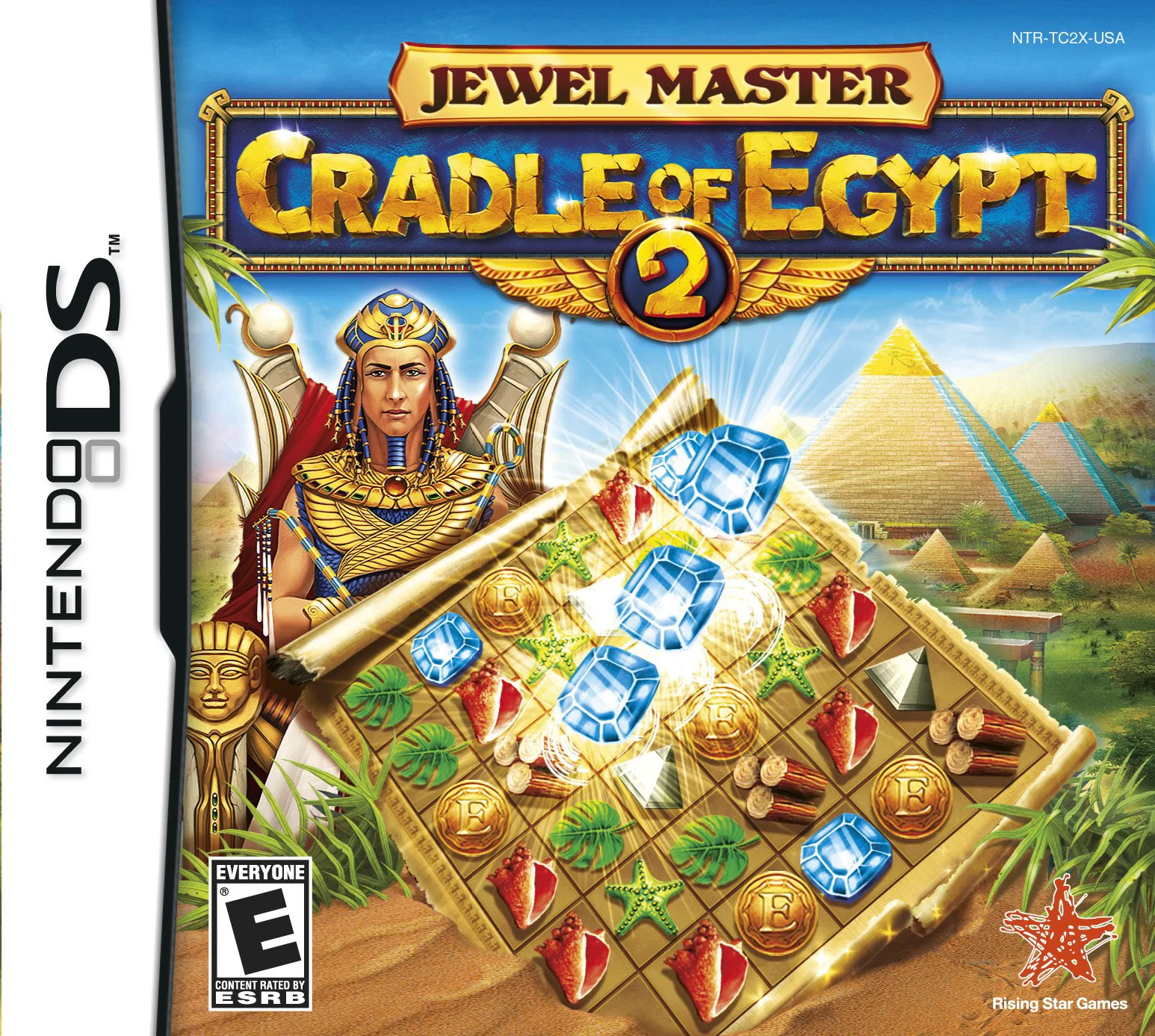
Jewel Master – Cradle of Egypt 2 for the Nintendo DS is a...