Pokemon Conquest
Unite the Ransei region in Pokémon Conquest for the Ninte...

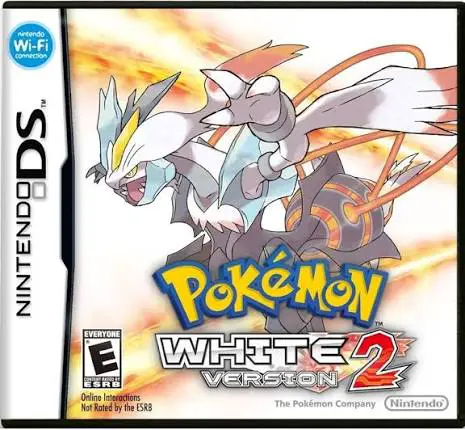
In Pokémon White Version 2, players embark on a grand journey starting from Aspertia City in the southwestern corner of the Unova region. Unlike traditional third-version expansions (such as Pokémon Platinum), Version 2 represents a true narrative and geographical sequel, showcasing how Unova has changed over a two-year timespan.
The core gameplay centers on capturing, training, and battling Pokémon while unraveling a new plot involving the revived Team Plasma and the enigmatic Legendary Pokémon Kyurem. Players encounter a mix of familiar faces and new characters, traverse altered towns and brand-new locations (such as Floccesy Town and Virbank City), and collect eight Gym Badges to challenge the Pokémon League. A standout addition is Pokéwood, a studio where players star in live-action style cinematic films with Pokémon, as well as the Pokémon World Tournament, which invites trainers to battle legendary Gym Leaders and Champions from across all past regional generations.
Taking full advantage of the dual-screen configuration of the Nintendo DS, the upper screen renders 3D-infused battle animations, world exploration, and cinematic sequences, while the lower touch screen serves as the responsive menu interface for battle moves, inventory management, and the revamped C-Gear communication system.
Game Title: Pokémon White Version 2
Platform: Nintendo DS (NDS)
Genre: Role-Playing Game (RPG) / Turn-Based Strategy
Developer: Game Freak
Publisher: Nintendo / The Pokémon Company
Release Date: October 2012 (North America / Europe)
File Format: .NDS (ROM)
Languages: English, French, German, Spanish, Italian
Control Scheme: D-Pad & Face Buttons / Touch Screen (Stylus)
True Direct Sequel: Experience an all-new storyline set two years after Black and White, featuring altered landscapes, evolved towns, and returning characters.
Expanded Unova Pokédex: Encounter over 300 native and regional Pokémon right from the start, including classic favorites from Kanto, Johto, Hoenn, and Sinnoh.
Pokémon World Tournament: Test your skills against every past Gym Leader and Champion from the history of the franchise in epic knockout brackets.
Pokéwood Movie Studio: Direct and star in custom cinematic battle productions to win over virtual box-office audiences.
Key System & Challenge Mode: Unlock adjustable difficulty settings and exclusive dungeon features by connecting with companion game versions.
A: It is a direct chronological and geographical sequel to Pokémon White Version, featuring a brand-new protagonist, altered map layouts, and a completely new storyline.
A: Yes, White Version 2 is fully compatible with Black Version 2 for trading, local battles, Unova Link features, and unlocking version-exclusive challenges.
A: Yes, unlike the original Black and White (which restricted Unova to new Pokémon until post-game), Version 2 features a diverse national roster scattered across early routes.
A: Yes, the .nds ROM file runs exceptionally well across standard Nintendo DS emulators for PC, Android, and iOS devices, as well as on original hardware using flashcards (though emulators handle anti-piracy experience-gain patches seamlessly).
Click the links below to go to the cloud drive download page
⚠️ Download Tips:
Unite the Ransei region in Pokémon Conquest for the Ninte...
Pokémon Black Version 2 for the Nintendo DS is an acclaim...
Adventure Time – Hey Ice King! Why'd You Steal Our Garbag...
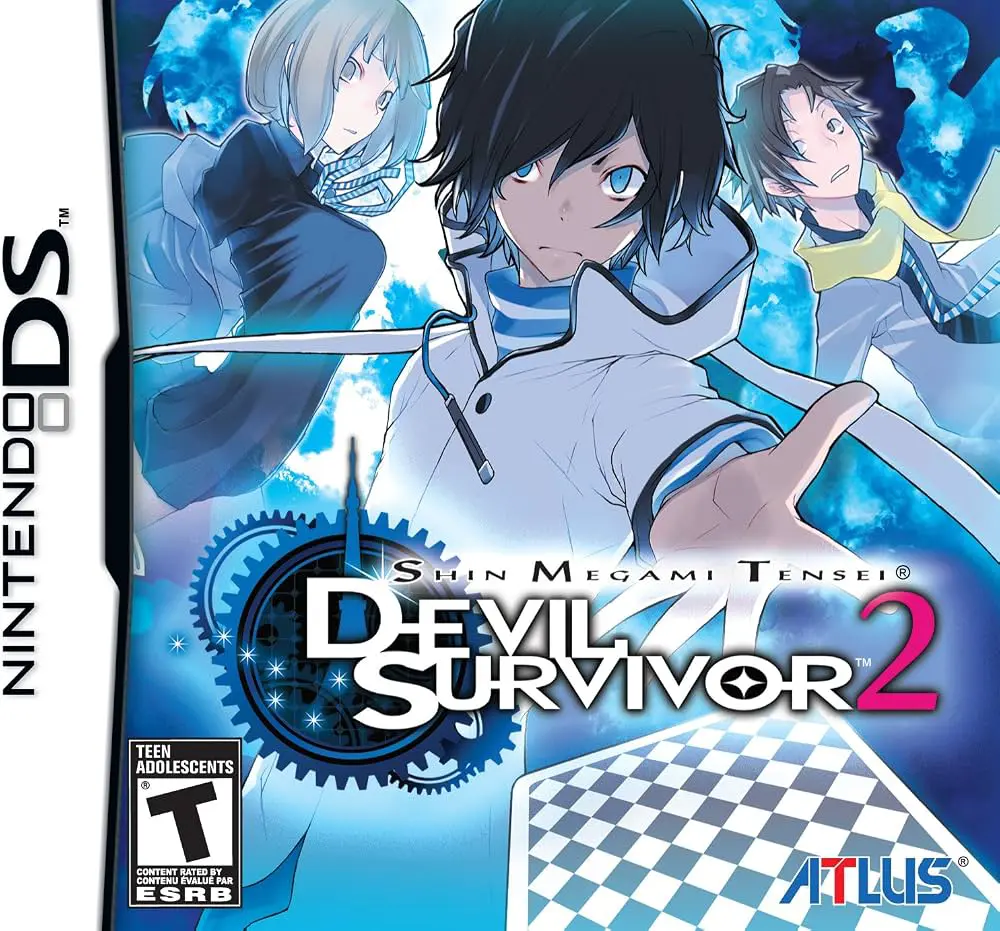
Shin Megami Tensei: Devil Survivor 2 is a critically accl...
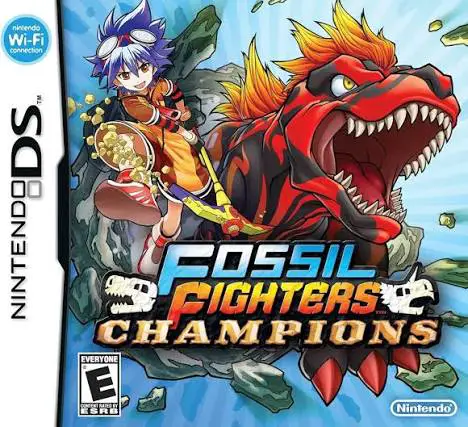
Fossil Fighters Champions is an exciting role-playing and...