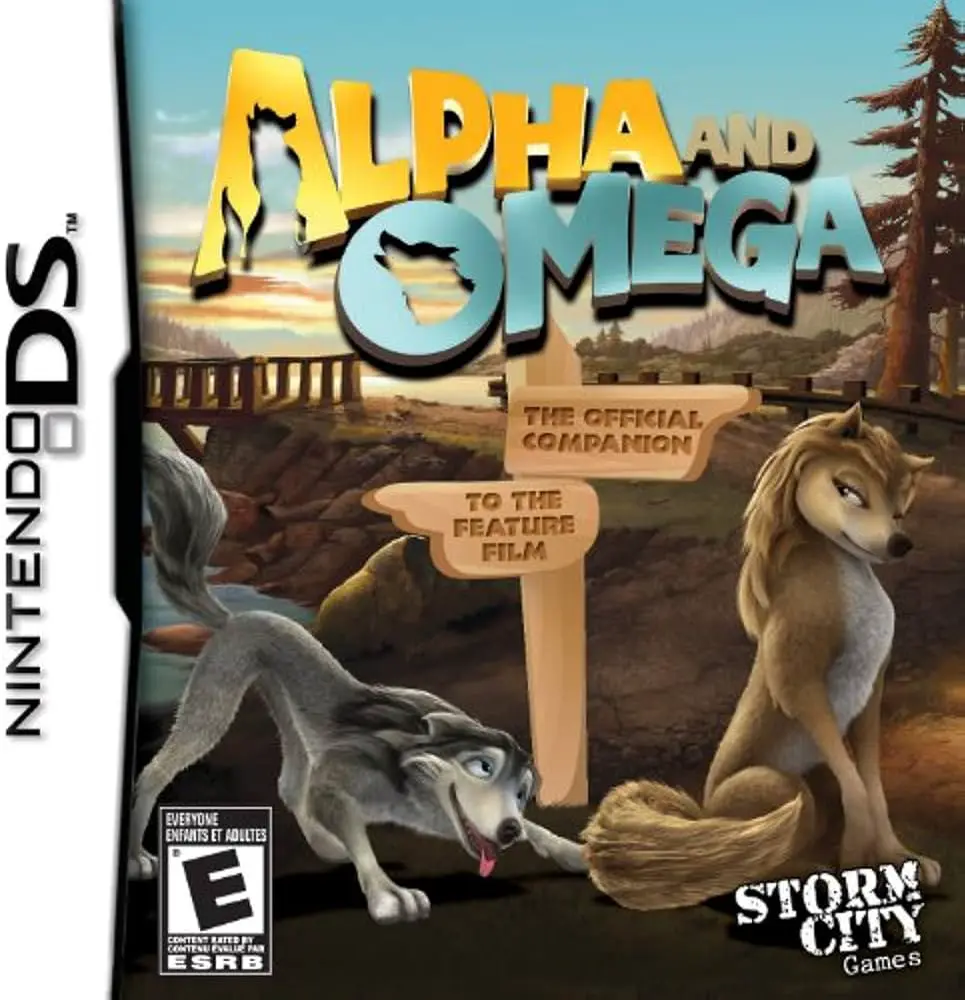
Alpha and Omega
Alpha and Omega (Nintendo DS)Alpha and Omega brings the 3...

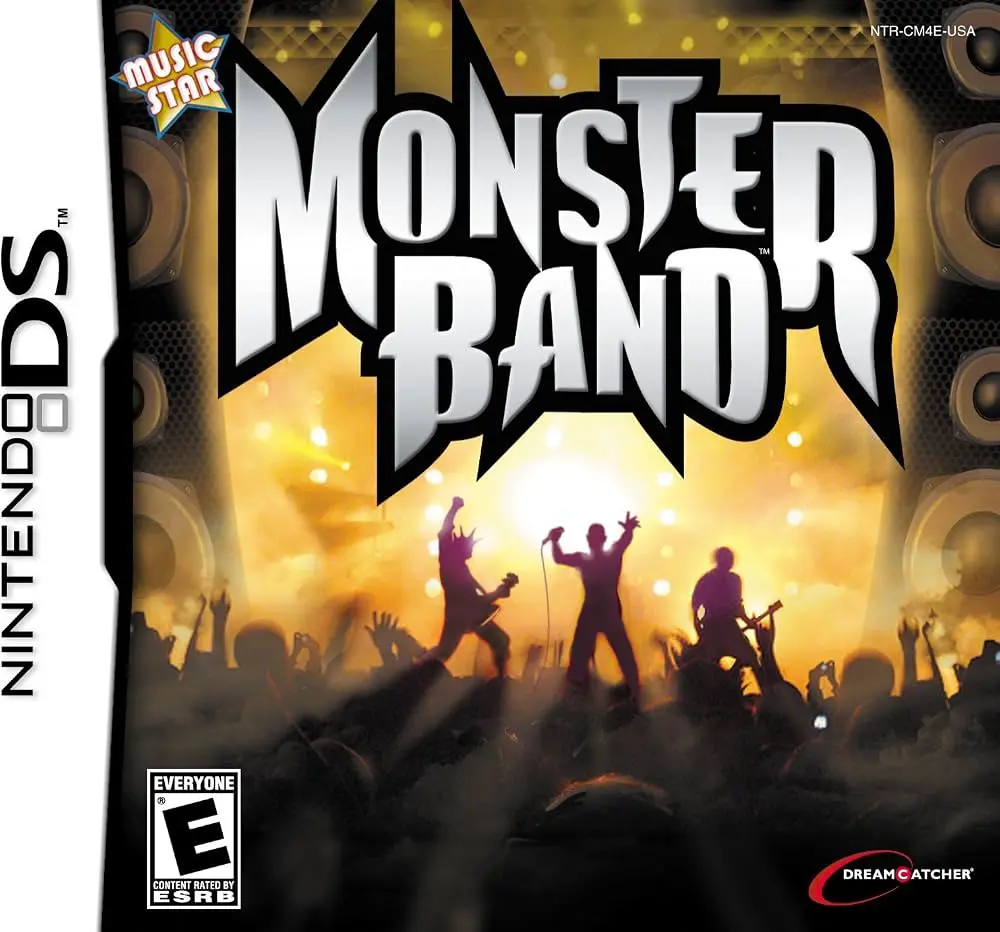
Monster Band translates tactile rhythm mechanics and music composition into a lighthearted handheld game. Shifting away from standard guitar-shaped peripherals, this Nintendo DS title focuses entirely on touch-screen timing, stylus precision, and creative music arrangement across multiple instruments.
Developed by Novarama and published by DreamCatcher Interactive (released as Music Monstars in Europe), the Nintendo DS adaptation utilizes the handheld's dual-screen layout effectively. The top screen displays animated monster band members performing on stage alongside karaoke-style lyrics and dynamic crowd reactions, while the bottom touch screen functions as the interactive instrument interface. Players use the stylus to tap shrinking circular rhythm indicators in time with the music, seamlessly switching between drums, keyboard, guitar, and bass as songs progress.
The single-player career mode guides players through 21 diverse tracks, completing specific performance challenges set by their manager—such as achieving target combo streaks, accuracy thresholds, or high scores. Outside of the career mode, players can enter Free Play or the built-in Song Composer mode, which allows them to record, edit, and save multi-track original songs across four distinct audio tracks. Combined with local wireless co-op and competitive duel modes, Monster Band offers a versatile portable musical playground.
Spec Field | Details |
Full Title | Monster Band (Known as Music Monstars in Europe) |
Platform | Nintendo DS (NDS) |
Developer | Novarama |
Publisher | DreamCatcher Interactive (NA) / Tivola Publishing (EU) |
Release Date | November 19, 2008 (Europe) / March 2, 2009 (North America) |
Genre | Music / Rhythm / Puzzle |
Game Modes | Single-Player, Multi-Player |
Multiplayer | Local Wireless (Single-Card & Multi-Card Co-op / VS) |
Media Format | Nintendo DS Game Card |
ESRB Rating | E (Everyone) – Mild Lyrics |
Stylus-Driven Rhythm Gameplay: Tap dynamic shrinking timing rings on the touch screen to play guitar, bass, keyboard, and drum parts.
Diverse Tracklist: Perform over 20 licensed and classic songs, ranging from pop hits like "Toxic" to classical pieces like "Canon" and "Can Can".
Built-in Song Composer: Record, edit, and save your own custom multi-track musical compositions using three save slots and four instrument tracks.
Colorful Monster Characters: Watch spazzy, animated monster band members perform live on stage on the top screen during concerts.
Wireless Multiplayer Modes: Jam alongside friends in cooperative play or go head-to-head in competitive rhythm duels using local wireless connectivity.
A: It is a casual music rhythm and music creation game focused on stylus timing challenges and multi-track song composition.
A: The touch screen displays interactive instruments where players tap shrinking circular beat markers with the stylus to keep time with the music.
A: Yes, the game features a dedicated Song Composer mode where players can record and layer up to four instrument tracks to save custom songs.
A: Yes, it supports local wireless multiplayer for both cooperative jamming and head-to-head competitive duels using single-card or multi-card play.
Click the links below to go to the cloud drive download page
⚠️ Download Tips:
Alpha and Omega (Nintendo DS)Alpha and Omega brings the 3...
Junior Brain Trainer: Math Edition brings an engaging edu...
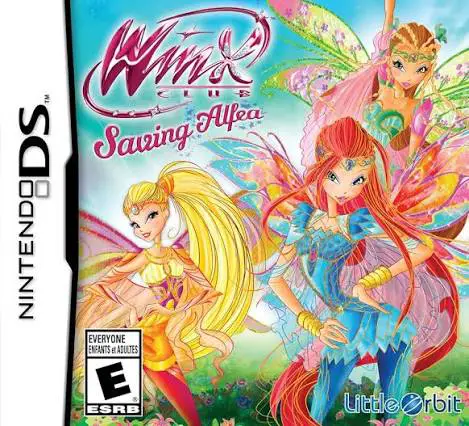
Winx Club: Saving Alfea brings the magic of the popular a...
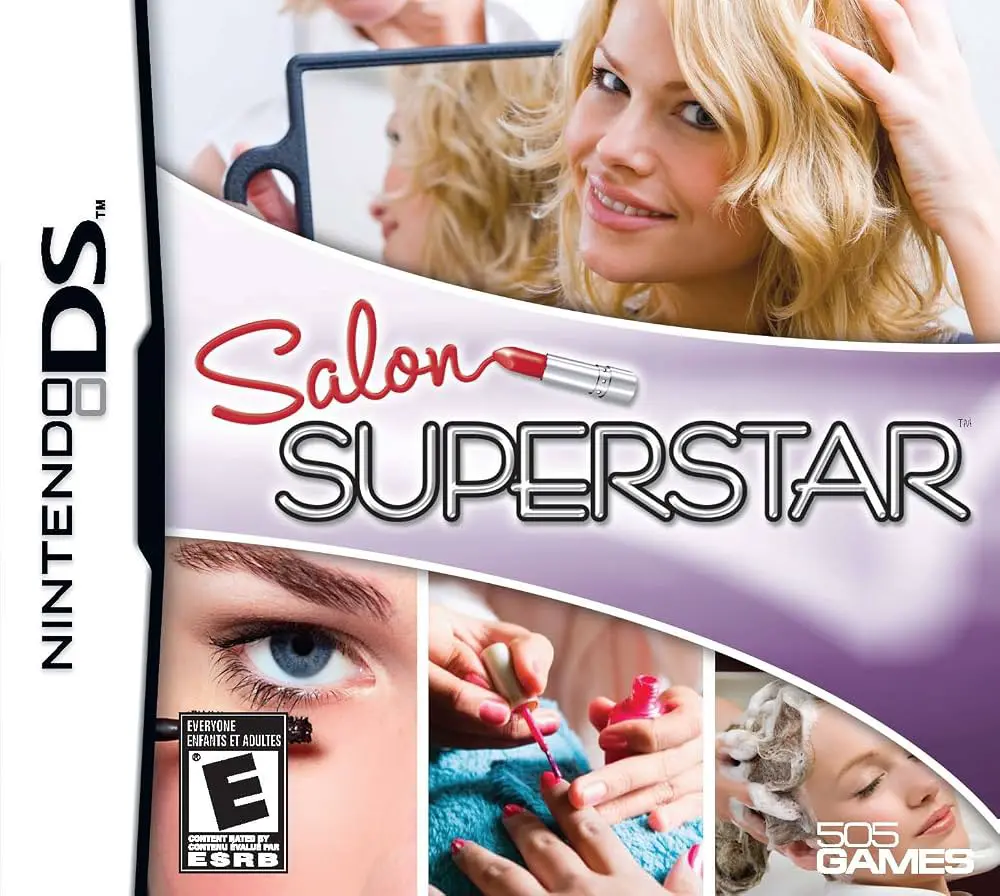
Salon Superstar brings glamorous fashion, hairstyling, an...
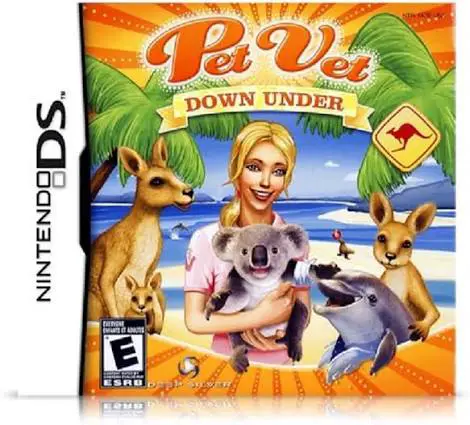
Pet Vet: Down Under (released as My Animal Centre in Aust...