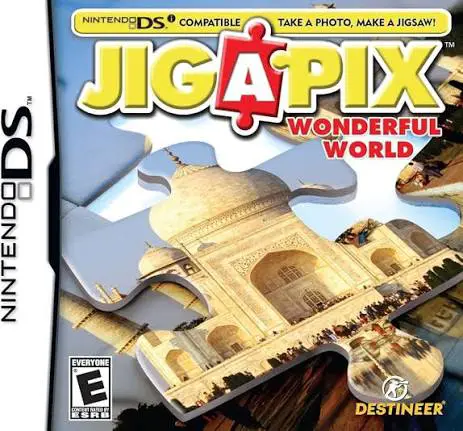
Jigapix – Wonderful World
Jigapix: Wonderful World is a relaxing puzzle video game ...

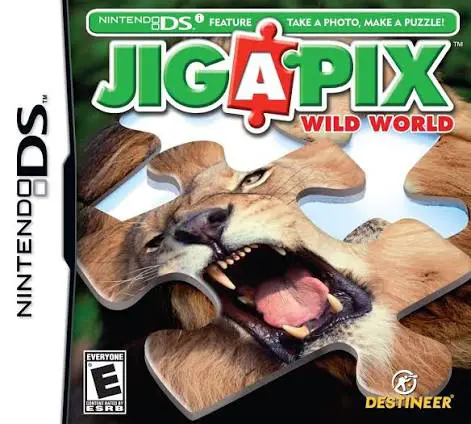
Game Overview
Title: Jigapix – Wild World
Platform: Nintendo DS (NDS)
Release Date: July 2, 2010
Developer: Frame Studios
Publisher: Zushi Games / Destination Software / Destineer
Genre: Puzzle / Casual
Key Features
Wildlife Photo Gallery: Assemble over 80 vivid jigsaw puzzles featuring majestic wild animals, sea creatures, exotic birds, and natural wilderness habitats.
Flexible Difficulty Settings: Tailor your puzzle-solving experience by choosing smaller, simple piece counts or larger, complex grid arrangements.
DSi Camera Photo Conversion: Supports Nintendo DSi system hardware, letting players capture their own real-world photos and turn them into playable jigsaw puzzles.
Puzzle Assistance Tools: Utilize helpful functions such as edge-piece filtering, reference image previews, and tray sorting to assist with challenging layouts.
Controls & Button Mapping
Stylus / Touch Screen: Main input tool for dragging, dropping, and positioning puzzle pieces on the board; manipulate inventory trays and menus.
D-Pad / Directional Buttons: Pan across larger puzzle boards and adjust the view frame.
A Button: Grab or release a targeted puzzle piece / Confirm menu options.
B Button: Rotate selected puzzle piece (when rotation is enabled) / Cancel selection.
X / Y Buttons: Show/hide full reference image overlay or open/close piece storage trays.
L / R Shoulder Buttons: Rotate puzzle pieces left or right; switch between piece tray sub-menus.
START Button: Pause active gameplay and bring up system settings.
SELECT Button: Toggle completion timer display and game progress stats.
Frequently Asked Questions (FAQ)
Q: What is the main theme of Jigapix: Wild World?
A: Unlike Jigapix: Wonderful World which focuses on global landmarks, Wild World focuses exclusively on wildlife, animals, and nature photography.
Q: Can I turn my own pet or nature photos into puzzles in Jigapix: Wild World?
A: Yes, playing the game on a Nintendo DSi or 3DS system allows you to use the built-in camera to take pictures and turn them into custom digital jigsaw puzzles instantly.
Q: What file format is this ROM, and how can I play it?
A: The game file comes in .nds format. You can play it on original NDS/DSi/3DS hardware using a flashcart, or run it on modern devices via NDS emulators like melonDS or DeSmuME.
Q: Can you turn off puzzle piece rotation for easier gameplay?
A: Yes, you can toggle piece rotation options on or off in the settings to customize the difficulty level to your liking.
Click the links below to go to the cloud drive download page
⚠️ Download Tips:
Jigapix: Wonderful World is a relaxing puzzle video game ...
Fab 5 Soccer is a fast-paced, arcade-style 5-on-5 sports ...

Madden NFL 09 is an American football simulation video ga...

50 More Classic Games is a comprehensive digital tabletop...
Discover Jigapix: Pets for Nintendo DS, a relaxing digita...