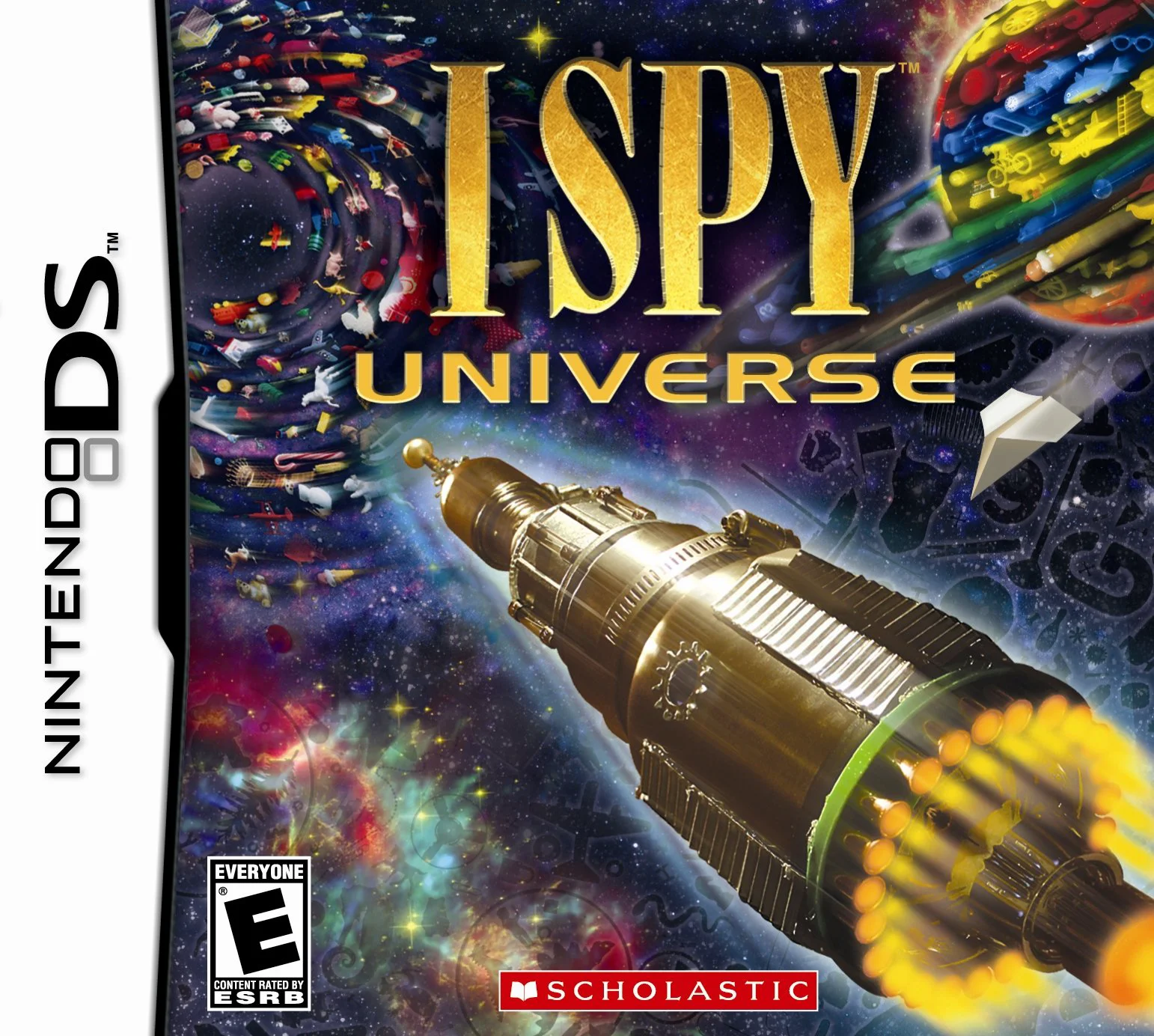
I SPY Universe
I SPY Universe for the Nintendo DS is an engaging hidden ...

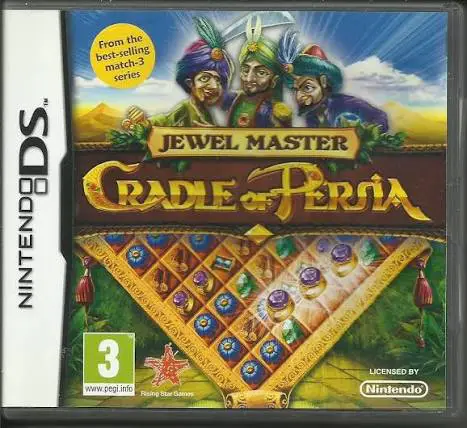
In Jewel Master – Cradle of Persia, players step into the role of a visionary royal architect entrusted with guiding the destiny of Persia across successive historical eras and legendary dynasties. The objective is to transform a modest desert settlement into a breathtaking imperial capital filled with magnificent palaces, majestic temples, and sprawling bazaars.
The core gameplay centers on classic match-three puzzle boards displayed on the lower touch screen. Players swap adjacent jewels to form matches of three or more, shattering stubborn obstacle tiles, triggering cascading combos, and racing against a strict countdown timer. Every successfully beaten puzzle yields vital resources—gold, wood, stone, and food—which are automatically reinvested into constructing new civic buildings and unlocking the next historical epoch. As players advance, they unlock powerful elemental boosters and special artifacts designed to conquer trickier puzzle layouts.
Taking full advantage of the dual-screen configuration of the Nintendo DS, the upper screen renders a vibrant, evolving 3D view of the growing Persian metropolis and legendary monuments, while the lower touch screen provides a responsive match-three grid and control hub.
Game Title: Jewel Master – Cradle of Persia
Platform: Nintendo DS (NDS)
Genre: Match-Three Puzzle / Strategy / City Builder
Developer: Cunning Fox Games
Publisher: Big Fish Games
Release Date: October 2011 (North America / Europe)
File Format: .NDS (ROM)
Languages: English, French, German, Spanish, Italian, Dutch
Control Scheme: Touch Screen (Stylus)
Addictive Match-Three Puzzle Action: Swap and match glowing jewels across over 100 challenging levels featuring unique board impediments and bonuses.
Persian Empire Building: Use earned resources to construct iconic palaces, ancient temples, and bustling marketplaces.
Historical Eras Progression: Guide your settlement through multiple epochs of Persian history, transforming a humble oasis into a legendary civilization.
Special Boosters & Artifacts: Unlock powerful magical power-ups and relics to blast through difficult puzzle boards and time constraints.
Immersive Classical Atmosphere: Enjoy enchanting Middle Eastern-themed orchestral soundtracks, vibrant graphics, and rewarding progression systems.
A: It is a hybrid game combining classic match-three gem-swapping puzzles with strategic resource collection and Persian city-building elements.
A: Yes, puzzle mechanics and menu interactions are designed primarily around stylus-driven touch controls for quick gem swapping and item placement.
A: Yes, players can choose between timed and relaxed game modes, allowing both casual puzzle fans and challenge-seekers to enjoy the campaign at their own pace.
A: Yes, the .nds ROM file runs cleanly across standard Nintendo DS emulators for PC, Android, and iOS devices, as well as on original Nintendo DS and 3DS systems using flashcards.
Click the links below to go to the cloud drive download page
⚠️ Download Tips:
I SPY Universe for the Nintendo DS is an engaging hidden ...

The Trash Pack for the Nintendo DS is a wacky, gross-out ...

Monster High – Skultimate Roller Maze for the Nintendo DS...
To-Fu Collection for the Nintendo DS is an addictive, phy...
Zuma's Revenge! is an addictive tile-matching puzzle vide...