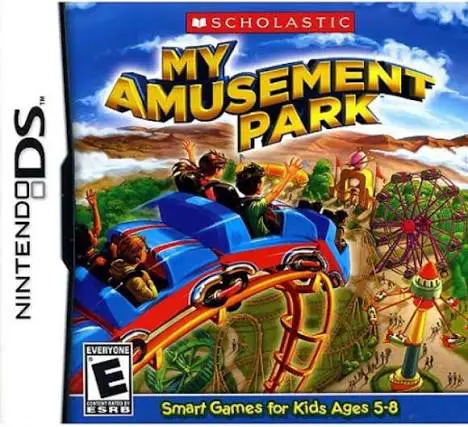
My Amusement Park
My Amusement Park for the Nintendo DS is an engaging mana...

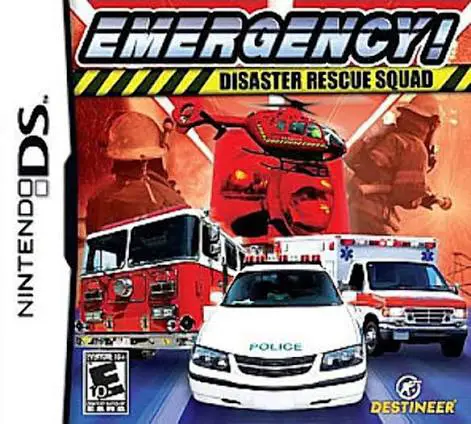
In Emergency! – Disaster Rescue Squad, players take command of elite rescue units facing escalating calamities on the Nintendo DS. Published by 505 Games and based on the popular Emergency simulation franchise, the handheld edition translates large-scale crisis management into accessible, mission-based gameplay.
The core gameplay loop centers on evaluating disaster zones—ranging from multi-vehicle highway pile-ups and industrial plant fires to structural collapses and severe weather events—and deploying the correct emergency vehicles and specialists. Players dispatch fire engines to douse infernos, send ambulances to triage and treat injured victims, and deploy technical rescue crews to extract trapped survivors. Once units arrive at an incident, players engage in touch-screen mini-games to perform specific tasks such as cutting open wreckage, extinguishing localized flames, or applying first aid.
Taking full advantage of the dual-screen interface of the Nintendo DS, the upper screen provides a tactical overhead map of the emergency sector with live status updates, while the lower touch screen serves as the interactive command dashboard and hands-on rescue work area. With progressive difficulty and varied mission objectives, Emergency! – Disaster Rescue Squad offers a compelling strategic challenge.
Game Title: Emergency! – Disaster Rescue Squad
Platform: Nintendo DS (NDS)
Genre: Strategy / Simulation / Emergency Management
Developer: Sixteen Tons Entertainment / Quadriga Games
Publisher: 505 Games
Release Date: November 2009
File Format: .NDS (ROM)
Languages: English, German, French, Italian, Spanish
Control Scheme: Touch Screen (Stylus) & D-Pad
Emergency Unit Command: Manage a coordinated fleet of fire trucks, ambulances, police cruisers, and specialized rescue vehicles.
Diverse Disaster Scenarios: Tackle challenging missions involving building fires, chemical spills, traffic accidents, and natural disasters.
Interactive Touch-Screen Rescues: Execute precise rescue actions using the NDS stylus, from treating trauma patients to operating rescue equipment.
Strategic Resource Management: Allocate limited personnel and equipment efficiently across large-scale maps to save lives and minimize property damage.
Progressive Campaign Structure: Unlock increasingly complex emergency operations and challenging crisis levels as your rescue squad gains experience.
A: The game is a real-time strategy and rescue simulation where players direct emergency vehicles, prioritize crisis responses, and manage medical and fire personnel during disasters.
A: While it features accessible touch controls, the game requires strategic thinking, time management, and quick decision-making, making it best suited for older children, teens, and strategy fans.
A: Players dispatch paramedics to accident sites, after which touch-screen mini-games prompt players to administer proper medical care and transport victims to safety.
A: Yes, the .nds ROM file runs cleanly across standard Nintendo DS emulators for PC, Android, and iOS devices, as well as on original Nintendo DS and 3DS systems using flashcards.
Click the links below to go to the cloud drive download page
⚠️ Download Tips:
My Amusement Park for the Nintendo DS is an engaging mana...
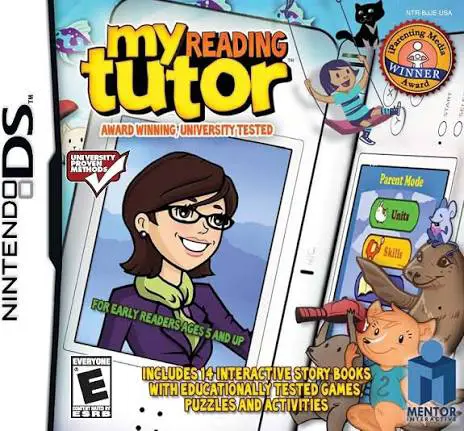
My Reading Tutor for the Nintendo DS is an educational so...

Riding Academy 2 for the Nintendo DS is an engaging eques...
Digging For Dinosaurs for the Nintendo DS is an education...
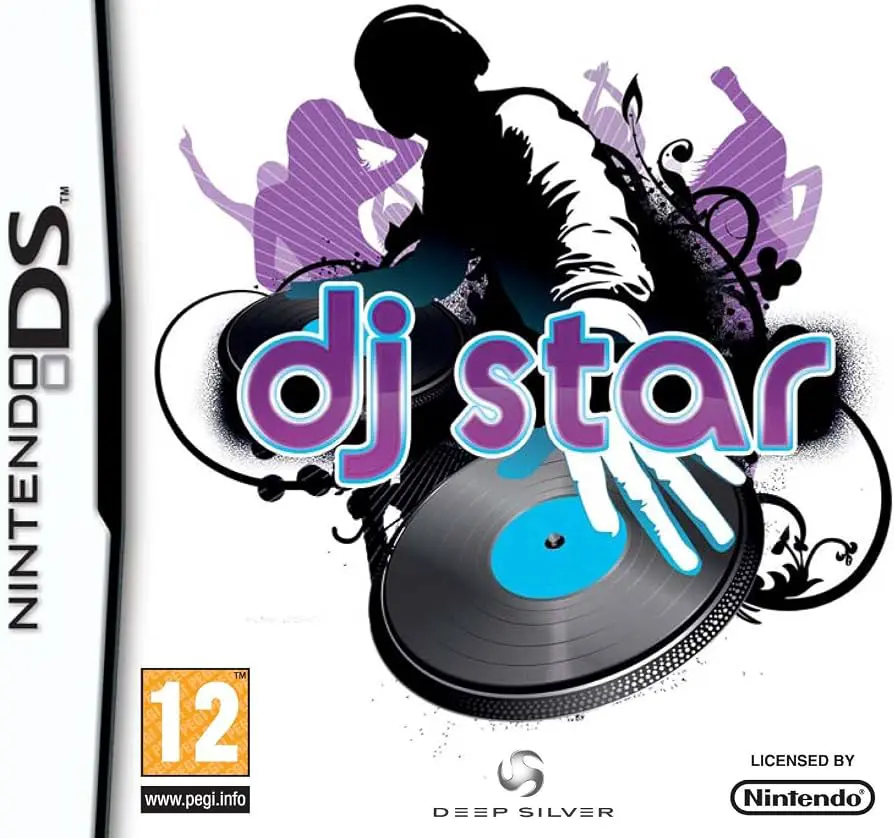
DJ Star for the Nintendo DS is an interactive rhythm and ...