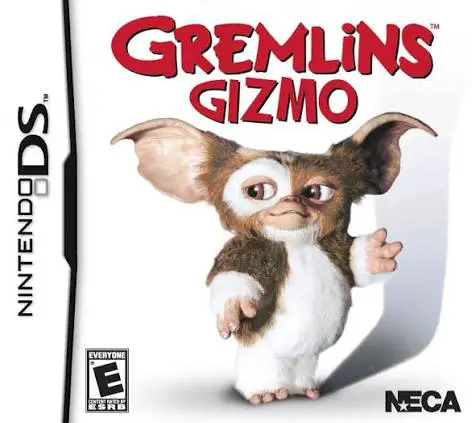
Gremlins – Gizmo
Gremlins – Gizmo for the Nintendo DS is an action-adventu...

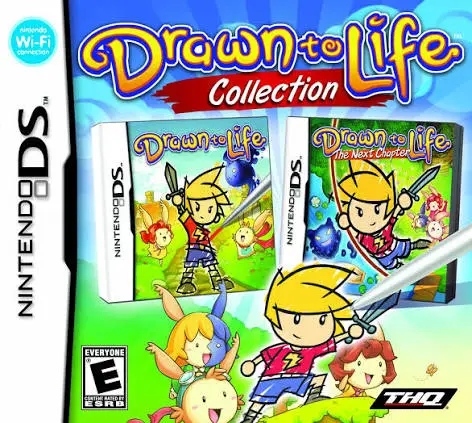
In Drawn to Life – Collection, players embark on a magical journey to save the Raposa civilization from a mysterious encroaching darkness. Published by THQ, this collection pairs the original hit game with its acclaimed sequel, offering an expansive adventure where imagination literally shapes the game universe.
The gameplay combines traditional 2D side-scrolling platforming with an innovative creation suite. Whenever a new hero, platform, bridge, or weapon is needed to progress through a level, the game opens up the Book of Life editor. Players use the NDS touch screen and stylus to sketch their custom designs pixel by pixel, choosing colors and shapes that instantly materialize in the game world. Beyond drawing, players navigate sprawling platforming stages, battle shadow creatures, solve environmental puzzles, and interact with the villagers in the Raposa town hub.
Taking full advantage of the dual-screen configuration of the Nintendo DS, the upper screen renders fluid platforming action and vibrant animated worlds, while the lower touch screen serves as the dedicated drawing canvas and inventory hub. With its heartfelt story, memorable music, and boundless creative freedom, Drawn to Life – Collection offers an unforgettable handheld adventure.
Game Title: Drawn to Life – Collection (Includes Drawn to Life & Drawn to Life: The Next Chapter)
Platform: Nintendo DS (NDS)
Genre: Action-Platformer / Puzzle / Creative Simulation
Developer: 5th Cell
Publisher: THQ
Release Date: Compilation Bundle (Series span: 2007–2009)
File Format: .NDS (ROM)
Languages: English, French, German, Spanish, Italian
Control Scheme: D-Pad & Face Buttons / Touch Screen (Stylus)
Double Game Compilation: Combines two complete, critically acclaimed Nintendo DS adventures into one definitive cartridge.
Revolutionary Custom Creation: Draw your own playable hero, weapons, vehicles, and environmental objects using the touch screen.
Engaging Platforming Action: Jump, attack, and puzzle-solve across dozens of creative levels filled with hidden collectibles and secrets.
Deep Emotional Storyline: Unfold a poignant narrative centered on faith, creation, and the bond between the Creator and the Raposa people.
Village Hub Customization: Help rebuild the Raposa town, complete side quests, and unlock new drawing tools and color palettes.
A: The collection features both foundational titles in the series: the original Drawn to Life (2007) and its sequel Drawn to Life: The Next Chapter (2009).
A: Not at all! While you can draw intricate custom sprites, even simple stick figures or basic shapes function fully within the game, making it accessible and fun for all drawing skill levels.
A: Your custom drawings replace standard sprites—meaning your hand-drawn hero runs, jumps, and attacks through every level, and objects you sketch become physical platforms or tools you interact with.
A: Yes, the .nds ROM file runs smoothly across standard Nintendo DS emulators for PC, Android, and iOS devices, as well as on original Nintendo DS and 3DS systems using flashcards.
Click the links below to go to the cloud drive download page
⚠️ Download Tips:
Gremlins – Gizmo for the Nintendo DS is an action-adventu...
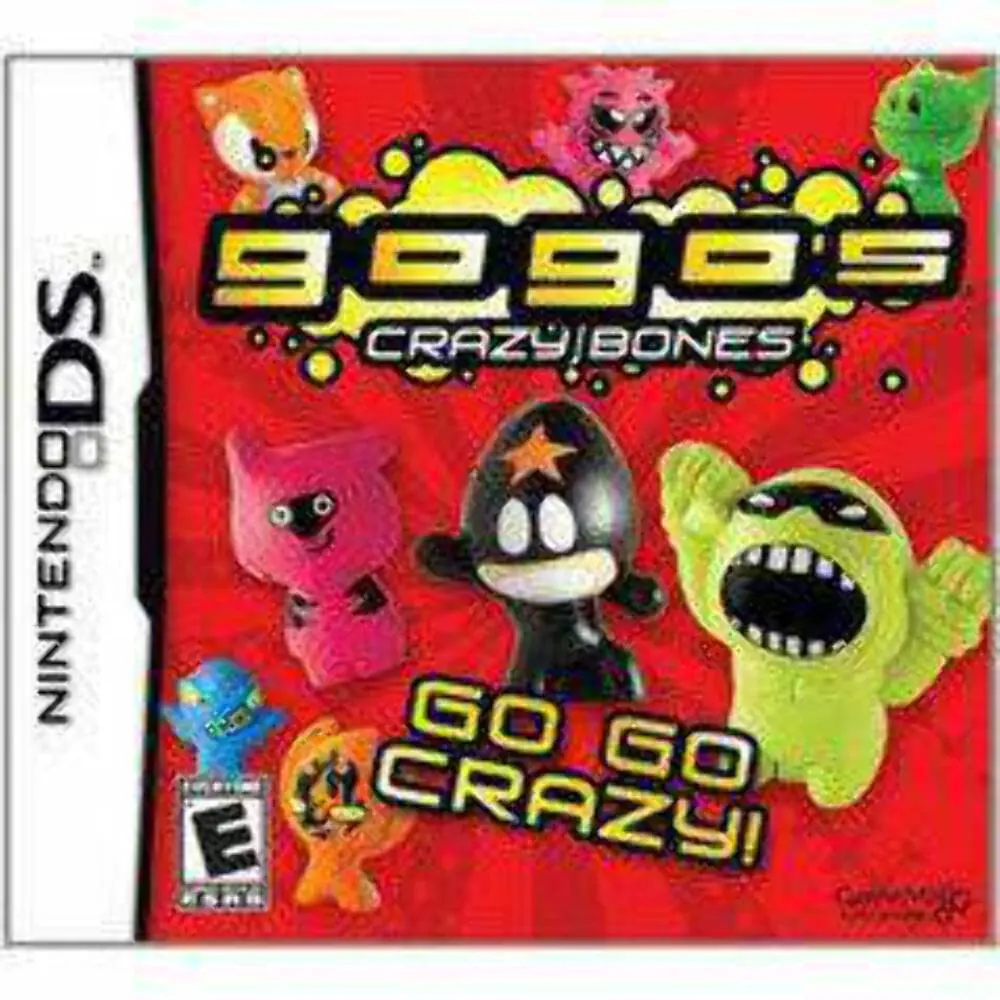
Gogo's Crazy Bones for the Nintendo DS is an action-puzzl...
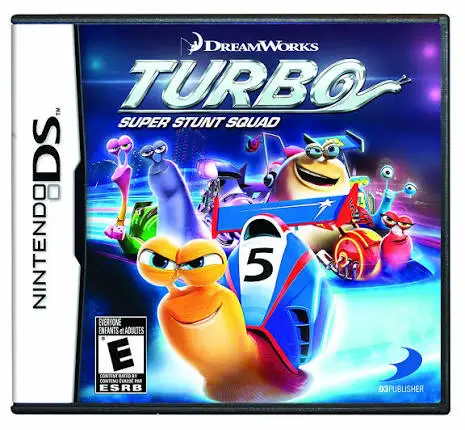
Turbo: Super Stunt Squad for the Nintendo DS is a high-sp...
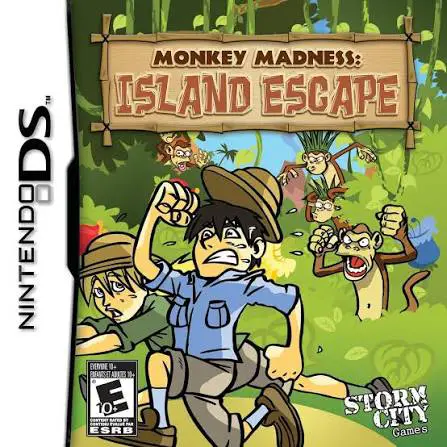
Monkey Madness – Island Escape for the Nintendo DS is an ...
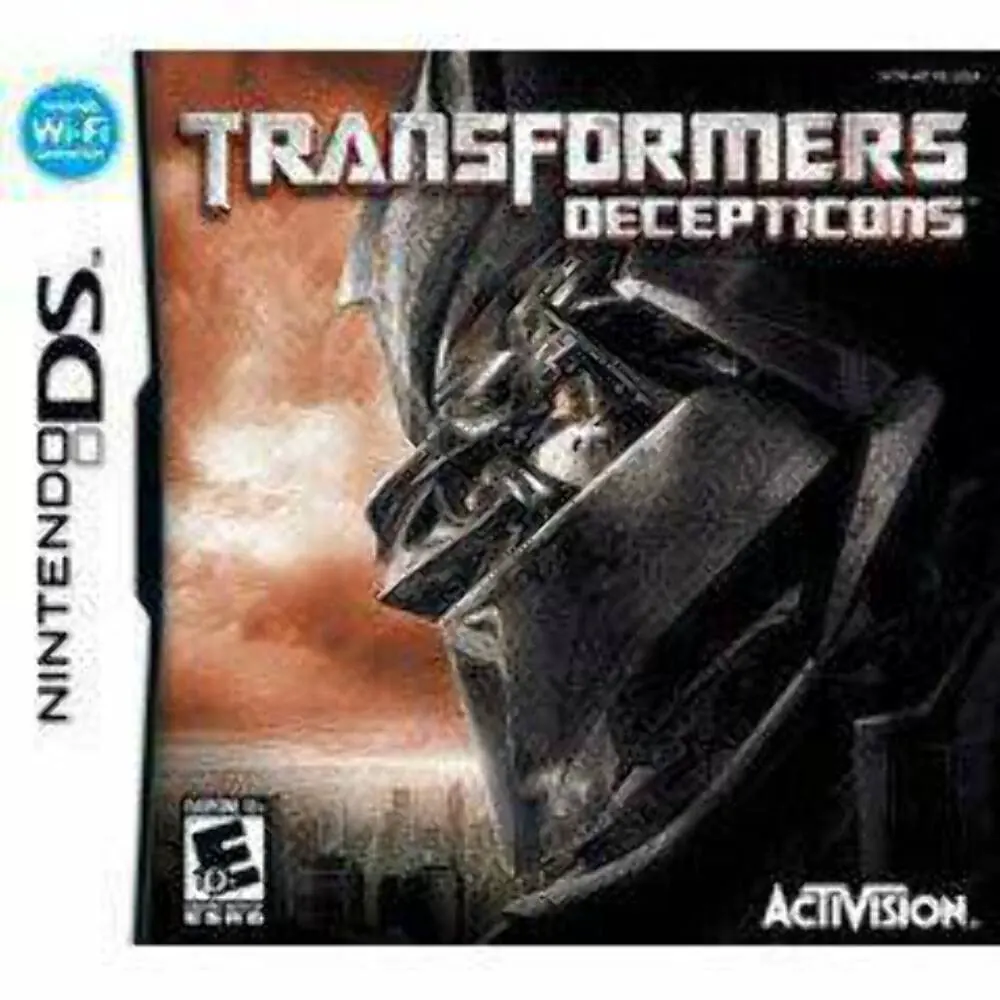
Transformers – Decepticons for the Nintendo DS is an acti...