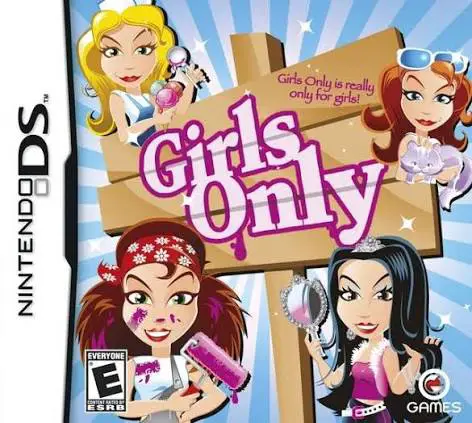
Girls Only
Girls Only is a casual mini-game compilation and lifestyl...

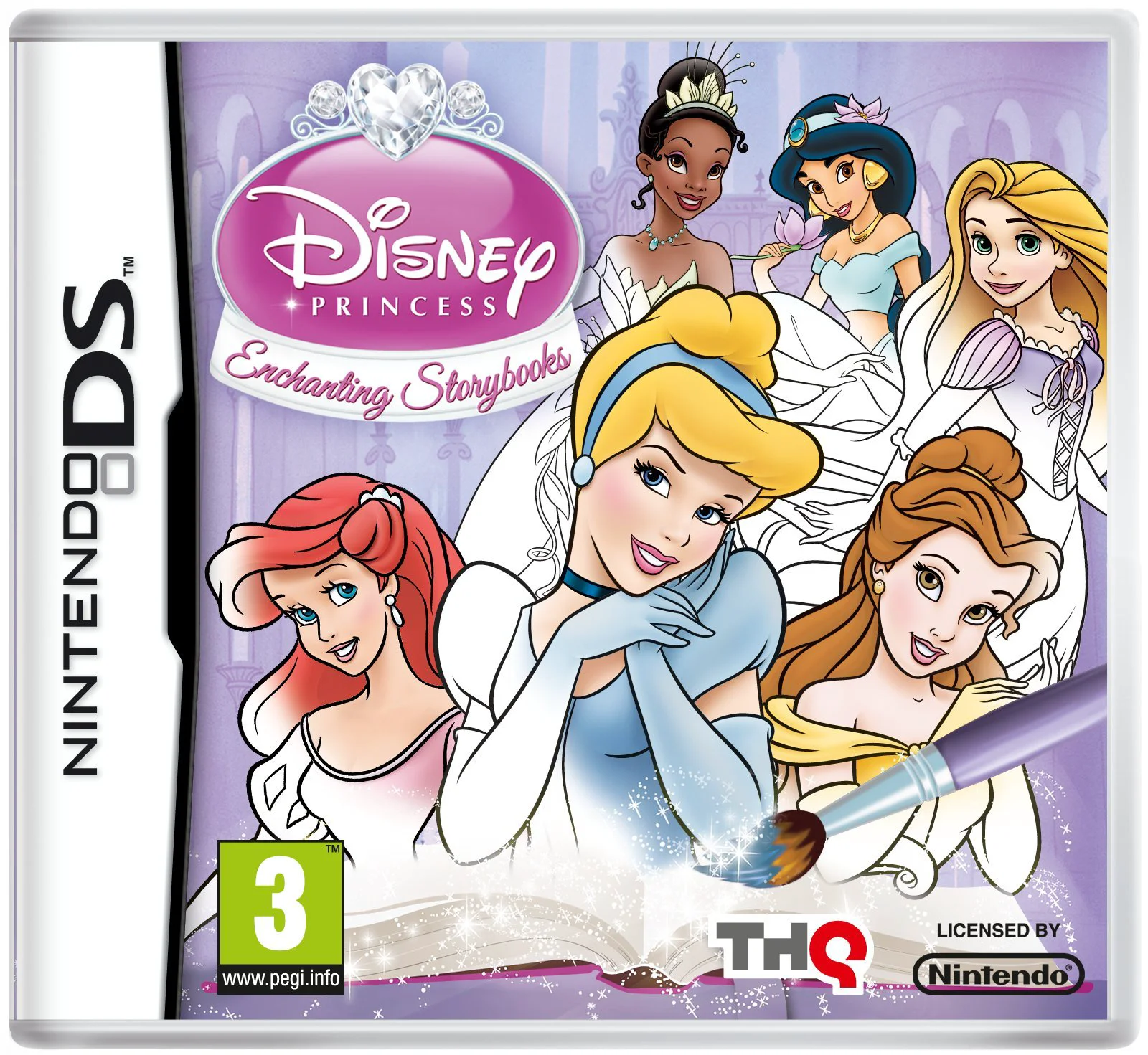
Disney Princess: Enchanting Storybooks brings beloved fairy tales to life through an interactive, art-focused adventure. The story centers around Opal, a fairy whose color-spreading spell backfires and drains all the rich hues out of the magical realms. To fix things, players must journey through interactive storybooks dedicated to iconic Disney Princesses, including The Little Mermaid, Beauty and the Beast, Cinderella, Aladdin, The Princess and the Frog, and Tangled.
Using the Nintendo DS touch screen and stylus, players unlock over 100 digital coloring pages and complete creative challenges such as number-painting, sticker book designing, and melody-making. Along the way, children can collect special princess-themed tools—like Belle’s Rose Petal crayon or Rapunzel’s watercolor brush—while enjoying built-in mini-games like spot-the-difference, mazes, and magic searches. It provides a safe, imaginative, and educational environment tailored for young handheld gamers.
Developer: Page 44 Studios
Publisher: THQ
Platform: Nintendo DS (Compatible with Nintendo DSi, 2DS, and 3DS systems)
Release Date: November 1, 2011 (North America)
Genre: Art Tool / Simulation / Casual / Educational
Player(s): Single-player
Media: NDS Game Card / Cartridge
ESRB Rating: E (Everyone)
Iconic Princess Lineup: Explore dedicated interactive storybooks featuring six beloved Disney heroines: Ariel, Belle, Cinderella, Jasmine, Tiana, and Rapunzel.
Creative Touch-Screen Art: Use the DS stylus to paint, color-by-number, and decorate pages with unique thematic tools unlocked as you progress.
Enchanting Mini-Games: Enjoy fun variety activities seamlessly integrated into the narrative, including spot-the-difference puzzles, matching games, mazes, and musical tune-ups.
Unlockable Collectibles: Progress through the adventure to unlock over 100 digital coloring book pages and customizable sticker book elements.
Read-Aloud Storybook Mode: Relive your favorite fairy tales anytime with narrated storybook archives that read the classic stories out loud.
Kid-Friendly Design: Intuitive touch mechanics and gentle pacing make it an ideal, stress-free gaming experience for young children.
Yes, because it was released on a standard Nintendo DS game card, the cartridge is fully backward-compatible and playable on Nintendo DSi, Nintendo 3DS, 3DS XL, and 2DS systems.
The game functions primarily as an interactive art tool and casual adventure. Instead of traditional action mechanics, players focus on coloring pages, solving light puzzles, and exploring narrated Disney stories.
The game features interactive story chapters for six major Disney Princesses: Ariel, Belle, Cinderella, Jasmine, Tiana, and Rapunzel.
No, unlike the Nintendo Wii version which made use of the uDraw GameTablet, the Nintendo DS version utilizes the handheld system's built-in touch screen and stylus directly for all drawing and navigation activities.
Click the links below to go to the cloud drive download page
⚠️ Download Tips:
Girls Only is a casual mini-game compilation and lifestyl...
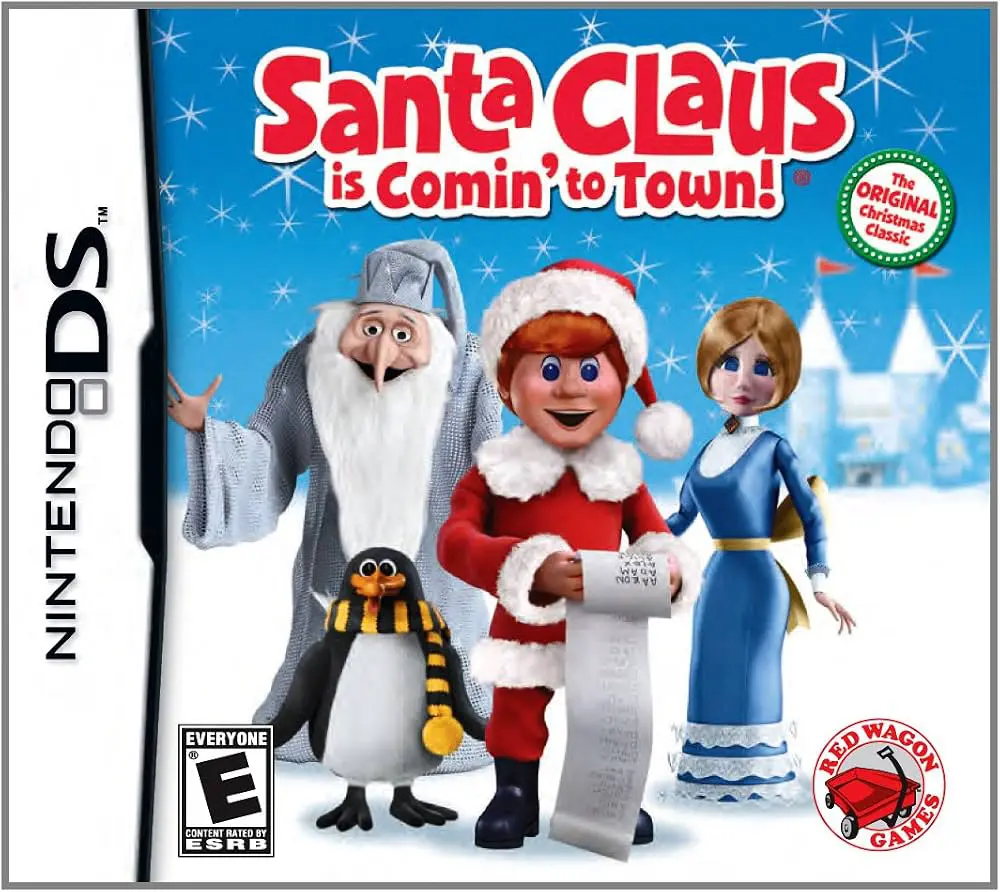
Santa Claus is Comin' to Town is a charming holiday-theme...
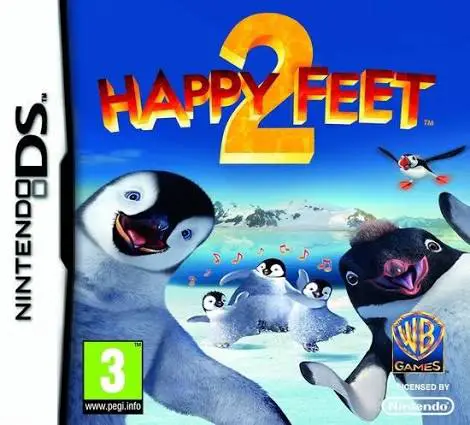
Happy Feet Two is a rhythm-based music and adventure vide...
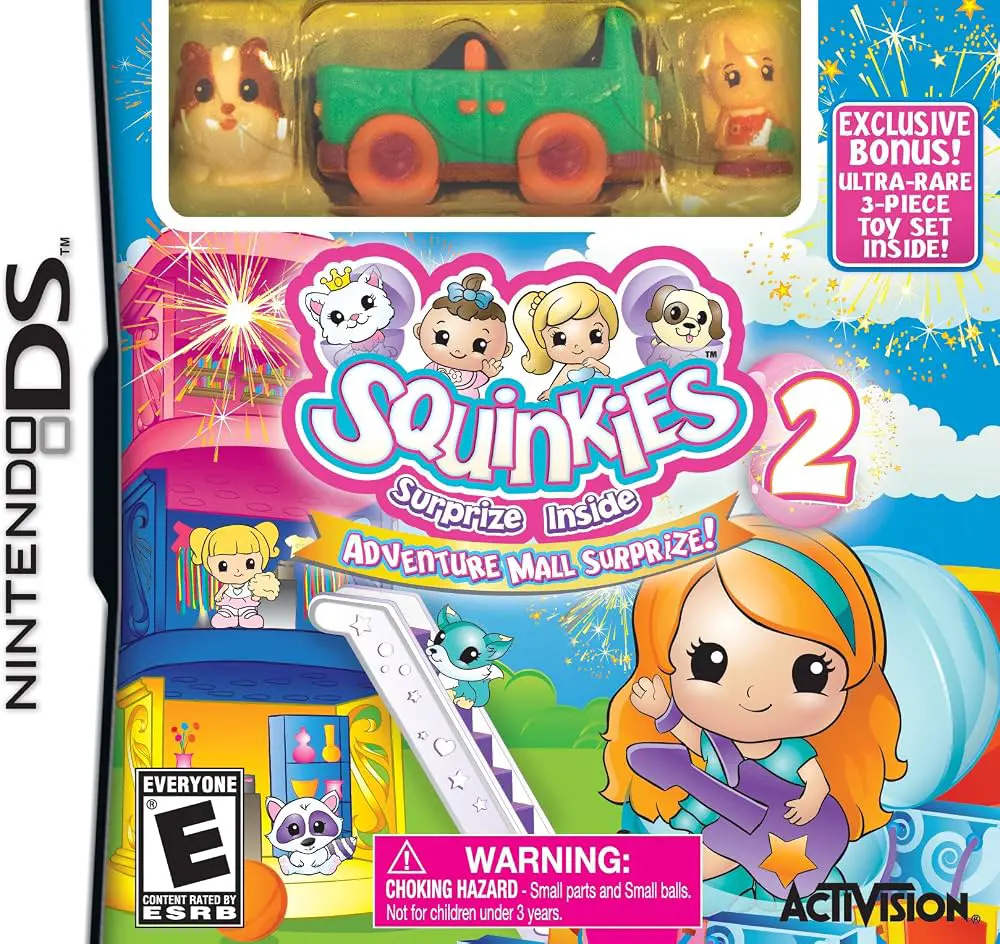
Dive into a colorful, miniature world of endless shopping...
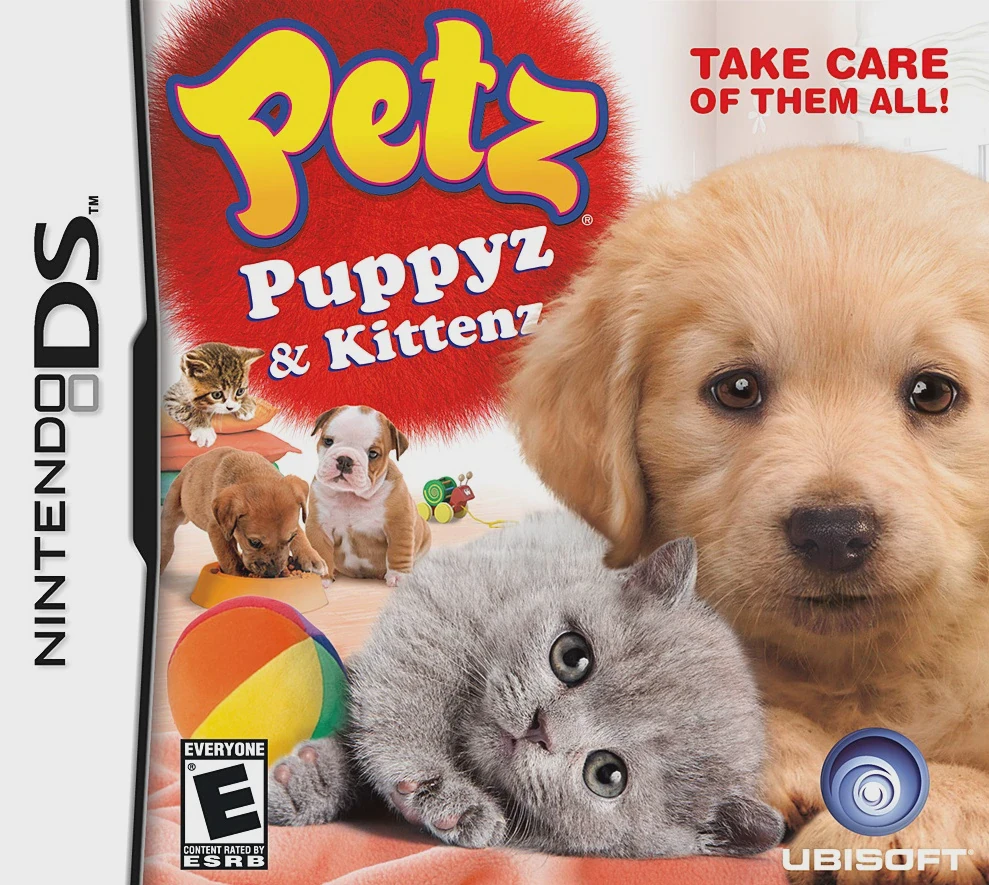
Experience the ultimate bundle of cuteness and companions...